
This page is not an official page of the app or its developer, but an independent editorial publication created for informational and commentary purposes. Unless expressly stated otherwise, neither the app nor its developer is affiliated with, endorsed by, sponsored by, authorized by, or otherwise officially connected with MWM, Apple, Google Play, the app publisher, or the app's developer, and nothing on this page implies that the app was developed using MWM's services. Any trademarks, logos, screenshots, and other content remain the property of their respective owners.

Cloud Gym
Unlock contactless entry, book classes instantly, and track your body’s evolution with data-driven physical assessments—all in one powerful app designed for your active lifestyle.
Downloads
343K+User Rating
Total Ratings
100Publisher
Category
Health & FitnessLocales
1Latest Version
10.7Size
24.9 MBFirst Released
Jul 29, 2017Your Entire Gym Experience in One App
From contactless entry to data-driven progress, Cloud Gym streamlines your fitness routine so you can focus on your gains.
Instant Contactless Entry
Ditch the physical key tags. Unlock your gym's turnstile directly from your phone for a faster, frictionless start to your workout.
Seamless Class Bookings
Secure your spot in high-demand HIIT, yoga, or lifting classes in seconds. Manage your fitness schedule on the go with real-time availability.
Frequently Asked Questions
Everything you need to know about Cloud Gym
What features does the Cloud Gym app offer to users?
The Cloud Gym app provides users with access to a timeline, booking area, turnstile access, physical assessment tracking, and NPS surveys.
How do I log in to the Cloud Gym app for the first time?
To log in to the Cloud Gym app for the first time, use your date of birth in DDMMAAAA format as your password. Enter your email and this password, then tap 'Login'.
Can Cloud Gym users book classes through the app?
Yes, Cloud Gym users can book classes directly through the app's booking area. The app displays class schedules, participant limits, and allows users to confirm their presence.
Does the Cloud Gym app include physical assessment tracking?
Yes, the Cloud Gym app includes physical assessment features. Users can view their personalized workout plans, including exercises, sets, repetitions, and instructor details.
Can Cloud Gym app users submit feedback?
Yes, users can provide feedback through the Cloud Gym app using the NPS survey feature. The app asks for a satisfaction rating and offers an optional text field for comments.
The following screenshots and description are sourced directly from the app's official store listing and are the property of the app developer.
App Store
Screenshots
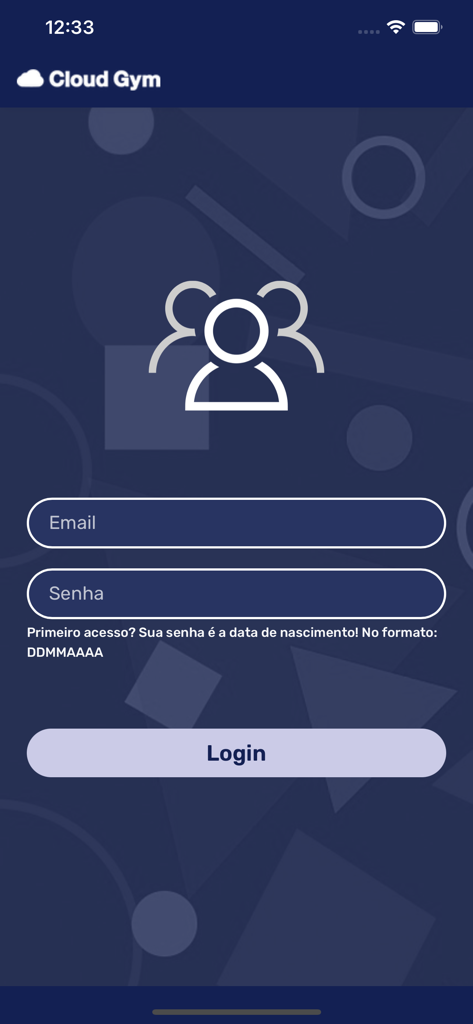
Cloud Gym app login screen with email and password input fields
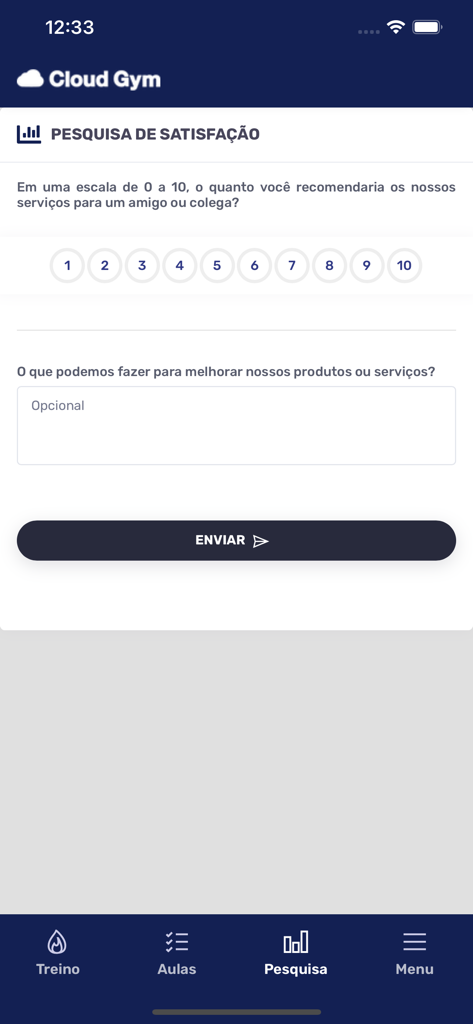
Cloud Gym app satisfaction survey screen with a 1 to 10 rating scale and feedback field.
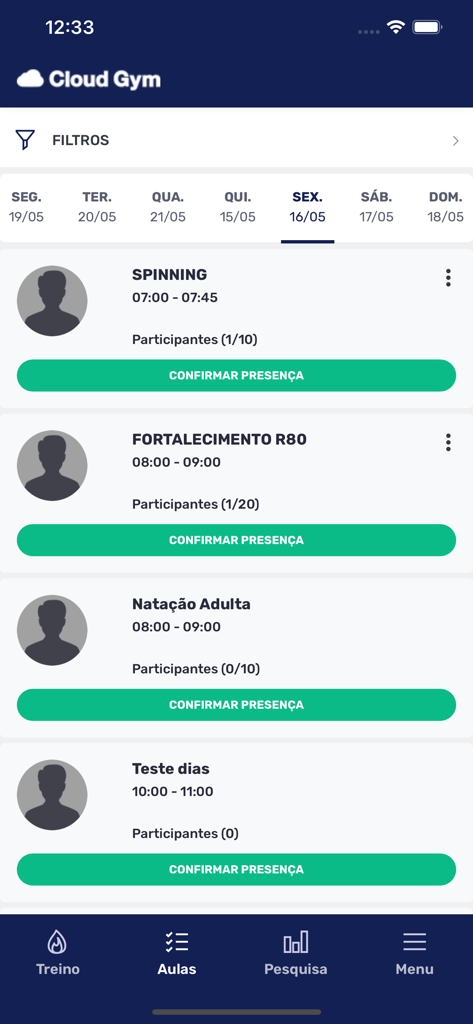
Mobile screen of Cloud Gym app showing a fitness class schedule with options to confirm attendance for spinning and swimming.
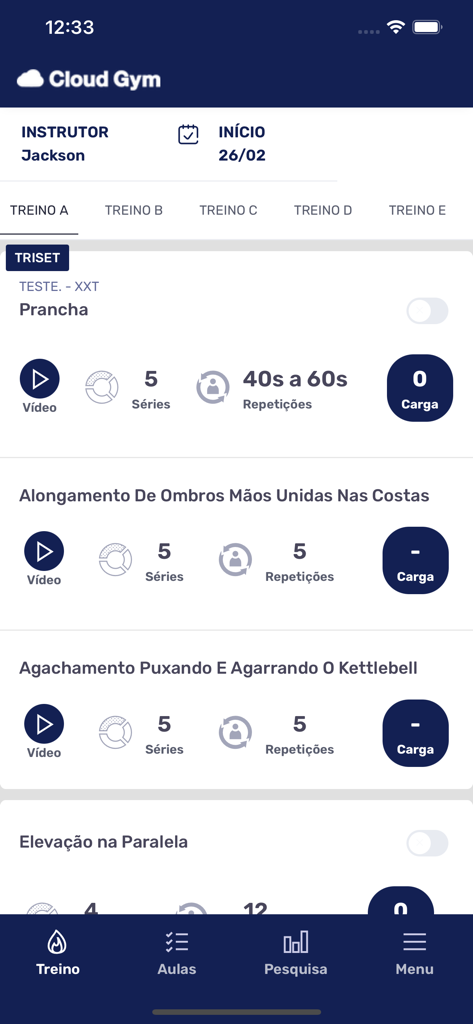
Cloud Gym app interface displaying a personalized workout plan with exercise names and training metrics
Description
Download
More Like This
Apps with similar features and user experience

Planet Fitness
Planet Fitness Holdings, LLC

Smart Fit App
Smartfit Escola de Ginastica e Danca SA
Next Fit
DLG TECNOLOGIA LTDA

Momence
Momence, Inc.

Panobianco Academia
PANOBIANCO S ACADEMIA DE GINASTICA LTDA

SCA Aluno
Prosistemas Produtos em Software Limitada EPP

Club Pilates
Xponential Fitness LLC

Credencial Sesc SP
Servico Social do Comercio
![[solidcore]](https://fastly.mwm-storage.mwmcdn.com/raw_files/16b6e0b0-adf4-41c5-84f8-e234f4d24f7e?height=160&format=webp)
[solidcore]
Solidcore Holdings, LLC
This page is not an official page of the app or its developer, but an independent editorial publication created for informational and commentary purposes. Unless expressly stated otherwise, neither the app nor its developer is affiliated with, endorsed by, sponsored by, authorized by, or otherwise officially connected with MWM, Apple, Google Play, the app publisher, or the app's developer, and nothing on this page implies that the app was developed using MWM's services. Any trademarks, logos, screenshots, and other content remain the property of their respective owners.