
This page is not an official page of the app or its developer, but an independent editorial publication created for informational and commentary purposes. Unless expressly stated otherwise, neither the app nor its developer is affiliated with, endorsed by, sponsored by, authorized by, or otherwise officially connected with MWM, Apple, Google Play, the app publisher, or the app's developer, and nothing on this page implies that the app was developed using MWM's services. Any trademarks, logos, screenshots, and other content remain the property of their respective owners.

Coda Game - Make Custom Games
The award-winning game engine designed for kids. Transform screen time into a creative coding journey where you build your own games, learn STEAM skills, and share your creations in a secure community.
Downloads
246K+User Rating
Total Ratings
200Publisher
Category
EducationLocales
3Latest Version
1.6.1Size
160.8 MBFirst Released
Dec 6, 2015Turn Screen Time into Creative Power
Coda Game empowers kids to go from passive players to active creators using an intuitive visual engine that makes coding feel like play.
Visual Drag-and-Drop Coding
Master the logic of computer science without typing a single line of code using colorful, easy-to-use visual blocks.
Your Game, Your Rules
Take total control of your world by customizing gravity, adding enemies, and designing unique levels from scratch or templates.
The following screenshots and description are sourced directly from the app's official store listing and are the property of the app developer.
App Store
Screenshots
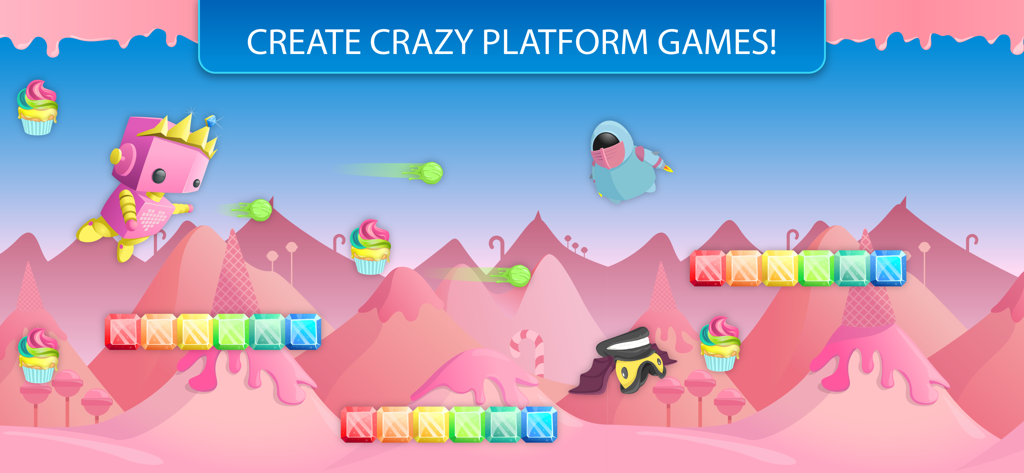
A colorful candy themed platformer level in Coda Game with the text Create Crazy Platform Games
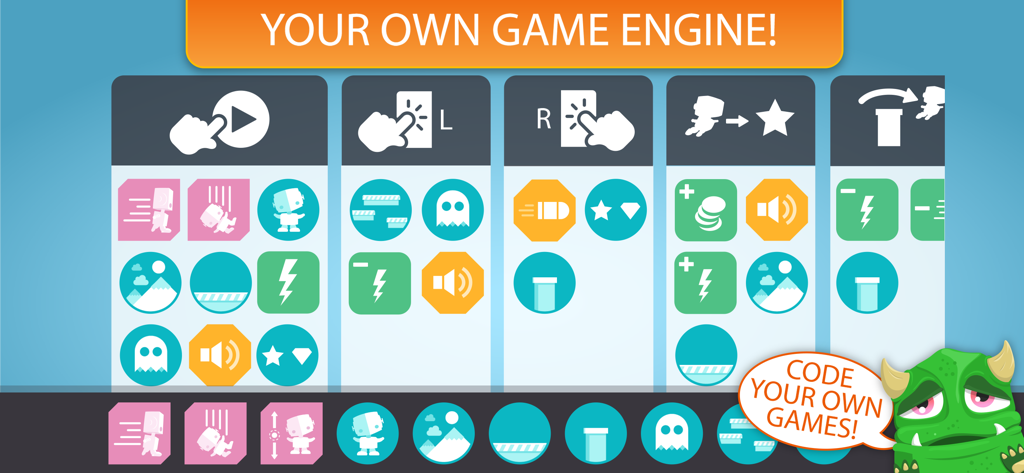
Interface of Coda Game showing visual coding blocks to create custom games
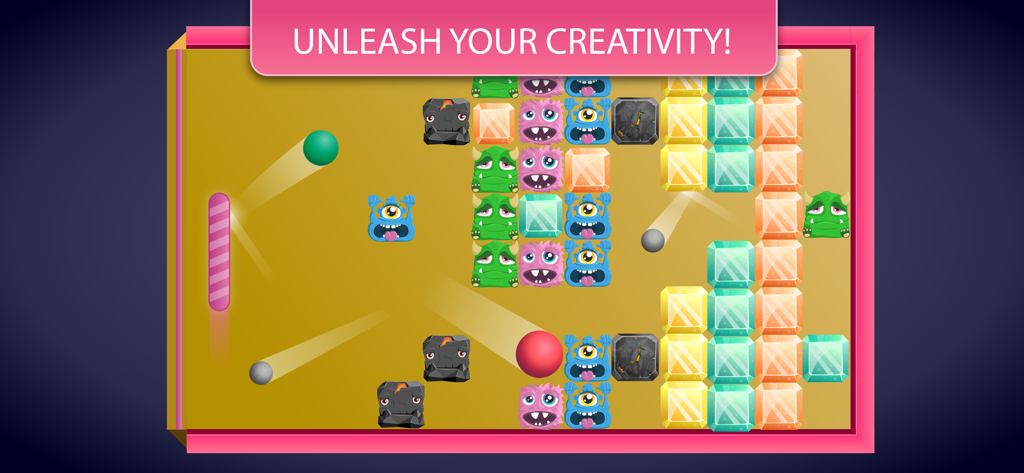
A colorful monster themed arcade game created with Coda Game visual coding blocks
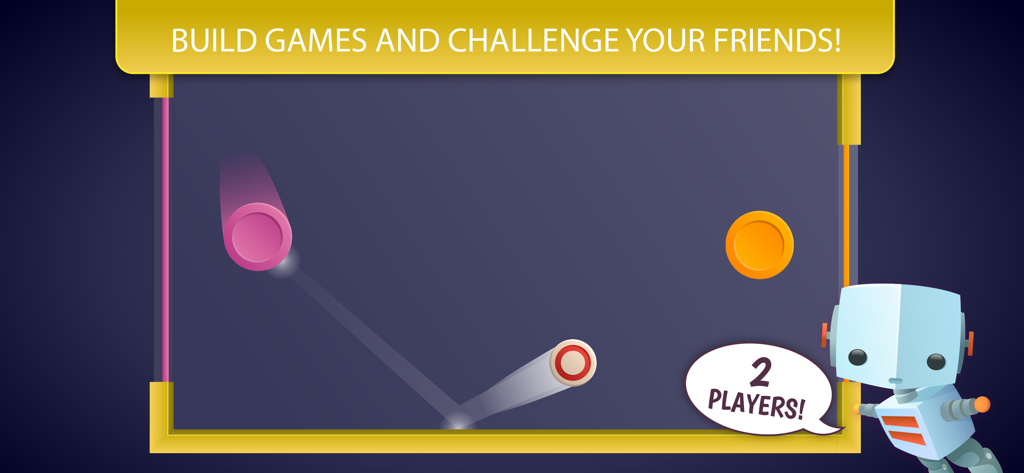
A screenshot of the 2 player game mode in Coda Game where kids can challenge their friends.
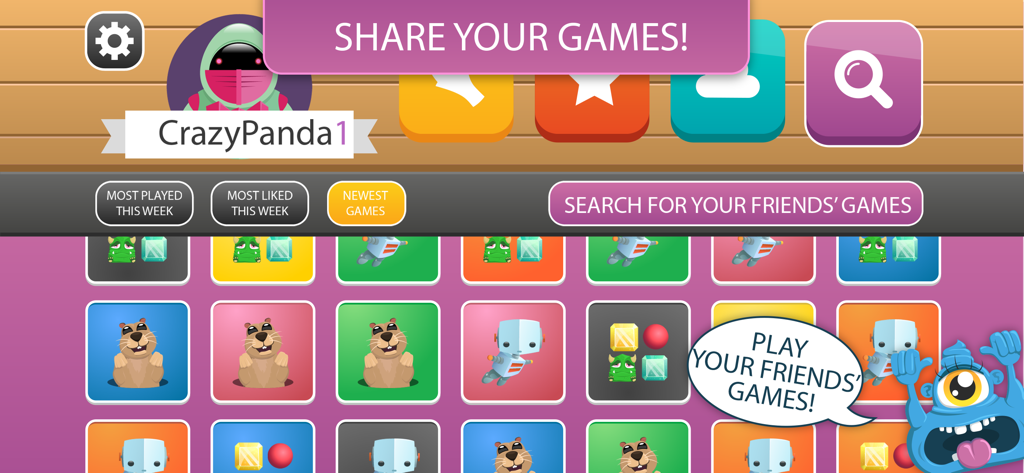
Coda Game community screen for sharing and playing custom games
Description
Download
More Like This
Apps with similar features and user experience
codeSpark - Coding for Kids
HomerLearning, Inc.

Hopscotch-Programming for kids
Hopscotch Technologies

OctoStudio: Create-Code-Learn
Massachusetts Institute of Technology

Code Teens: Coding for Kids
Learny Land S.L.

Everything Machine by Tinybop
Tinybop Inc.

核桃编程
Guangdong Walnut Online Non Discipline Training School Co., Ltd

Julian‘s Editor: Create & Play
HORTOR INTERACTIVE TECHNOLOGY PTE. LTD.

Mod Creator for Minecraft
Neuron Fuel, Inc.
The Infinite Arcade by Tinybop
Tinybop Inc.
This page is not an official page of the app or its developer, but an independent editorial publication created for informational and commentary purposes. Unless expressly stated otherwise, neither the app nor its developer is affiliated with, endorsed by, sponsored by, authorized by, or otherwise officially connected with MWM, Apple, Google Play, the app publisher, or the app's developer, and nothing on this page implies that the app was developed using MWM's services. Any trademarks, logos, screenshots, and other content remain the property of their respective owners.