
This page is not an official page of the app or its developer, but an independent editorial publication created for informational and commentary purposes. Unless expressly stated otherwise, neither the app nor its developer is affiliated with, endorsed by, sponsored by, authorized by, or otherwise officially connected with MWM, Apple, Google Play, the app publisher, or the app's developer, and nothing on this page implies that the app was developed using MWM's services. Any trademarks, logos, screenshots, and other content remain the property of their respective owners.


Code Timer Plus
Designed for medical students and professionals to manage CPR rhythms, track critical intervals, and log every event with precision. Stay focused on the training while we handle the clock.
Downloads
0User Rating
Total Ratings
0Publisher
Category
MedicalLocales
1Latest Version
9.0Size
2.1 MBFirst Released
Oct 29, 2024Master Your ACLS Simulations with Confidence
Designed for nursing and medical students, Code Timer Plus streamlines high-stress CPR training with precision timing and clinical reference tools.
AHA-Standard Metronomes
Internalize the perfect compression rhythm with built-in 100 and 120 BPM metronomes, ensuring you always meet clinical guidelines.
Seamless Event Logging
Track medications and interventions in real-time, then instantly export your session log via SMS or email for post-code debriefs.
The following screenshots and description are sourced directly from the app's official store listing and are the property of the app developer.
App Store
Screenshots
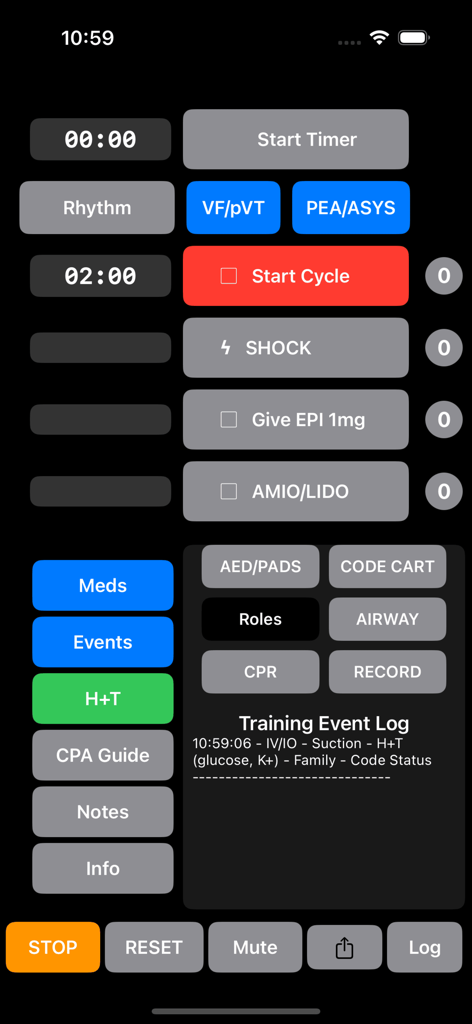
ACLS training dashboard with timers, medication logs, and CPR cycle controls
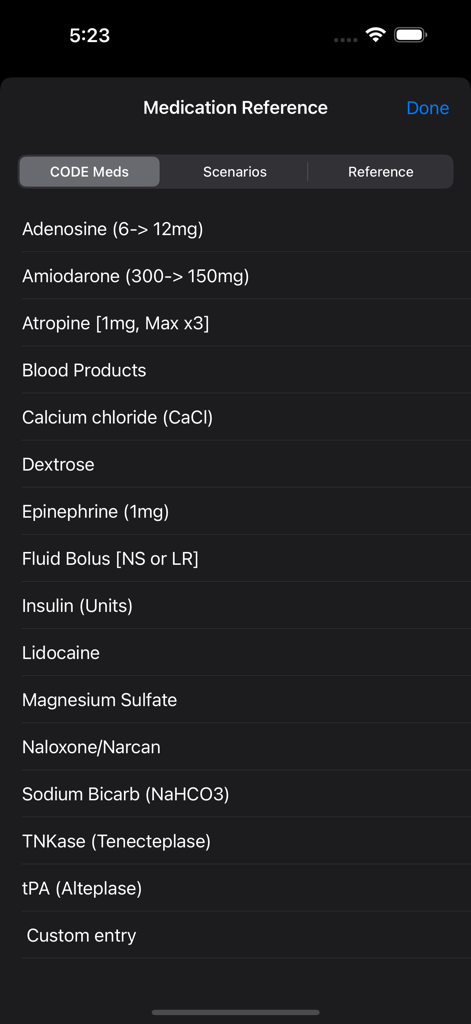
Medication reference list in the Code Timer Plus app showing emergency drugs and dosages for ACLS training
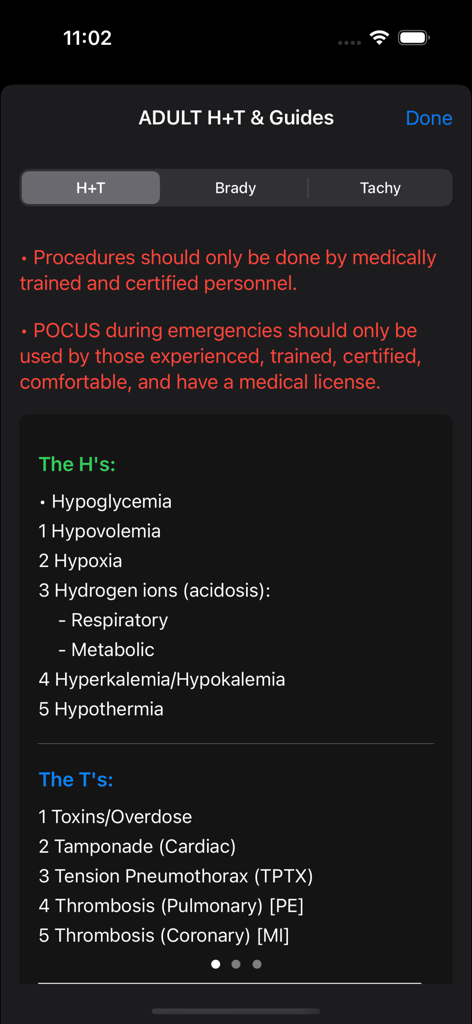
Quick reference guide for H's and T's reversible causes during a cardiac arrest in the Code Timer Plus app.
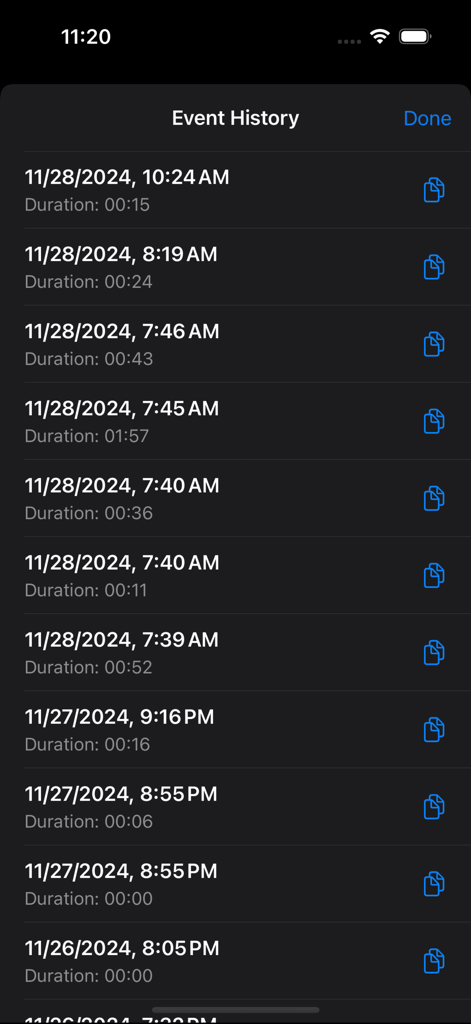
Event history screen of the Code Timer Plus app showing a list of recorded medical simulations with timestamps and durations.
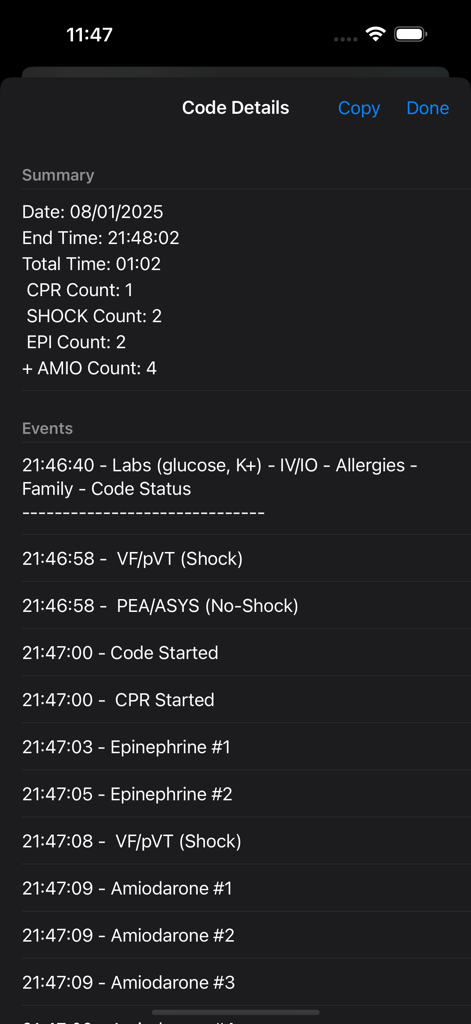
A summary screen of the Code Timer Plus app showing recorded timestamps for CPR, shocks, and medication administration during a medical code simulation.
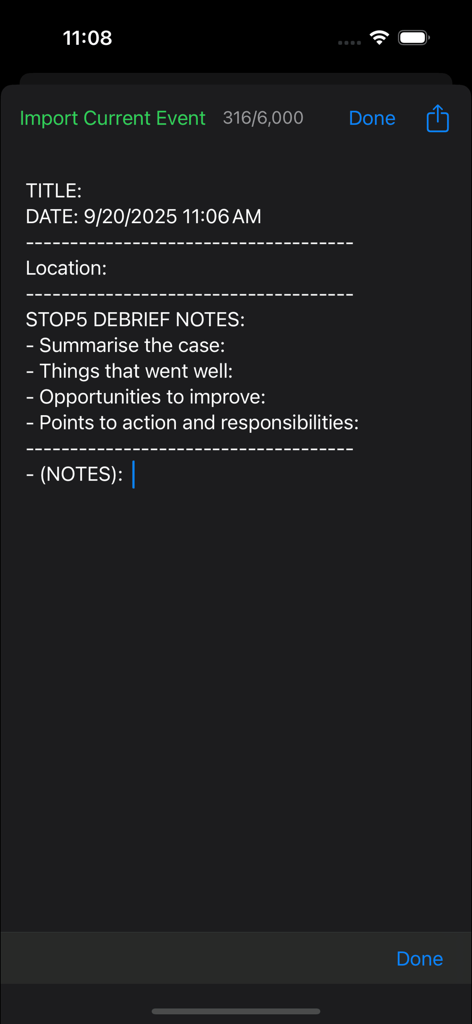
A medical debrief notes interface in the Code Timer Plus app used for summarizing training simulation results.
Description
Download
More Like This
Top-ranked apps in the same category

国家医保服务平台
National Healthcare Security Administration
MyChart
Epic Systems Corporation

CVS Health
CVS Pharmacy

Pregnancy + | Tracker App
Philips Digital UK Limited

Doctolib - Your health partner
Doctolib

Meu SUS Digital
Servicos e Informacoes do Brasil

江苏医保云
Jiangsu Healthcare Security Bureau

Mobile JKN
BPJS Kesehatan

UnitedHealthcare
UNITED HEALTHCARE SERVICES, INC.
This page is not an official page of the app or its developer, but an independent editorial publication created for informational and commentary purposes. Unless expressly stated otherwise, neither the app nor its developer is affiliated with, endorsed by, sponsored by, authorized by, or otherwise officially connected with MWM, Apple, Google Play, the app publisher, or the app's developer, and nothing on this page implies that the app was developed using MWM's services. Any trademarks, logos, screenshots, and other content remain the property of their respective owners.