
This page is not an official page of the app or its developer, but an independent editorial publication created for informational and commentary purposes. Unless expressly stated otherwise, neither the app nor its developer is affiliated with, endorsed by, sponsored by, authorized by, or otherwise officially connected with MWM, Apple, Google Play, the app publisher, or the app's developer, and nothing on this page implies that the app was developed using MWM's services. Any trademarks, logos, screenshots, and other content remain the property of their respective owners.


Color Wheel + Osmosi AI
Stop the guesswork in your design workflow. Create harmonized, accessible, and presentation-ready palettes using the perfect blend of foundational principles and intent-based AI.
Downloads
106K+User Rating
Total Ratings
0Publisher
Category
Graphics & DesignLocales
33Latest Version
3.6Size
42.0 MBFirst Released
Apr 11, 2019Design with Confidence, Not Guesswork
Stop scrolling through millions of colors. Bridge the gap between classical color theory and AI-powered efficiency to create professional palettes on purpose.
Intent-Based AI Generation
Turn photos or live camera feeds into balanced harmonies using Osmosi AI. Get precise, explainable palettes that match your creative intent instantly.
Professional Harmony Reference
Master the core principles with a 12-color simple mode and deep-dive harmony guides. Explain the rationale behind your choices to clients with authority.
The following screenshots and description are sourced directly from the app's official store listing and are the property of the app developer.
App Store
Screenshots
Promotional text reading From Theory to Creation Perfect Every Shade on a vibrant blue and red gradient background
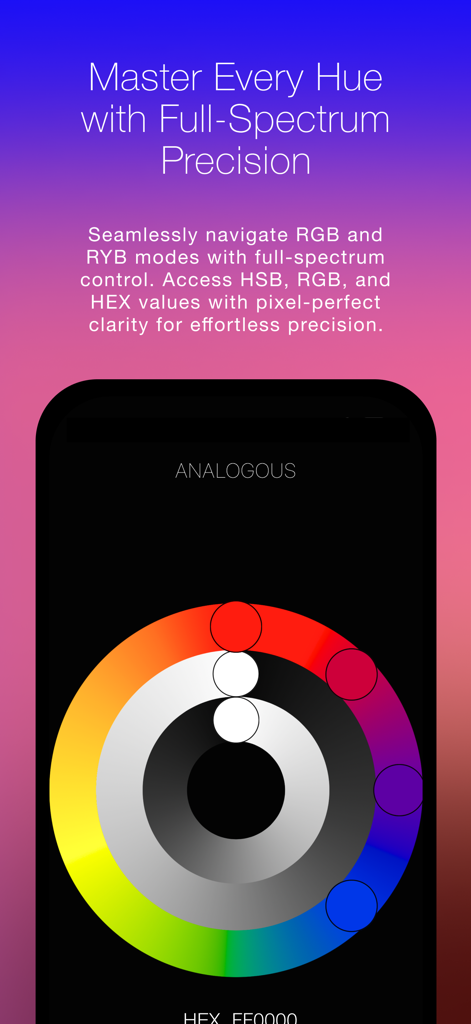
Digital color wheel interface showing analogous color harmony and hex code precision for design professionals
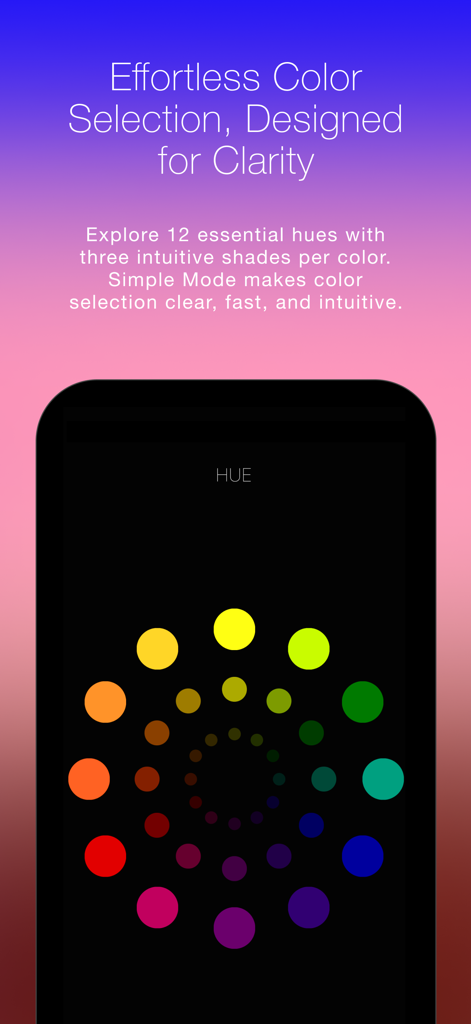
The Simple Mode interface of the Color Wheel app showing twelve essential hues for quick color selection
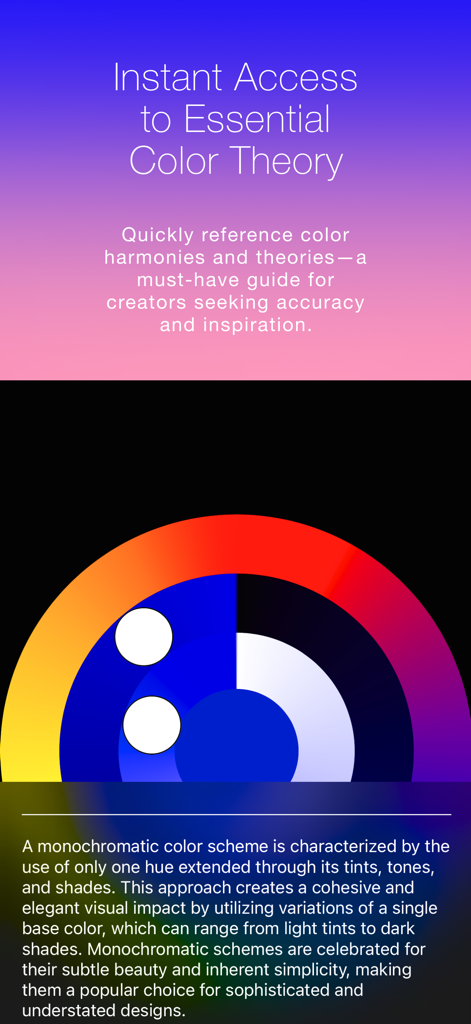
A screen from the Color Wheel app explaining the monochromatic color scheme with a visual diagram and descriptive text.
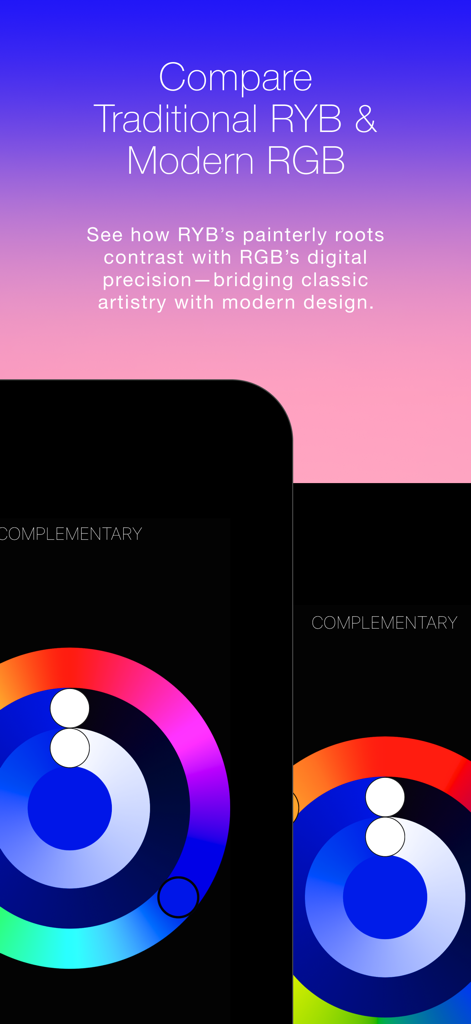
Side by side comparison of traditional RYB and modern RGB color wheels for design
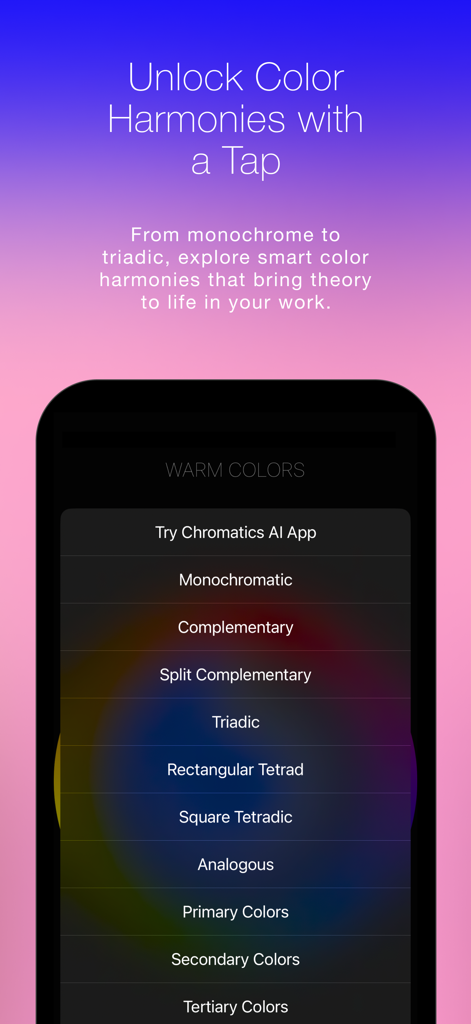
A mobile screen showing a menu of color harmony options including Monochromatic, Complementary, and Triadic schemes.
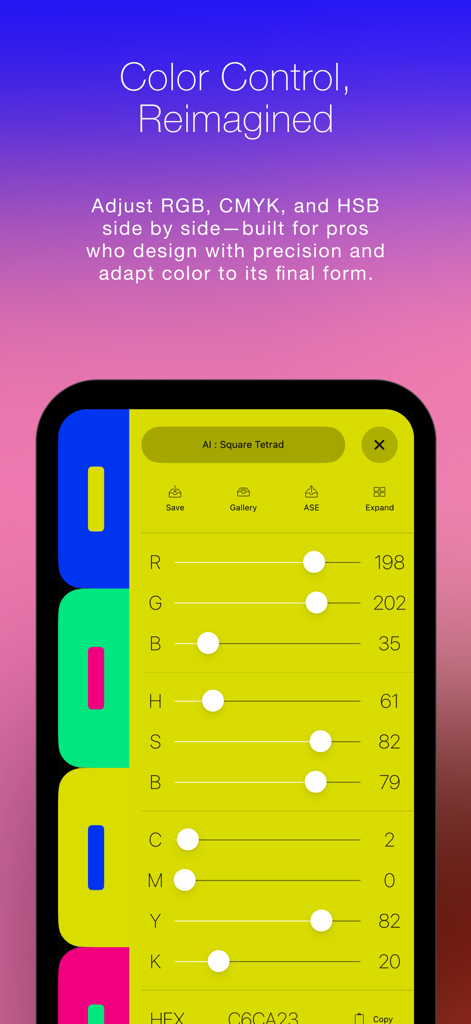
Interface of Color Wheel + Osmosi AI showing precision sliders for RGB HSB and CMYK color adjustment
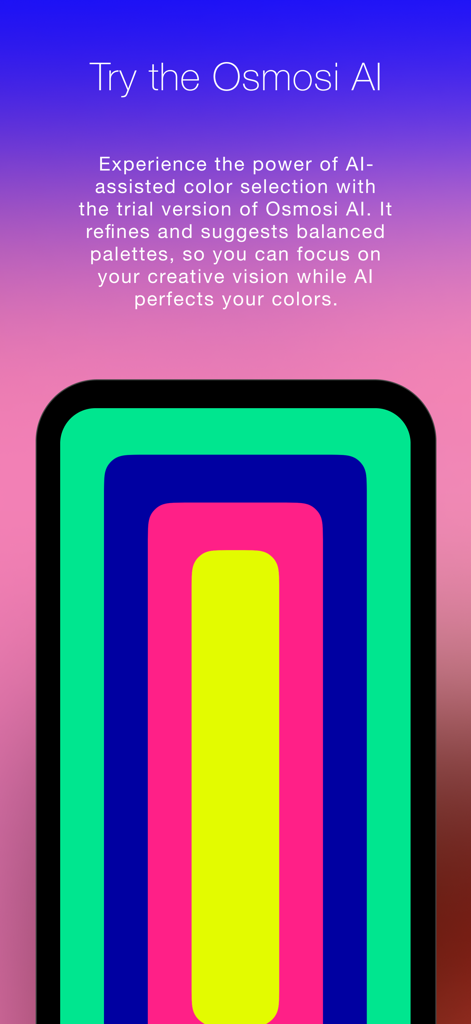
Mobile interface showing AI assisted color selection and vibrant palette generation
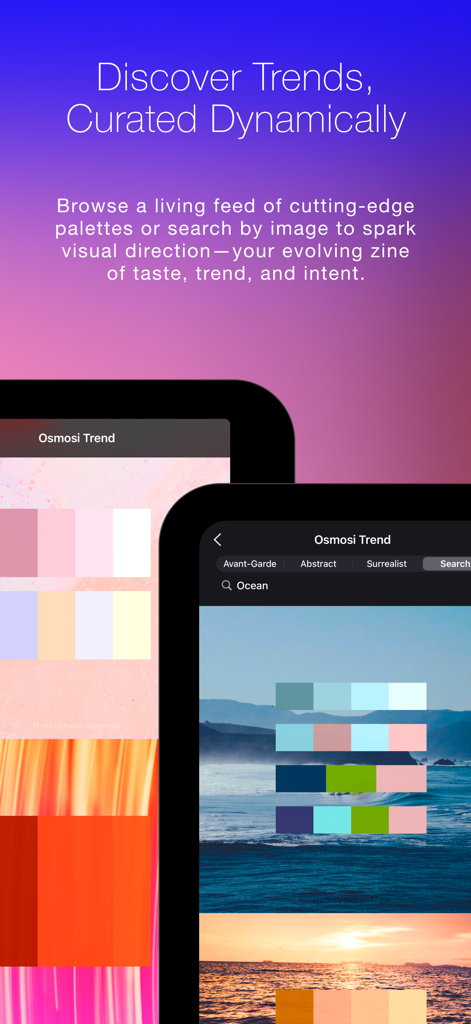
Mobile app interface for Color Wheel Osmosi AI showing dynamic color trends and curated palettes derived from landscape photography
Text Blend Create Innovate on a blue and purple gradient background
Description
Download
More Like This
Top-ranked apps in the same category

Kling AI: AI Image&Video Maker
LOHAS GAMES PTE. LTD.

iScreen - Widgets & Wallpaper
Xiamen ShenZhuo Information Technology Co., Ltd.

Dreamina AI: Image&Video Maker
BYTEDANCE PTE. LTD.

Home AI - AI Interior Design
HUBX YAZILIM HIZMETLERI ANONIM SIRKETI

ibis Paint X
ibis inc.

ThemeKit: Widget & Icon Themes
Woohoo Tech. Ltd.

Sketchbook®
Sketchbook, Inc.

Colorful Widget- Widget&Themes
Guangzhou ZHIFENG Information Technology Co.,Ltd.

ReRoom AI: Interior Design
GM UniverseApps Limited
This page is not an official page of the app or its developer, but an independent editorial publication created for informational and commentary purposes. Unless expressly stated otherwise, neither the app nor its developer is affiliated with, endorsed by, sponsored by, authorized by, or otherwise officially connected with MWM, Apple, Google Play, the app publisher, or the app's developer, and nothing on this page implies that the app was developed using MWM's services. Any trademarks, logos, screenshots, and other content remain the property of their respective owners.