
This page is not an official page of the app or its developer, but an independent editorial publication created for informational and commentary purposes. Unless expressly stated otherwise, neither the app nor its developer is affiliated with, endorsed by, sponsored by, authorized by, or otherwise officially connected with MWM, Apple, Google Play, the app publisher, or the app's developer, and nothing on this page implies that the app was developed using MWM's services. Any trademarks, logos, screenshots, and other content remain the property of their respective owners.

Color Wheel Palette: ColorGear
Create professional palettes for digital art, design, and physical projects using advanced color theory, image extraction, and real-time ratio editing.
Downloads
157K+User Rating
Total Ratings
1K+Publisher
Category
Graphics & DesignLocales
16Latest Version
1.3.3Size
40.2 MBFirst Released
Dec 10, 2021Master the Art of Color Harmony
Bring scientific precision to your creative projects. From digital UI design to interior renovation, our professional tools ensure your palettes always look sophisticated and balanced.
Dual Color Theory Models
Switch seamlessly between RGB for digital screen work and Itten’s color wheel for physical art, fashion, and home decor.
Instant Image Extraction
Turn any photo into a professional palette. Capture real-world inspiration and convert it into high-precision HEX codes instantly.
The following screenshots and description are sourced directly from the app's official store listing and are the property of the app developer.
App Store
Screenshots
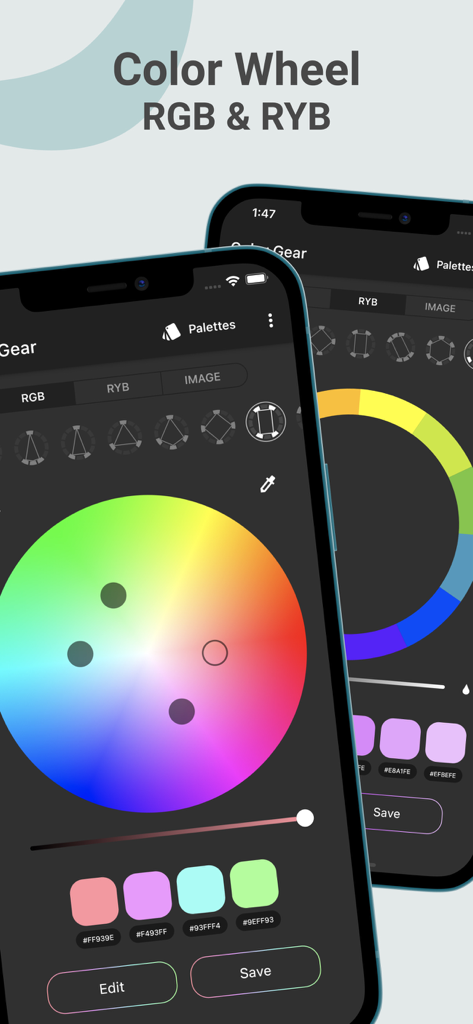
ColorGear app interface showing professional RGB and RYB color wheels for palette creation on two smartphones
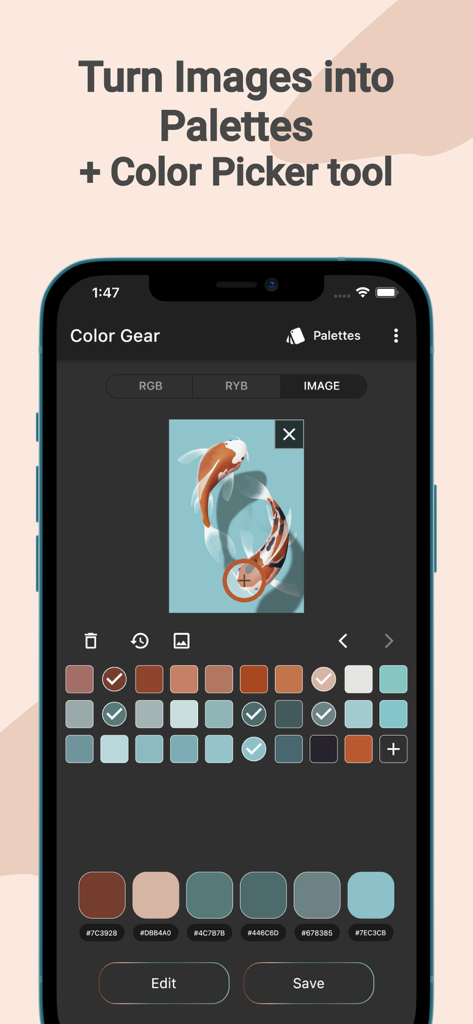
Mobile app screen showing the extraction of a color palette from a photo of koi fish
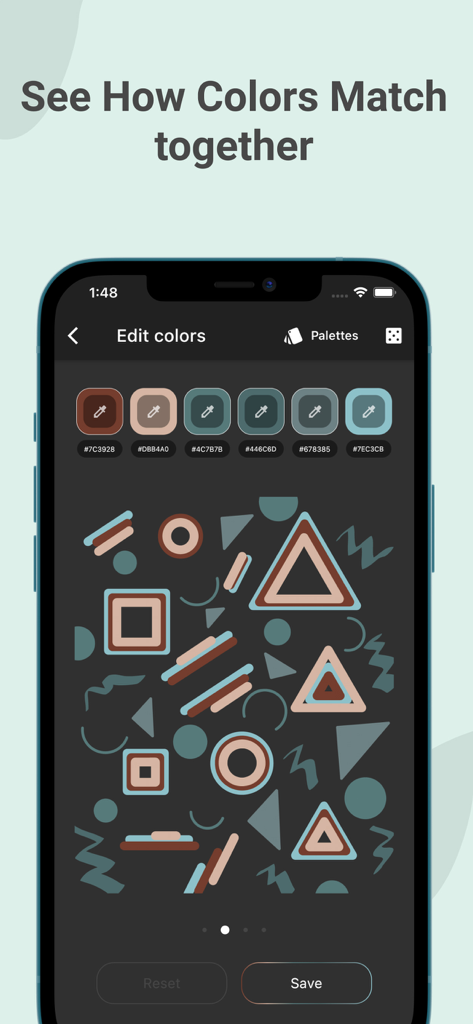
ColorGear app interface showing color palette hex codes and geometric shape visualization
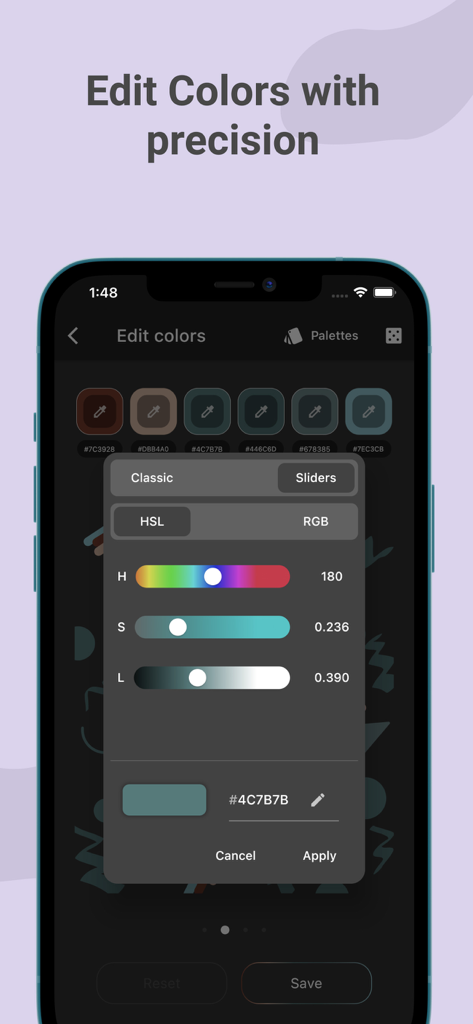
A mobile app interface showing HSL sliders for precise color palette adjustment in ColorGear
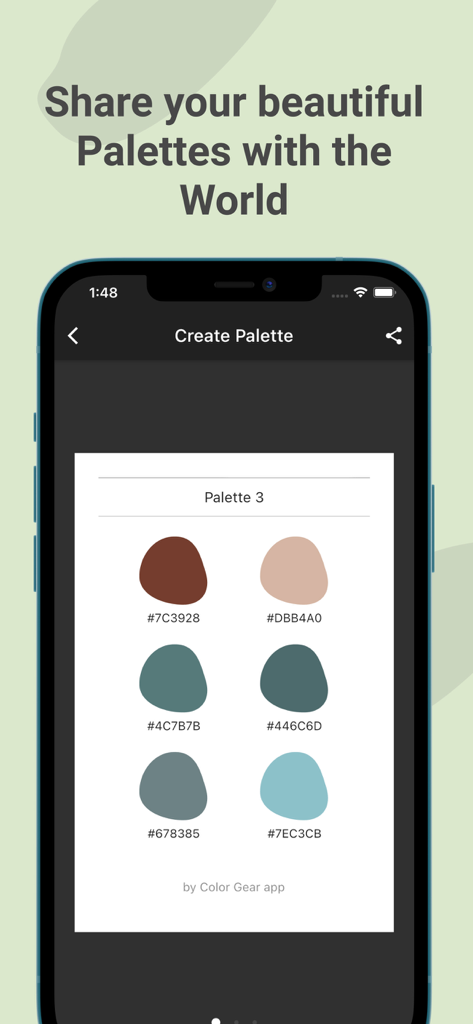
Smartphone screen showing a shared color palette with six swatches and hex codes in the ColorGear app
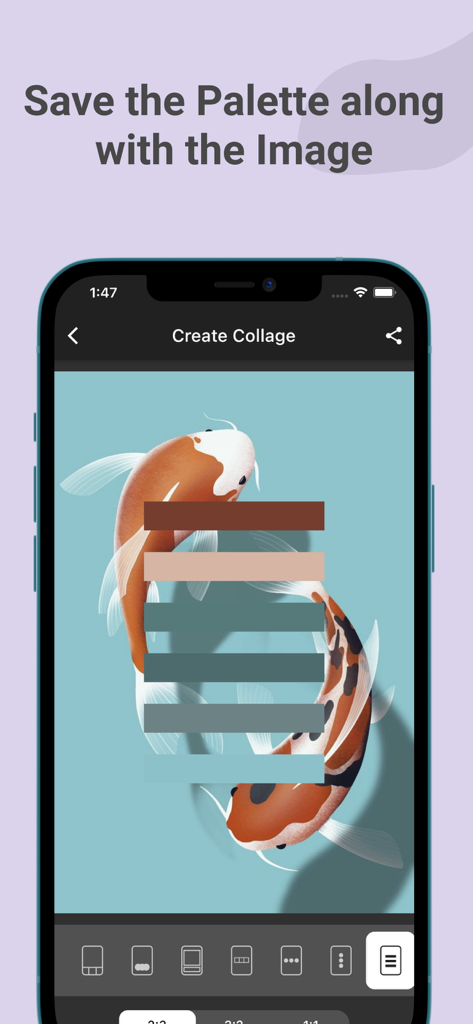
Creating a color palette collage from a koi fish illustration in the ColorGear app
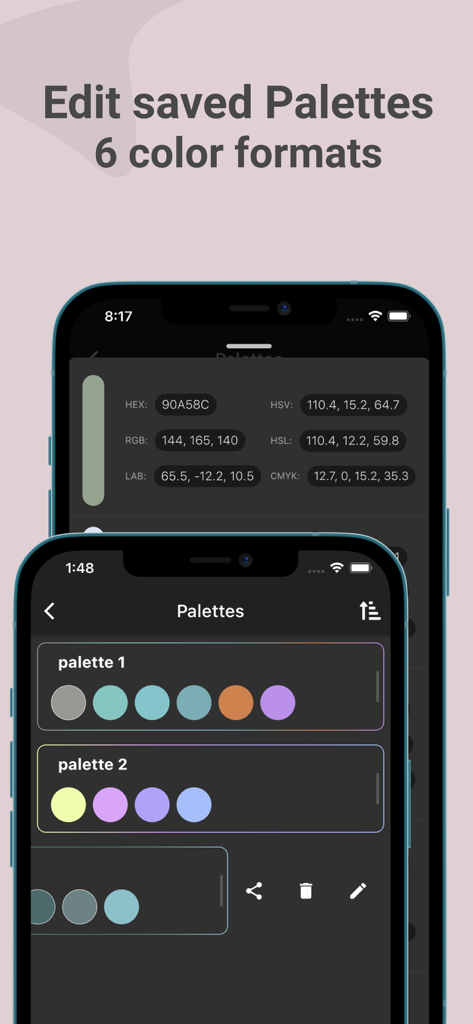
Interface of ColorGear app showing saved color palettes and multiple color formats like HEX and RGB
Description
Download
More Like This
Top-ranked apps in the same category

Kling AI: AI Image&Video Maker
LOHAS GAMES PTE. LTD.

iScreen - Widgets & Wallpaper
Xiamen ShenZhuo Information Technology Co., Ltd.

Dreamina AI: Image&Video Maker
BYTEDANCE PTE. LTD.

Home AI - AI Interior Design
HUBX YAZILIM HIZMETLERI ANONIM SIRKETI

ibis Paint X
ibis inc.

ThemeKit: Widget & Icon Themes
Woohoo Tech. Ltd.

Sketchbook®
Sketchbook, Inc.

Colorful Widget- Widget&Themes
Guangzhou ZHIFENG Information Technology Co.,Ltd.

ReRoom AI: Interior Design
GM UniverseApps Limited
This page is not an official page of the app or its developer, but an independent editorial publication created for informational and commentary purposes. Unless expressly stated otherwise, neither the app nor its developer is affiliated with, endorsed by, sponsored by, authorized by, or otherwise officially connected with MWM, Apple, Google Play, the app publisher, or the app's developer, and nothing on this page implies that the app was developed using MWM's services. Any trademarks, logos, screenshots, and other content remain the property of their respective owners.