
This page is not an official page of the app or its developer, but an independent editorial publication created for informational and commentary purposes. Unless expressly stated otherwise, neither the app nor its developer is affiliated with, endorsed by, sponsored by, authorized by, or otherwise officially connected with MWM, Apple, Google Play, the app publisher, or the app's developer, and nothing on this page implies that the app was developed using MWM's services. Any trademarks, logos, screenshots, and other content remain the property of their respective owners.


Coloring Book for Me
Step into a world of digital mindfulness designed for your relaxation. From custom mandalas to soothing soundscapes, transform your iPad into a professional creative sanctuary and find your daily flow.
Downloads
19M+User Rating
Total Ratings
331K+Publisher
Category
EntertainmentLocales
44Latest Version
4.50.26Size
200.2 MBFirst Released
Jul 28, 2016Designed for Your Peace of Mind
Experience the ultimate digital retreat with features crafted to help you decompress, create, and find your inner flow in a busy world.
Your Photos, Your Art
Instantly turn your favorite memories or hand-drawn sketches into custom coloring pages for a deeply personal creative escape.
Relaxing Soundscapes
Enhance your mindfulness practice with integrated ambient sounds designed to melt away daily stress while you color.
Frequently Asked Questions
Everything you need to know about Coloring Book for Me
What is the Coloring Book for Me app?
The Coloring Book for Me app is a digital tool for relaxation and artistic expression. It offers custom mandalas, photo coloring, various pages, diverse tools, and extensive color palettes.
Can I create custom mandalas in the Coloring Book for Me app?
Yes, the Coloring Book for Me app includes a dedicated mandala creation mode. Users design unique mandalas directly within the application.
Does the Coloring Book for Me app let me color with my own photos?
Yes, Coloring Book for Me features a "Color with a photo" option. Users apply real-time photos or images from their Camera Roll to coloring pages.
How can I import my own pictures to color in Coloring Book for Me?
The Coloring Book for Me app allows importing outline drawings. Users can import these directly from their device's camera or Camera Roll for coloring.
What types of color palettes are available in Coloring Book for Me?
Coloring Book for Me provides over 40 preset Solid and Gradient color palettes. Users also create custom palettes by combining any desired colors.
What exclusive features does the Premium version of Coloring Book for Me offer?
The Premium version of Coloring Book for Me grants unlimited access to an expanding collection of coloring pages, additional palettes, relaxing sounds, textures, and an ad-free, watermark-free experience.
How do I cancel my Coloring Book for Me subscription?
Users cancel their Coloring Book for Me subscription or free trial via iTunes settings. Cancellation must occur at least 24 hours before the end of the current period.
Does Coloring Book for Me include a free trial period?
Yes, Coloring Book for Me offers a free trial period with its subscription. Any unused trial portion is forfeited when purchasing a premium subscription during the trial.
What device permissions does the Coloring Book for Me app require?
Coloring Book for Me requires access to Notifications for updates, Photos for importing/saving art, and the Camera for capturing coloring pages.
Is Apple Pencil supported by the Coloring Book for Me app?
Yes, the Coloring Book for Me app supports Apple Pencil. This feature ensures an intuitive and easy coloring process on iPad Pro devices.
The following screenshots and description are sourced directly from the app's official store listing and are the property of the app developer.
App Store
Screenshots
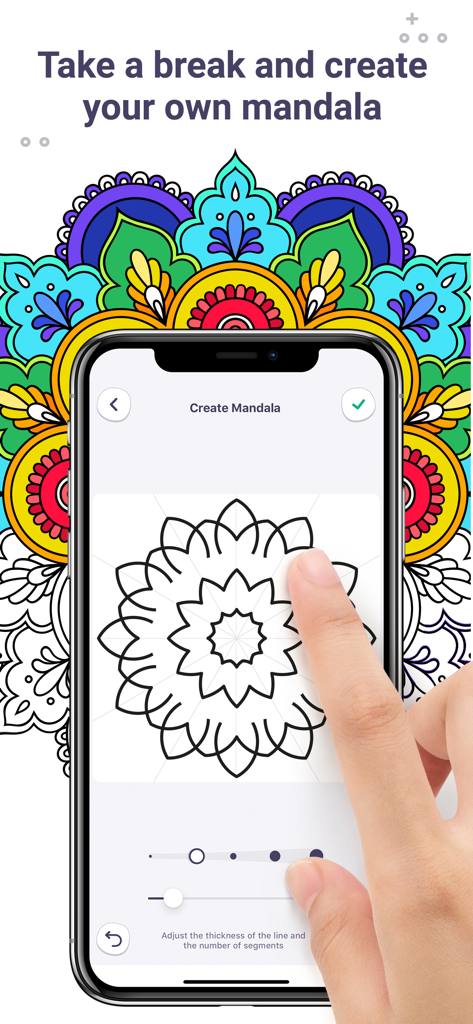
A user drawing a custom mandala on a smartphone screen in the Coloring Book for Me app.
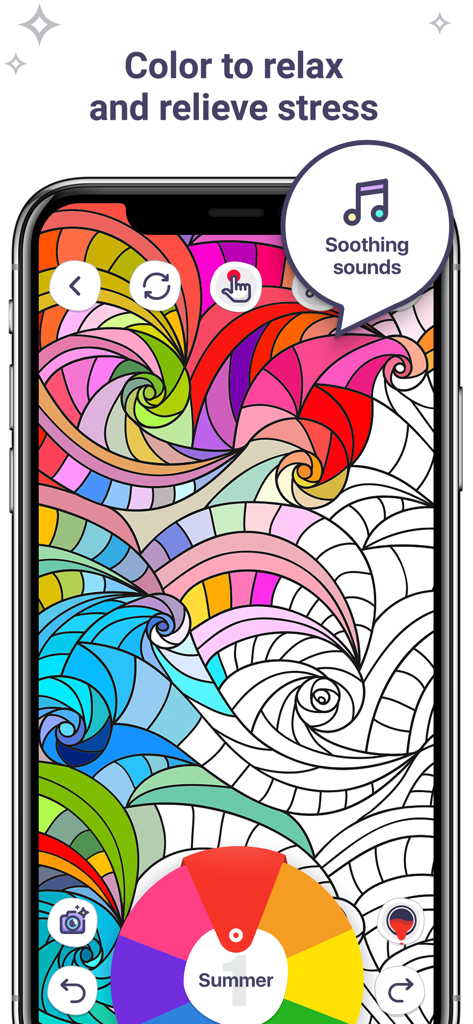
Coloring Book for Me app interface featuring abstract patterns and soothing sounds for relaxation
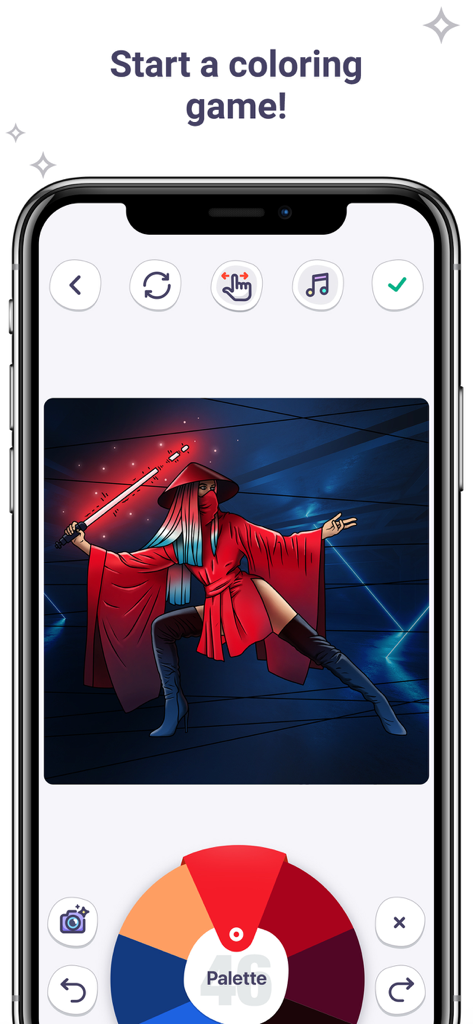
Digital coloring app interface showing a warrior character and a color palette wheel on a mobile screen
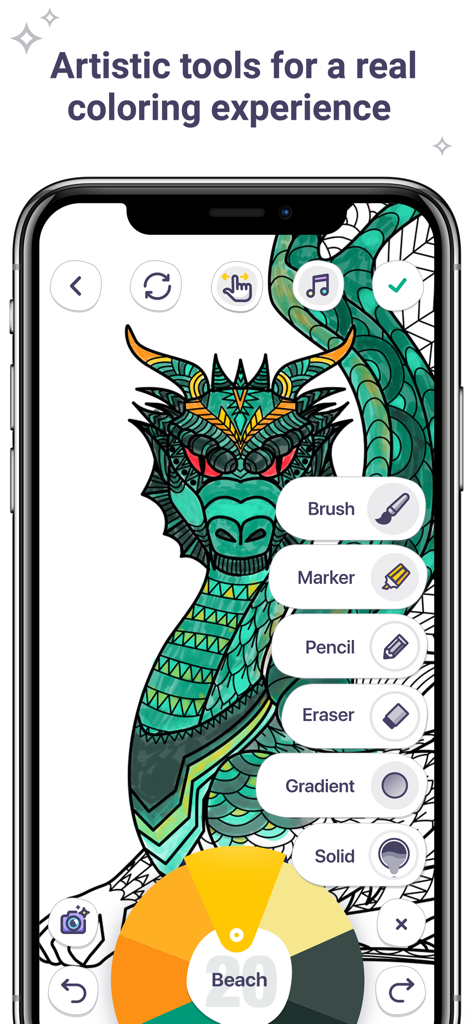
A smartphone screen showing the Coloring Book for Me app interface with various artistic tools and a color palette while coloring a dragon
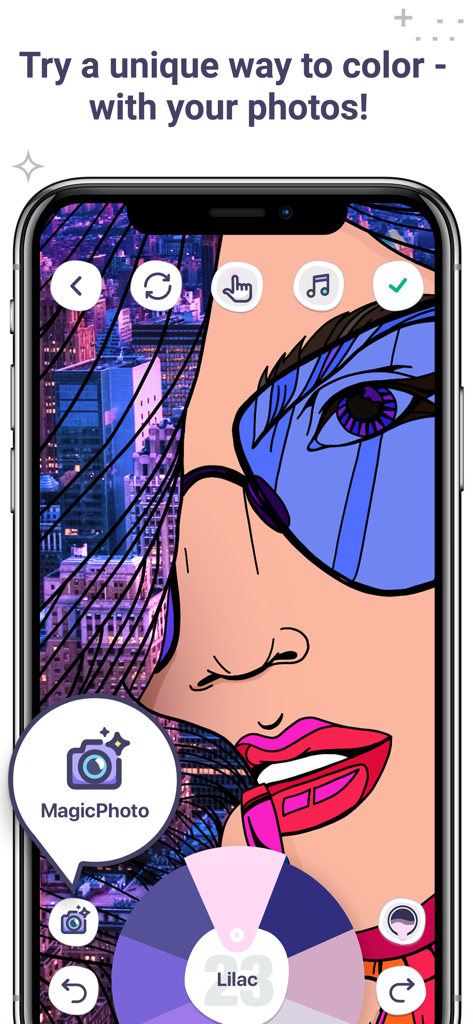
A smartphone screen displaying the MagicPhoto feature in Coloring Book for Me allowing users to color drawings with their own photos
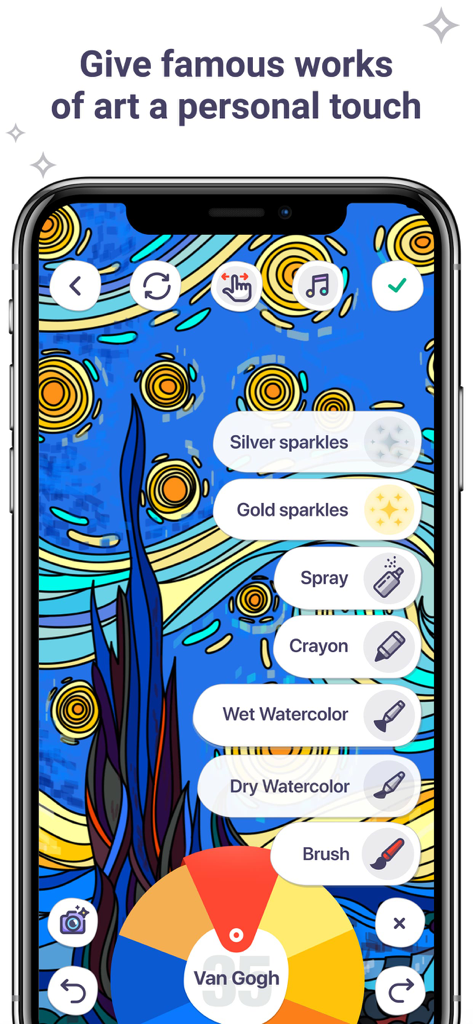
Digital coloring app interface showing artistic brushes and a Van Gogh painting
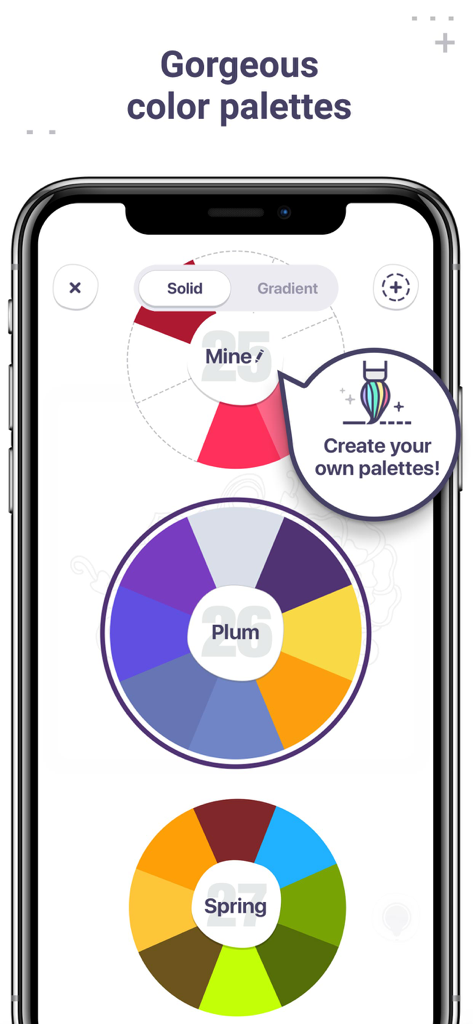
Mobile app screen showing various circular color palettes and a custom palette creator tool
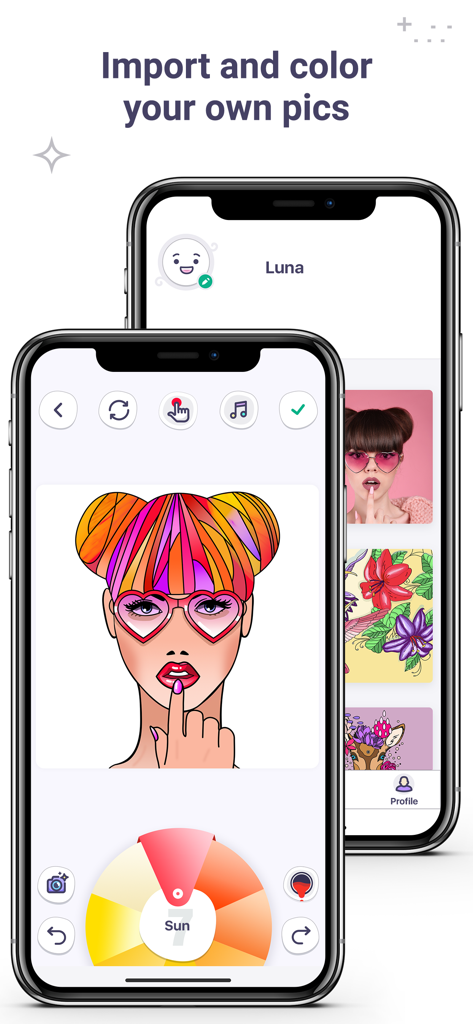
iPhone screen showing the import and color feature in Coloring Book for Me
Description
Download
More Like This
Apps with similar features and user experience

Sketchbook®
Sketchbook, Inc.

Mental Canvas Draw
Mental Canvas, Inc.

ibis Paint
ibis inc.

ibis Paint X
ibis inc.

Paper: Sketch, Draw & Create
Evernote Corporation

Adobe Fresco: Draw & Paint App
Adobe Inc.

Art Set 4
Lofopi Ltd

MediBang Paint – Drawing & Art
MediBang inc.

Tayasui Sketches
SKETCHES SRL
This page is not an official page of the app or its developer, but an independent editorial publication created for informational and commentary purposes. Unless expressly stated otherwise, neither the app nor its developer is affiliated with, endorsed by, sponsored by, authorized by, or otherwise officially connected with MWM, Apple, Google Play, the app publisher, or the app's developer, and nothing on this page implies that the app was developed using MWM's services. Any trademarks, logos, screenshots, and other content remain the property of their respective owners.