
This page is not an official page of the app or its developer, but an independent editorial publication created for informational and commentary purposes. Unless expressly stated otherwise, neither the app nor its developer is affiliated with, endorsed by, sponsored by, authorized by, or otherwise officially connected with MWM, Apple, Google Play, the app publisher, or the app's developer, and nothing on this page implies that the app was developed using MWM's services. Any trademarks, logos, screenshots, and other content remain the property of their respective owners.


ComBank ePassbook
Get 24/7 real-time access to your balances and transaction history. Perfect for tracking remittances and managing family funds back home with total peace of mind.
Downloads
360K+User Rating
Total Ratings
300Publisher
Category
FinanceLocales
3Latest Version
1.5.0Size
40.7 MBFirst Released
Jul 7, 2020Your Sri Lankan Accounts, Just a Tap Away
The ComBank ePassbook brings the traditional reliability of a passbook to your iPhone, designed specifically for the Sri Lankan diaspora to manage finances remotely from the USA.
Real-Time Transaction Monitoring
Instantly verify that your remittances and local deposits have arrived safely with live updates on your account activity, 24/7.
Personalized Account Labels
Effortlessly manage multiple funds by labeling accounts as 'Family Support', 'Home Construction', or 'Savings' for clear organization.
The following screenshots and description are sourced directly from the app's official store listing and are the property of the app developer.
App Store
Screenshots
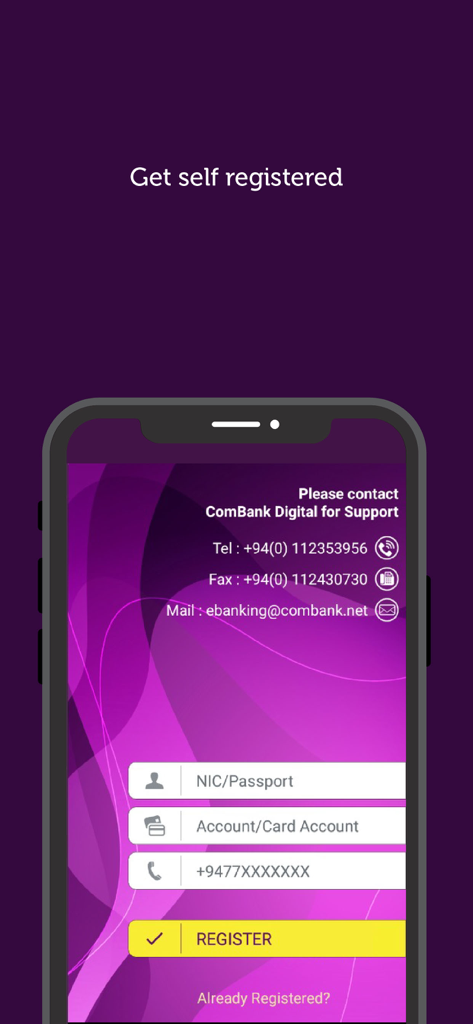
Registration screen of the ComBank ePassbook app with fields for NIC passport and account number
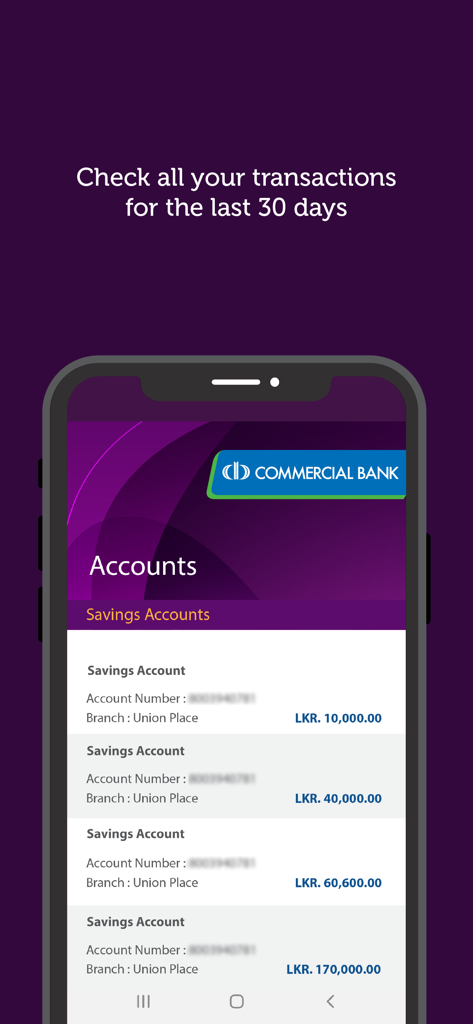
Interface of the ComBank ePassbook app displaying a list of savings accounts with their respective balances in LKR and branch locations.
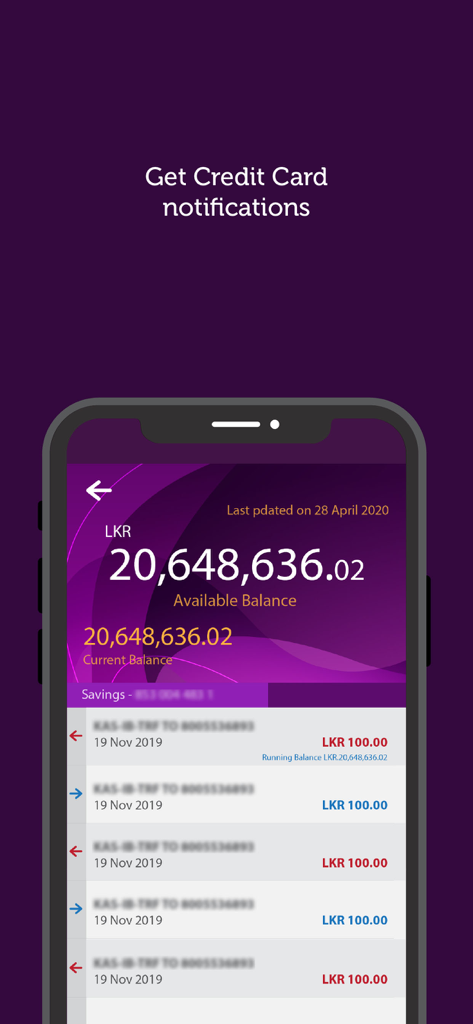
ComBank ePassbook app interface on a smartphone showing account balance and recent transaction history
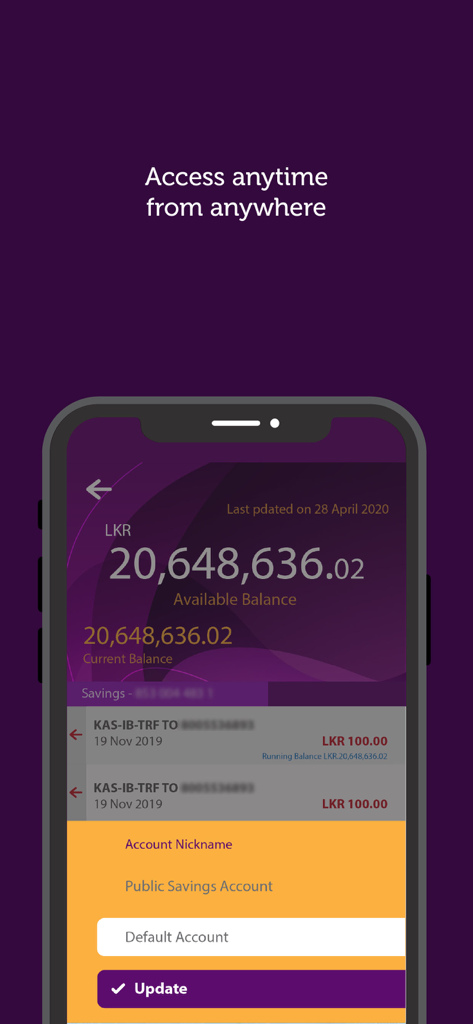
ComBank ePassbook app interface showing account balance in LKR and the account nickname feature.
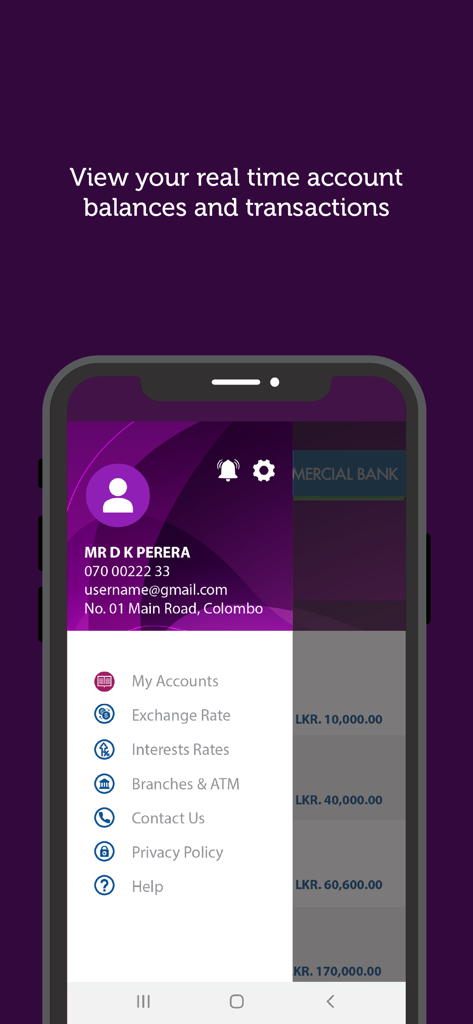
ComBank ePassbook mobile app menu showing real time account balances and options
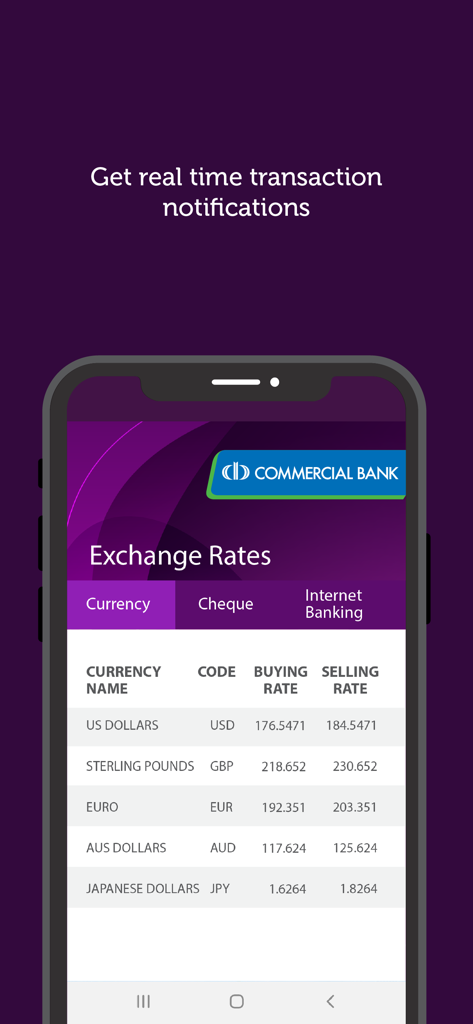
ComBank ePassbook mobile app displaying real-time currency exchange rates for US Dollars, Sterling Pounds, Euro, and more.
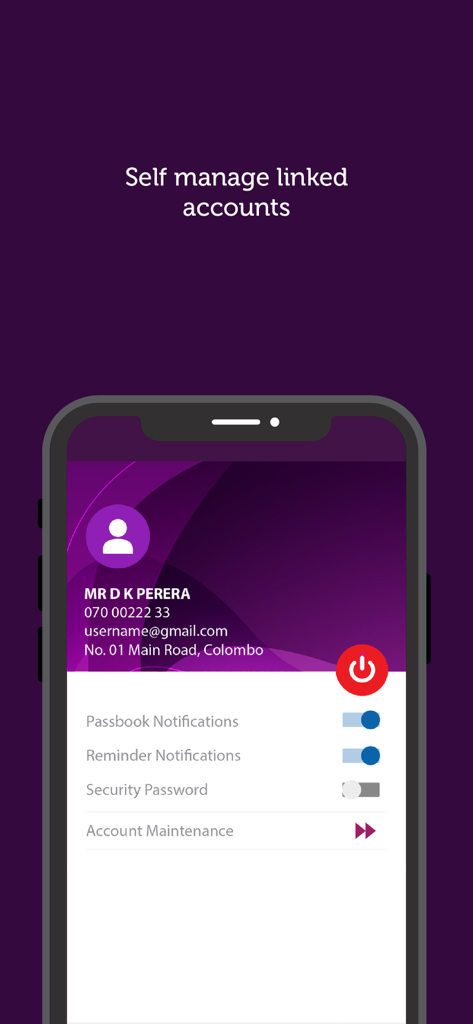
ComBank ePassbook app interface showing user profile and settings for account notifications and security
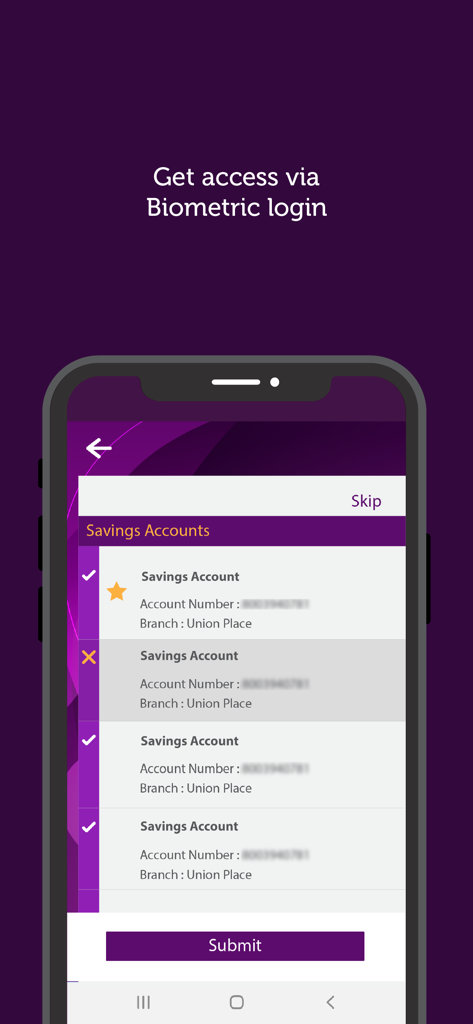
ComBank ePassbook app screen for selecting savings accounts with biometric login option
Description
Download
More Like This
Apps with similar features and user experience

Portfolio Performance
MSM Mannheimer Software-Manufaktur UG, haftungsbeschrankt

HNB Digital Banking
Hatton National Bank PLC

NJ E-Wealth Account
NJ INDIA INVEST PRIVATE LIMITED

Giang Huy Pro
HUY GIANG VAN

京东钱包
Chinabank Payments Co., Ltd.
Canara ePassbook
CANARA BANK

NSDL Speede App
National Securities Depository Limited

BOC Smart Passbook
BANK OF CEYLON

SG Connect
SOCIETE GENERALE AFRICAN BUSINESS SERVICES
This page is not an official page of the app or its developer, but an independent editorial publication created for informational and commentary purposes. Unless expressly stated otherwise, neither the app nor its developer is affiliated with, endorsed by, sponsored by, authorized by, or otherwise officially connected with MWM, Apple, Google Play, the app publisher, or the app's developer, and nothing on this page implies that the app was developed using MWM's services. Any trademarks, logos, screenshots, and other content remain the property of their respective owners.