ComicBook!
ComicBook!
Download on App Store

This page is not an official page of the app or its developer, but an independent editorial publication created for informational and commentary purposes. Unless expressly stated otherwise, neither the app nor its developer is affiliated with, endorsed by, sponsored by, authorized by, or otherwise officially connected with MWM, Apple, Google Play, the app publisher, or the app's developer, and nothing on this page implies that the app was developed using MWM's services. Any trademarks, logos, screenshots, and other content remain the property of their respective owners.

Logo of ComicBook!
Download on App Store

ComicBook!

Transform your photos into professional graphic art with authentic halftone effects, 105 designer layouts, and hand-drawn stickers. High-fidelity creativity that stays private on your device—no internet required, no AI hallucinations.

Key Figures

Downloads

458K+

User Rating

4.5/5

Total Ratings

12K+

Publisher

3DTOPO Inc.

Category

Photo & Video

Locales

1

Latest Version

2.9.803

Size

202.8 MB

First Released

Jul 5, 2011
Features

Master the Art of Visual Storytelling

Transform everyday photos into high-fidelity comic masterpieces with professional-grade effects, authentic halftone textures, and over 100 classic layouts.

Pro-Grade SuperFX

Experience authentic CMYK halftone patterns and high-definition styles that preserve your photo's personality without AI hallucinations.

Hand-Crafted Assets

Stand out with over 370 stickers lovingly hand-drawn by real artists and premium fonts designed for professional-level storytelling.

The following screenshots and description are sourced directly from the app's official store listing and are the property of the app developer.

App Store

Screenshots
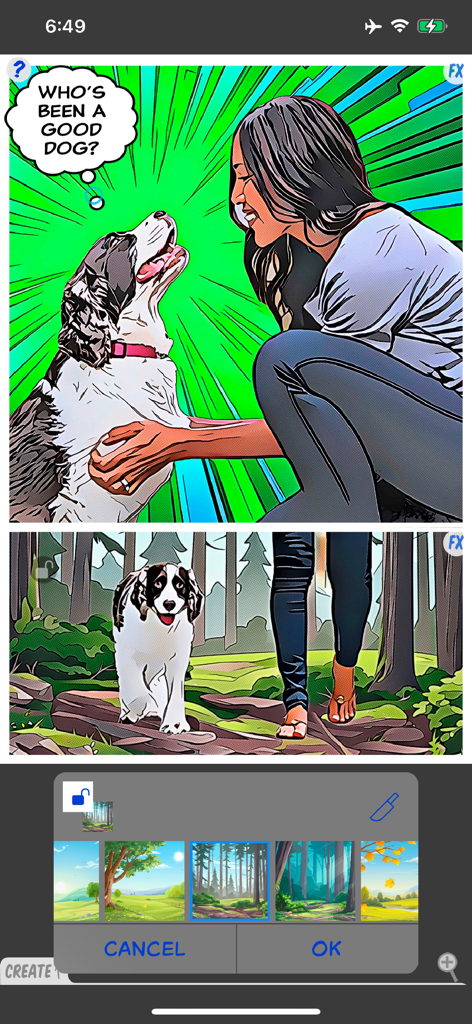
ComicBook! - A woman and her dog in comic book panels with a speech bubble and background selection tool.
A woman and her dog in comic book panels with a speech bubble and background selection tool.

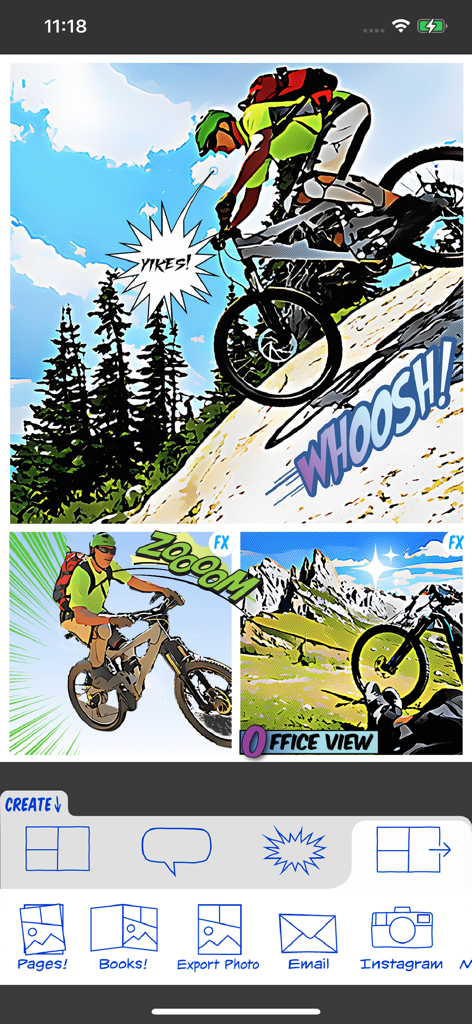
ComicBook! - ComicBook app interface displaying mountain biking photos transformed into a multi panel comic strip with sound effect stickers
ComicBook app interface displaying mountain biking photos transformed into a multi panel comic strip with sound effect stickers

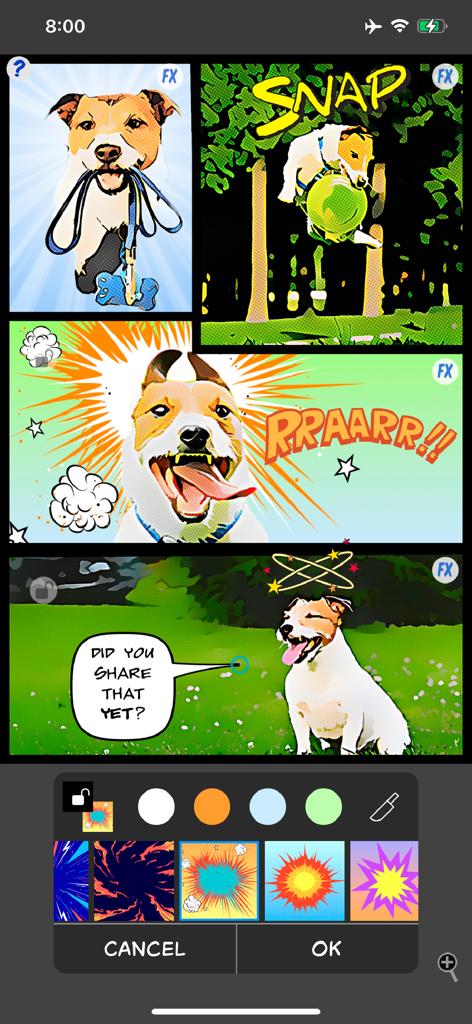
ComicBook! - A four-panel comic strip of a dog created with stylized photo filters, stickers, and speech bubbles in the ComicBook app editor.
A four-panel comic strip of a dog created with stylized photo filters, stickers, and speech bubbles in the ComicBook app editor.

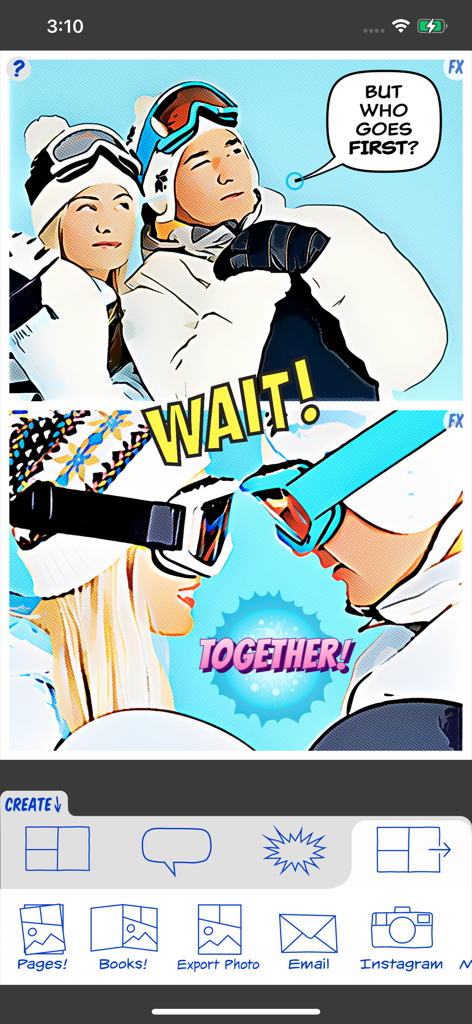
ComicBook! - Interface of ComicBook app showing a two panel comic strip made from photos with speech bubbles and action stickers
Interface of ComicBook app showing a two panel comic strip made from photos with speech bubbles and action stickers

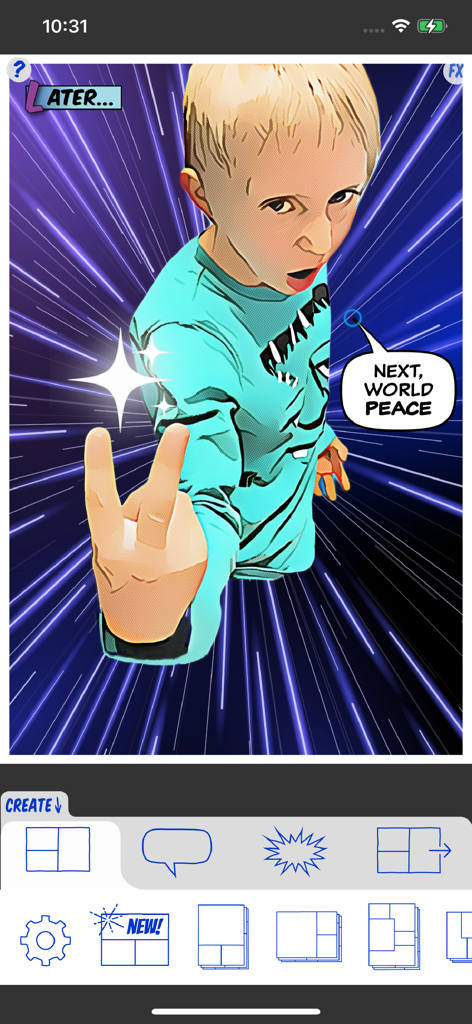
ComicBook! - A boy transformed into a comic character with speed lines and speech bubbles in the ComicBook app interface
A boy transformed into a comic character with speed lines and speech bubbles in the ComicBook app interface

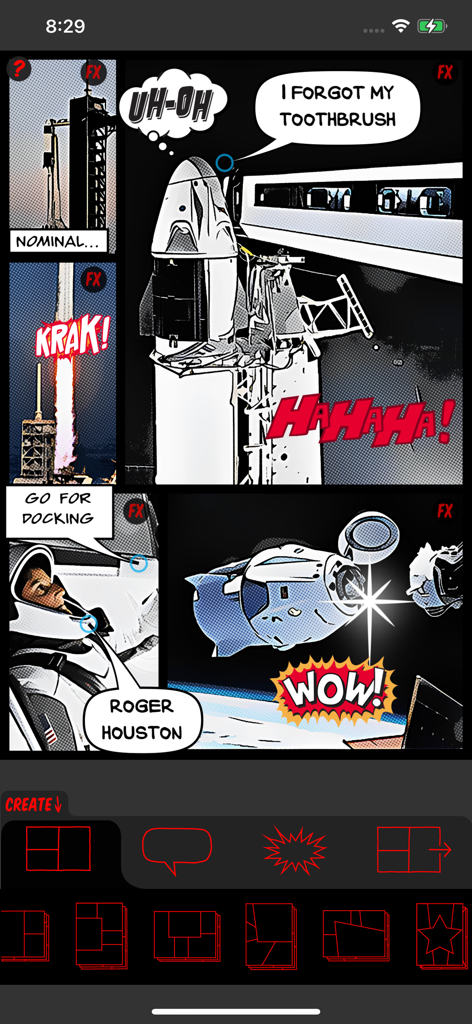
ComicBook! - A multi-panel space-themed comic strip created in the ComicBook app featuring photos with halftone filters and speech bubbles
A multi-panel space-themed comic strip created in the ComicBook app featuring photos with halftone filters and speech bubbles

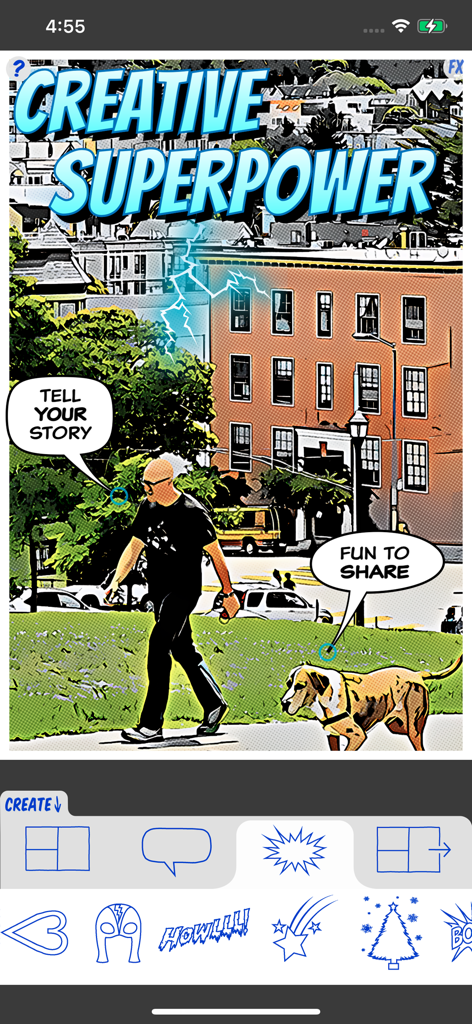
ComicBook! - Interface of the ComicBook app showing a photo transformed into a comic style with speech bubbles and creative stickers
Interface of the ComicBook app showing a photo transformed into a comic style with speech bubbles and creative stickers

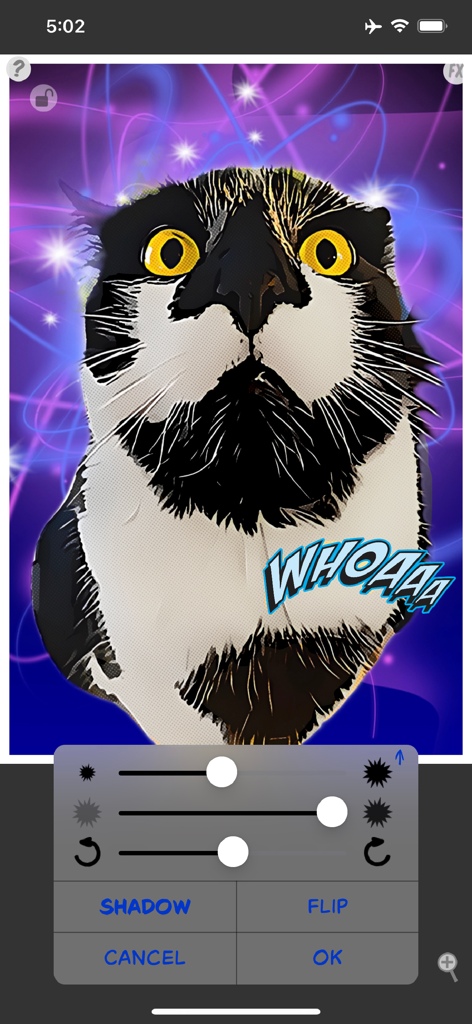
ComicBook! - ComicBook app interface showing a cat photo with stylized comic filters and editing tools
ComicBook app interface showing a cat photo with stylized comic filters and editing tools

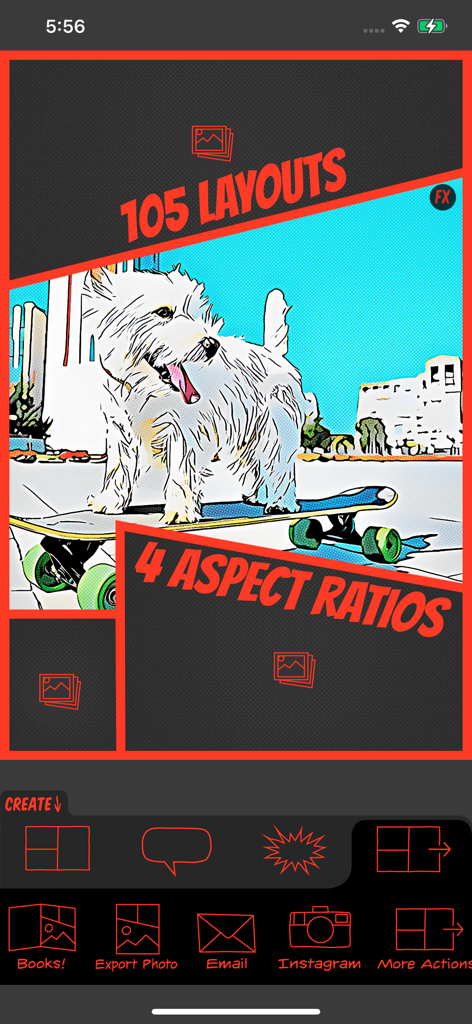
ComicBook! - ComicBook app interface showing a dog on a skateboard with a comic filter and various layout options
ComicBook app interface showing a dog on a skateboard with a comic filter and various layout options

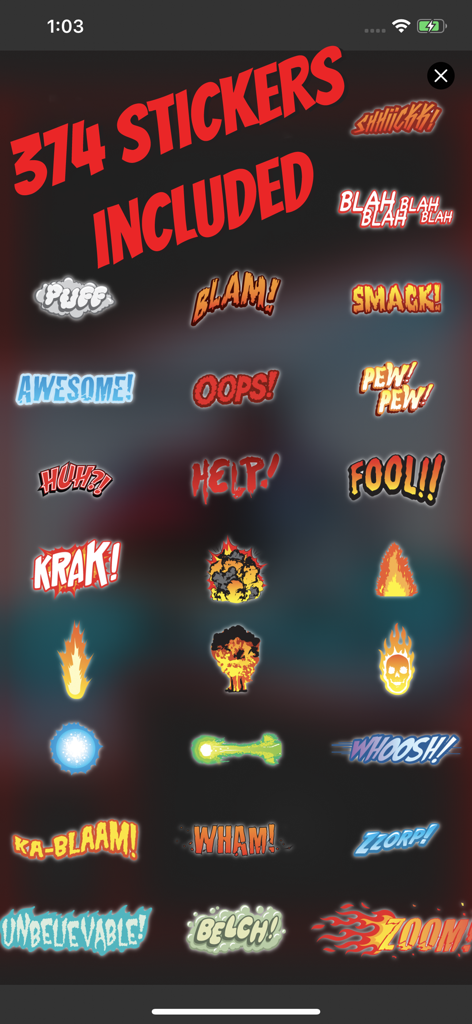
ComicBook! - A collection of hand drawn comic book sound effect stickers and explosion graphics from the ComicBook app

A collection of hand drawn comic book sound effect stickers and explosion graphics from the ComicBook app

Description

"The Best App for Making Comics: ComicBook!" - Mac|Life ComicBook! is YOUR Creative Superpowers! Transform the ordinary to share-worthy extraordinary easy as: B.A.M! Arm yourself with the best graphic effects, 105 inspiring layouts, 374 hand-drawn* comic Stickers, 12 caption and text tools, and auto-content from Flickr, and you have the superpowers to Rule the Universe - in Your stories! TOP-SELLING COMIC BOOK CREATION APP AWARDED iTUNES BEST PHOTO APP OF 2011 WAS APP OF THE WEEK WORLDWIDE YOUR IMAGES YOUR WAY Import images from your library and Flickr Capture a new image Scale, rotate & position imported images SUPERFX (optional) Best image to comic effects and true to image 8 auto styles, each with optional detail settings All have 4 CMYK halftone options All have 4 screen halftone options All have 4 line halftone options FX BUILDER From classic comic to Manga Each has 5 variations Each of those has 4 line options All have 4 CMYK halftone options All have 4 digital halftone options 10 LEGACY IMAGE FX FILTERS Automatic "Classic" style Adjustable Comic style Photo Adjustment filter Noir, Sinkcity, Poster, Moody, Rock & Hope Effects 374 AWESOME STICKERS INCLUDED Vast majority lovingly hand-drawn by Joanna Mulder! Paste PNG and JPG images as custom stickers Position, Mirror (flip), scale & rotate stickers Optional drop shadow and transparency 500+ additionally available 11 CAPTION TOOLS "Messy" option for drawn look; each is unique! Captions have small, medium & large fonts Customizable caption background colors Customizable caption text colors Curved pointers with hints 105 LAYOUTS INCLUDED Selectable aspect ratio (1:1, 3:2, 4:3 and 16:9) 15 Fun Photo Portrait Layouts 15 Classic Portrait Layouts 15 Classic Landscape Layouts 15 Vintage Portrait Layouts 15 Vintage Landscape Layouts 15 Modern Portrait Layouts 15 Modern Landscape Layouts BUILT-IN SHARING Twitter sharing Facebook sharing Instagram sharing Email JPG or PDF files Direct printing support 10 COMIC FONTS INCLUDED Fonts feature bold & international characters Title text tool in 6 colors and 3 sizes SAVING Save to photo library Save to editable** PDF files PDF files can be copied to your computer Open PDF files in any app that supports PDF Graphical project manager to save & restore projects EVEN MORE Set default font, font size, etc. Parental controls Tooltips Comprehensive online help and Quick Start Native Retina iPhone and iPad resolution SuperFX is available on devices with A12 and M1 and later processors as an in-app purchase with a free 2-week trial. Compared to our previous ComicBook! effects, SuperFX is a game-changer. It offers significant visual enhancements and improved resolution, and the SuperFX styles are fully automatic. They optionally have three different detail options, each with three different halftone types, including CMYK and an all-new line screen. Our SuperFX effects are high-definition and generated directly on the user's device, ensuring complete privacy and the ability to use them without an internet connection. At our core, we believe in preserving the original traits of a photo while adding cutting-edge effects. Unlike other generative AI, our models do not alter personalities or hallucinate objects. Additionally, we trained our models on ethically sourced and homemade datasets. *The one and only Joanna Mulder lovingly drew the vast majority of our 374 included stickers **PDF files are only editable in external applications such as Adobe Illustrator and Inkscape. We commit to continuously improving ComicBook! 2, and we encourage everyone to suggest ideas for future updates free of charge! Connect with us @3DTOPO on Twitter and Instagram! Rascal the cat images compliments of @rascal_wild Terms of Use (EULA): https://www.apple.com/legal/internet-services/itunes/dev/stdeula/

Download

Download on App Store

This page is not an official page of the app or its developer, but an independent editorial publication created for informational and commentary purposes. Unless expressly stated otherwise, neither the app nor its developer is affiliated with, endorsed by, sponsored by, authorized by, or otherwise officially connected with MWM, Apple, Google Play, the app publisher, or the app's developer, and nothing on this page implies that the app was developed using MWM's services. Any trademarks, logos, screenshots, and other content remain the property of their respective owners.