
This page is not an official page of the app or its developer, but an independent editorial publication created for informational and commentary purposes. Unless expressly stated otherwise, neither the app nor its developer is affiliated with, endorsed by, sponsored by, authorized by, or otherwise officially connected with MWM, Apple, Google Play, the app publisher, or the app's developer, and nothing on this page implies that the app was developed using MWM's services. Any trademarks, logos, screenshots, and other content remain the property of their respective owners.


TextingStory Chat Story Maker
Join 20 million creators turning simple text conversations into high-retention videos for TikTok, Reels, and YouTube. Just type, swipe to switch sides, and let our engine handle the timing—no editing skills required.
Downloads
10M+User Rating
Total Ratings
85K+Publisher
Category
EntertainmentLocales
12Latest Version
7.1.4Size
59.5 MBFirst Released
Feb 20, 2016Turn Your Ideas Into Viral Videos
The ultimate toolkit for creators to craft addictive chat stories, POV skits, and fanfiction that demand a 'Part 2'.
Seamless Multi-Character Chat
Switch sides instantly with a swipe to build tension and tell a story from every perspective effortlessly.
Instant Social-Ready Exports
Skip the complex editing. Create fast-paced, high-energy videos optimized for TikTok, Reels, and YouTube Shorts.
Frequently Asked Questions
Everything you need to know about TextingStory Chat Story Maker
What is TextingStory Chat Story Maker?
TextingStory is an app that allows users to create text message conversations, turn them into videos, and share them. It replicates messaging app interfaces for creative storytelling.
How do I change character names in TextingStory?
To change character names in TextingStory, long-press on any character within the character list to access their specific settings.
How can I change the message side in TextingStory?
In TextingStory, you can change the message side by swiping over the messages area or tapping the plus/camera button then "Change writing side." You can also edit an existing message's side.
Can I add pictures or GIFs to stories in TextingStory?
Yes, you can add pictures or GIFs to TextingStory stories. This feature requires purchasing the Storyteller or Pro upgrade within the app.
Why does the typing area not appear in TextingStory videos?
If the typing area does not appear in your TextingStory videos, check that the "Show typing" option is enabled in the video settings.
Does TextingStory record keystrokes during story creation?
Yes, TextingStory records every keystroke made during story creation. This allows users to include corrections, hesitations, or misspellings in their videos.
How does TextingStory handle video speed?
TextingStory automatically accelerates the videos. This ensures a consistently fast-paced result for the generated chat stories, regardless of the time taken to write.
Can TextingStory videos be shared on social media?
Yes, TextingStory videos can be shared on various social media platforms. The app supports sharing to platforms like YouTube, TikTok, Facebook, and Instagram.
Is TextingStory used for educational purposes?
Yes, TextingStory is a popular educational app. Educators use it to spice up course material and create hands-on activities for students.
Can users customize avatars in TextingStory?
Yes, TextingStory includes an Avatar Builder. Users can customize character avatars, choosing various features like hair and colors.
Does TextingStory offer AI style filters for conversations?
Yes, TextingStory offers various AI Style Filters. These filters, such as "Dad," "Chill," or "Robot," can change the tone and style of the conversation.
Where can I find the privacy policy for TextingStory?
The privacy policy for TextingStory is available at the following URL: https://yvz.fr/privacy/. This link is provided within the app's description.
The following screenshots and description are sourced directly from the app's official store listing and are the property of the app developer.
App Store
Screenshots
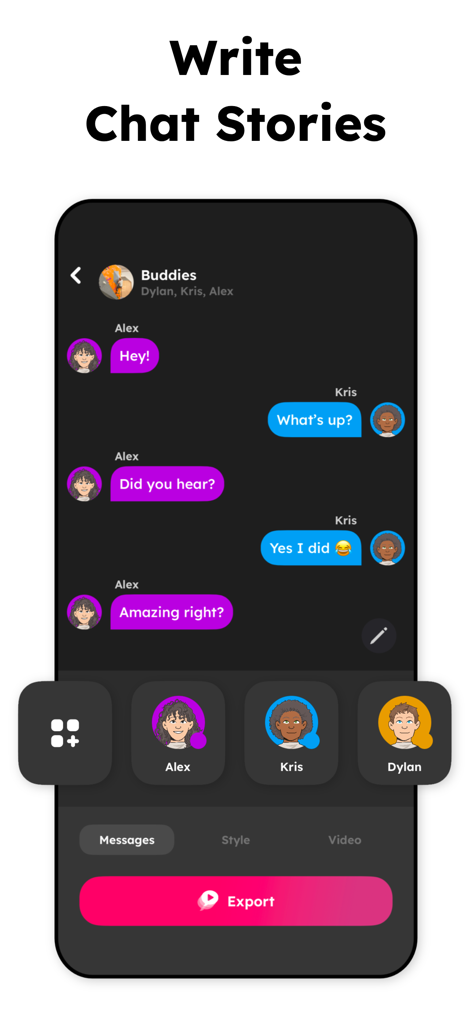
Mobile app interface showing a chat conversation with purple and blue bubbles and character avatars for storytelling
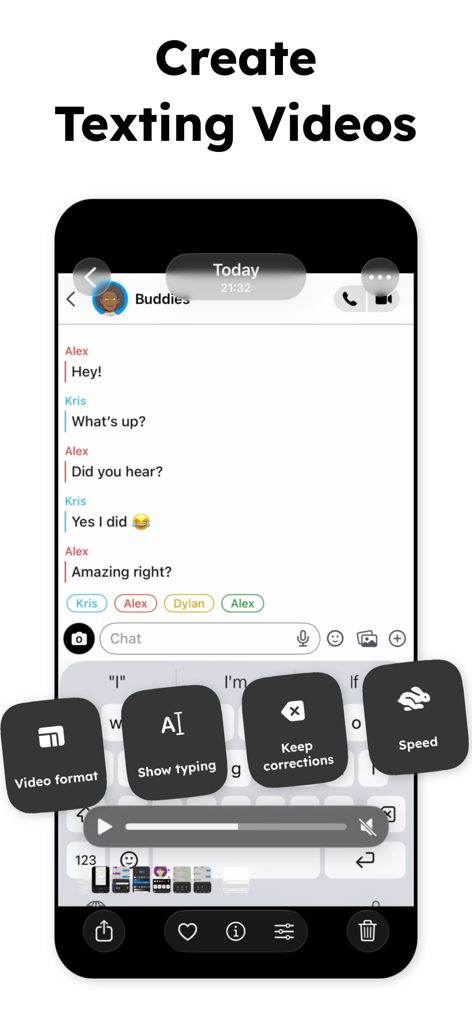
Interface of TextingStory app showing options to create texting videos with settings for video format and speed
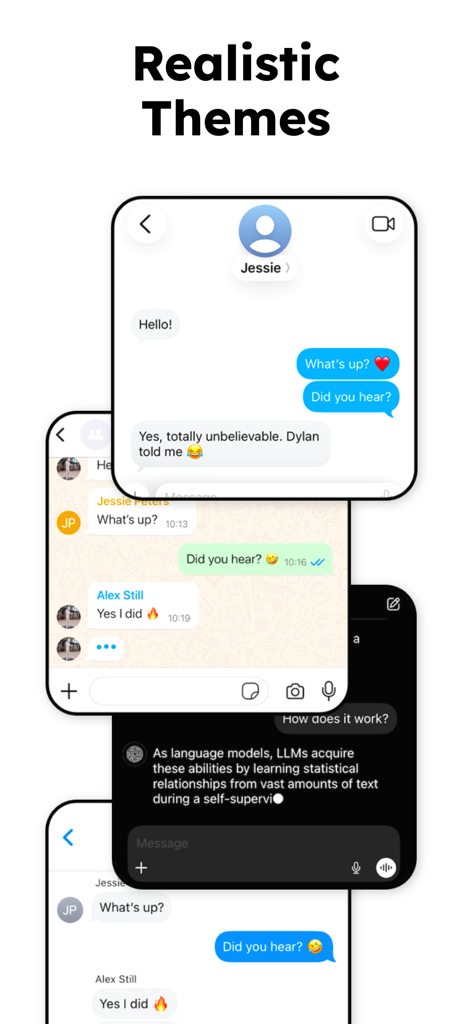
Showcase of multiple realistic chat interface themes in the TextingStory app including light and dark modes.
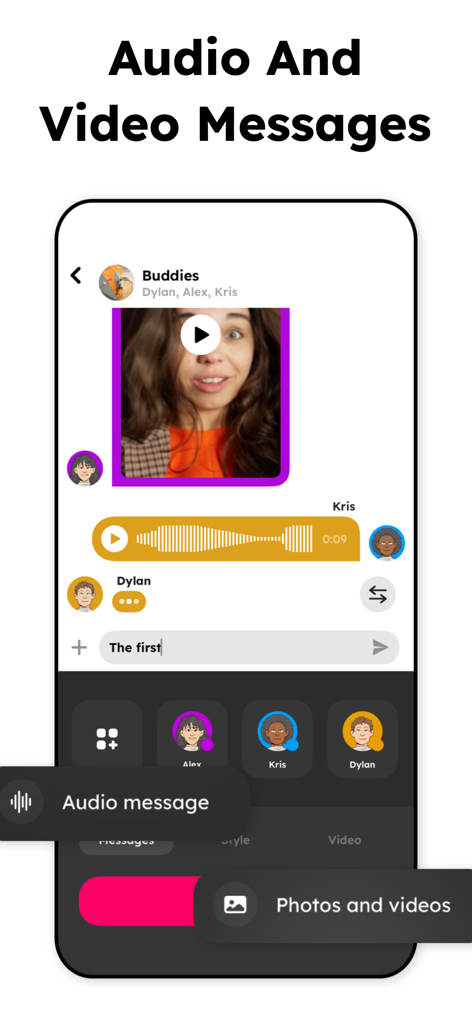
TextingStory app interface displaying video and audio message features in a group chat simulation
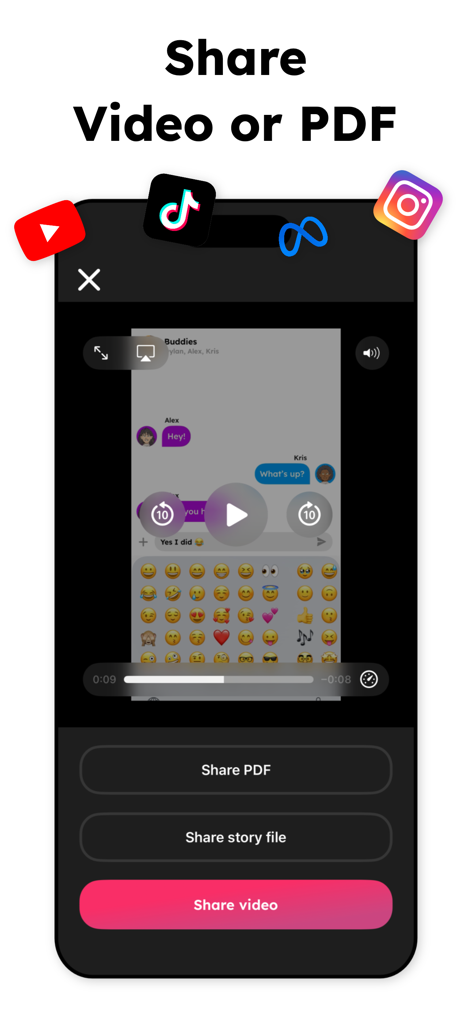
TextingStory app screen showing options to share chat stories as a video or PDF to social media platforms like TikTok and Instagram.
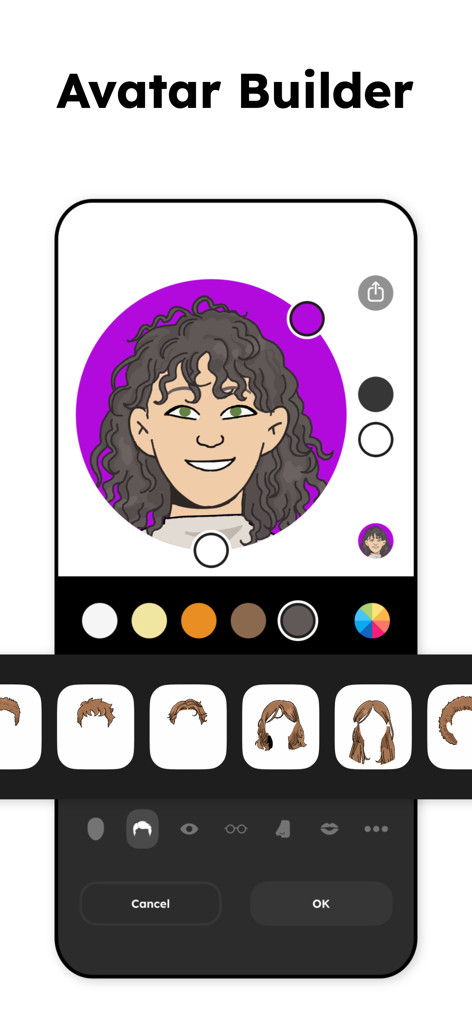
TextingStory app avatar builder screen showing a cartoon character customization interface with hair and color options
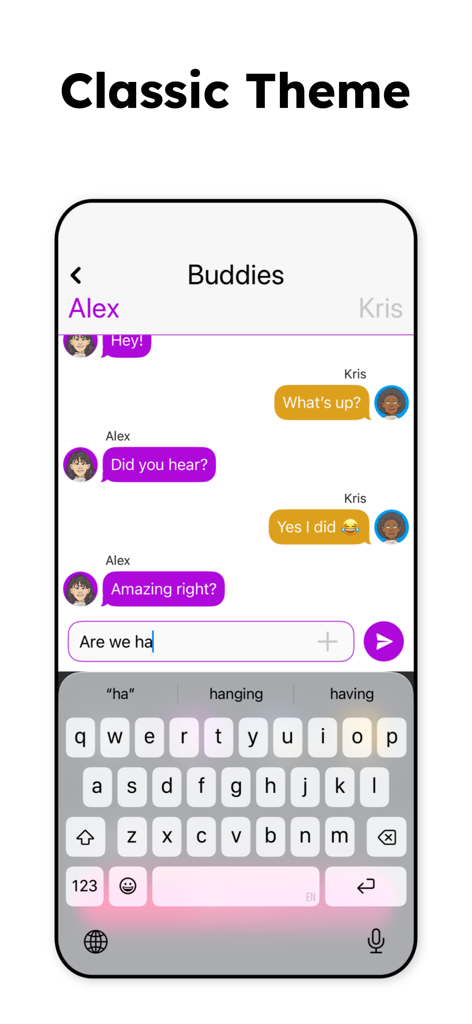
A mobile interface of the TextingStory app showing a conversation between two characters named Alex and Kris using the classic theme
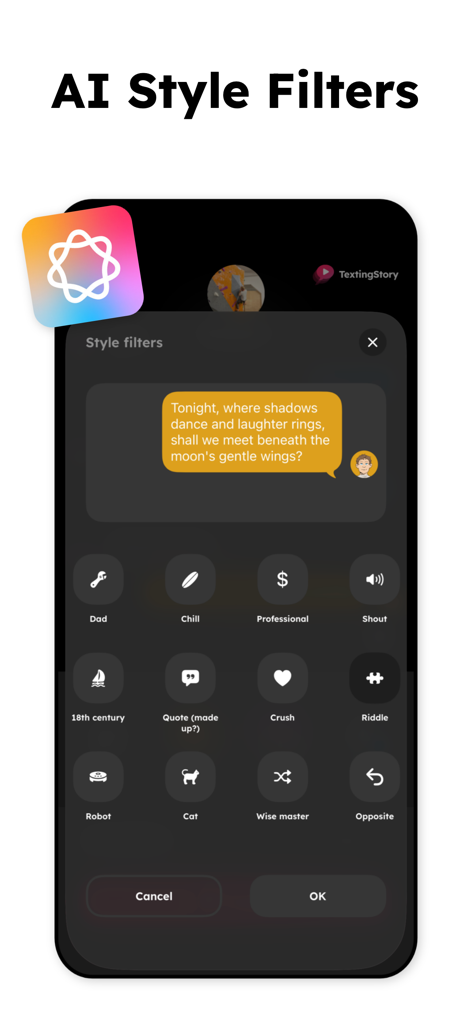
Interface showing different AI style filters for text messages in the TextingStory app
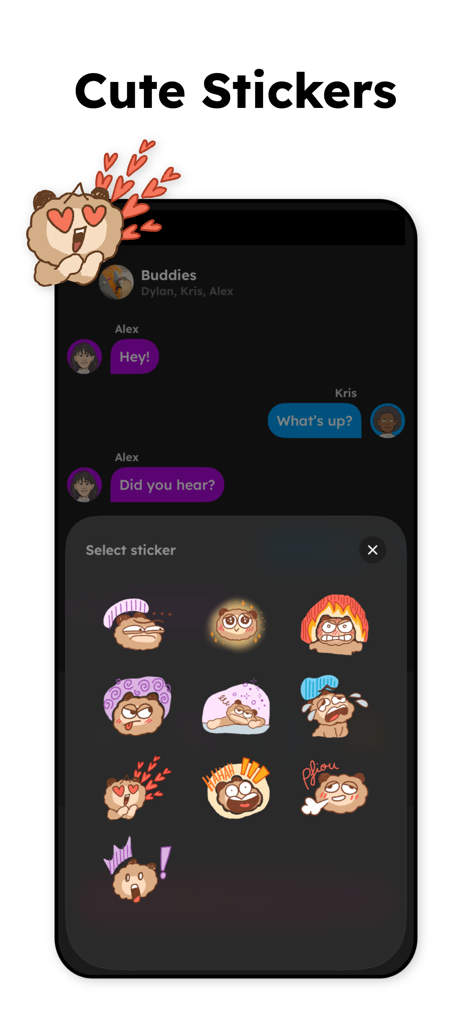
Interface of TextingStory app showing a variety of cute cartoon bear stickers to use in chat stories
Description
Download
More Like This
Apps with similar features and user experience

Readera Proge - Book Craft
Tran Van Thang

toongether: magic comics
Kartoon

Animaker: Animation Maker
Animaker Inc

CHOMP by Christoph Niemann
Fox and Sheep GmbH

ComicBook!
3DTOPO Inc.

众影AI动画-文字生成动漫视频,AI视频提取文案剧本
Shenzhen Tuyi Shibei Technology Co., Ltd.

Text Story Maker - ChatTales
Saturday Technologies Incorporated

Movie Adventure
Fox and Sheep GmbH

Doctor Who: Comic Creator
BBC Studios Distribution Ltd.
This page is not an official page of the app or its developer, but an independent editorial publication created for informational and commentary purposes. Unless expressly stated otherwise, neither the app nor its developer is affiliated with, endorsed by, sponsored by, authorized by, or otherwise officially connected with MWM, Apple, Google Play, the app publisher, or the app's developer, and nothing on this page implies that the app was developed using MWM's services. Any trademarks, logos, screenshots, and other content remain the property of their respective owners.