
This page is not an official page of the app or its developer, but an independent editorial publication created for informational and commentary purposes. Unless expressly stated otherwise, neither the app nor its developer is affiliated with, endorsed by, sponsored by, authorized by, or otherwise officially connected with MWM, Apple, Google Play, the app publisher, or the app's developer, and nothing on this page implies that the app was developed using MWM's services. Any trademarks, logos, screenshots, and other content remain the property of their respective owners.


Consors Finanz Mobile Banking
Take full control of your finances with real-time transparency. From instant cash transfers with CashClick to self-service repayment adjustments, manage your credit line anytime, anywhere with the security of BNP Paribas.
Downloads
1M+User Rating
Total Ratings
40K+Publisher
Category
FinanceLocales
2Latest Version
2.13.4Size
72.8 MBFirst Released
Jan 2, 2018Master Your Financial Freedom
Experience seamless credit management with real-time tracking, instant transfers, and total control over your limits—all in one secure app.
Instant Liquidity at Your Fingertips
Need cash fast? Use CashClick to transfer money from your credit line to your checking account instantly, whenever you need it.
Real-Time Tracking & Transparency
Stay informed with instant push notifications for every transaction and a real-time display of your current account balance and pending sales.
Frequently Asked Questions
Everything you need to know about Consors Finanz Mobile Banking
What is the Consors Finanz Mobile Banking app?
The Consors Finanz Mobile Banking app provides a comprehensive way to manage your credit card and account. It allows users to check credit limits, view transactions, and perform self-services anytime, anywhere.
Can I manage my credit limit with the Consors Finanz Mobile Banking app?
Yes, the Consors Finanz Mobile Banking app allows users to check their credit limit and utilize available funds around the clock, providing full transparency for their credit card.
How does the CashClick feature work in Consors Finanz Mobile Banking?
The CashClick function in Consors Finanz Mobile Banking enables users to quickly and easily transfer money from their credit line directly to their current account whenever needed.
Does the Consors Finanz Mobile Banking app provide real-time account updates?
Yes, Consors Finanz Mobile Banking provides real-time displays of your current account balance, pending transactions, and sends push notifications to keep you updated.
What security measures are implemented in the Consors Finanz Mobile Banking app?
The Consors Finanz Mobile Banking app ensures maximum security through personal authentication during login, strong encryption, and options like Face ID or password for access.
Can I adjust my repayment schedule using Consors Finanz Mobile Banking?
Yes, users can adjust their repayment terms, change the direct debit date, and modify their reference account within the self-service options of the Consors Finanz Mobile Banking app.
How do I get help or contact support for Consors Finanz Mobile Banking?
You can contact Consors Finanz support by sending an email to onlinebanking-feedback@consorsfinanz.de, as specified in the 'HILFE / KONTAKT' section of the app's description.
Is it possible to request a credit limit increase via Consors Finanz Mobile Banking?
Yes, the Consors Finanz Mobile Banking app includes self-service features that allow users to apply for a credit limit increase directly through the application.
The following screenshots and description are sourced directly from the app's official store listing and are the property of the app developer.
App Store
Screenshots
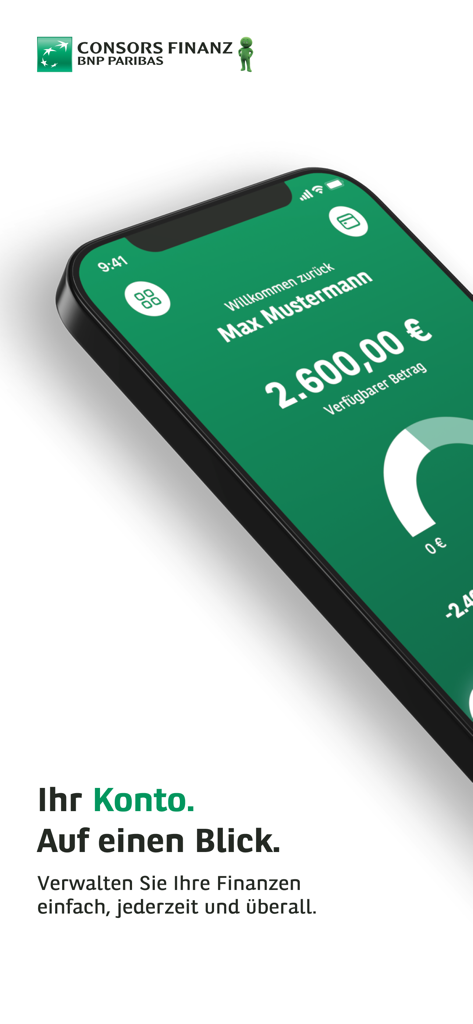
Consors Finanz Mobile Banking app interface showing account balance and available credit overview.
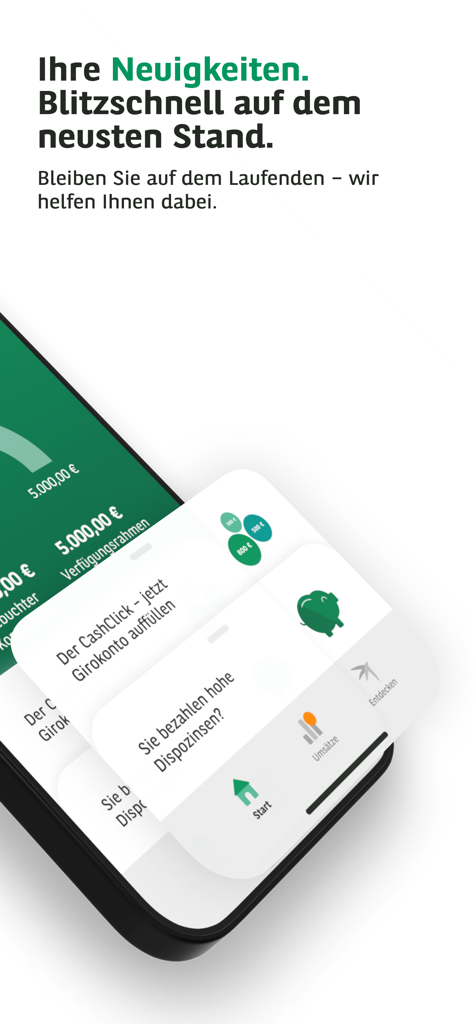
Consors Finanz mobile banking app interface showing a news feed and financial feature cards on a smartphone
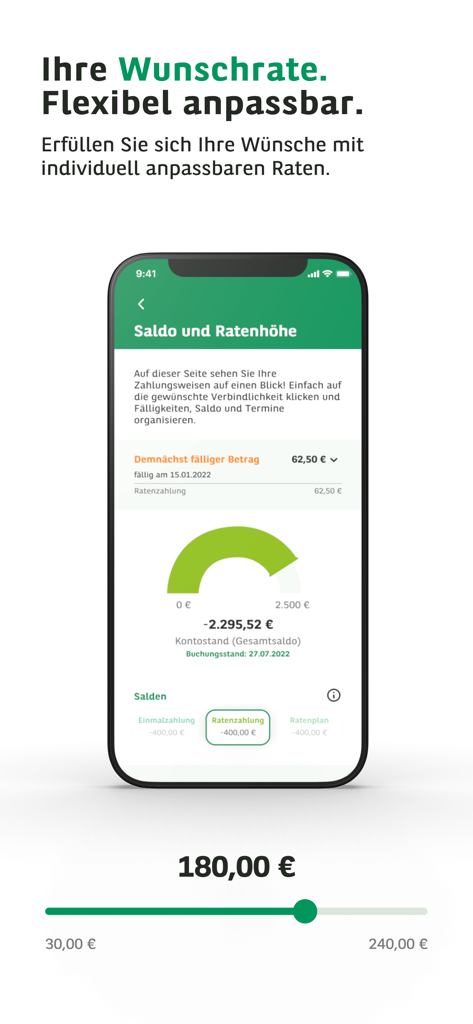
A mobile interface for the Consors Finanz app showing adjustable installment rates and current account balance overview.
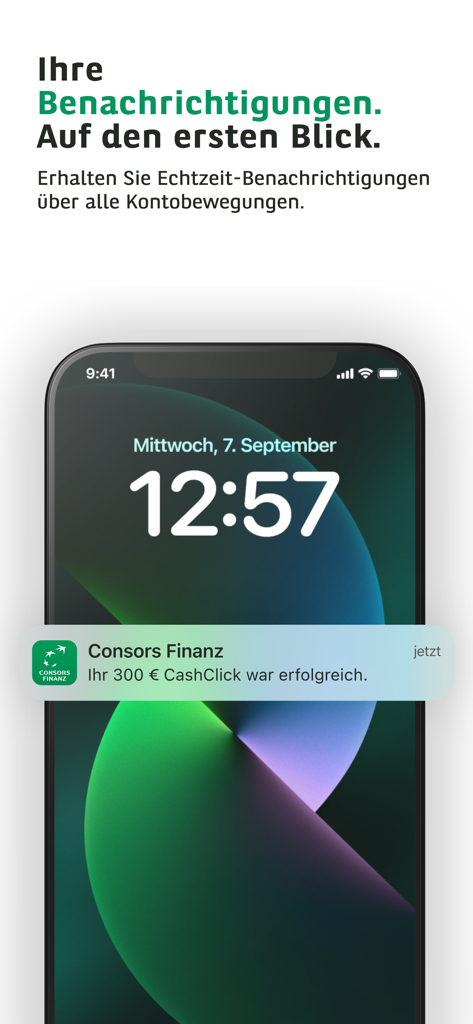
Consors Finanz app push notification on a smartphone lock screen showing a successful transaction.
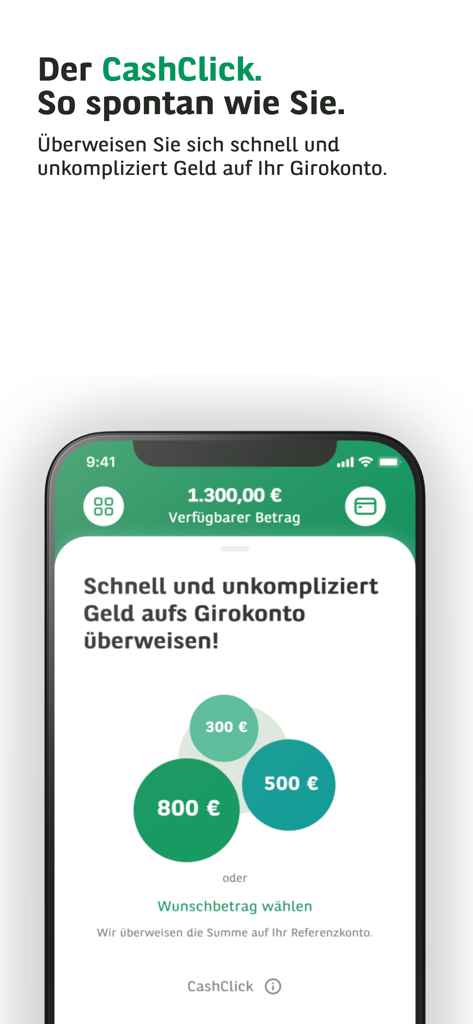
Consors Finanz app interface showing the CashClick feature for quick money transfers to a checking account with preset amount options
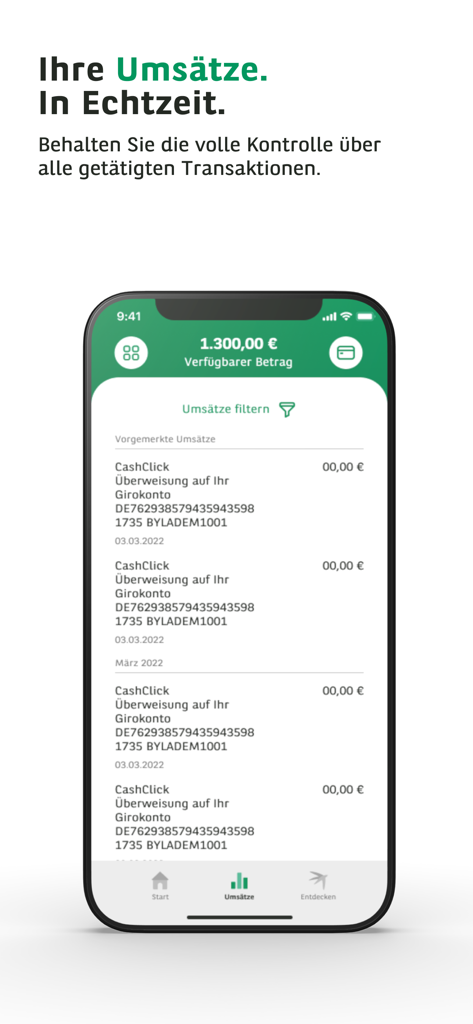
Consors Finanz app screen showing real-time transaction history and available credit balance
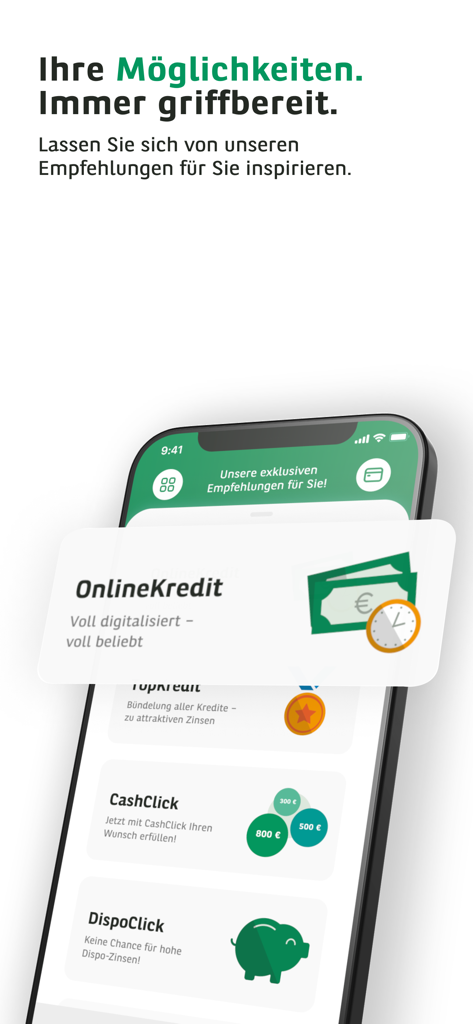
Consors Finanz mobile banking app interface showing online credit and cashclick options
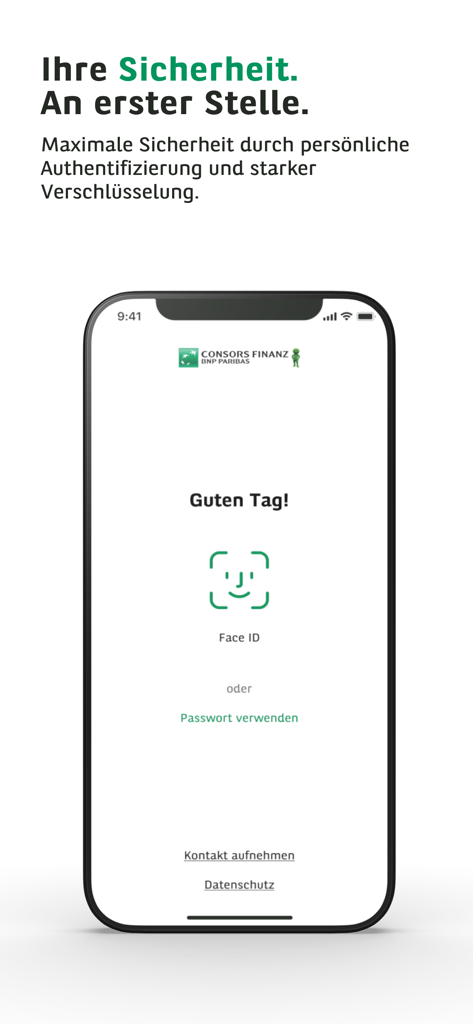
Consors Finanz mobile banking app login screen showing Face ID biometric authentication and security message
Description
Download
More Like This
Apps with similar features and user experience

掌上生活-招商银行信用卡
CHINA MERCHANTS BANK CO.,LTD.

平安口袋银行-更懂您的智能银行
PingAn Bank

Credit One Bank Mobile
Credit One Bank, National Association

MySynchrony
Synchrony Financial

买单吧-交通银行信用卡
Bank of Communications

浦大喜奔-浦发银行信用卡
Shanghai Pudong Development Bank Co.Ltd

Bread Financial
Bread Financial Holdings, Inc.

丰收互联
Zhejiang Rural Commercial United Bank

CareCredit Mobile
Synchrony Financial
This page is not an official page of the app or its developer, but an independent editorial publication created for informational and commentary purposes. Unless expressly stated otherwise, neither the app nor its developer is affiliated with, endorsed by, sponsored by, authorized by, or otherwise officially connected with MWM, Apple, Google Play, the app publisher, or the app's developer, and nothing on this page implies that the app was developed using MWM's services. Any trademarks, logos, screenshots, and other content remain the property of their respective owners.