
This page is not an official page of the app or its developer, but an independent editorial publication created for informational and commentary purposes. Unless expressly stated otherwise, neither the app nor its developer is affiliated with, endorsed by, sponsored by, authorized by, or otherwise officially connected with MWM, Apple, Google Play, the app publisher, or the app's developer, and nothing on this page implies that the app was developed using MWM's services. Any trademarks, logos, screenshots, and other content remain the property of their respective owners.


Coolblue
From visualizing TVs in your room with AR to finding the perfect accessories, we make shopping for electronics effortless and worry-free.
Downloads
1M+User Rating
Total Ratings
165K+Publisher
Category
ShoppingLocales
4Latest Version
3.59.1Size
162.8 MBFirst Released
Aug 4, 2017The Smarter Way to Shop Tech
Join over 1 million tech-savvy users who shop with total confidence using our curated tools designed to take the guesswork out of every upgrade.
Virtual Room Placement
Stop wondering if that TV is too big. Use AR to virtually place it on your wall or cabinet to ensure a perfect fit before you buy.
Data-Driven Comparisons
Compare any new smartphone directly against your current iPhone to see exactly how much you are gaining in speed, camera quality, and battery life.
Frequently Asked Questions
Everything you need to know about Coolblue
What features does the Coolblue App offer to users?
The Coolblue App offers features like fast product search, order tracking, product comparison, virtual TV placement, and accessory recommendations. Users can also register returns and access product information.
Does the Coolblue App allow users to virtually place TVs in their room?
Yes, the Coolblue App features augmented reality functionality. Users can virtually place TVs in their room to see them in real size on a cabinet or wall, assisting in the purchase decision.
How can users track their package delivery using the Coolblue App?
Users can easily track their package status by opening the Coolblue App. The app also supports notifications to inform users when their order is on its way.
Does the Coolblue App offer a feature to compare smartphones?
Yes, the Coolblue App allows users to compare a new smartphone with their own iPhone. This feature highlights improvements in size, speed, camera, and screen quality.
Can the Coolblue App be used for in-store product information?
Yes, customers can use the Coolblue App in-store. It allows scanning products to compare them, view specifications, and read reviews for a better shopping experience.
Does the Coolblue App help find suitable accessories for devices?
Yes, the Coolblue App checks and recommends suitable accessories for users' smartphones or tablets. It offers a selection of screen protectors, chargers, and other compatible items.
How can users provide feedback or ask questions about the Coolblue App?
Users can send an email to customerservice@coolblue.nl for any questions or comments regarding the Coolblue App. The Coolblue team actively works on daily improvements.
Is it possible to place orders directly within the Coolblue App?
Yes, users can place orders immediately after comparing products, viewing specifications, and reading reviews within the Coolblue App. The app facilitates the entire purchasing process.
Does the Coolblue App provide tips and tricks for products?
Yes, the Coolblue App provides tips and tricks for specific products. For example, it offers a manual and useful tips to get the most out of a Sony WH-1000XM4.
The following screenshots and description are sourced directly from the app's official store listing and are the property of the app developer.
App Store
Screenshots
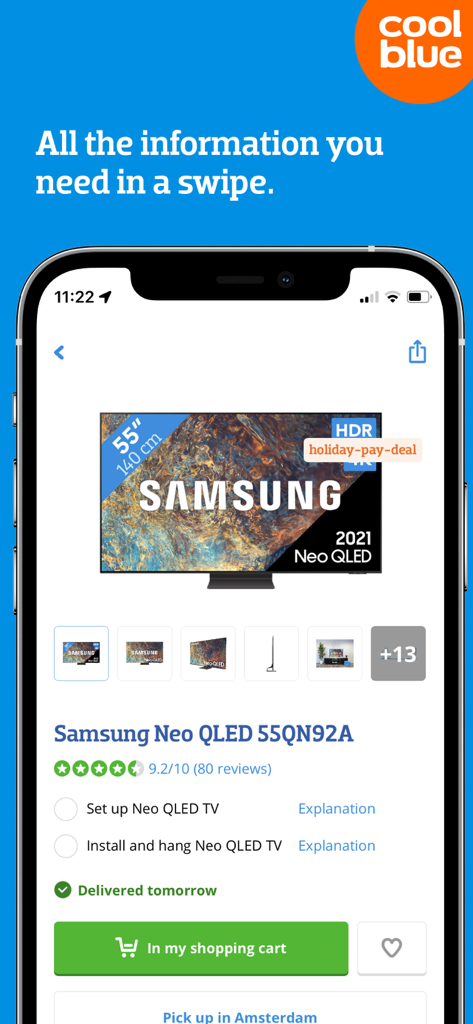
Coolblue app product page showing a Samsung Neo QLED TV with review ratings and shopping cart options
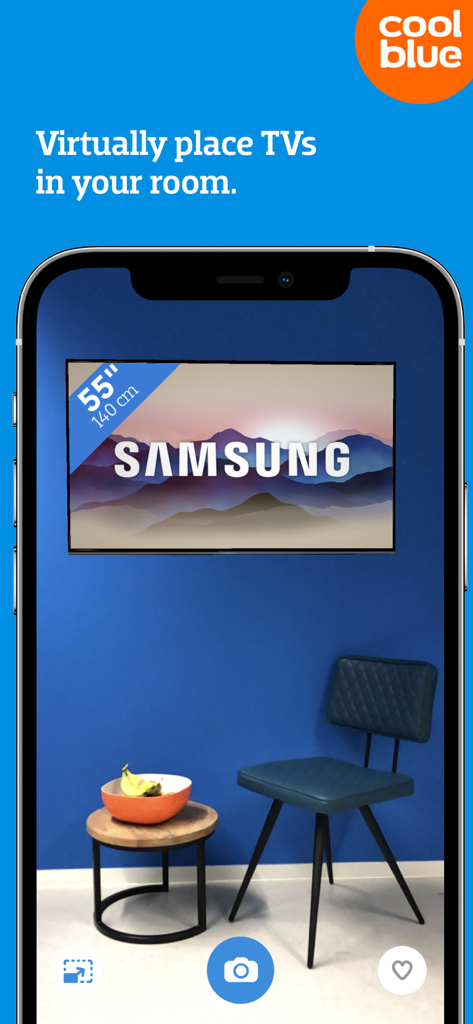
Smartphone screen showing the Coolblue app AR feature virtually placing a 55 inch Samsung TV on a living room wall
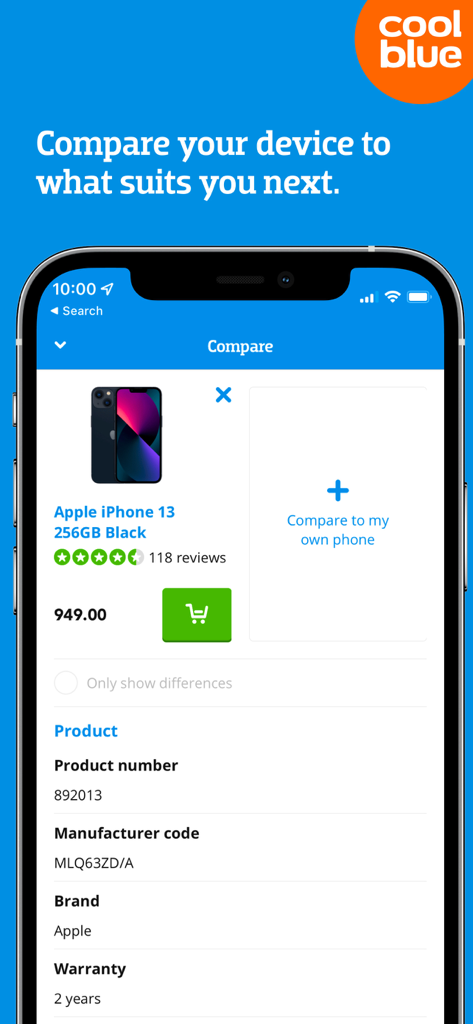
Coolblue app interface showing smartphone comparison tool for iPhone
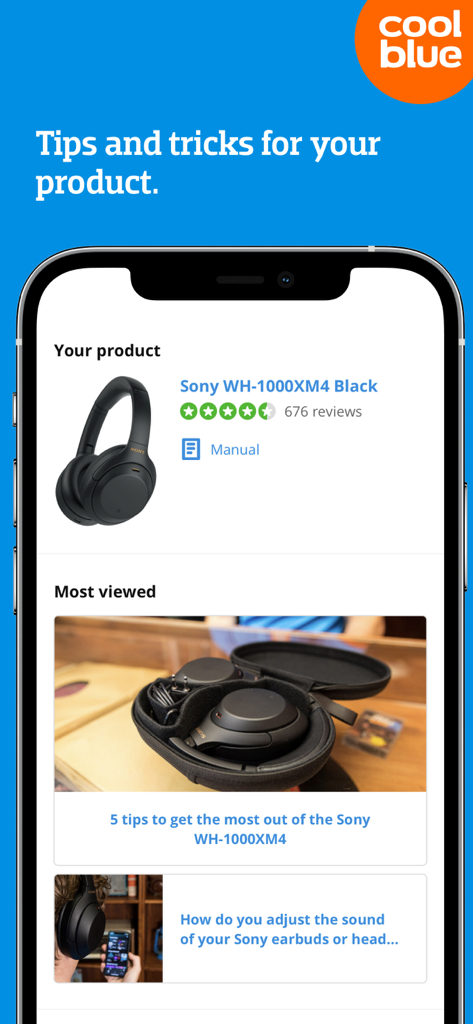
Coolblue app screen displaying product tips, manuals, and reviews for Sony headphones.
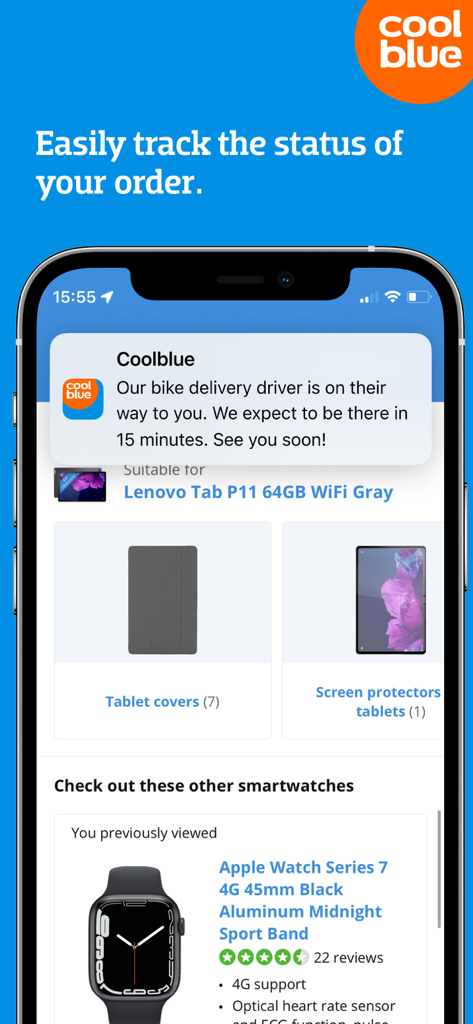
Coolblue app screenshot showing an order tracking notification and product recommendations for tablets and smartwatches.
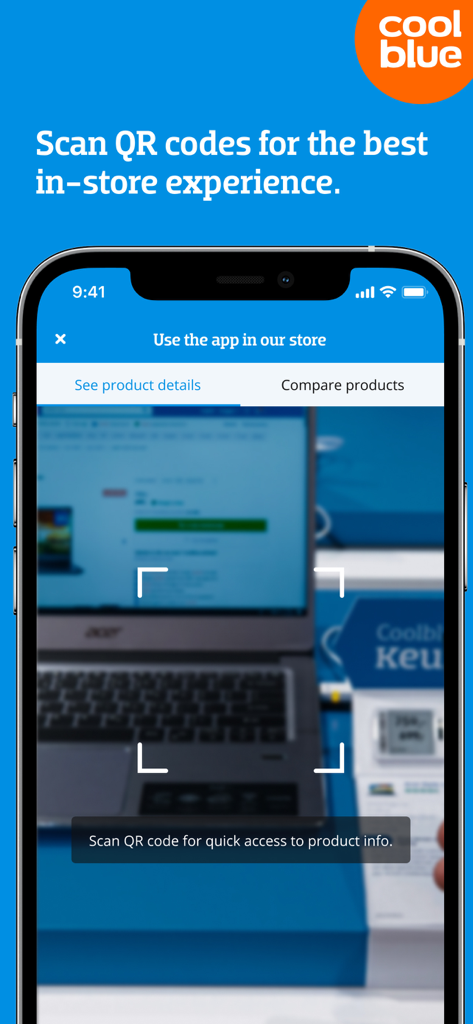
The Coolblue app scanning a QR code on a laptop in-store to show product details and comparisons.
Description
Download
More Like This
Apps with similar features and user experience

Best Buy: Tech Deals & Savings
Best Buy Co., Inc.

DNS-SHOP
DNS Retail, LLC.

GameStop
GameStop

九机网-手机&电脑&数码销售平台
Yunnan Jiuji information technology co., LTD

COMFY: shop online
COMFY Trade, Limited liability company

Технопарк: магазин электроники
TEKHNOPARK-TSENTR OOO

Фокстрот - інтернет магазин
ENTRI, TOV

Pontofrio: Compre online
Grupo Casas Bahia S.A.

Sulpak
ARENA S, TOO
This page is not an official page of the app or its developer, but an independent editorial publication created for informational and commentary purposes. Unless expressly stated otherwise, neither the app nor its developer is affiliated with, endorsed by, sponsored by, authorized by, or otherwise officially connected with MWM, Apple, Google Play, the app publisher, or the app's developer, and nothing on this page implies that the app was developed using MWM's services. Any trademarks, logos, screenshots, and other content remain the property of their respective owners.