
This page is not an official page of the app or its developer, but an independent editorial publication created for informational and commentary purposes. Unless expressly stated otherwise, neither the app nor its developer is affiliated with, endorsed by, sponsored by, authorized by, or otherwise officially connected with MWM, Apple, Google Play, the app publisher, or the app's developer, and nothing on this page implies that the app was developed using MWM's services. Any trademarks, logos, screenshots, and other content remain the property of their respective owners.


Copper CRM
Stop wasting time on manual data entry. Effortlessly manage your leads, projects, and relationships from your iPhone and the Gmail inbox you already use every day.
Downloads
3K+User Rating
Total Ratings
700Publisher
Category
BusinessLocales
6Latest Version
7.13.0Size
91.3 MBFirst Released
Jan 9, 2015The CRM That Works Where You Do
Built natively for Google Workspace, Copper eliminates manual data entry and automates your sales process so you can focus on growing your business.
Seamless Google Integration
No more switching tabs. Access your leads, deals, and customer history directly within Gmail, Calendar, and Drive for a frictionless workflow.
Zero-Effort Data Capture
Copper automatically syncs your contacts and emails. Log notes via voice-to-text and scan business cards instantly while you are on the go.
The following screenshots and description are sourced directly from the app's official store listing and are the property of the app developer.
App Store
Screenshots
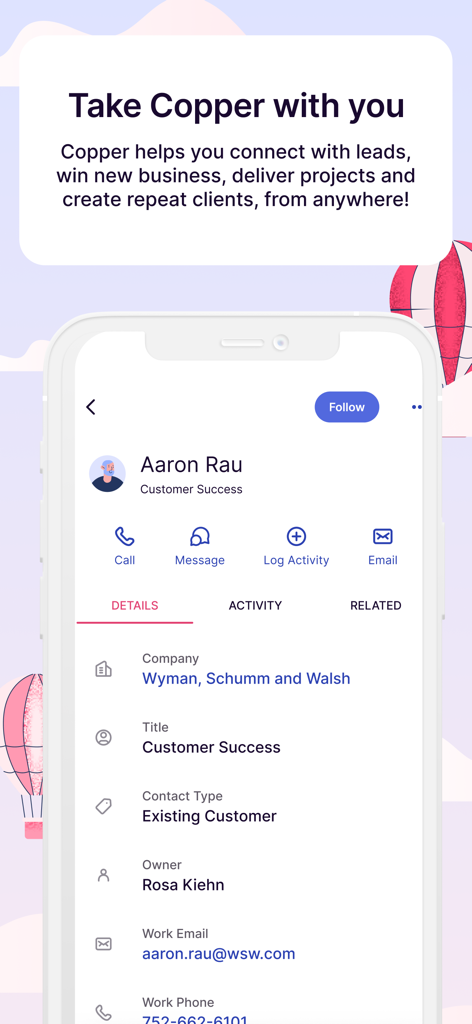
Copper CRM mobile app displaying a customer profile with quick actions for calling and emailing
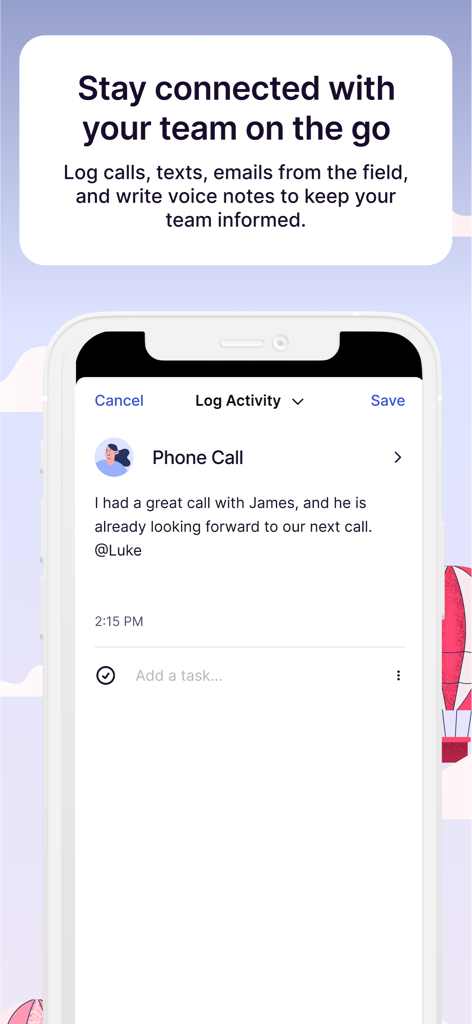
Copper CRM mobile app screen for logging phone calls and team notes
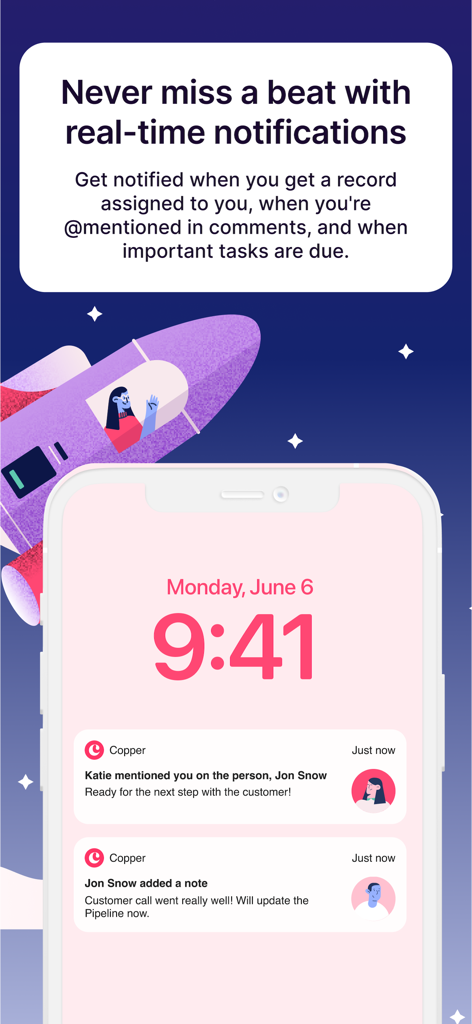
Copper CRM real-time notifications on an iPhone lock screen showing team mentions and activity updates
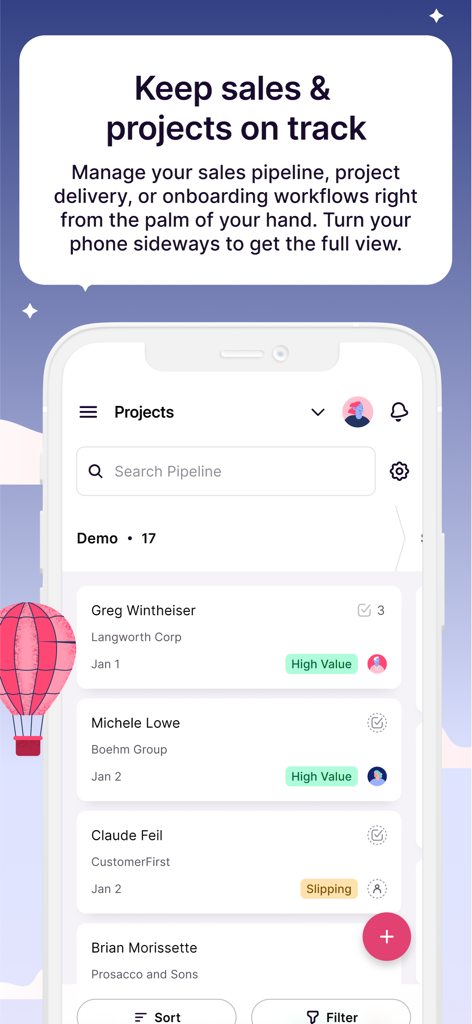
Copper CRM mobile interface showing project lists and sales pipeline status
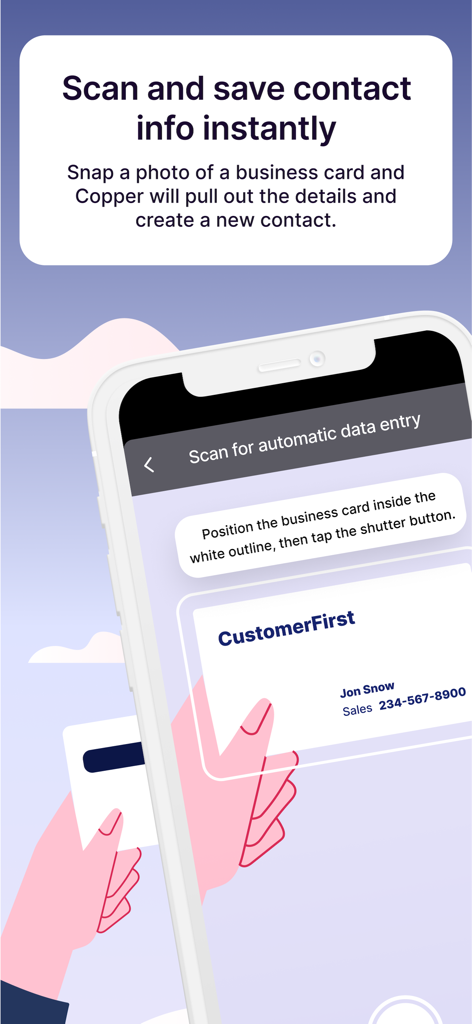
Copper CRM mobile app interface showing business card scanning for instant contact creation
Description
Download
More Like This
Top-ranked apps in the same category

Microsoft Teams
Microsoft Corporation

Zoom Workplace
Zoom Communications, Inc.

WhatsApp Business
WhatsApp Inc.

Indeed Job Search
Indeed Inc.

LinkedIn: Network & Job Finder
LinkedIn Corporation

Adobe Acrobat Reader: Sign PDF
Adobe Inc.

DingDing - Redefine Work in AI
DingTalk Technology Co., Ltd.

WeCom-Work Communication&Tools
Tencent Technology (Shenzhen) Company Limited

BOSS直聘-招聘求职找工作神器
Beijing China Product Bo Farce Network Technology Co., Ltd.
This page is not an official page of the app or its developer, but an independent editorial publication created for informational and commentary purposes. Unless expressly stated otherwise, neither the app nor its developer is affiliated with, endorsed by, sponsored by, authorized by, or otherwise officially connected with MWM, Apple, Google Play, the app publisher, or the app's developer, and nothing on this page implies that the app was developed using MWM's services. Any trademarks, logos, screenshots, and other content remain the property of their respective owners.