Core Image Tools
Core Image Tools
Download on App Store

This page is not an official page of the app or its developer, but an independent editorial publication created for informational and commentary purposes. Unless expressly stated otherwise, neither the app nor its developer is affiliated with, endorsed by, sponsored by, authorized by, or otherwise officially connected with MWM, Apple, Google Play, the app publisher, or the app's developer, and nothing on this page implies that the app was developed using MWM's services. Any trademarks, logos, screenshots, and other content remain the property of their respective owners.

Logo of Core Image Tools
Download on App Store

Core Image Tools

The lightweight Swiss Army knife for your photos. Resize, chroma-key, and create 3D assets with a simple, one-tap workflow across iPhone, iPad, Mac, and Vision Pro.

Key Figures

Downloads

200

User Rating

1.0/5

Total Ratings

0

Publisher

Lino Bailey

Category

Graphics & Design

Locales

1

Latest Version

4.0

Size

41.6 MB

First Released

Jul 5, 2025
Features

A Professional Toolbox for Your Entire Apple Ecosystem

Skip the complex layers and expensive subscriptions. Access over 100 powerful image editing tools designed for speed, precision, and high-performance results across iPhone, Mac, and Vision Pro.

Technical Precision for Pros

Go beyond basic filters with actual pixel resizing, 3D texture mapping, and professional app icon generation tailored for developers and indie creators.

Frictionless Multi-Device Workflow

A seamless 'Pick, Apply, Save' loop that removes the need for manual file management, allowing you to iterate effortlessly across your desktop and mobile devices.

The following screenshots and description are sourced directly from the app's official store listing and are the property of the app developer.

App Store

Screenshots
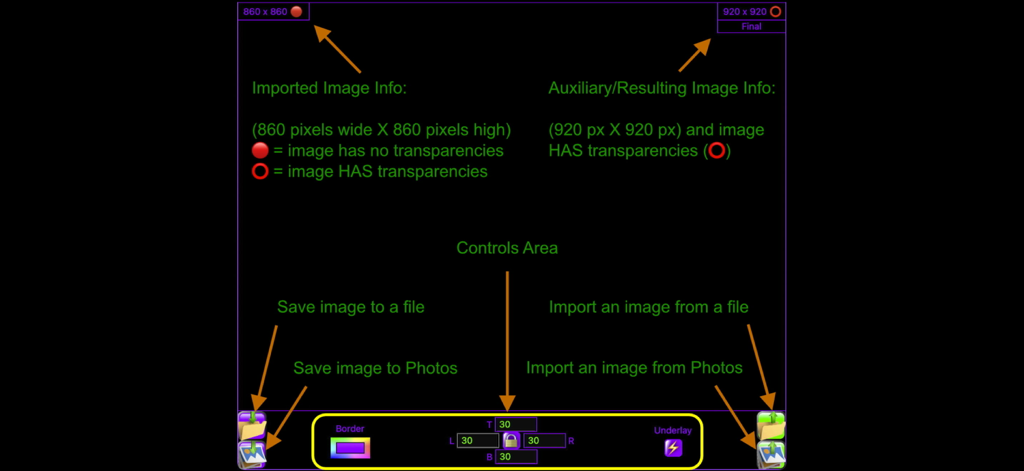
Core Image Tools - A diagram explaining the user interface of the Core Image Tools app including image metadata and file controls
A diagram explaining the user interface of the Core Image Tools app including image metadata and file controls

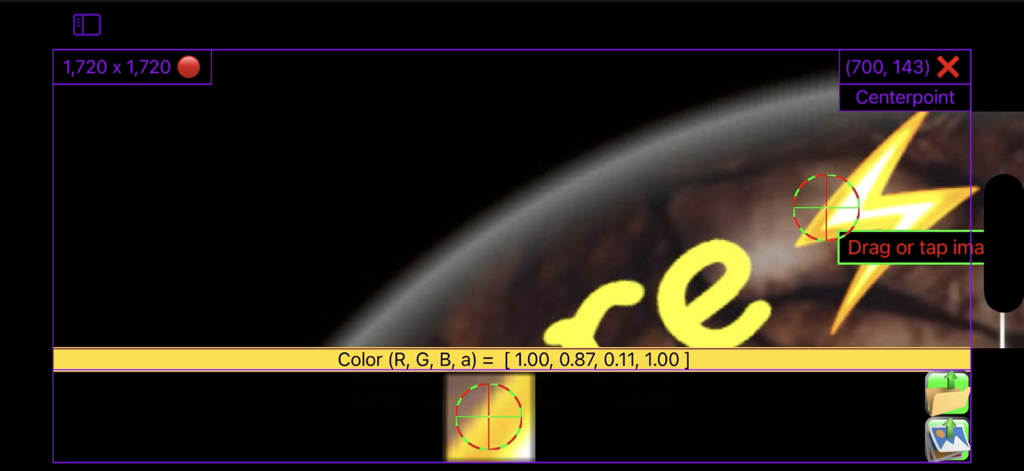
Core Image Tools - User interface of the Core Image Tools app showing technical coordinates and RGBA color data for image editing
User interface of the Core Image Tools app showing technical coordinates and RGBA color data for image editing

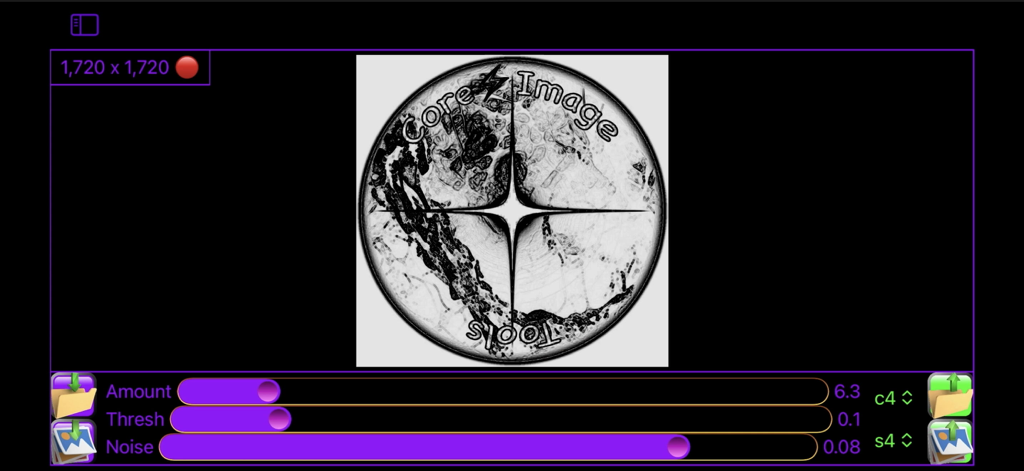
Core Image Tools - Core Image Tools application interface showing image editing sliders for amount threshold and noise on a circular logo
Core Image Tools application interface showing image editing sliders for amount threshold and noise on a circular logo

Core Image Tools - Core Image Tools mobile application interface showing scale and radius adjustment sliders
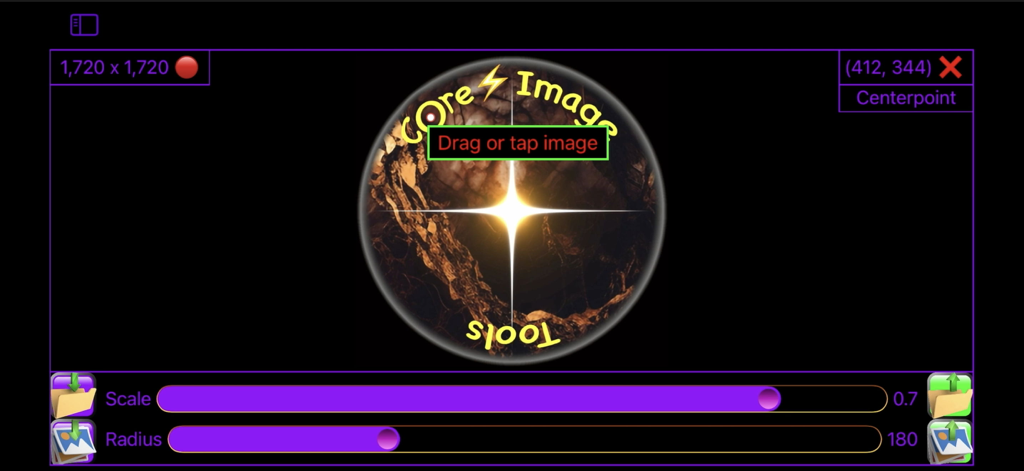
Core Image Tools mobile application interface showing scale and radius adjustment sliders

Core Image Tools - Core Image Tools interface showing a normal map texture generation for a logo with amount and smooth sliders
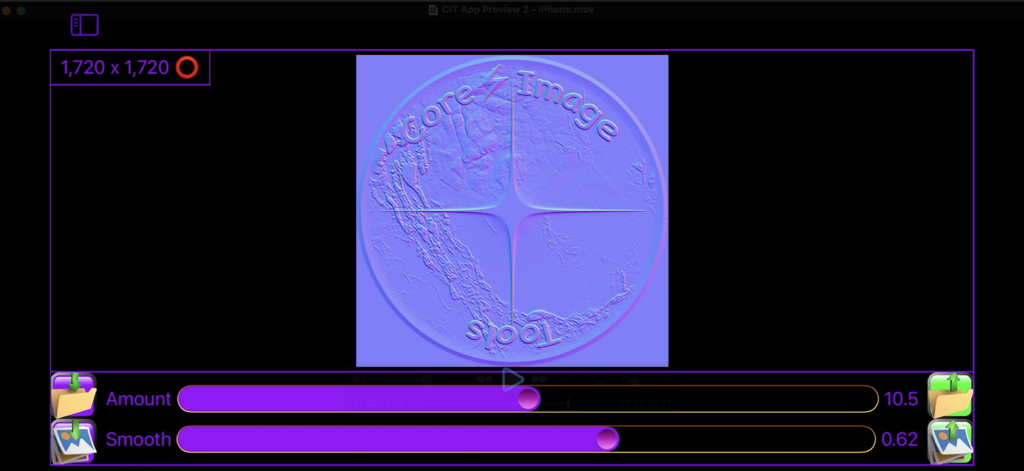
Core Image Tools interface showing a normal map texture generation for a logo with amount and smooth sliders

Core Image Tools - User interface showing a radial gradient circle being created with 1024 by 1024 dimension settings and add button
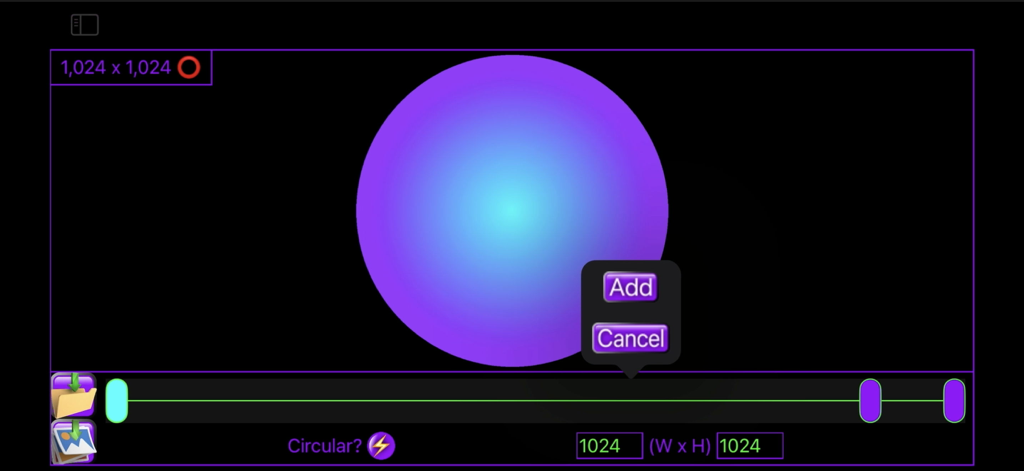
User interface showing a radial gradient circle being created with 1024 by 1024 dimension settings and add button

Core Image Tools - Core Image Tools app interface showing a radial zoom blur effect with a control slider and coordinate display
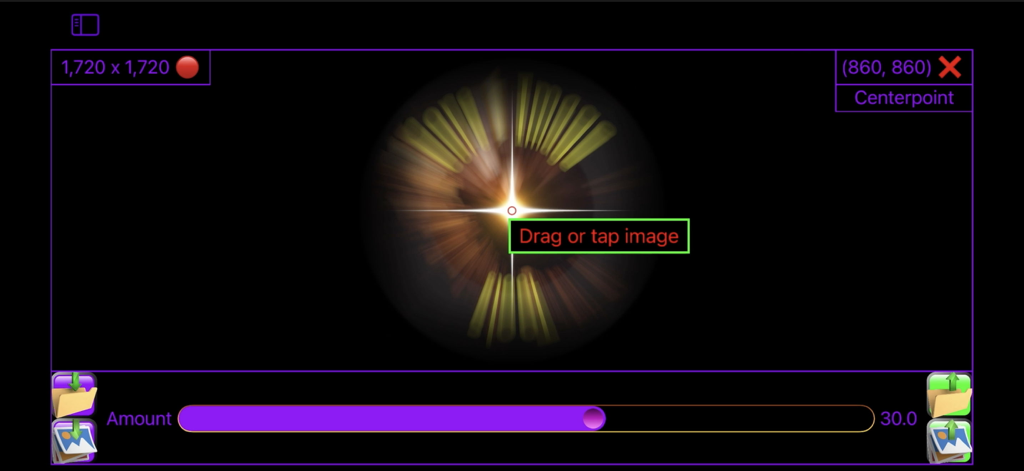
Core Image Tools app interface showing a radial zoom blur effect with a control slider and coordinate display

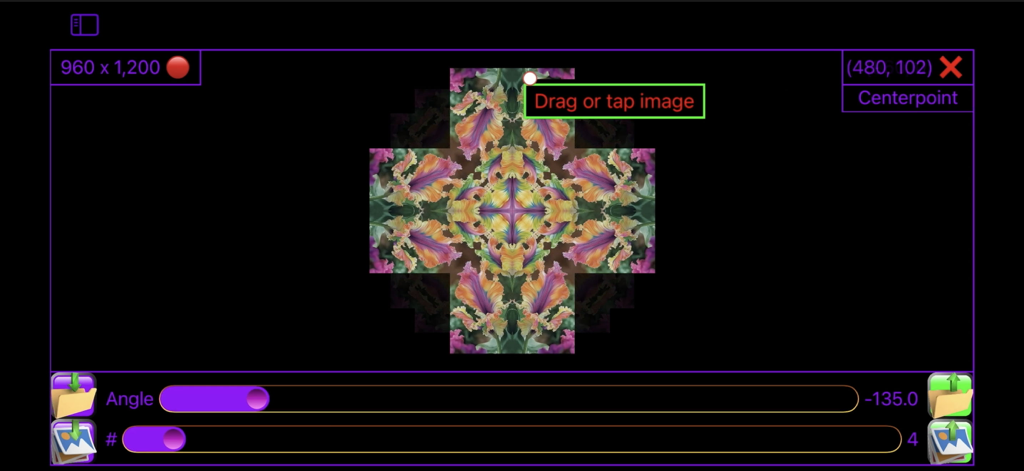
Core Image Tools - User interface of Core Image Tools app showing a floral kaleidoscope effect with angle and reflection count sliders.
User interface of Core Image Tools app showing a floral kaleidoscope effect with angle and reflection count sliders.

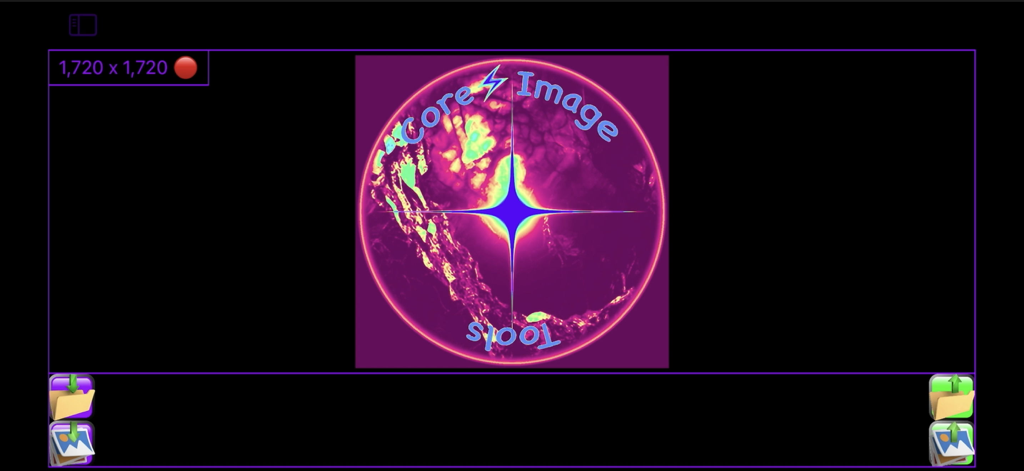
Core Image Tools - Main screen of Core Image Tools app featuring a glowing logo and image resolution display
Main screen of Core Image Tools app featuring a glowing logo and image resolution display

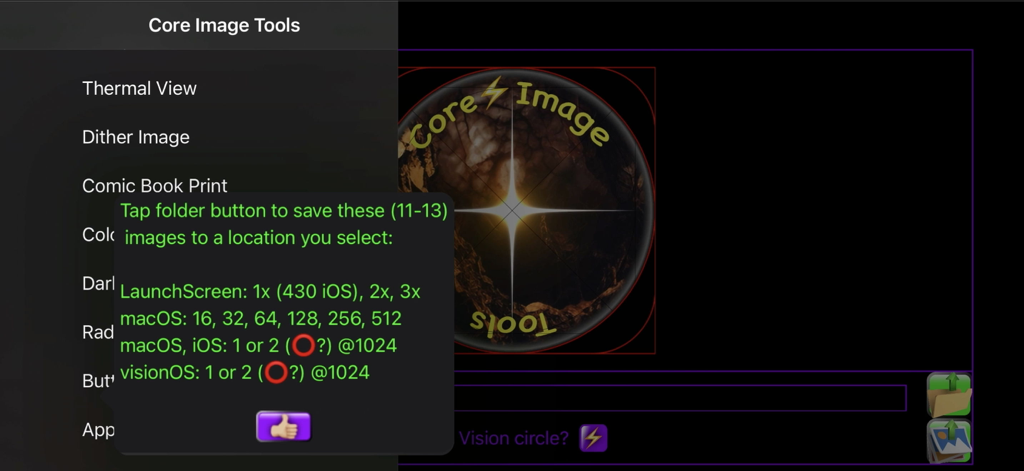
Core Image Tools - A screenshot of the Core Image Tools app showing export options for iOS, macOS, and visionOS icons.

A screenshot of the Core Image Tools app showing export options for iOS, macOS, and visionOS icons.

Description

Over 100 code files of powerful image editing tools, presented in the simplest user interface. Like most workshops, you use several tools to accomplish a task. Core Image Tools is a large toolbox to reach into, to accomplish many complex effects, one simple step at a time. Lightweight yet Powerful: Edit, enhance, resize, rotate, & add effects to your photos|images from the palm of your hand, while you're on the go, or also from your desktop|laptop. Multi-Platform: Use the same app across your devices - iPhones, iPads, Macs, & Vision. Super-Simple Workflow: Pick a Photos image, apply an effect, tap save - done! Want more? Pick that saved image, apply some other effect to it, tap save - done! Loop the image through as many edits|effects as desired & always have a hardcopy in Photos of each step along the way. Plus you'll always have your original, & never had to type in a single filename throughout the entire process. Resize Images: ACTUALLY resize images, not just crop them down or zoom in. Also, you can ADD color|transparent|semi-transparent pixels to any edge of an image to resize it, or offset it, using 'Border'. Flip|Mirror: Quickly mask|mirror a brand name out of your selfie. Flip|mirror an image, horizontally and|or vertically, with one tap. Use 'Skew' to straighten, keystone-correct, zoom, mirror, & crop all at once. Smooth: Use 'Blur, Selfie Smoother' to iron out a few wrinkles, de-focus skin blemishes, or smooth out other unwanted details. Line|Edge Drawn: Make an image look as if it was drawn|sketched using an ink pen, pencil, charcoal, colored pencils, colored chalk, light-pen, watercolored, wax-scratched (scratch-art), or made entirely out of dots|square pixels|points|hex-pixels|or crystalized. Bump Distortion: Kids of all ages (Mom? Dad?) love to swell up, or shrink down, faces & parts of people - give dad a superhero chin, a sibling one big eye & one little one, a bubbled alien-forehead of a friend - endless fun. Wish you had a smaller nose - shrink it. Wish you had bigger biceps or shoulders - pump 'em up. Wonder what implants would look like - find out. Zoom in on, & bring attention to, any feature in an image, especially for technical uses, like highlighting a capacitor on a PCB, or a component of a wiring schematic. Overlay Images: Including resizing, repositioning, & rotating them. Overlay your logo or business card over an image. Also, you can make an entire image of a transparent, or semi-transparent color & overlay that over your image, adding a color filter effect to the entire image. Chroma-Keyers (6 types!): Remove red, green, or blue-screen, or any color. Maybe make transparent overlays out of them? Maybe use 'Polygon|Star' to make color-keyed shapes for transparency masks. Checkerboard: Make checkerboard designs - just pick your colors, including clear|transparent. Blurs: Gaussian Blur, Zoom Blur, Motion Blur, Glow|Bloom, & other blur effects. 3D|Graphics|Cube Images: Make your textures|shaders, tile them, rotate them, make normal|bump maps from them for enhanced lighting effects. Mirrored|seamless tiles, multicolored gradients (linear & radial, plus gradients scale perfectly & tile infinitely from one small image - very efficient). Use 'Alpha to Grayscale' to map out image transparencies for your texture|shader's opacity channel. The best skybox|cube image tools too! Color & Light Adjusters: Many options - brightness, contrast, saturation, exposure, gamma, vibrance, opacity. Try 'Dark Document Enhancer' on a dark document or a scan that you want to enhance. Grayscale Images: Select from 5 grayscale modes each honed for specific imaging challenges. Animated Image Player: Play, pause, slow down, speed-up, & reverse animated images. Kaleidoscopes: Do you like kaleidoscopes? Oh yeah! Gotcha covered there! Over a dozen types. Infinite possibilities just from one image, & the default image is of the most beautifully colored flowers. Developers: Make App Icons, Buttons, & Radio buttons.

Download

Download on App Store

This page is not an official page of the app or its developer, but an independent editorial publication created for informational and commentary purposes. Unless expressly stated otherwise, neither the app nor its developer is affiliated with, endorsed by, sponsored by, authorized by, or otherwise officially connected with MWM, Apple, Google Play, the app publisher, or the app's developer, and nothing on this page implies that the app was developed using MWM's services. Any trademarks, logos, screenshots, and other content remain the property of their respective owners.







