
This page is not an official page of the app or its developer, but an independent editorial publication created for informational and commentary purposes. Unless expressly stated otherwise, neither the app nor its developer is affiliated with, endorsed by, sponsored by, authorized by, or otherwise officially connected with MWM, Apple, Google Play, the app publisher, or the app's developer, and nothing on this page implies that the app was developed using MWM's services. Any trademarks, logos, screenshots, and other content remain the property of their respective owners.


CozyBlanket
Ditch the desk and master model optimization from your sofa. Turn tedious technical tasks into a satisfying, tactile experience with a powerful Apple Pencil-first workflow.
Downloads
90K+User Rating
Total Ratings
300Publisher
Category
Graphics & DesignLocales
1Latest Version
2.1.7Size
377.3 MBFirst Released
Apr 11, 2022Turn Tedious Tasks into Relaxing Workflows
CozyBlanket brings professional-grade retopology, UV unwrapping, and baking to your iPad, transforming the most technical parts of your 3D pipeline into a tactile, enjoyable experience.
Intuitive Pencil-First Retopology
Skip the mouse and keyboard. Create clean edge flows, patches, and grids by drawing directly on your high-poly sculpts for a game-like, puzzle-solving feel.
Seamless Desktop Integration
Avoid file management fatigue with our network protocol. Stream geometry directly from your PC to your iPad and back without the need for exporting.
The following screenshots and description are sourced directly from the app's official store listing and are the property of the app developer.
App Store
Screenshots
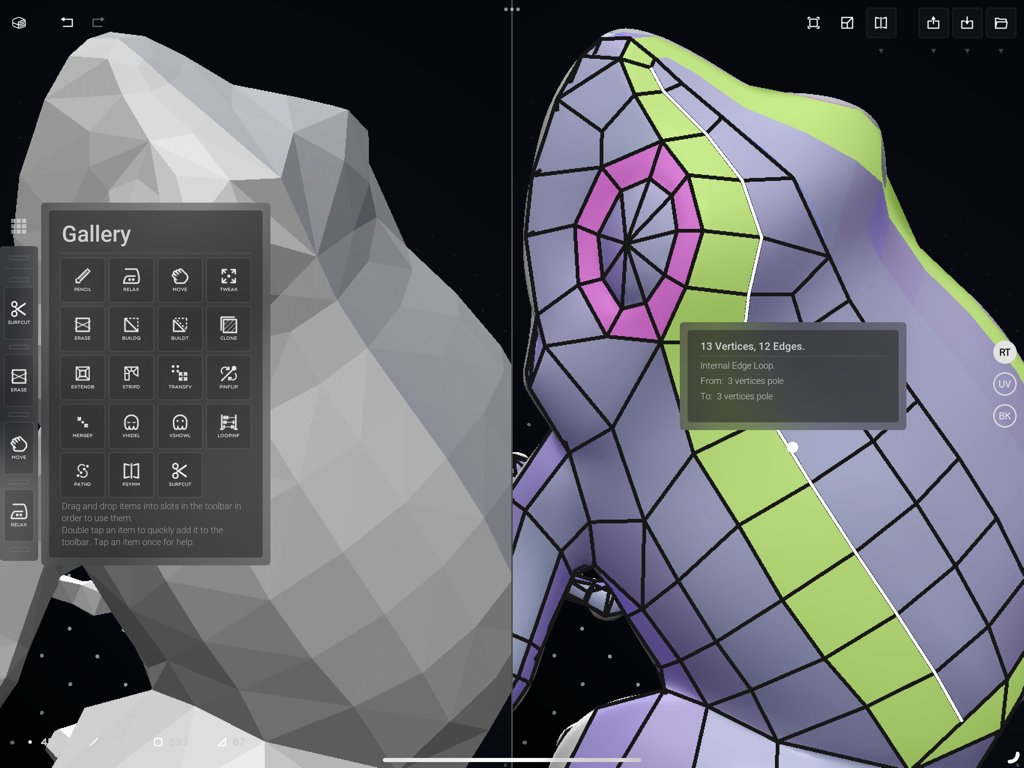
CozyBlanket app interface showing 3D model retopology and tool gallery
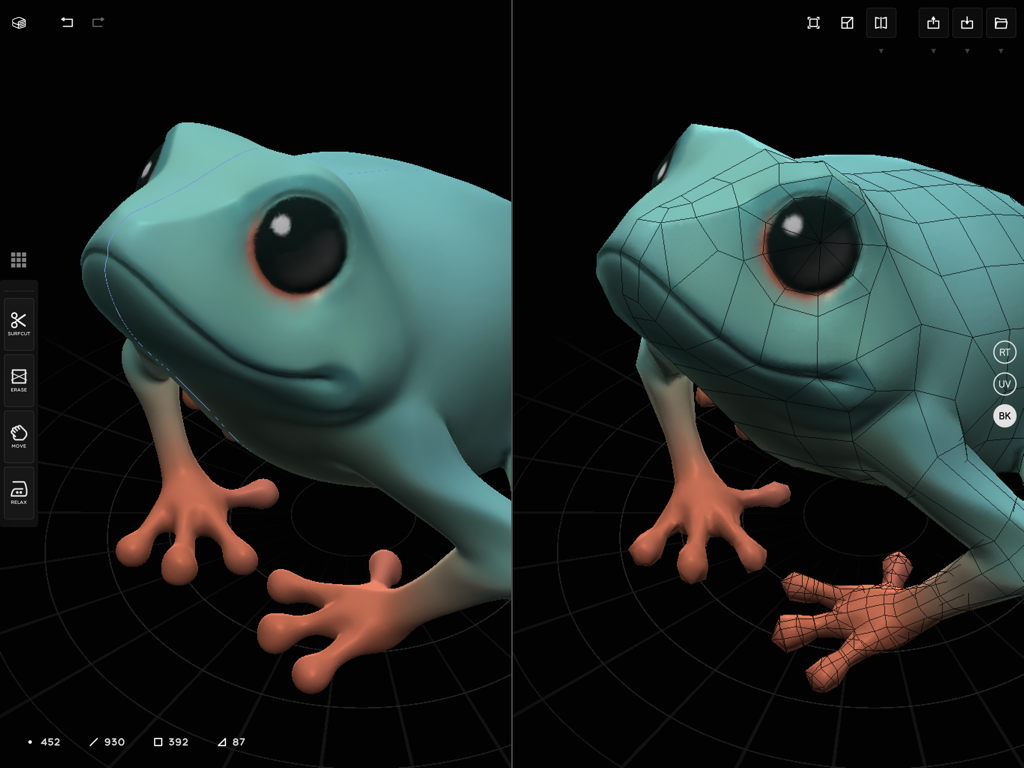
Side-by-side comparison of a smooth 3D frog sculpt and its manually retopologized mesh
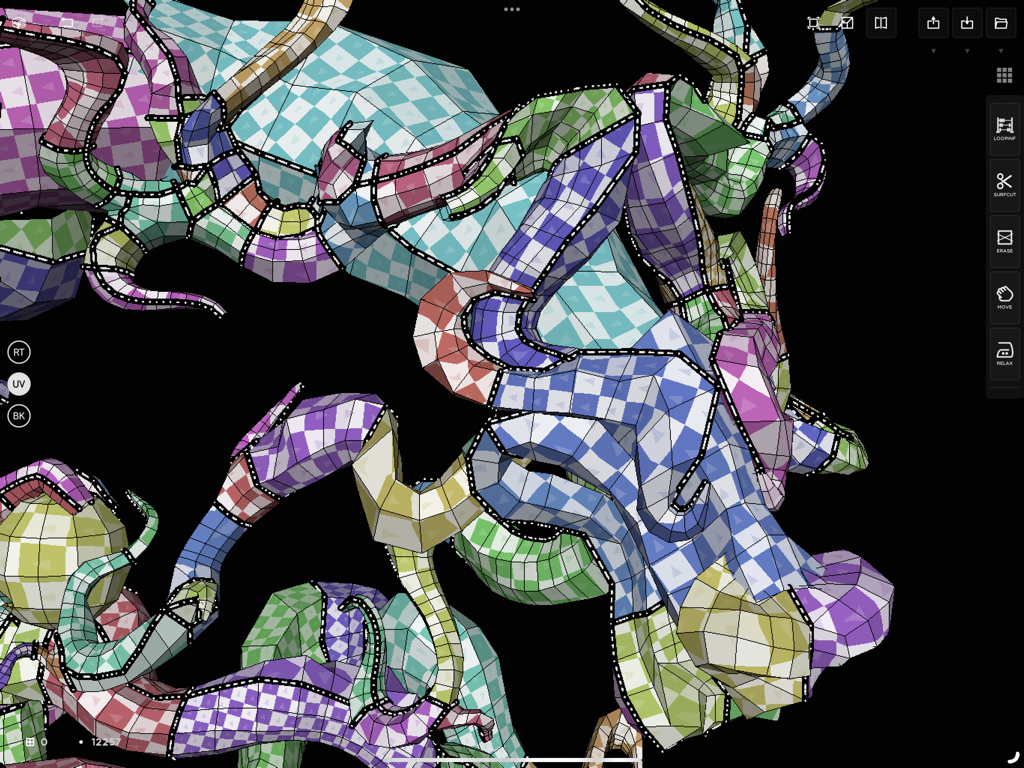
A 3D model with checkerboard texture being UV unwrapped in the CozyBlanket app interface
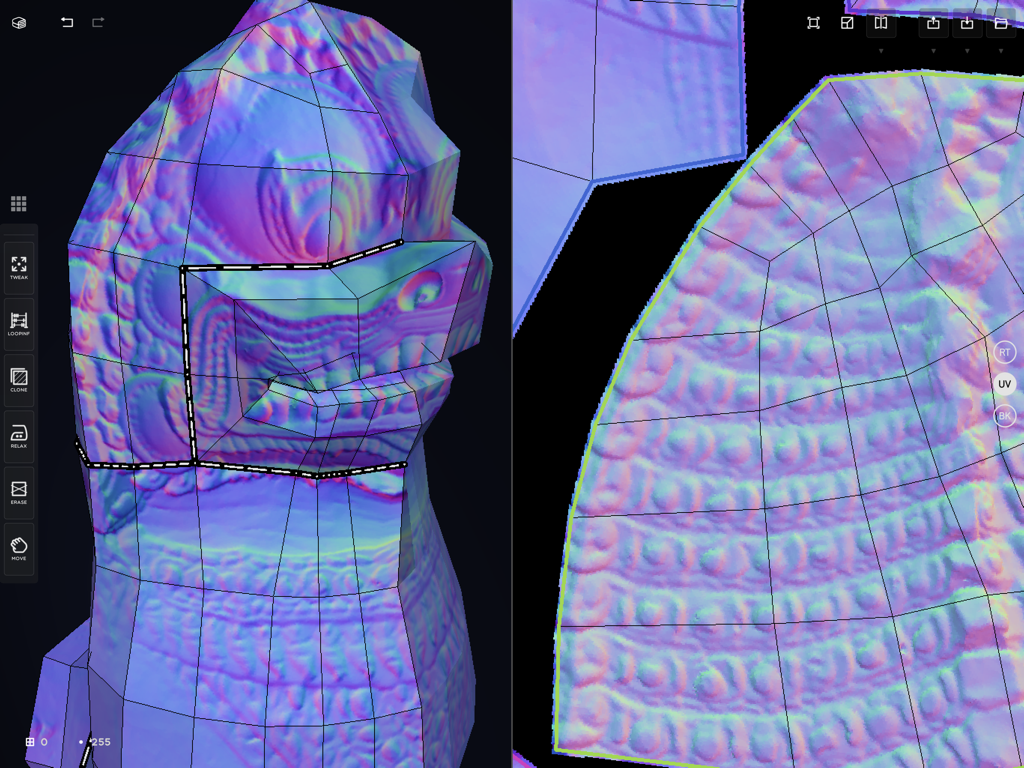
Split screen interface of CozyBlanket showing 3D retopology and UV unwrap
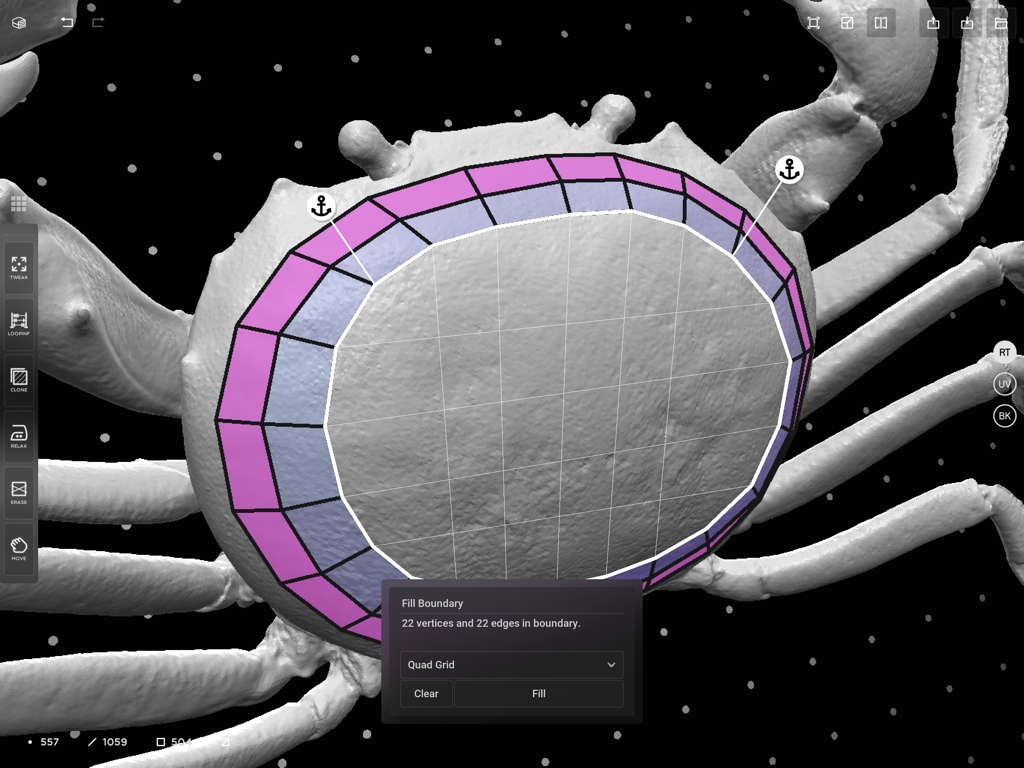
A 3D crab model being retopologized in the CozyBlanket app on an iPad showing the Fill Boundary tool
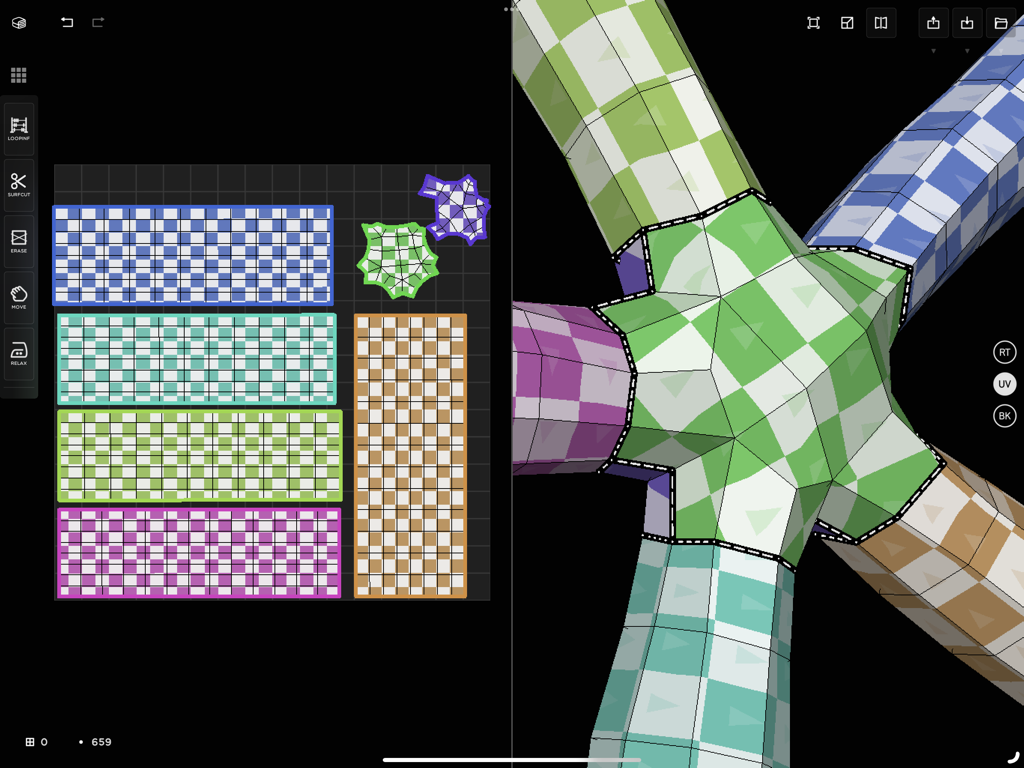
Interface of the CozyBlanket iPad app showing a 3D model split view with its corresponding 2D UV map layout and checkerboard textures
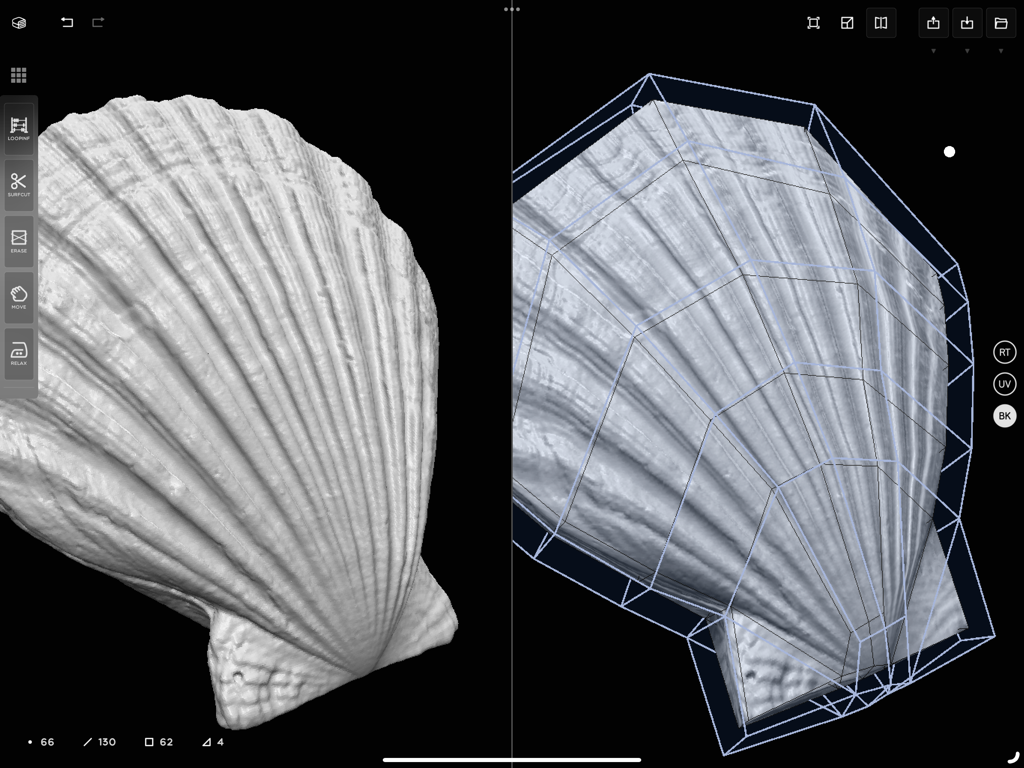
CozyBlanket app interface showing a side-by-side view of a 3D seashell high poly model and its retopology wireframe
Description
Download
More Like This
Top-ranked apps in the same category

Kling AI: AI Image&Video Maker
LOHAS GAMES PTE. LTD.

iScreen - Widgets & Wallpaper
Xiamen ShenZhuo Information Technology Co., Ltd.

Dreamina AI: Image&Video Maker
BYTEDANCE PTE. LTD.

Home AI - AI Interior Design
HUBX YAZILIM HIZMETLERI ANONIM SIRKETI

ibis Paint X
ibis inc.

ThemeKit: Widget & Icon Themes
Woohoo Tech. Ltd.

Sketchbook®
Sketchbook, Inc.

Colorful Widget- Widget&Themes
Guangzhou ZHIFENG Information Technology Co.,Ltd.

ReRoom AI: Interior Design
GM UniverseApps Limited
This page is not an official page of the app or its developer, but an independent editorial publication created for informational and commentary purposes. Unless expressly stated otherwise, neither the app nor its developer is affiliated with, endorsed by, sponsored by, authorized by, or otherwise officially connected with MWM, Apple, Google Play, the app publisher, or the app's developer, and nothing on this page implies that the app was developed using MWM's services. Any trademarks, logos, screenshots, and other content remain the property of their respective owners.