Crayon – Create a website
Download on App Store

This page is not an official page of the app or its developer, but an independent editorial publication created for informational and commentary purposes. Unless expressly stated otherwise, neither the app nor its developer is affiliated with, endorsed by, sponsored by, authorized by, or otherwise officially connected with MWM, Apple, Google Play, the app publisher, or the app's developer, and nothing on this page implies that the app was developed using MWM's services. Any trademarks, logos, screenshots, and other content remain the property of their respective owners.

Logo of Crayon – Create a website
Download on App Store

Crayon – Create a website

The fastest website builder for busy solopreneurs. Turn your smartphone photos into a stunning site, collect leads, and grow your local business without ever needing a computer.

Key Figures

Downloads

106K+

User Rating

4.3/5

Total Ratings

1K+

Publisher

Hands, Inc.

Category

Productivity

Locales

25

Latest Version

1.5.0

Size

5.0 MB

First Released

May 27, 2015
Features

Your Business Website, Built on Your iPhone

Stop struggling with complex desktop editors. Create and manage a professional website in minutes, specifically designed for the on-the-go lifestyle of modern solopreneurs.

Tap-to-Edit Simplicity

Forget technical jargon or coding. Just tap any part of your site to update text, swap photos, or change colors instantly while you're in the field.

Converted into Leads

Turn visitors into customers with built-in 'Call Now' buttons, interactive Google Maps, and customizable contact forms tailored for service-based businesses.

The following screenshots and description are sourced directly from the app's official store listing and are the property of the app developer.

App Store

Screenshots
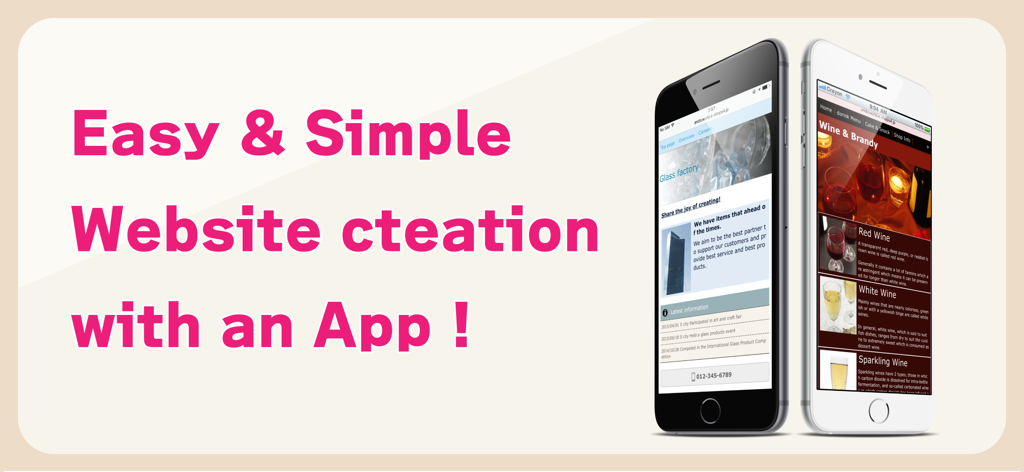
Crayon – Create a website - Promotional banner for Crayon app featuring mobile websites for a glass factory and a wine shop with the text Easy and Simple Website creation with an App
Promotional banner for Crayon app featuring mobile websites for a glass factory and a wine shop with the text Easy and Simple Website creation with an App

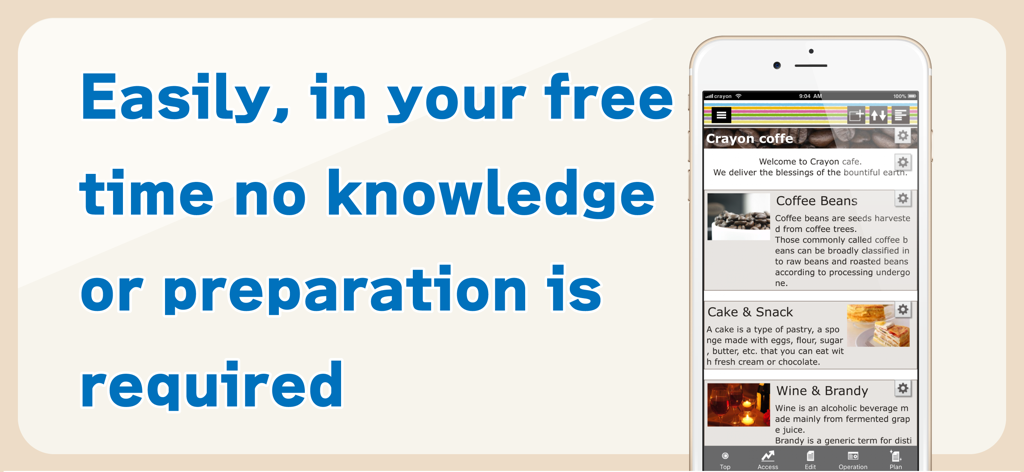
Crayon – Create a website - Smartphone showing the Crayon app interface to build a website easily without technical knowledge

Smartphone showing the Crayon app interface to build a website easily without technical knowledge
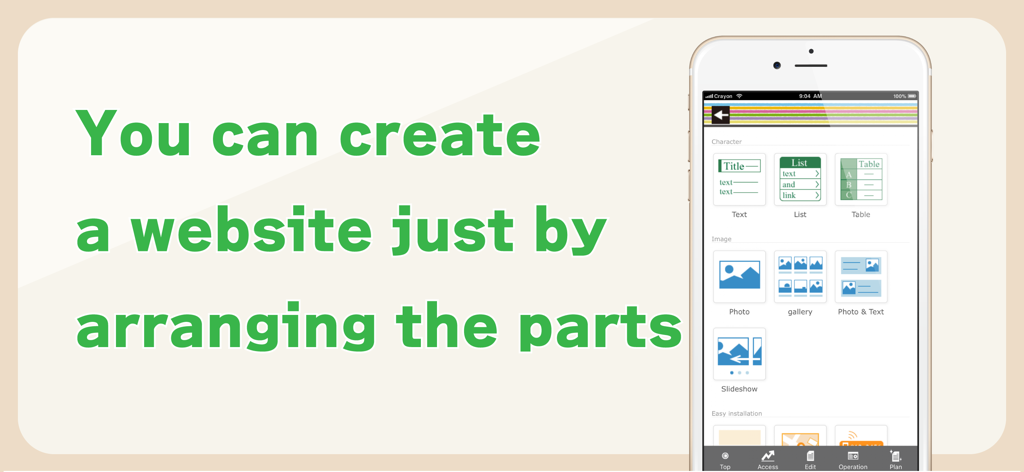
Crayon – Create a website - Smartphone screen showing the Crayon app interface for building websites by arranging components like text and photos
Smartphone screen showing the Crayon app interface for building websites by arranging components like text and photos

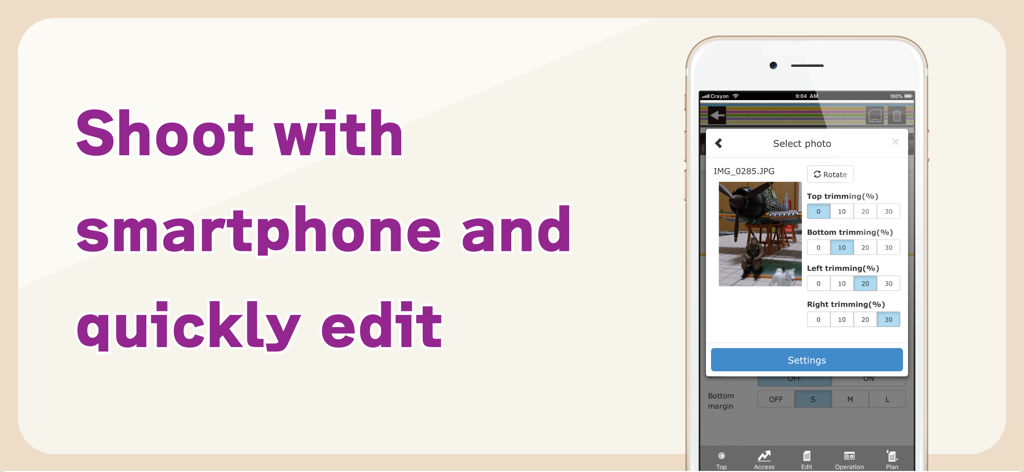
Crayon – Create a website - Smartphone screen showing photo trimming and editing tools within the Crayon website builder app
Smartphone screen showing photo trimming and editing tools within the Crayon website builder app

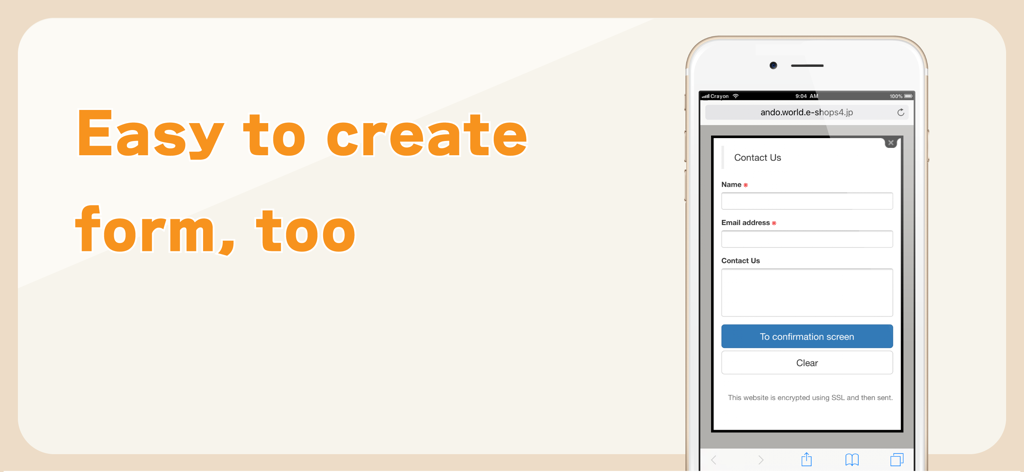
Crayon – Create a website - A mobile interface displaying a simple contact form with name and email fields created using the Crayon website builder app.

A mobile interface displaying a simple contact form with name and email fields created using the Crayon website builder app.

Description

You can create a fully-fledged website and update it with simple operations. Complete the website just by arranging the selected photos, text and maps. You can tap the portion you want to modify or revise while viewing the website and change it on the spot. You can make these websites for stores, companies, groups, unions as well as websites for your hobbies. Many websites are created under the "Free plan", however if you upgrade to the "Paid plan", you will be able to utilize many useful functions. You can also use your own domain. -------------- We recently celebrated our second anniversary. Thank you to all of you. We are getting approximately 6000 new users monthly. -------------- [How to create a website] Arrange the parts and create a website. When writing any text, just place the text parts and set the sentences in those parts. Select font color, background color, font size and design. A screen is also simple to make. When you want to post photos, just select the photo parts and photos taken with your smartphone. Trimming (cutting) and rotation can be done after selecting a photo. You can change the order, or replicate and delete parts that you have placed. [Recommendations] ◊ Contact You can receive queries and contacts from users who are viewing your website. You can use it as an application form for products and services as well. You can easily change and add the input form and use it as a questionnaire as well. ◊ Phone number You can set a phone call button. This is useful in case of contact by phone. ◊ Slideshow You can display multiple images in a specific order. Recommended to use this on the HOME page to make it better. ◊ Map You can easily add a map (GoogleMAP). It is a highly functional map where you can zoom-in/ zoom-out and move with your fingers. ◊ HTML (Paid plan) This part is for advanced users who can write HTML code. You can place a blog part such as Twitter's timeline. [Free plan] With this plan, you can use our service for free. Most websites are available on the "Free plan". [Paid plan](Light) This plan offers you the use of multiple images and pages. You can write HTML code on your own and you can also use Google Analytics. The amount will vary by country. Paid plan subscriptions purchased in-app renew Every 3 months depending. Paid plans are priced at $39.99USD 3 months (pricing may vary in countries other than the U.S.). Payment will be charged to iTunes Account at confirmation of purchase. Subscription automatically renews unless auto-renew is turned off at least 24-hours before the end of the current period. Account will be charged for renewal within 24-hours prior to the end of the current period, and identify the cost of the renewal. Subscriptions may be managed by the user and auto-renewal may be turned off by going to the user’s Account Settings after purchase. [Own domain] If you change to "Paid plan", you can set already owned domains. You can choose a domain by yourself. [Future version-up] We are planning to add many more functions and designs, and improve usability of the management screen. Terms of service https://crayonsite.e-shops.jp/kiyaku_en.html privacy policy https://crayonsite.e-shops.jp/privacy_en.html

Download

Download on App Store

This page is not an official page of the app or its developer, but an independent editorial publication created for informational and commentary purposes. Unless expressly stated otherwise, neither the app nor its developer is affiliated with, endorsed by, sponsored by, authorized by, or otherwise officially connected with MWM, Apple, Google Play, the app publisher, or the app's developer, and nothing on this page implies that the app was developed using MWM's services. Any trademarks, logos, screenshots, and other content remain the property of their respective owners.