
This page is not an official page of the app or its developer, but an independent editorial publication created for informational and commentary purposes. Unless expressly stated otherwise, neither the app nor its developer is affiliated with, endorsed by, sponsored by, authorized by, or otherwise officially connected with MWM, Apple, Google Play, the app publisher, or the app's developer, and nothing on this page implies that the app was developed using MWM's services. Any trademarks, logos, screenshots, and other content remain the property of their respective owners.


Crew - Stack Overflow Code Q&A
Elevate your workflow with a lightning-fast, ad-free, and beautiful interface. Browse trends, render rich code snippets, and manage your developer reputation with powerful native features designed for iPhone and iPad.
Downloads
23K+User Rating
Total Ratings
100Publisher
Category
NewsLocales
6Latest Version
3.6.1Size
59.4 MBFirst Released
Jan 15, 2021Optimized for Your Developer Workflow
Ditch the clunky mobile web. Crew delivers a lightning-fast, ad-free, and native Stack Overflow experience designed specifically for the modern software engineer.
Blazing Native Performance
Navigate questions and answers instantly with fluid iOS gestures and zero ads, keeping you in your flow state during every micro-break.
Precision Code Rendering
Read syntax-highlighted snippets with ease. Our rich markdown rendering ensures complex code blocks look perfect on your Retina display.
The following screenshots and description are sourced directly from the app's official store listing and are the property of the app developer.
App Store
Screenshots
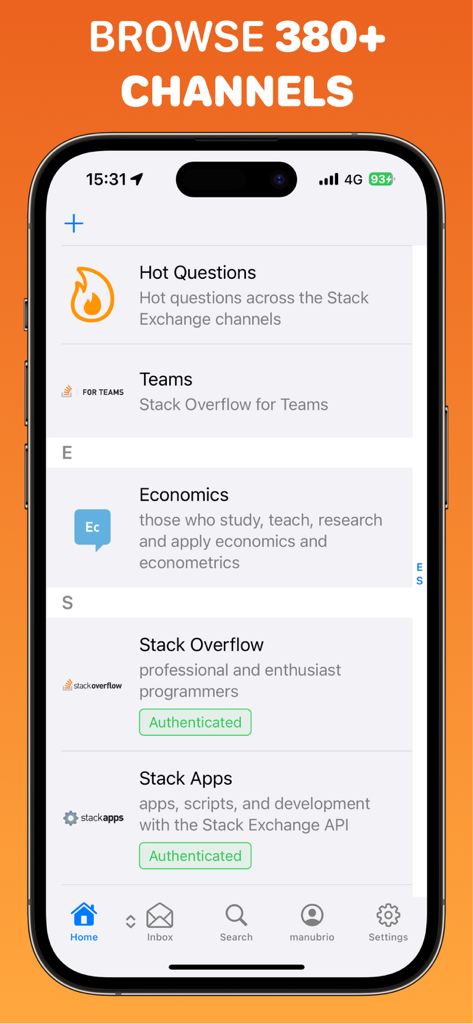
Mobile interface of the Crew app displaying a list of Stack Overflow channels and communities
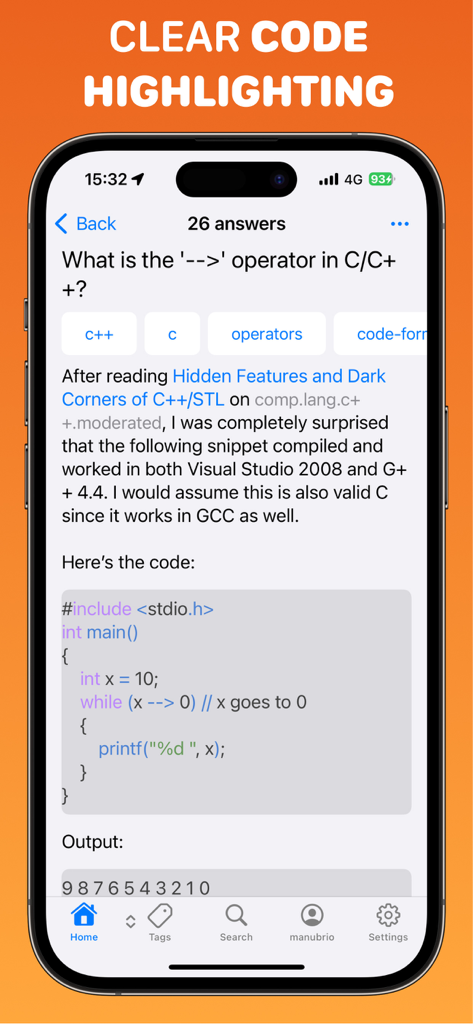
iPhone screen displaying a Stack Overflow question with clear syntax highlighting for C code
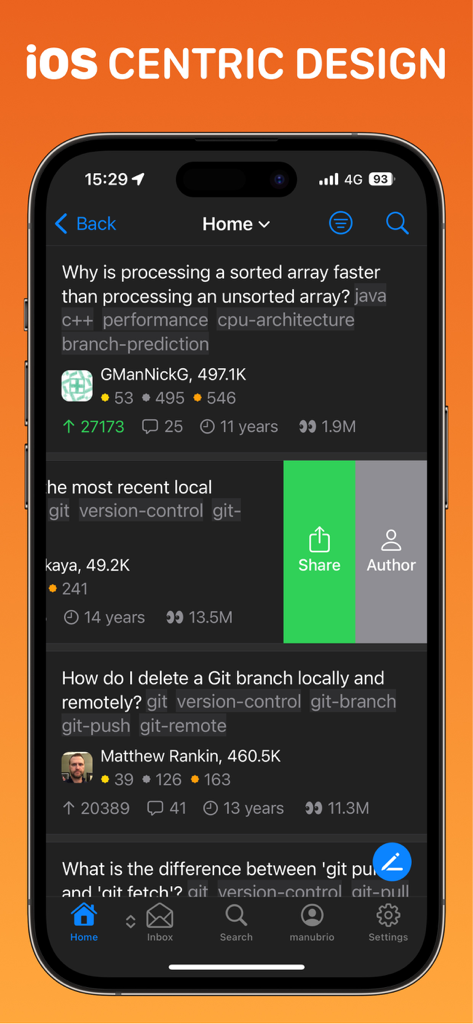
Crew app home screen featuring Stack Overflow questions in a native iOS dark mode interface with share and author swipe actions
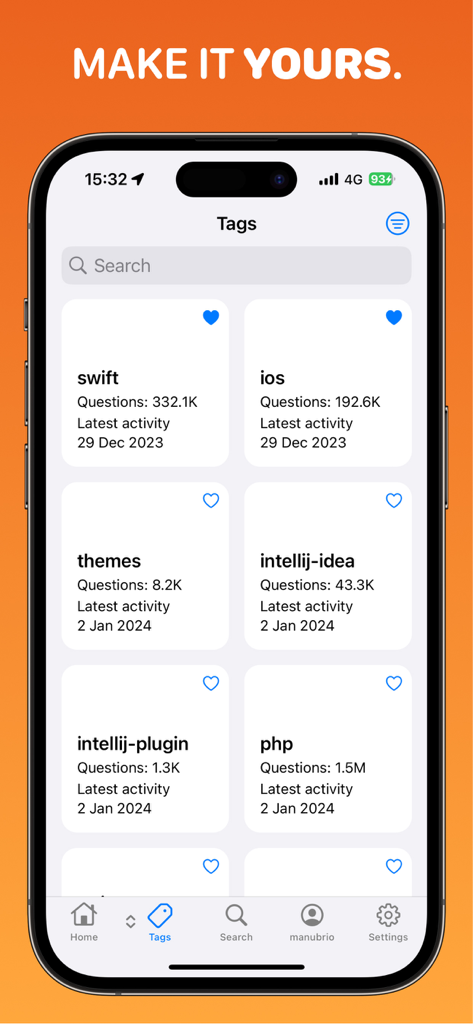
iPhone screenshot of the Crew app showing a list of Stack Overflow tags like Swift and iOS with question counts and latest activity.
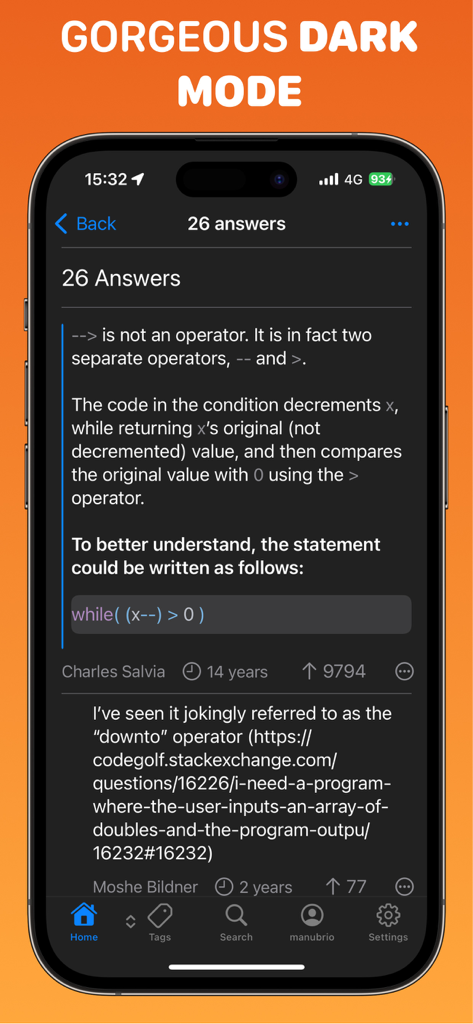
Crew app interface displaying Stack Overflow code answers in dark mode
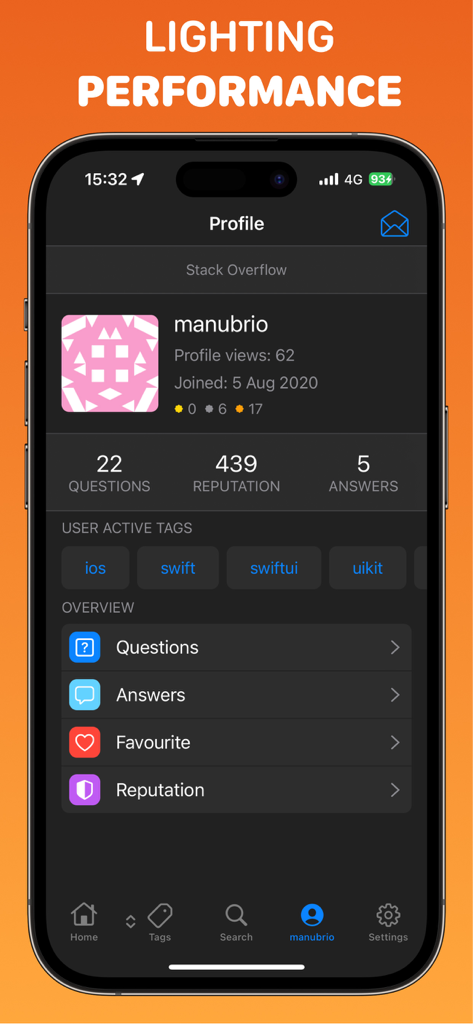
A mobile interface of the Crew app showing a Stack Overflow user profile with reputation points and active developer tags in dark mode
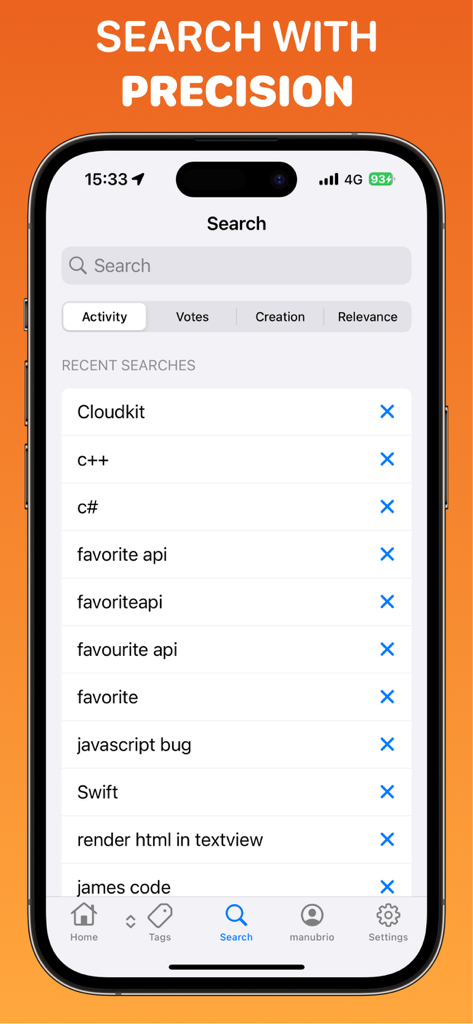
Crew app search screen showing recent coding searches like Swift and C++ with precision filter options
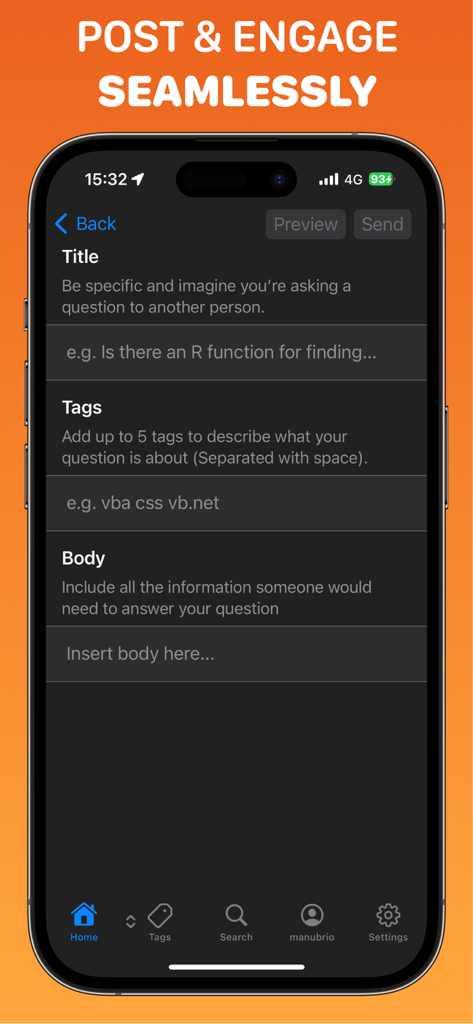
A native iOS interface for composing a Stack Overflow question with fields for title tags and body in dark mode
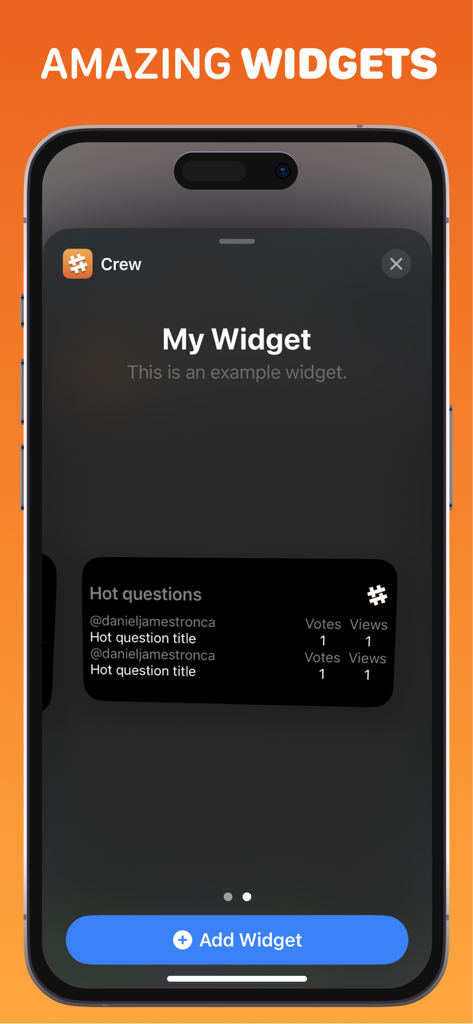
Crew app home screen widget showing hot Stack Overflow questions
Description
Download
More Like This
Top-ranked apps in the same category

X
X Corp.

REDDIT, INC.

Substack
Substack Inc.

NYTimes: US and Global News
The New York Times Company

Nextdoor: Neighborhood Network
Nextdoor.com, Inc.

CrimeRadar Dispatch Audio
Scoopz Inc.

NewsBreak: Local News & Alerts
Particle Media Inc.

Ground News
Snapwise Inc.

Google News
Google LLC
This page is not an official page of the app or its developer, but an independent editorial publication created for informational and commentary purposes. Unless expressly stated otherwise, neither the app nor its developer is affiliated with, endorsed by, sponsored by, authorized by, or otherwise officially connected with MWM, Apple, Google Play, the app publisher, or the app's developer, and nothing on this page implies that the app was developed using MWM's services. Any trademarks, logos, screenshots, and other content remain the property of their respective owners.