
This page is not an official page of the app or its developer, but an independent editorial publication created for informational and commentary purposes. Unless expressly stated otherwise, neither the app nor its developer is affiliated with, endorsed by, sponsored by, authorized by, or otherwise officially connected with MWM, Apple, Google Play, the app publisher, or the app's developer, and nothing on this page implies that the app was developed using MWM's services. Any trademarks, logos, screenshots, and other content remain the property of their respective owners.

CRMpad Legacy
Empower your sales force with an award-winning iPad solution built for offline reliability. From pharma sample management to secure order entry, stay productive wherever the road takes you.
Downloads
100+User Rating
Total Ratings
0Publisher
Category
BusinessLocales
3Latest Version
5.00.3Size
25.5 MBFirst Released
Oct 30, 2025Drive Peak Field Performance
The award-winning mobile CRM designed for professional field forces. Access critical data, manage orders, and stay productive—online or offline.
True Offline Productivity
Never lose access to your data. Seamlessly manage accounts and activities in basements or remote locations with automatic offline sync.
On-the-Spot Order Entry
Boost sales efficiency with integrated shopping carts, barcode scanning, and secure digital signatures for instant deal closure.
The following screenshots and description are sourced directly from the app's official store listing and are the property of the app developer.
App Store
Screenshots

Login screen for the CRMpad Legacy iPad application with industrial workers in the background

Language selection screen in the CRMpad Legacy app for iPad showing multiple language options like English and German
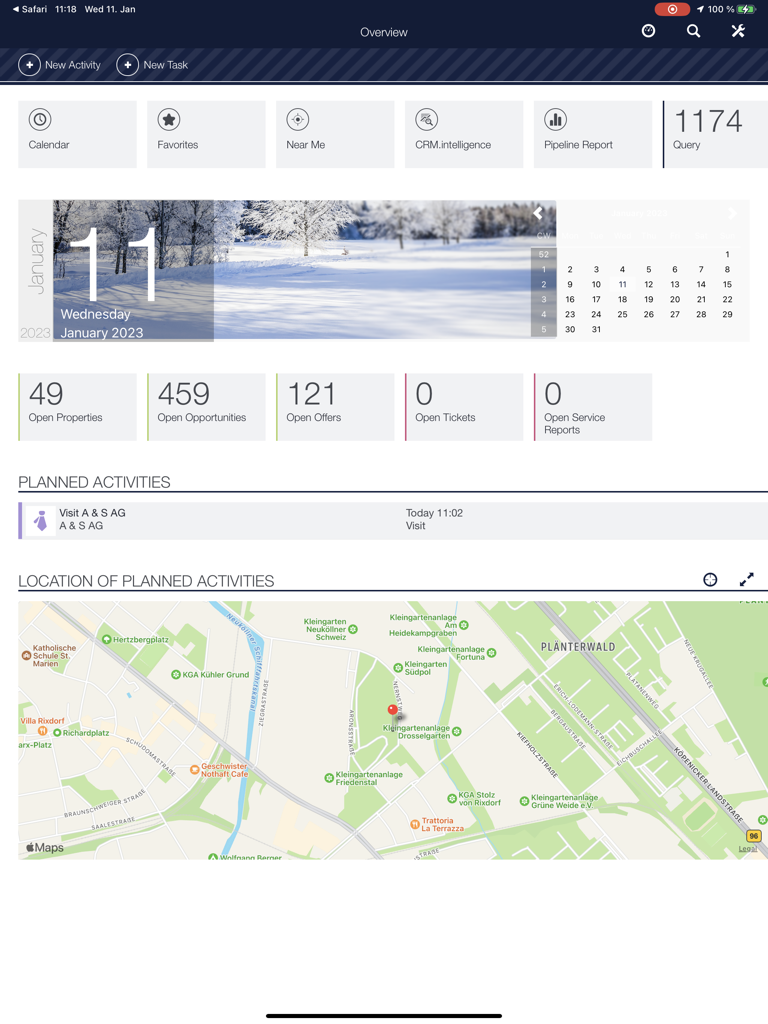
CRMpad Legacy app dashboard on iPad featuring sales KPIs planned activities and a location map for field reps
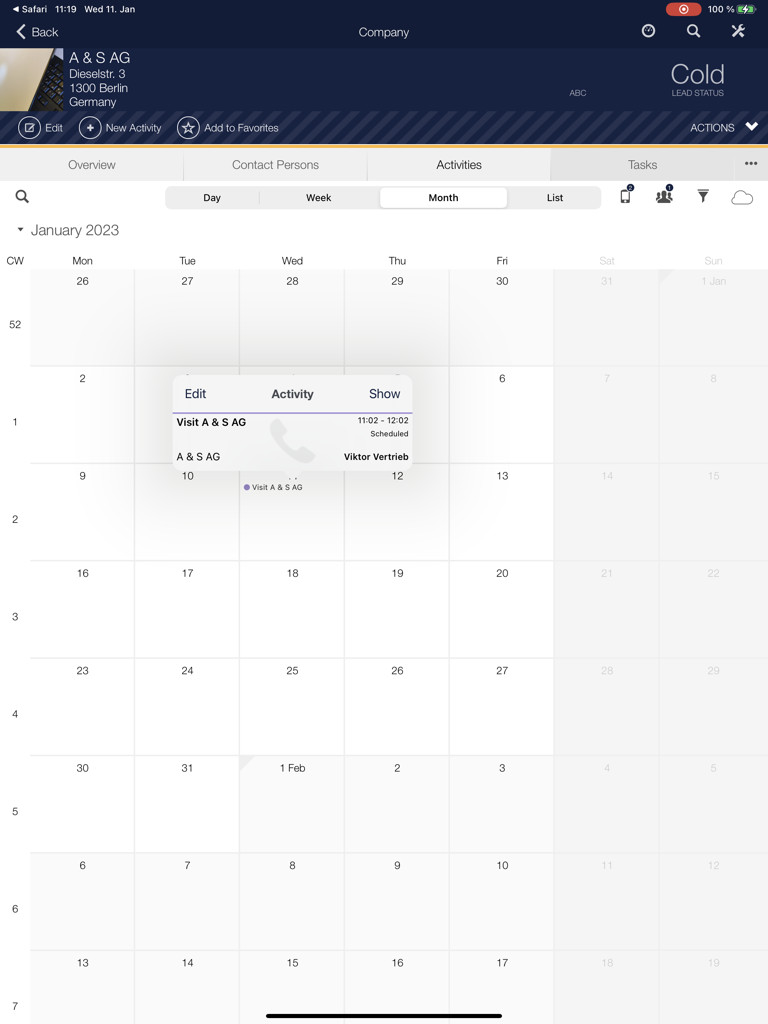
Monthly calendar view in CRMpad Legacy displaying scheduled sales visits and activity details on an iPad interface
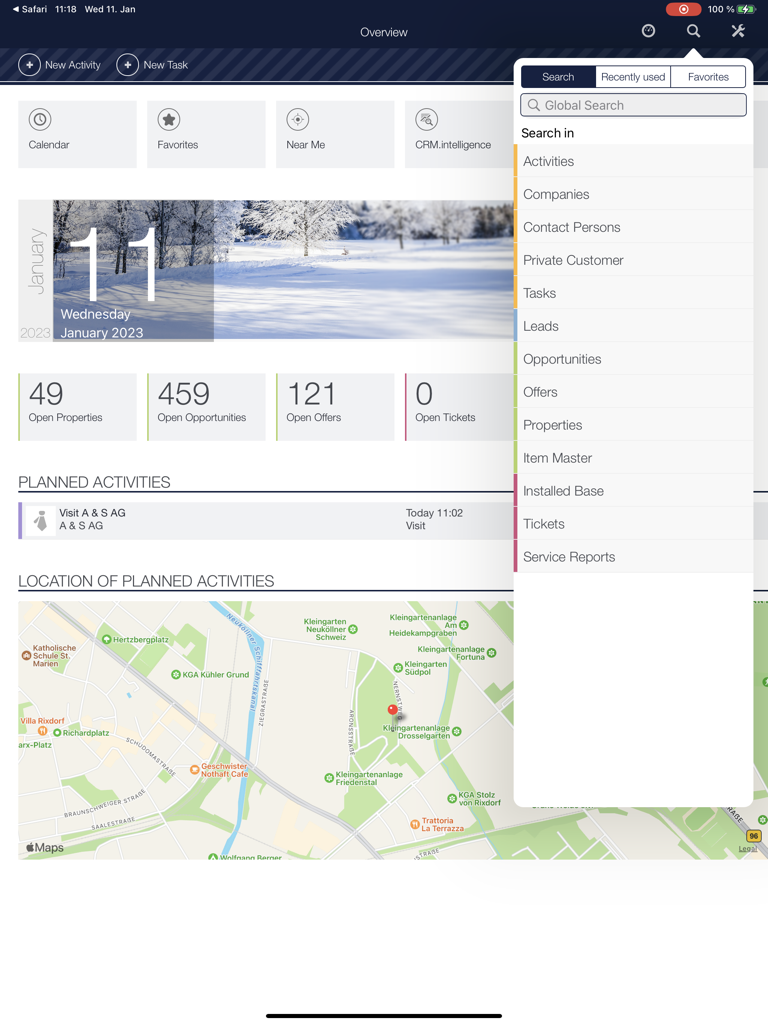
Dashboard of the CRMpad Legacy iPad app showing sales activities, open opportunities, and a map view
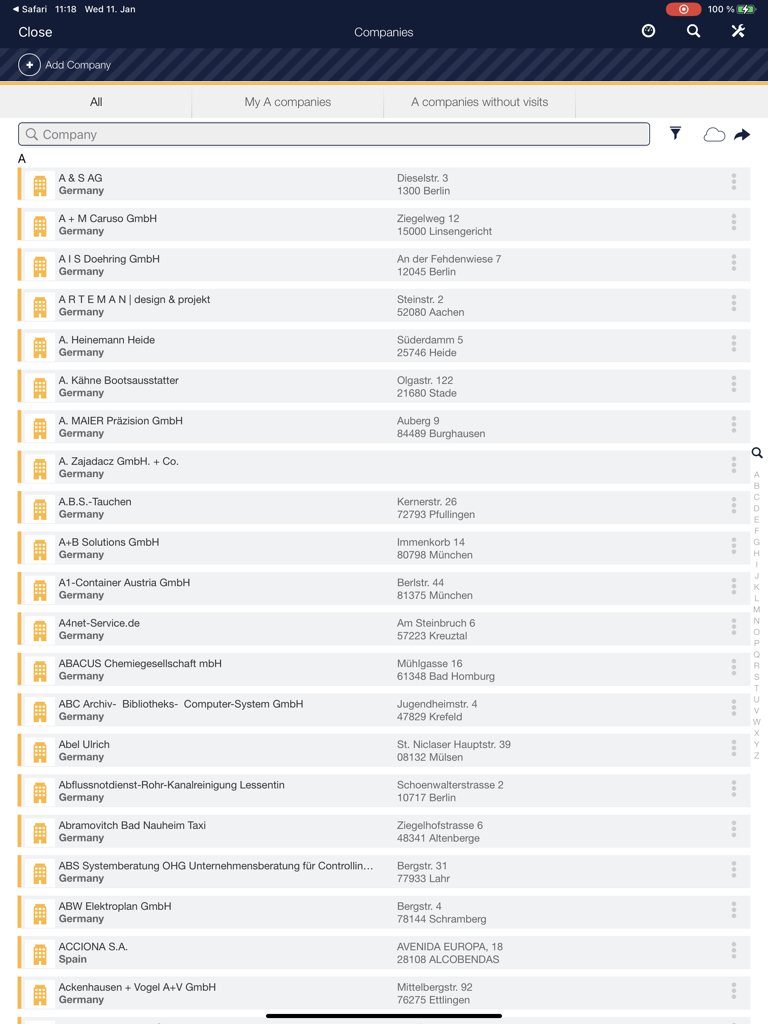
CRMpad Legacy iPad app interface showing a searchable list of company accounts and addresses
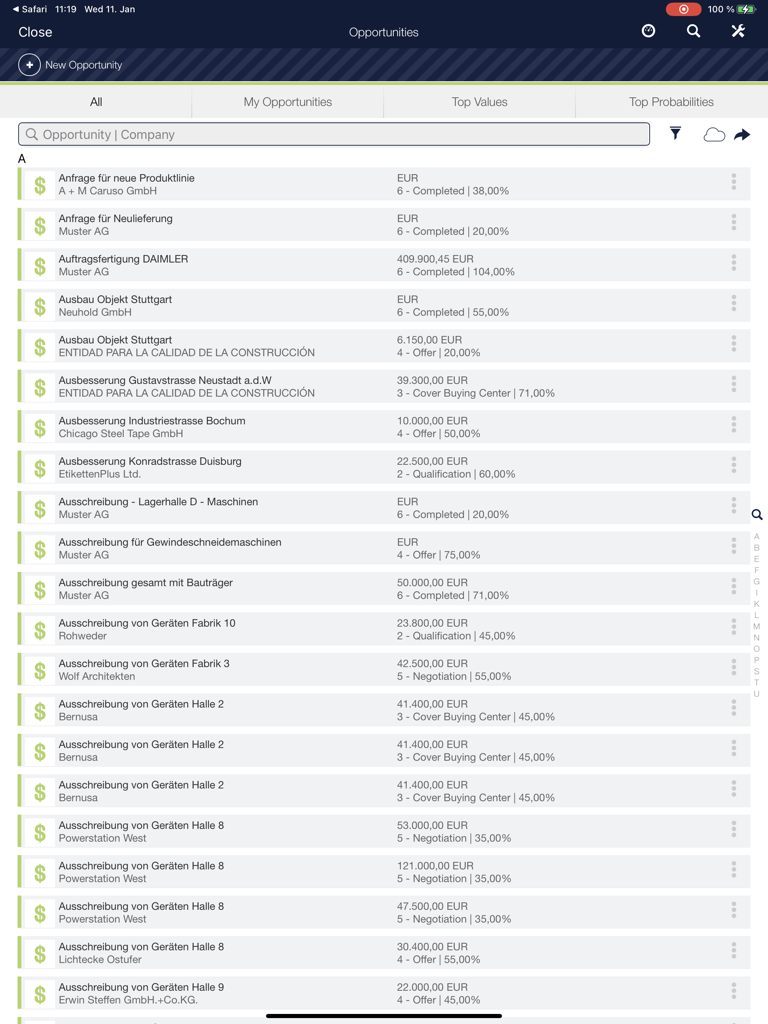
Sales opportunities list in the CRMpad Legacy iPad app showing customer names, deal values, and progress status.
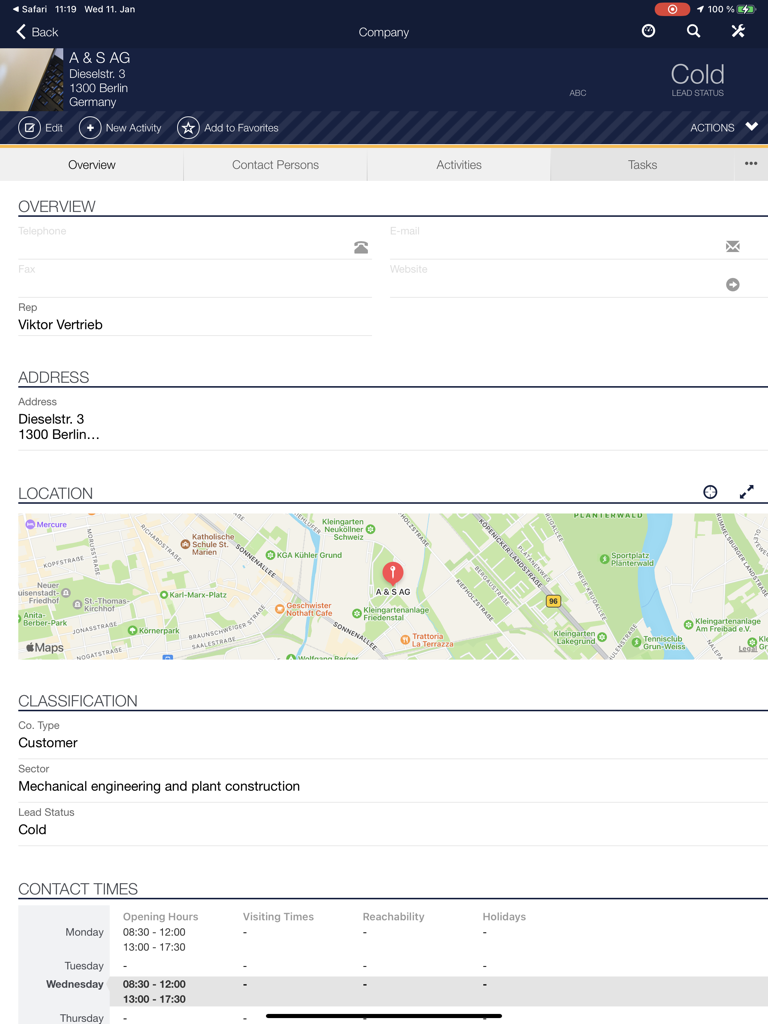
CRMpad Legacy iPad interface displaying a detailed company profile with contact information, location map, and lead status for field sales professionals.
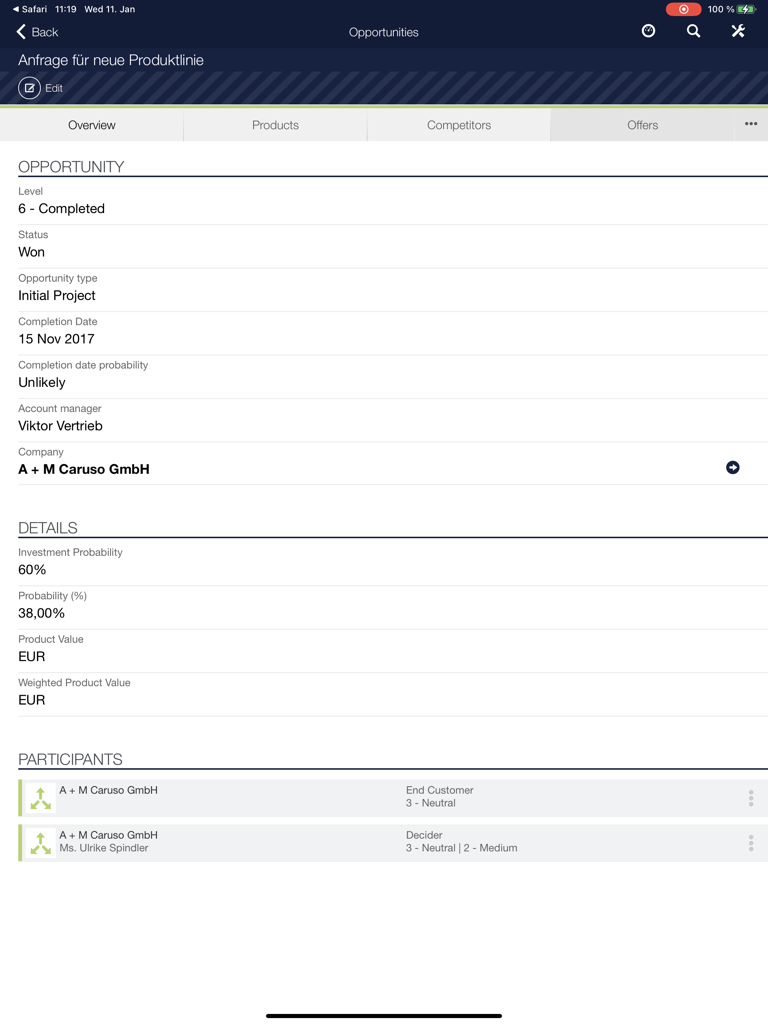
Opportunity details screen in CRMpad Legacy for iPad showing sales status and participants.
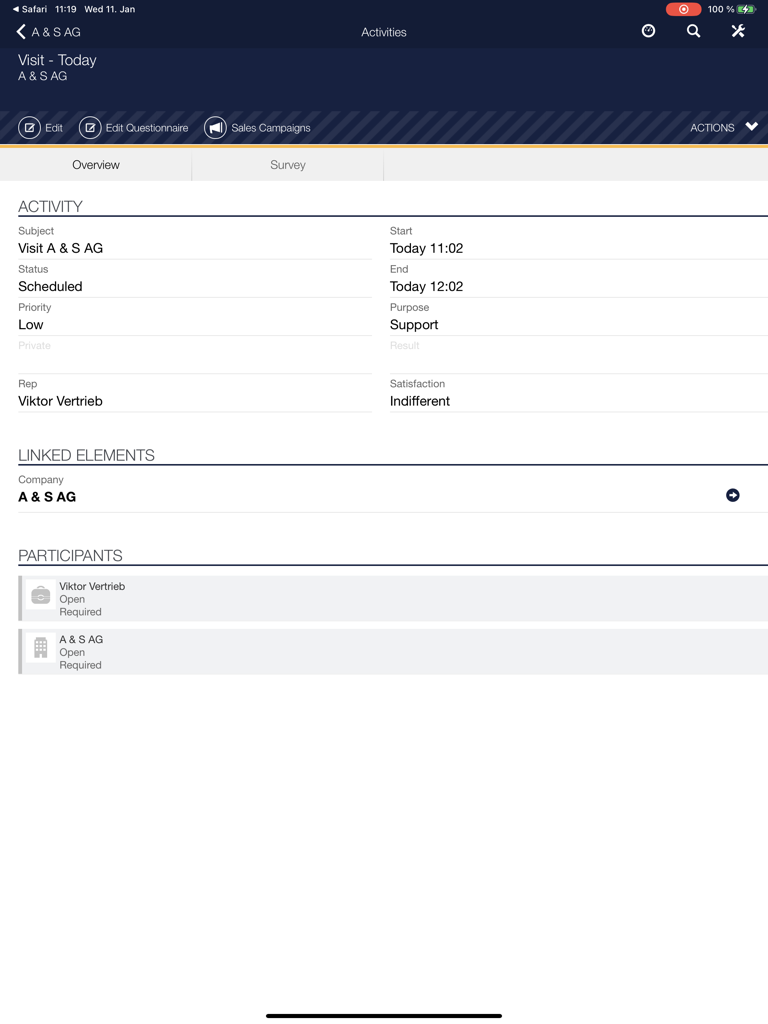
CRMpad Legacy iPad interface displaying activity details for a scheduled customer visit.
Description
Download
More Like This
Top-ranked apps in the same category

Microsoft Teams
Microsoft Corporation

WhatsApp Business
WhatsApp Inc.

Zoom Workplace
Zoom Communications, Inc.

Indeed Job Search
Indeed Inc.

LinkedIn: Community & Network
LinkedIn Corporation

BOSS直聘-招聘求职找工作神器
Beijing China Product Bo Farce Network Technology Co., Ltd.

Adobe Acrobat Reader: Sign PDF
Adobe Inc.

DingDing - Redefine Work in AI
DingTalk Technology Co., Ltd.

WeCom-Work Communication&Tools
Tencent Technology (Shenzhen) Company Limited
This page is not an official page of the app or its developer, but an independent editorial publication created for informational and commentary purposes. Unless expressly stated otherwise, neither the app nor its developer is affiliated with, endorsed by, sponsored by, authorized by, or otherwise officially connected with MWM, Apple, Google Play, the app publisher, or the app's developer, and nothing on this page implies that the app was developed using MWM's services. Any trademarks, logos, screenshots, and other content remain the property of their respective owners.