
This page is not an official page of the app or its developer, but an independent editorial publication created for informational and commentary purposes. Unless expressly stated otherwise, neither the app nor its developer is affiliated with, endorsed by, sponsored by, authorized by, or otherwise officially connected with MWM, Apple, Google Play, the app publisher, or the app's developer, and nothing on this page implies that the app was developed using MWM's services. Any trademarks, logos, screenshots, and other content remain the property of their respective owners.


Cryptomator
Empower your digital sovereignty with open-source, client-side encryption. Secure your sensitive files on iCloud, Dropbox, and Google Drive using AES-256 protection that integrates seamlessly with the iOS Files app.
Downloads
18K+User Rating
Total Ratings
500Publisher
Category
ProductivityLocales
34Latest Version
2.7.2Size
87.1 MBFirst Released
Dec 21, 2021Bulletproof Security for Your Cloud
Protect your sensitive documents and professional data with transparent, client-side encryption that integrates seamlessly with your favorite storage services.
Zero-Knowledge Privacy
Your files are encrypted with AES-256 before they leave your device. Neither cloud providers nor hackers can access your data.
Native iOS Integration
No complex setups. Access your secure vaults directly within the Apple Files app and unlock them instantly with Face ID.
The following screenshots and description are sourced directly from the app's official store listing and are the property of the app developer.
App Store
Screenshots
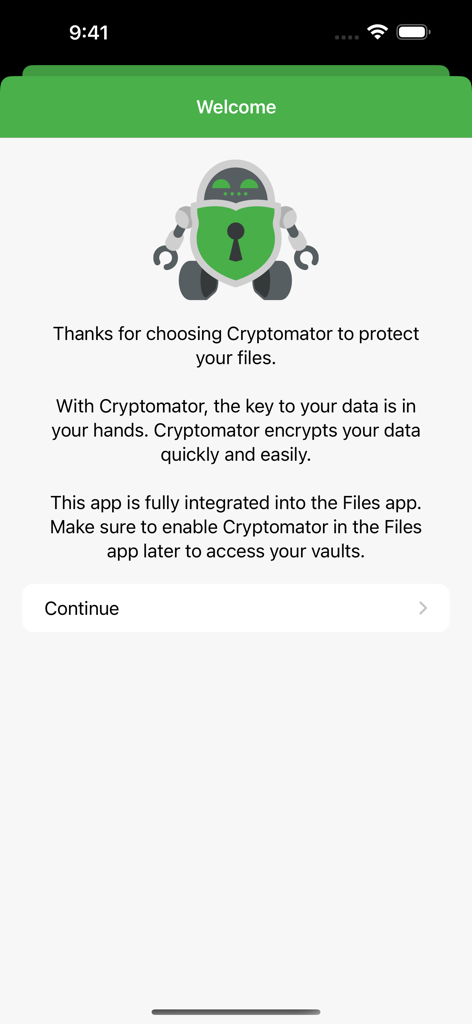
Cryptomator app welcome screen with robot mascot and description of secure file encryption and iOS Files app integration.
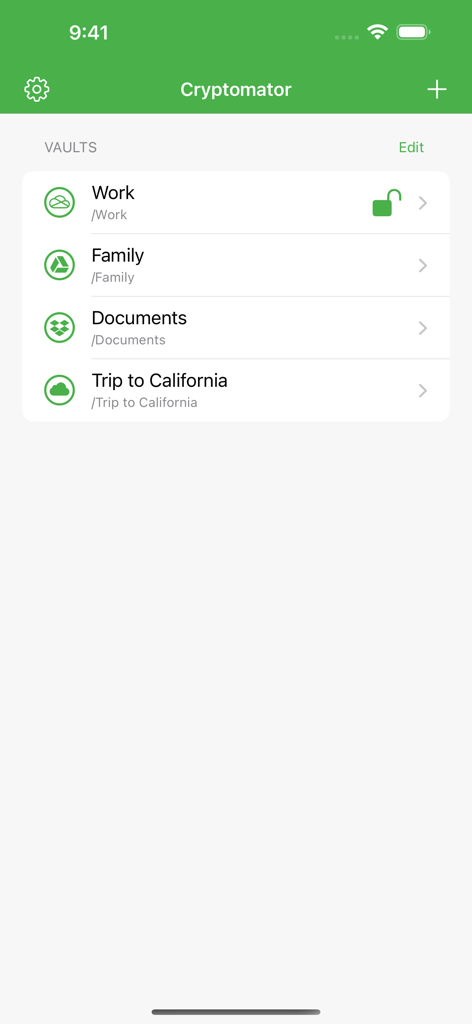
Cryptomator app interface showing a list of encrypted cloud storage vaults including Work Family and Documents
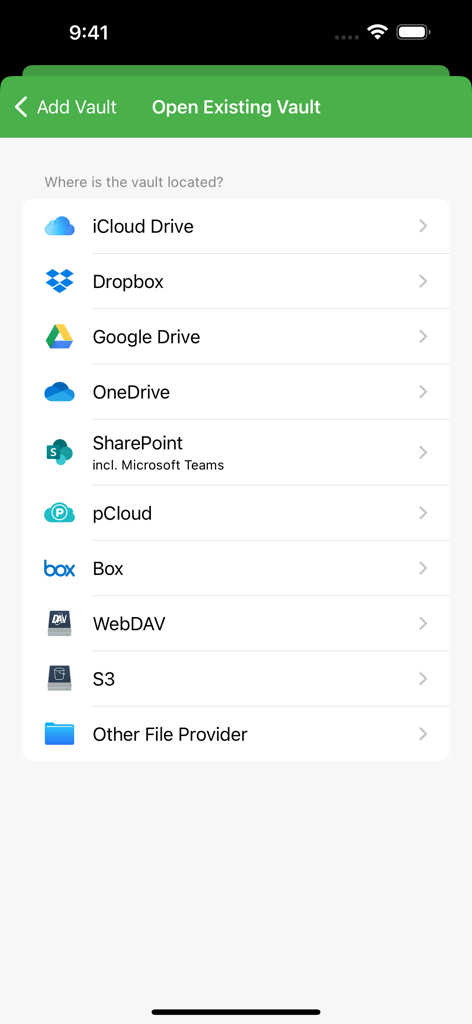
A list of cloud storage providers supported by Cryptomator including iCloud Dropbox and Google Drive
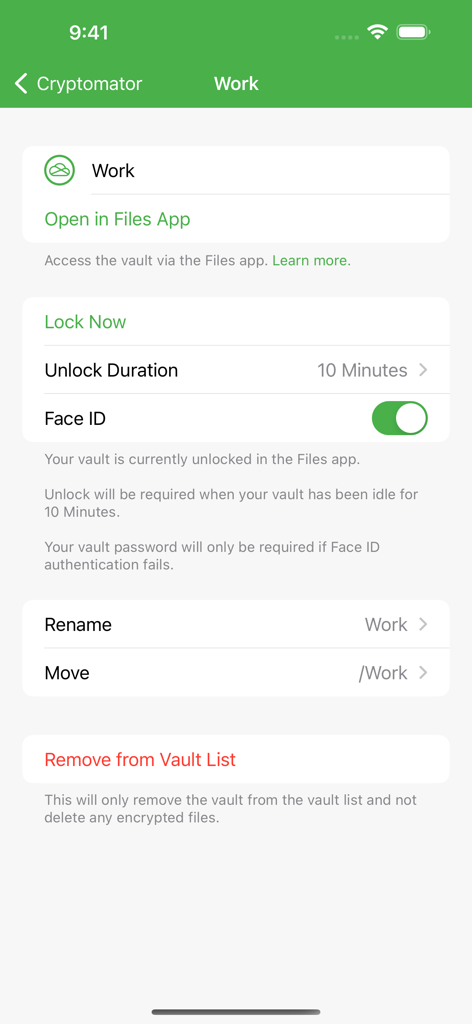
Cryptomator app interface showing security settings for a vault including Face ID toggle and Files app integration
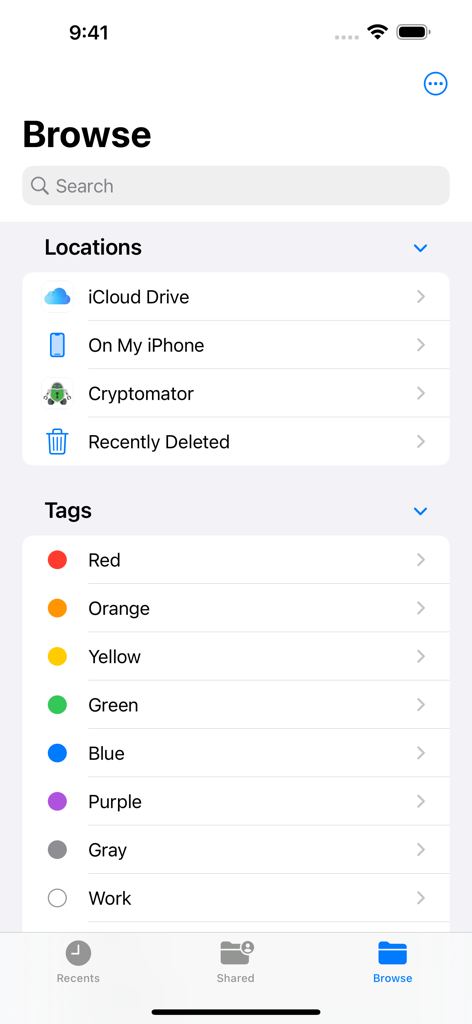
Cryptomator integrated as a storage location within the iOS Files app browse menu.
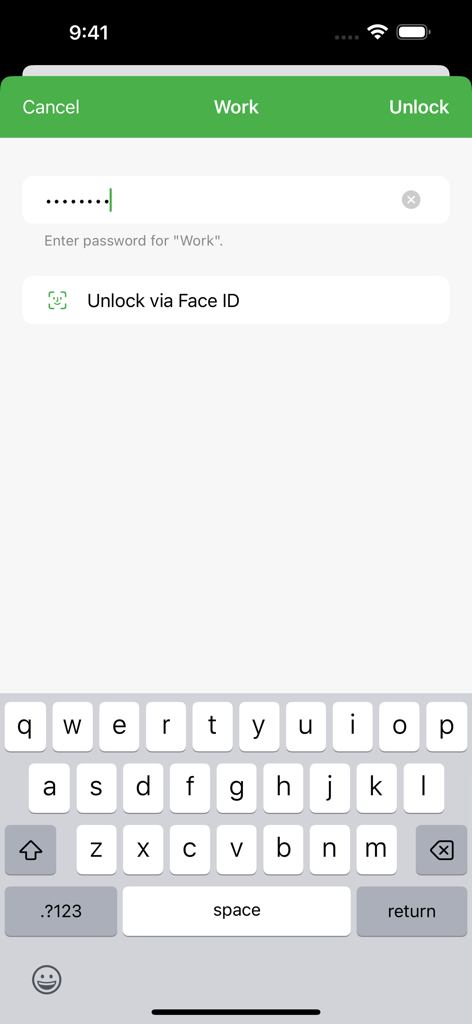
Cryptomator vault unlock screen showing password field and Face ID option on iOS
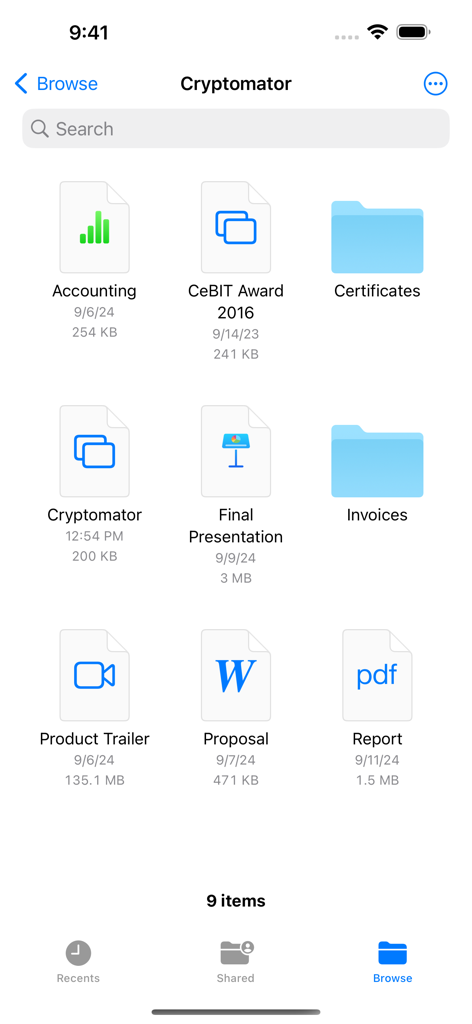
Cryptomator app interface showing a grid of encrypted files and folders on an iPhone
Description
Download
More Like This
Apps with similar features and user experience




This page is not an official page of the app or its developer, but an independent editorial publication created for informational and commentary purposes. Unless expressly stated otherwise, neither the app nor its developer is affiliated with, endorsed by, sponsored by, authorized by, or otherwise officially connected with MWM, Apple, Google Play, the app publisher, or the app's developer, and nothing on this page implies that the app was developed using MWM's services. Any trademarks, logos, screenshots, and other content remain the property of their respective owners.