
This page is not an official page of the app or its developer, but an independent editorial publication created for informational and commentary purposes. Unless expressly stated otherwise, neither the app nor its developer is affiliated with, endorsed by, sponsored by, authorized by, or otherwise officially connected with MWM, Apple, Google Play, the app publisher, or the app's developer, and nothing on this page implies that the app was developed using MWM's services. Any trademarks, logos, screenshots, and other content remain the property of their respective owners.

CTC SpaceLogic
Transform your iOS devices into high-end, full-screen touch panels for Clipsal C-Bus, Schneider KNX, and Logic Machine5. Designed for systems integrators and luxury homeowners who demand precision, security, and total UI customization.
Downloads
5K+User Rating
Total Ratings
0Publisher
Category
BusinessLocales
1Latest Version
3.9Size
18.3 MBFirst Released
Dec 4, 2020Professional Interface Management
Unlock the full potential of your Clipsal and Schneider automation controllers with a bespoke, high-performance interface designed for professional-grade environments.
Dedicated Full-Screen Control
Transform any iPad into a high-end wall-mounted touch panel. Remove browser navigation and screen bounce for a native, fixed-interface experience.
Automated Event Logic
Enable dynamic control with an integrated TCP server that triggers page changes and sound alerts for critical events like doorbells or security alarms.
The following screenshots and description are sourced directly from the app's official store listing and are the property of the app developer.
App Store
Screenshots
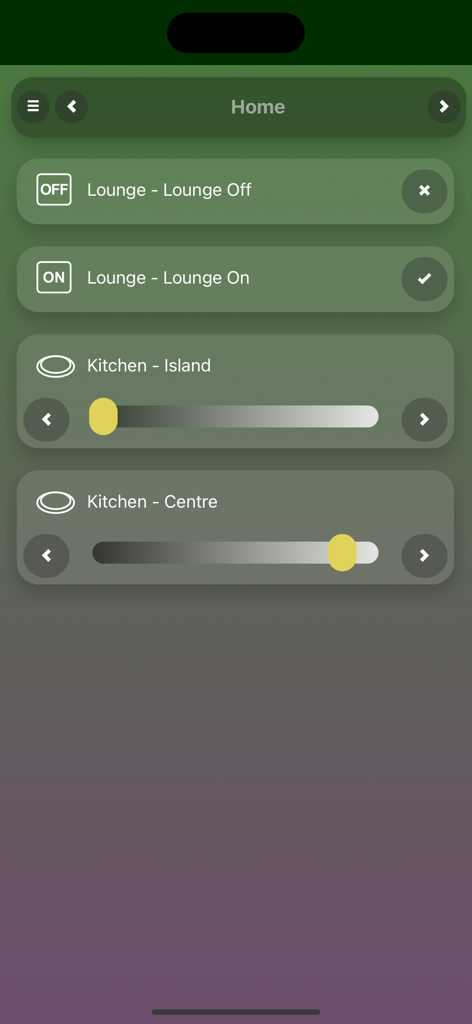
CTC SpaceLogic app interface showing lounge and kitchen lighting controls with dimmable sliders and on off switches
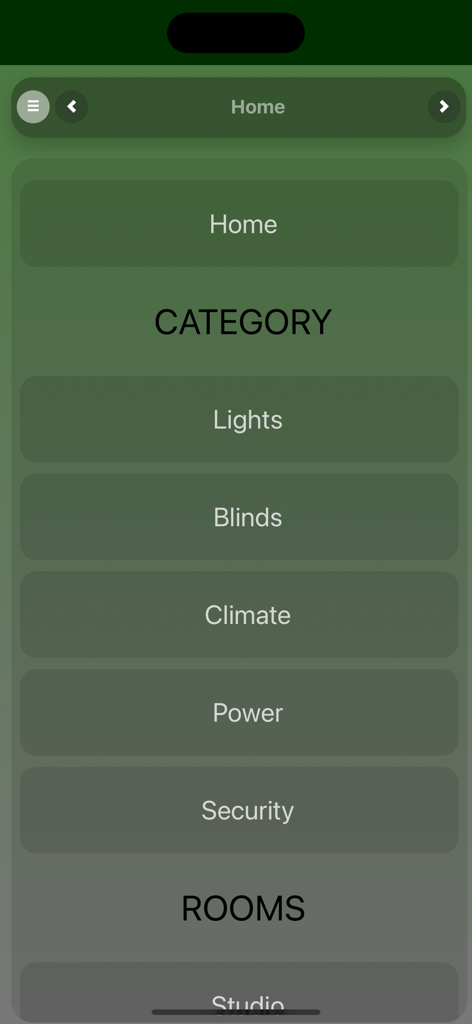
CTC SpaceLogic app home screen displaying automation categories for lights blinds and climate
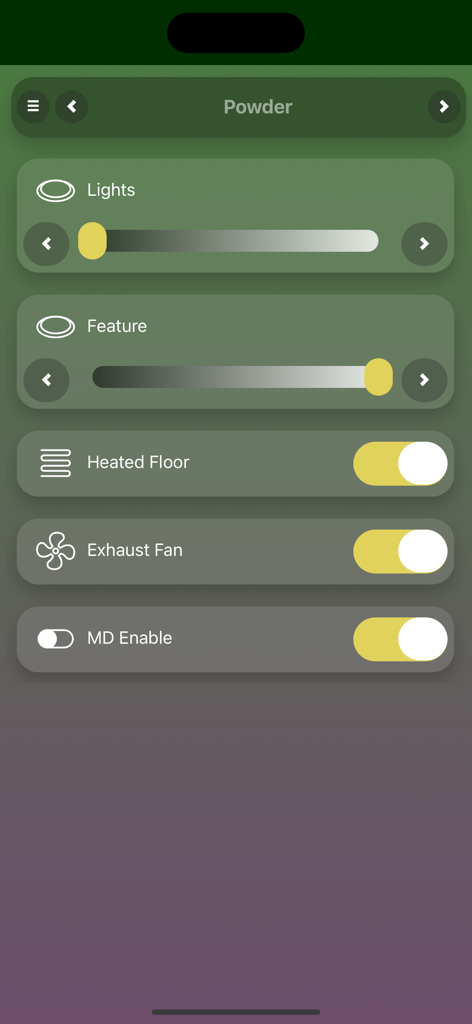
CTC SpaceLogic app interface showing light dimmers and floor heating controls for a powder room
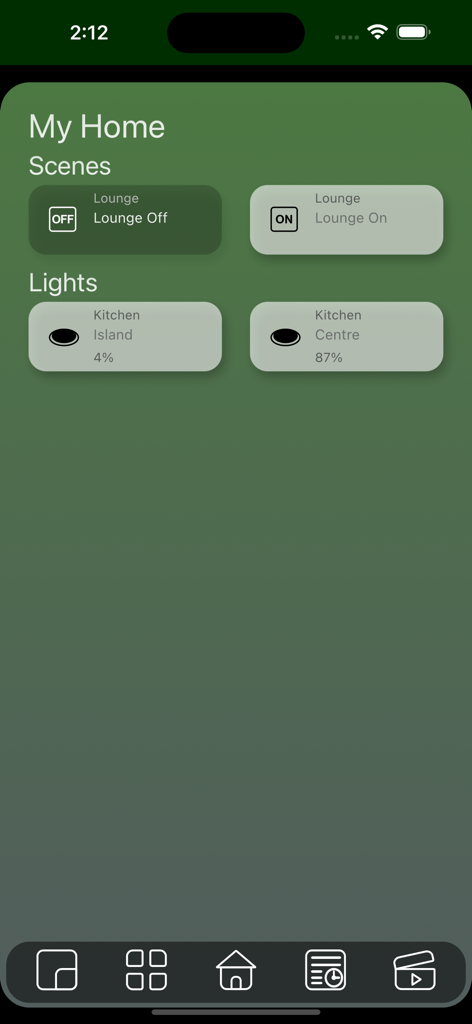
CTC SpaceLogic app home dashboard with scene and light control widgets
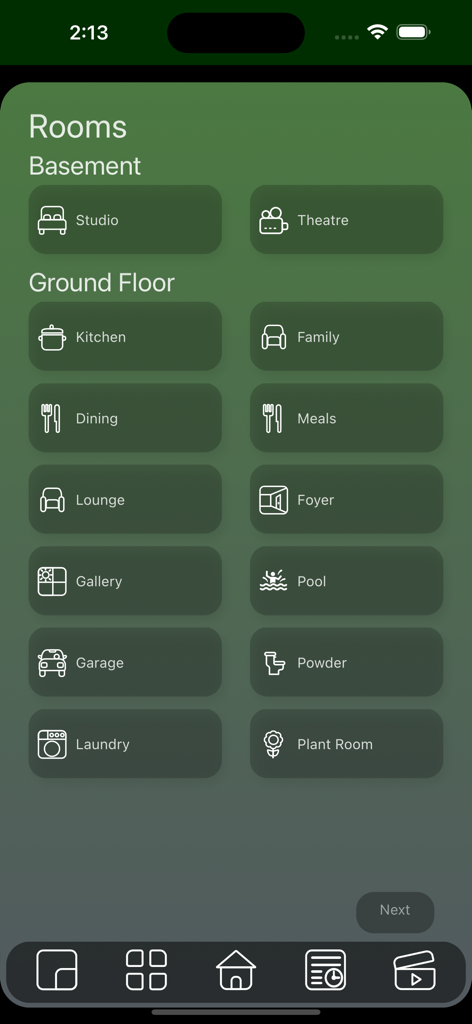
CTC SpaceLogic app interface displaying room control options for basement and ground floor
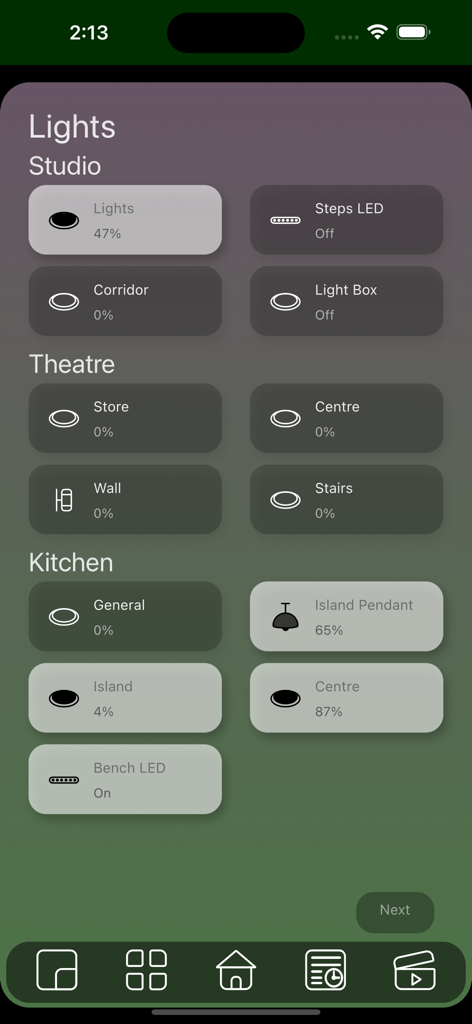
CTC SpaceLogic app interface displaying smart home lighting controls for studio theatre and kitchen areas
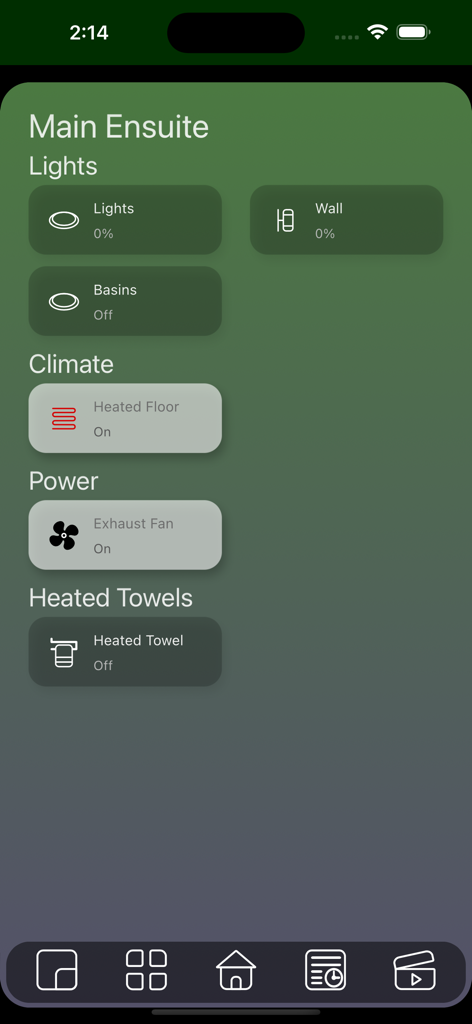
CTC SpaceLogic app interface displaying smart home controls for a main ensuite including lighting climate and power settings
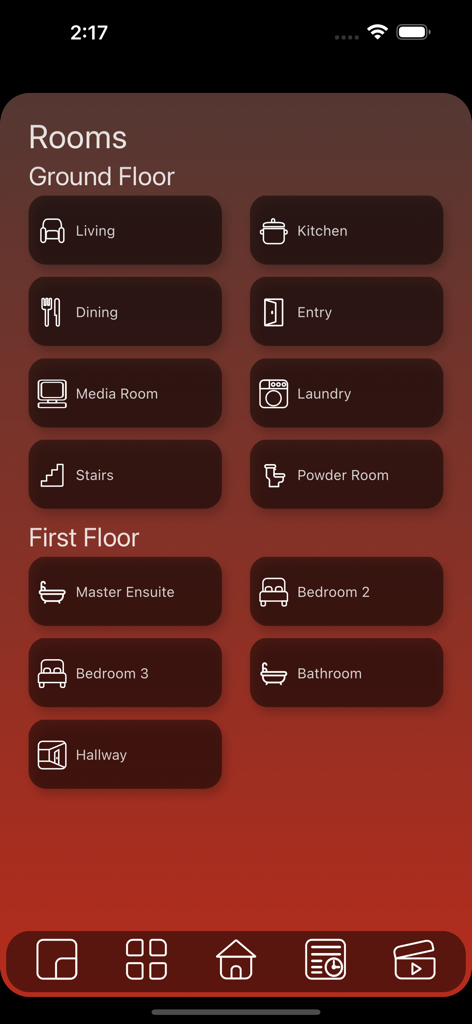
CTC SpaceLogic app dashboard showing room selection for ground and first floors in a smart home system.
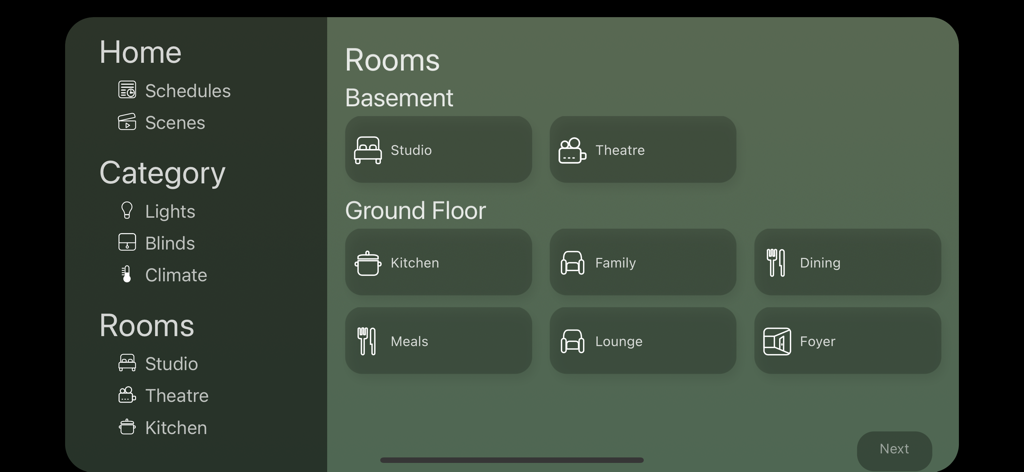
Smart home room control interface in the CTC SpaceLogic app showing basement and ground floor zones
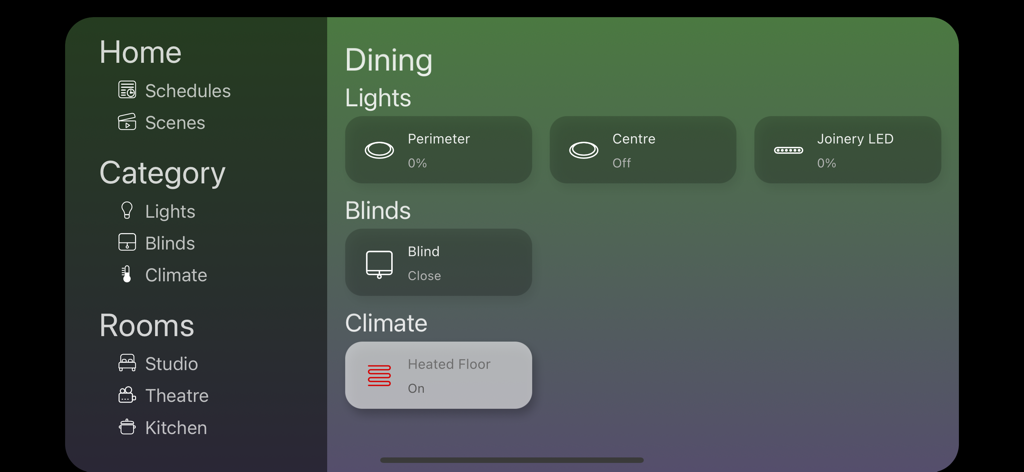
CTC SpaceLogic app dashboard with controls for lights blinds and floor heating
Description
Download
More Like This
Top-ranked apps in the same category

Microsoft Teams
Microsoft Corporation

Zoom Workplace
Zoom Communications, Inc.

WhatsApp Business
WhatsApp Inc.

Indeed Job Search
Indeed Inc.

LinkedIn: Network & Job Finder
LinkedIn Corporation

Adobe Acrobat Reader: Sign PDF
Adobe Inc.

WeCom-Work Communication&Tools
Tencent Technology (Shenzhen) Company Limited

BOSS直聘-招聘求职找工作神器
Beijing China Product Bo Farce Network Technology Co., Ltd.

DingDing - Redefine Work in AI
DingTalk Technology Co., Ltd.
This page is not an official page of the app or its developer, but an independent editorial publication created for informational and commentary purposes. Unless expressly stated otherwise, neither the app nor its developer is affiliated with, endorsed by, sponsored by, authorized by, or otherwise officially connected with MWM, Apple, Google Play, the app publisher, or the app's developer, and nothing on this page implies that the app was developed using MWM's services. Any trademarks, logos, screenshots, and other content remain the property of their respective owners.