
This page is not an official page of the app or its developer, but an independent editorial publication created for informational and commentary purposes. Unless expressly stated otherwise, neither the app nor its developer is affiliated with, endorsed by, sponsored by, authorized by, or otherwise officially connected with MWM, Apple, Google Play, the app publisher, or the app's developer, and nothing on this page implies that the app was developed using MWM's services. Any trademarks, logos, screenshots, and other content remain the property of their respective owners.


Cue - Smart AI Meeting Notes
The hands-free AI assistant for high-achievers. Instantly transform meetings and lectures into clear summaries and actionable to-do lists, so you can stay present and lead the conversation.
Downloads
575K+User Rating
Total Ratings
4K+Publisher
Category
ProductivityLocales
1Latest Version
0.24.11Size
156.1 MBFirst Released
Mar 19, 2025Capture Every Insight, Without Lifting a Pen
Cue transforms your conversations into organized, actionable intelligence so you can stay fully present in the moment while we handle the documentation.
Instant AI Summaries
Skip the tedious transcripts. Our advanced AI condenses hours of discussion into concise, high-accuracy summaries and key takeaways.
Action-Ready To-Do Lists
Never let a deadline slip through the cracks. Cue automatically extracts tasks and next steps, turning talk into a clear plan of action.
Frequently Asked Questions
Everything you need to know about Cue - Smart AI Meeting Notes
What is Cue - Smart AI Meeting Notes?
Cue is an AI meeting note-taker that captures discussions to instantly produce accurate summaries, action items, and key information. It ensures users stay engaged without manual note-taking.
How does Cue ensure privacy and security for my notes and recordings?
Cue ensures privacy and security by never selling or granting third parties access to recordings or transcripts. Your data remains yours; you can export, share, or delete files at any time.
Can Cue transcribe and summarize in multiple languages?
Yes, Cue offers multilingual support for transcription and summarization. It handles various languages for transcription, like Spanish, and provides English summaries, facilitating collaboration across diverse teams.
Does Cue - Smart AI Meeting Notes integrate with calendar applications?
Yes, Cue integrates with Google, iCloud, and Microsoft calendars. This smart sync provides timely reminders before events, ensuring users are ready to capture key insights and start recording promptly.
What types of information does Cue provide from captured discussions?
Cue produces accurate summaries, action items, and key information from discussions. It condenses lengthy conversations into concise, easy-to-digest content, including actionable to-do lists and clear next steps.
Can I search and ask AI-driven questions about my transcripts in Cue?
Yes, Cue enables searching for keywords within transcripts to retrieve vital details. It also offers AI-driven queries to pinpoint specific answers, such as "Which deadlines were decided in Monday’s meeting?"
Is Cue designed for both business meetings and academic lectures?
Yes, Cue is suitable for business meetings, conferences, and lectures. It transforms real-time audio into polished notes, complete with speaker labels, and functions as a personal study companion.
How do I share or export notes and summaries from Cue?
Cue allows users to export transcripts or summaries as PDFs, emails, or URLs. This functionality supports easy collaboration by enabling sharing with teams or classmates after review and editing.
Does Cue - Smart AI Meeting Notes record audio from video conferencing platforms?
Yes, Cue records and summarizes audio from any video call. It supports popular platforms like Google Meet, Microsoft Teams, and Zoom, ensuring comprehensive note-taking during virtual discussions.
Does Cue include speaker labels in its meeting notes?
Yes, Cue provides speaker labels within its polished meeting notes. This feature is part of its ability to transform real-time audio, enhancing the clarity and organization of transcriptions.
The following screenshots and description are sourced directly from the app's official store listing and are the property of the app developer.
App Store
Screenshots
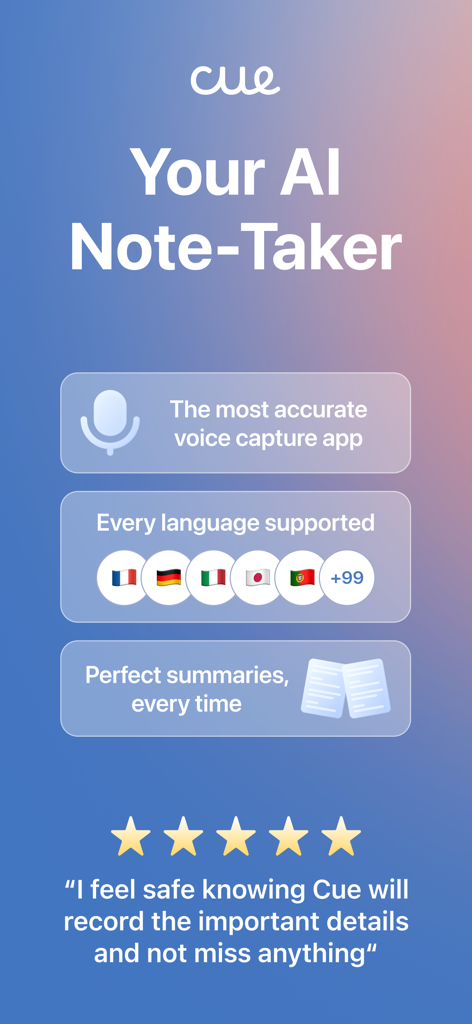
Cue AI meeting notes app screen showing voice capture and multi language support
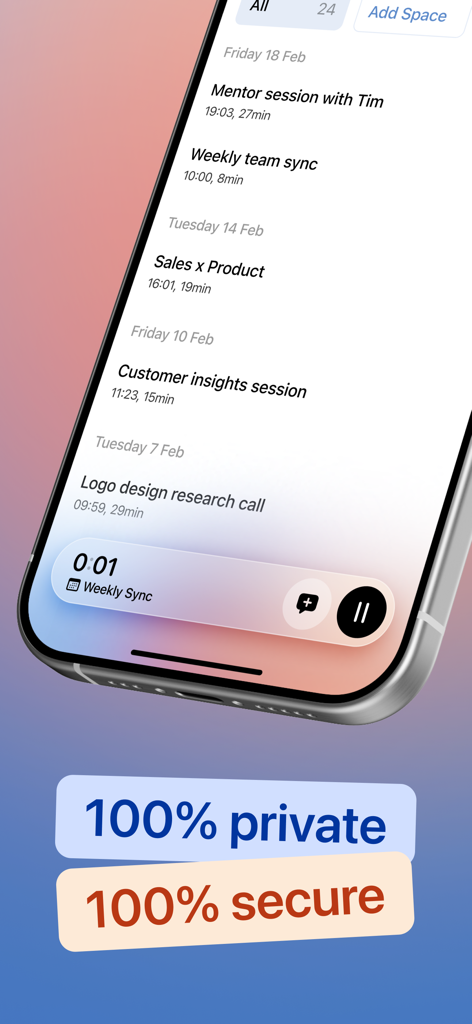
Smartphone display showing the Cue app meeting history list with prominent labels for privacy and security
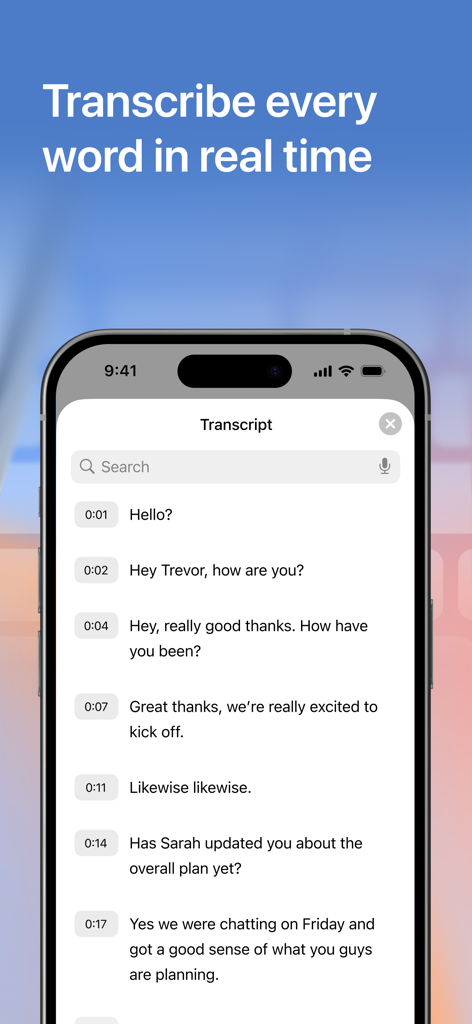
iPhone screen showing a real-time conversation transcript with timestamps in the Cue AI app.
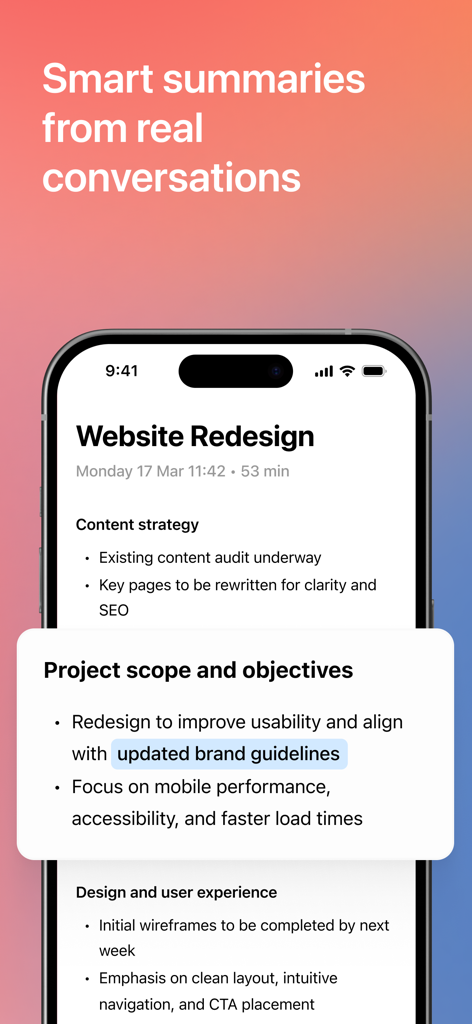
iPhone screen displaying AI-generated meeting notes and project summaries for a website redesign

A collage of scenarios for using Cue AI including meetings, university lectures, brainstorm sessions, interviews, and doctor visits.
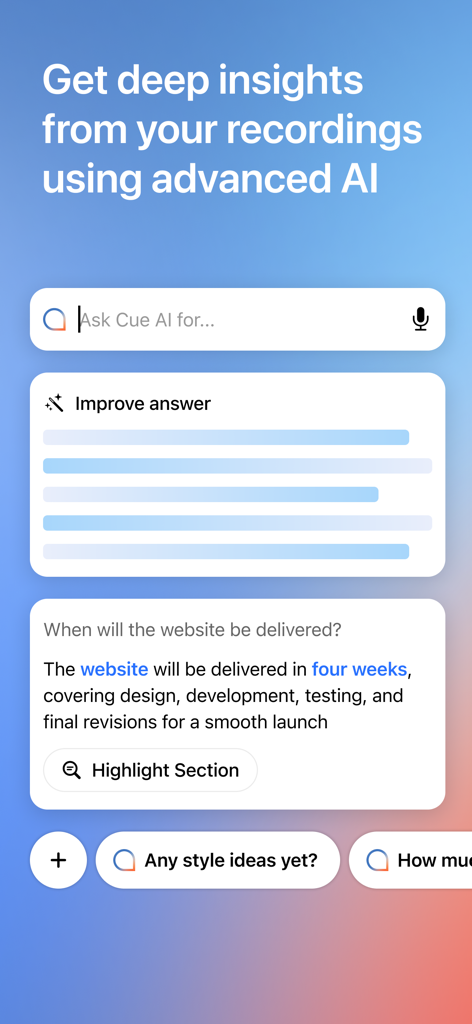
Interface of the Cue app showing AI-powered insights and a search bar to ask questions about meeting recordings.
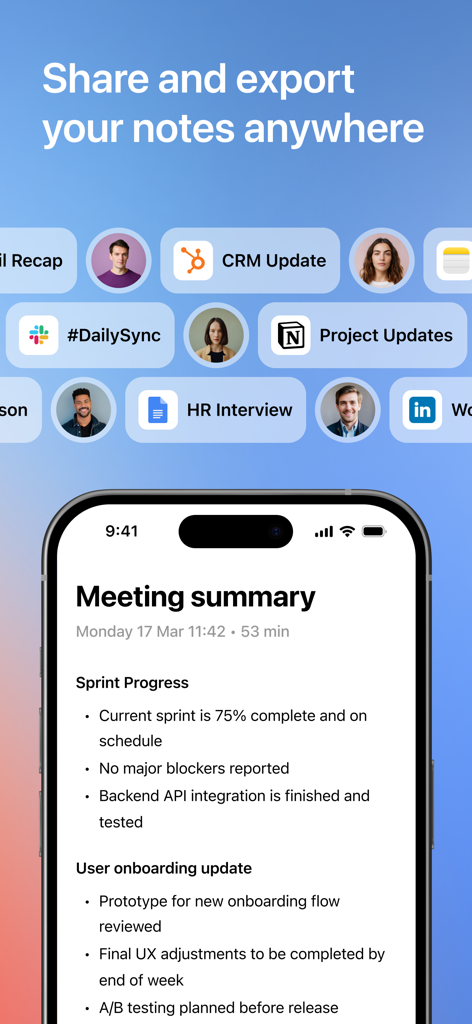
Smartphone screen displaying an AI meeting summary with various export icons for Slack Notion and HubSpot
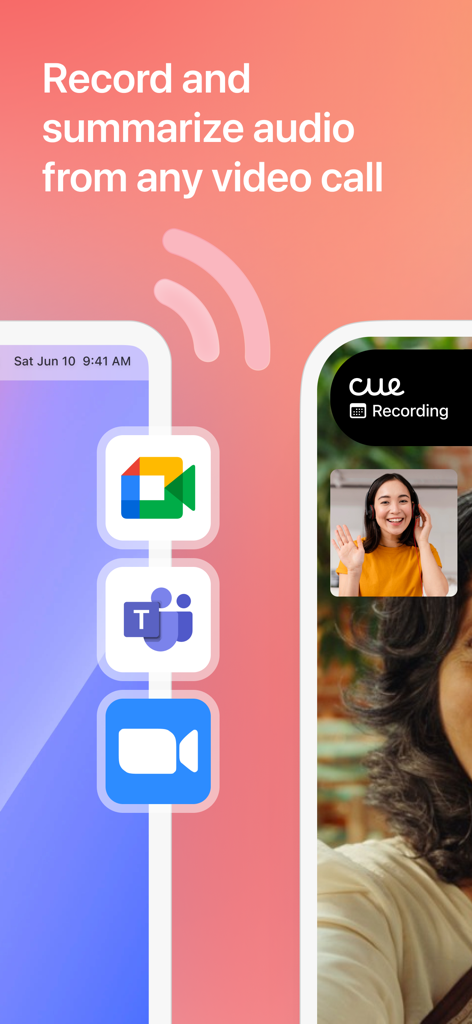
A graphic showing the Cue app recording and summarizing audio from video calls like Zoom Teams and Google Meet
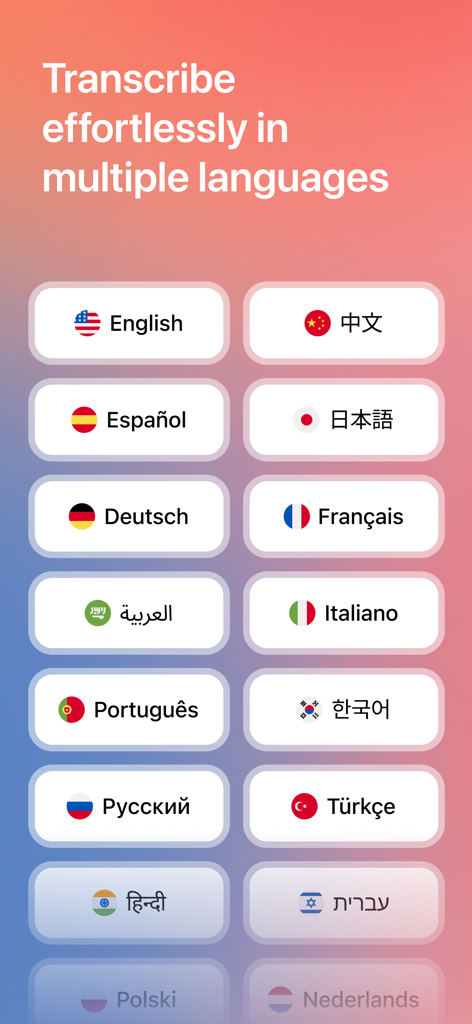
A screen showing various language options for AI transcription in the Cue meeting notes app
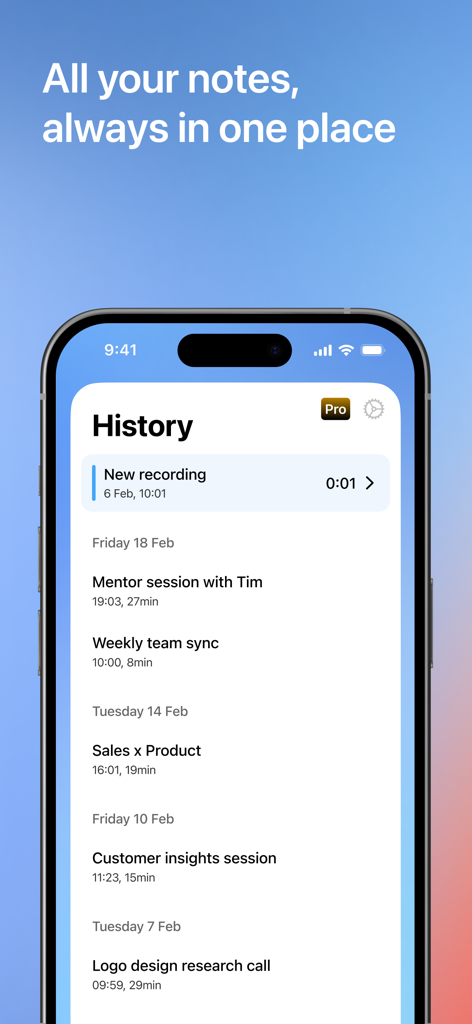
A list of recorded meeting notes in the Cue app history screen on an iPhone.
Description
Download
More Like This
Apps with similar features and user experience

Plaud: AI Note Taker
PLAUD LLC

Notee: AI Note Taker
GM UniverseApps Limited

클로바노트 - 음성 그 이상의 기록
NAVER Corp.

录音专家-专业录音转文字助手
Chongqing Yeyuegua Technology Co., Ltd

听脑AI - 实时录音转文字总结助手
Shanghai Xiuyu Network Technology Co., Ltd

Granola - AI Meeting Notes
Granola inc

Transkriptor - Speech to Text
Textintel FZE

Minutes: AI Meeting Note Taker
Minutes AI, LLC

Fireflies: AI notetaker
FIREFLIES.AI CORP.
This page is not an official page of the app or its developer, but an independent editorial publication created for informational and commentary purposes. Unless expressly stated otherwise, neither the app nor its developer is affiliated with, endorsed by, sponsored by, authorized by, or otherwise officially connected with MWM, Apple, Google Play, the app publisher, or the app's developer, and nothing on this page implies that the app was developed using MWM's services. Any trademarks, logos, screenshots, and other content remain the property of their respective owners.