
This page is not an official page of the app or its developer, but an independent editorial publication created for informational and commentary purposes. Unless expressly stated otherwise, neither the app nor its developer is affiliated with, endorsed by, sponsored by, authorized by, or otherwise officially connected with MWM, Apple, Google Play, the app publisher, or the app's developer, and nothing on this page implies that the app was developed using MWM's services. Any trademarks, logos, screenshots, and other content remain the property of their respective owners.

Custom Widgets by Clockology
Join millions of creators breaking free from default templates. Build interactive, data-rich faces with live weather, health metrics, and custom visuals, or instantly import thousands of stunning styles from our global community.
Downloads
895K+User Rating
Total Ratings
8K+Publisher
Category
Graphics & DesignLocales
15Latest Version
2.3.8Size
77.5 MBFirst Released
Nov 12, 2021Your Wrist, Your Rules
Break free from standard templates and transform your Apple Watch into a personalized masterpiece with professional design tools and real-time data integration.
Pro-Level Creative Editor
Express your unique style by layering custom images, fonts, and gradients to build a one-of-a-kind face that perfectly matches your aesthetic.
Integrated Health & Utility
Track what matters most with custom complications for Apple Health activity, live weather updates, and battery life—all visible on your Always-On display.
The following screenshots and description are sourced directly from the app's official store listing and are the property of the app developer.
App Store
Screenshots
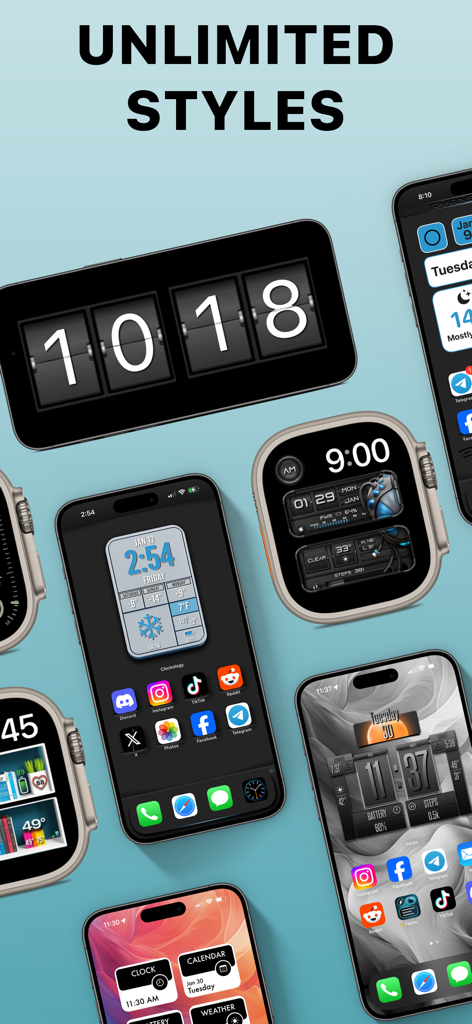
Multiple iPhones and Apple Watches displaying various custom digital clock widgets and watch faces
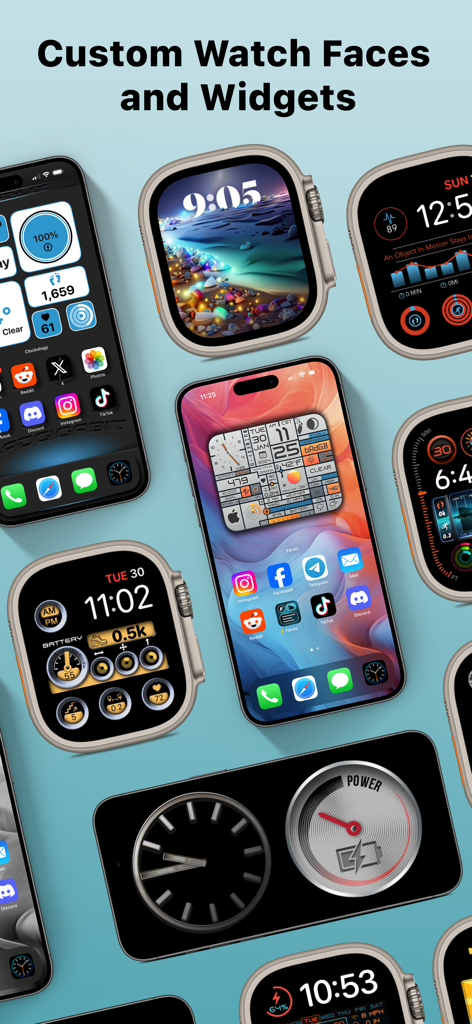
Display of various custom watch faces and widgets for Apple Watch and iPhone
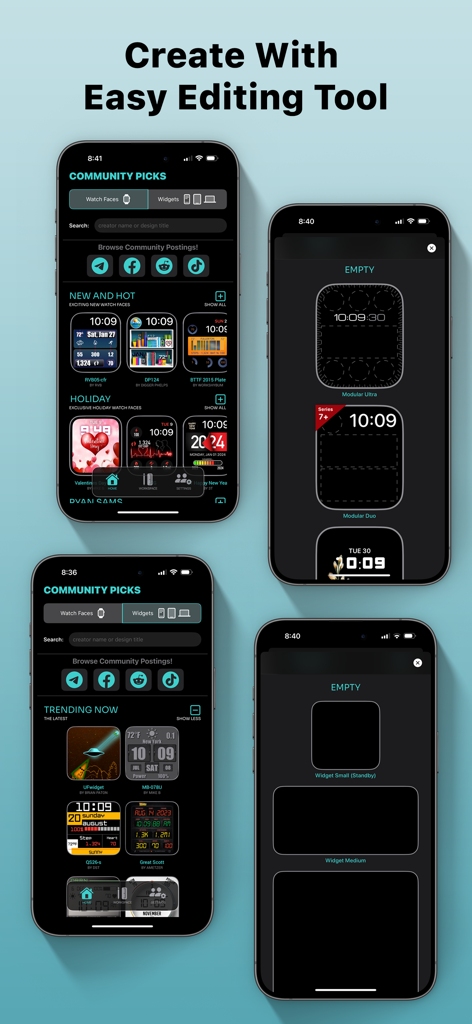
Smartphone screens displaying custom Apple Watch faces and widget design tools in the Clockology app.
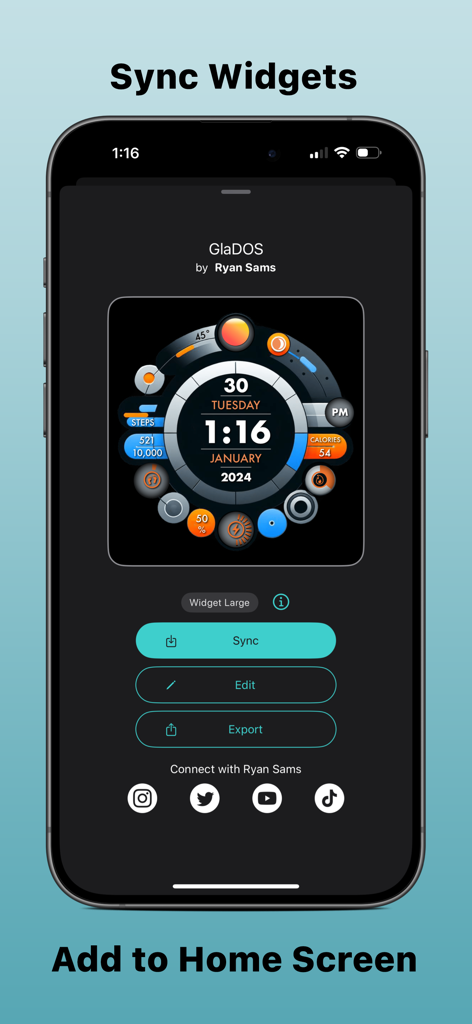
iPhone screen showing a custom GlaDOS widget interface with options to sync, edit, and export.
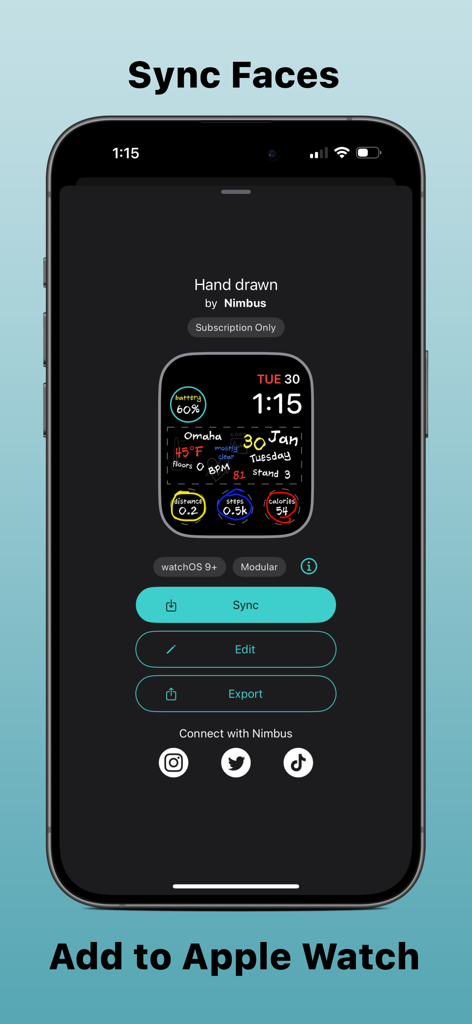
Clockology app interface showing a custom hand drawn watch face ready to sync to an Apple Watch
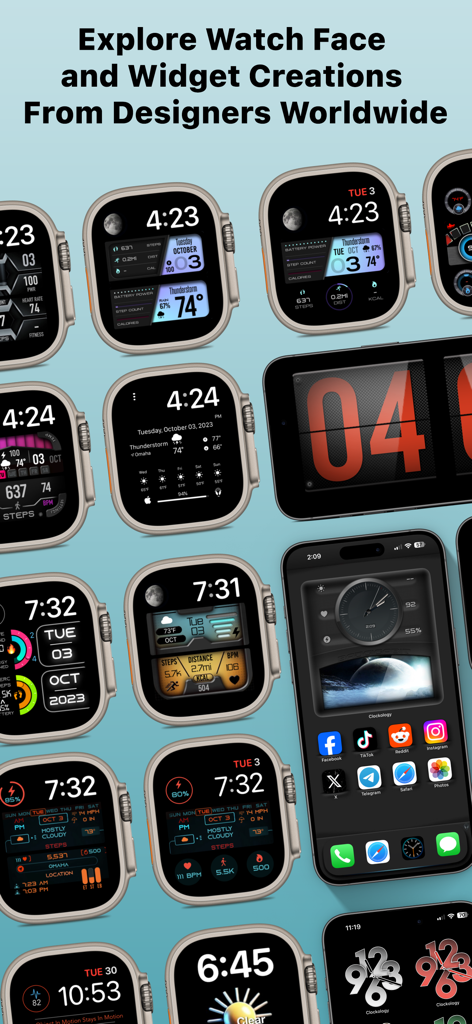
A gallery showing a variety of custom designed Apple Watch faces and iPhone home screen widgets
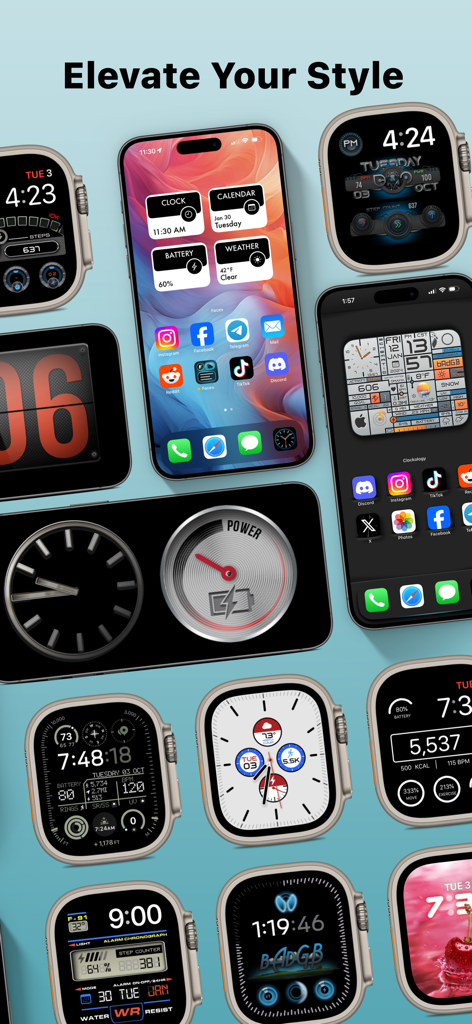
A variety of custom Apple Watch faces and iPhone widgets showing different aesthetic styles and complications
Description
Download
More Like This
Top-ranked apps in the same category

Kling AI: AI Image&Video Maker
LOHAS GAMES PTE. LTD.

iScreen - Widgets & Wallpaper
Xiamen ShenZhuo Information Technology Co., Ltd.

Dreamina AI: Image&Video Maker
BYTEDANCE PTE. LTD.

Home AI - AI Interior Design
HUBX YAZILIM HIZMETLERI ANONIM SIRKETI

ibis Paint X
ibis inc.

ThemeKit: Widget & Icon Themes
Woohoo Tech. Ltd.

Sketchbook®
Sketchbook, Inc.

Colorful Widget- Widget&Themes
Guangzhou ZHIFENG Information Technology Co.,Ltd.

ReRoom AI: Interior Design
GM UniverseApps Limited
This page is not an official page of the app or its developer, but an independent editorial publication created for informational and commentary purposes. Unless expressly stated otherwise, neither the app nor its developer is affiliated with, endorsed by, sponsored by, authorized by, or otherwise officially connected with MWM, Apple, Google Play, the app publisher, or the app's developer, and nothing on this page implies that the app was developed using MWM's services. Any trademarks, logos, screenshots, and other content remain the property of their respective owners.