
This page is not an official page of the app or its developer, but an independent editorial publication created for informational and commentary purposes. Unless expressly stated otherwise, neither the app nor its developer is affiliated with, endorsed by, sponsored by, authorized by, or otherwise officially connected with MWM, Apple, Google Play, the app publisher, or the app's developer, and nothing on this page implies that the app was developed using MWM's services. Any trademarks, logos, screenshots, and other content remain the property of their respective owners.


Customer Management - Contacts
Ditch the messy spreadsheets and expensive subscriptions. Log every client interaction, set follow-up tasks, and sync effortlessly across your iPhone and Mac using your own iCloud storage.
Downloads
38K+User Rating
Total Ratings
0Publisher
Category
BusinessLocales
7Latest Version
2.5Size
3.4 MBFirst Released
Oct 23, 2019The Smarter Way to Manage Client Relationships
Bridge the gap between basic contacts and complex CRM. Our utility-first platform gives you the professional tools to track interactions, manage tasks, and own your data without the subscription fatigue.
Full Interaction History
Build stronger professional bonds by recording detailed logs of every call, meeting, and email. Never forget a client's preference or the status of a deal again.
Seamless Apple Ecosystem Sync
Built for Apple loyalists. Manage your contacts on your iPhone while on the go and find them instantly on your Mac when you return to your desk via secure iCloud sync.
The following screenshots and description are sourced directly from the app's official store listing and are the property of the app developer.
App Store
Screenshots
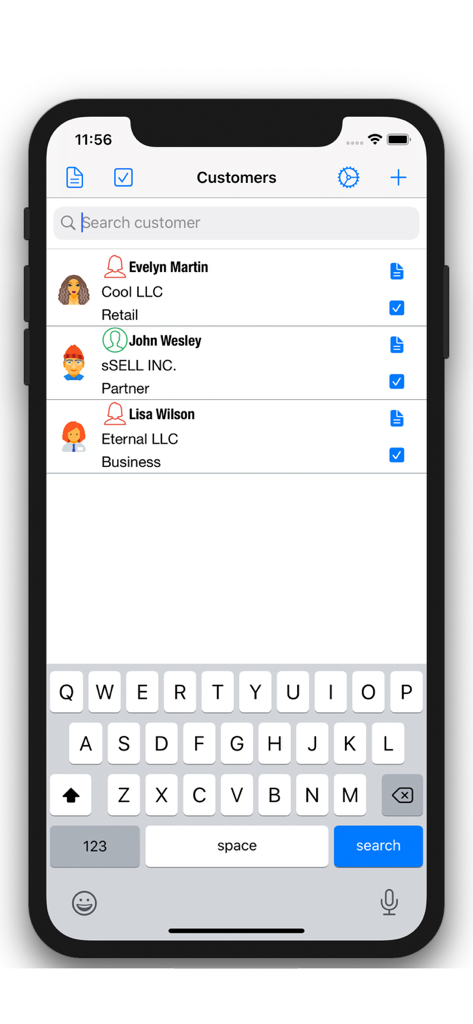
Contact list view in the Customer Management app with search bar and client categories
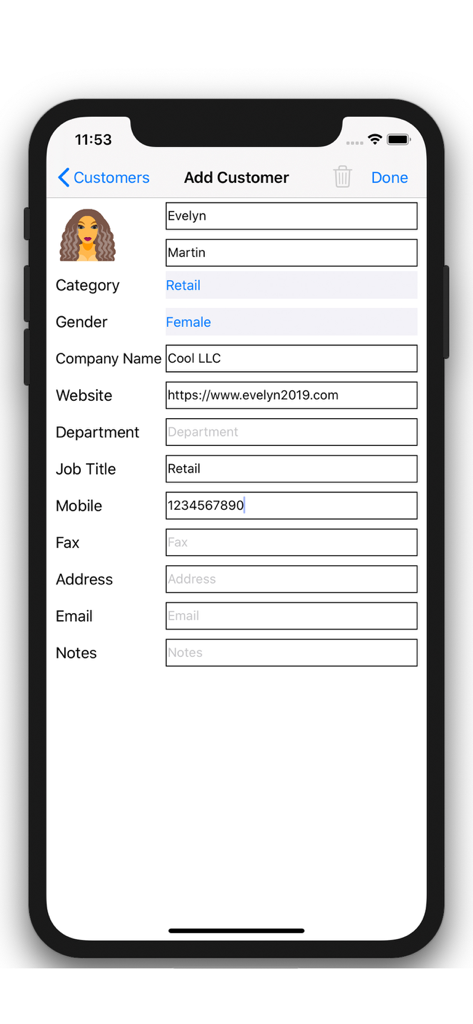
iPhone screen showing the Add Customer interface with fields for contact name, business category, and company details
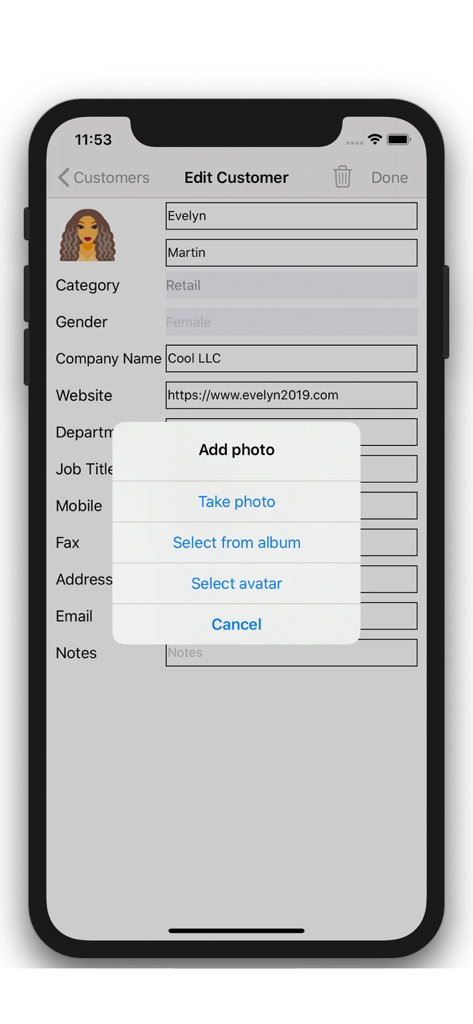
Mobile app interface for editing customer contact information and adding a profile picture
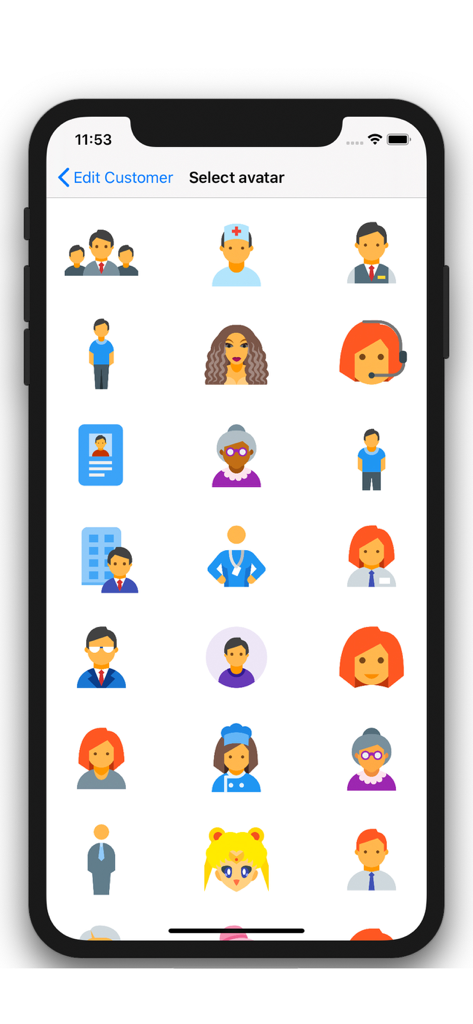
A grid of diverse character avatar icons for personalizing contact profiles in a CRM app.
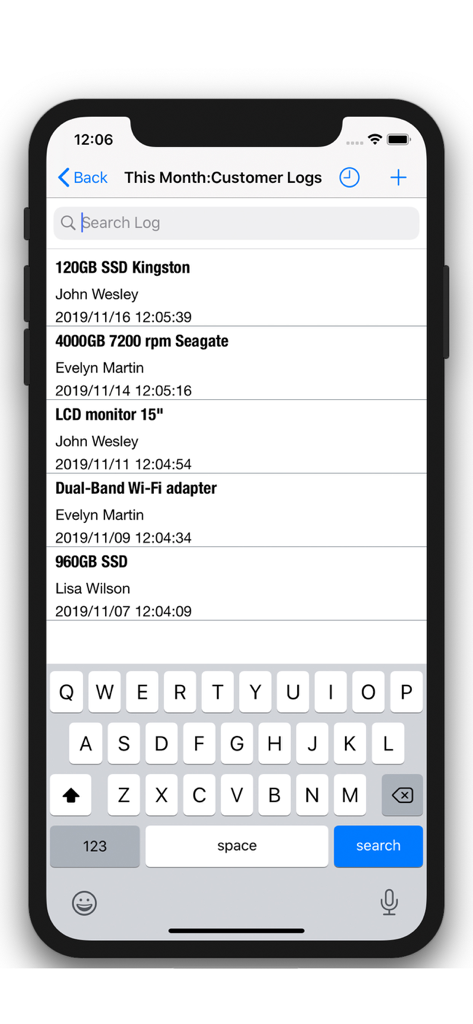
List of customer logs showing client names and interaction details
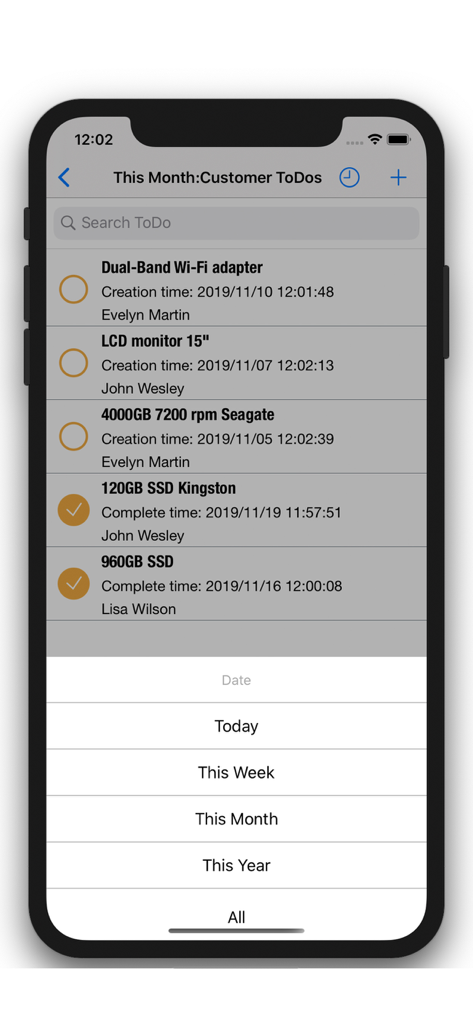
iPhone screen showing customer to-do list with task status and date filters
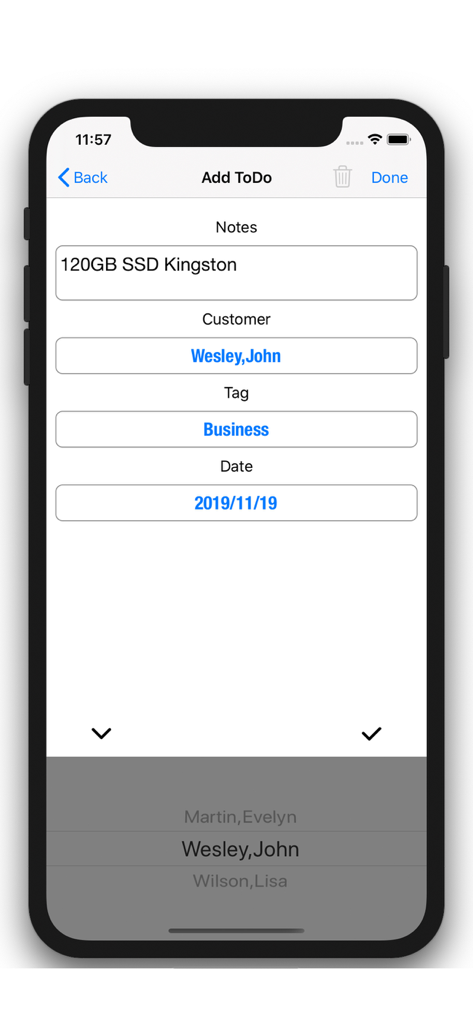
App screen showing how to add a to-do note and task for a business contact
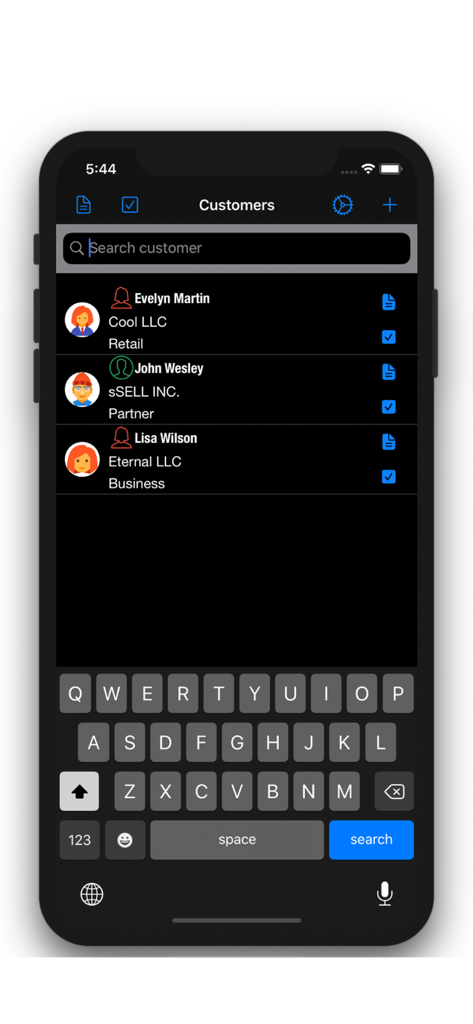
iPhone screen showing a business customer list with search bar and company details in dark mode
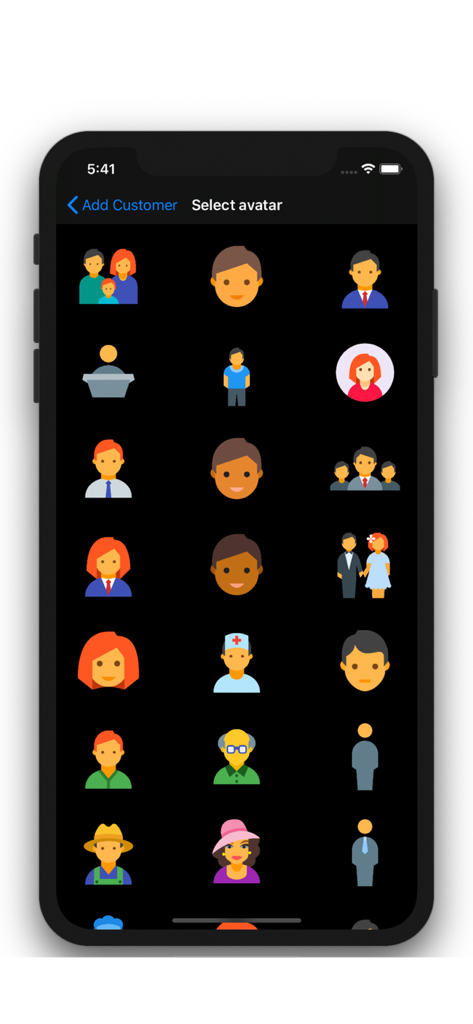
Selection screen showing a grid of diverse character icons to represent different business contacts
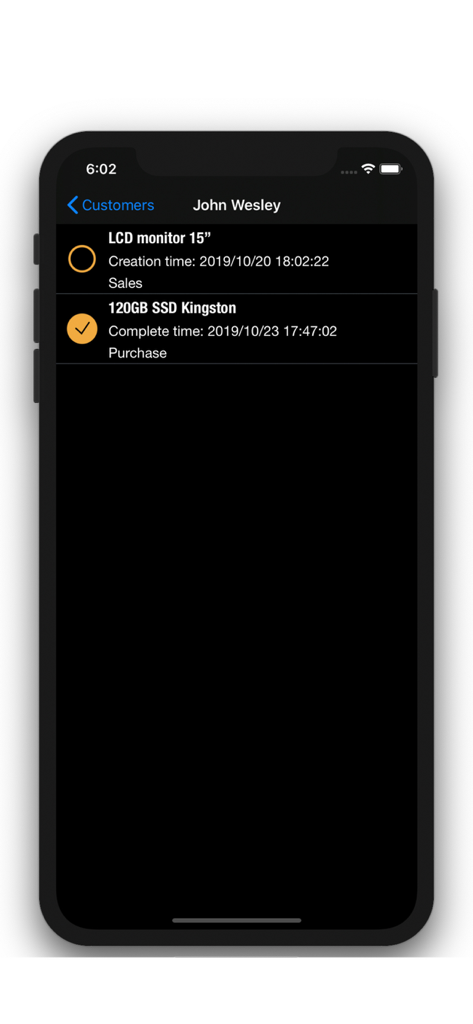
Customer interaction log and to-do list on iPhone
Description
Download
More Like This
Top-ranked apps in the same category

Microsoft Teams
Microsoft Corporation

Zoom Workplace
Zoom Communications, Inc.

WhatsApp Business
WhatsApp Inc.

Indeed Job Search
Indeed Inc.

LinkedIn: Network & Job Finder
LinkedIn Corporation

Adobe Acrobat Reader: Sign PDF
Adobe Inc.

WeCom-Work Communication&Tools
Tencent Technology (Shenzhen) Company Limited

BOSS直聘-招聘求职找工作神器
Beijing China Product Bo Farce Network Technology Co., Ltd.

DingDing - Redefine Work in AI
DingTalk Technology Co., Ltd.
This page is not an official page of the app or its developer, but an independent editorial publication created for informational and commentary purposes. Unless expressly stated otherwise, neither the app nor its developer is affiliated with, endorsed by, sponsored by, authorized by, or otherwise officially connected with MWM, Apple, Google Play, the app publisher, or the app's developer, and nothing on this page implies that the app was developed using MWM's services. Any trademarks, logos, screenshots, and other content remain the property of their respective owners.