Cutout-Design Space for Cricut
Download on App Store

This page is not an official page of the app or its developer, but an independent editorial publication created for informational and commentary purposes. Unless expressly stated otherwise, neither the app nor its developer is affiliated with, endorsed by, sponsored by, authorized by, or otherwise officially connected with MWM, Apple, Google Play, the app publisher, or the app's developer, and nothing on this page implies that the app was developed using MWM's services. Any trademarks, logos, screenshots, and other content remain the property of their respective owners.

Logo of Cutout-Design Space for Cricut
Download on App Store

Cutout-Design Space for Cricut

The all-in-one toolkit for crafters and side-hustlers. Access thousands of trending fonts, AI-powered tools, and smart mockups to make every project Pinterest-perfect before you even start cutting.

Key Figures

Downloads

0

User Rating

1.0/5

Total Ratings

0

Publisher

TROSTUN LTD

Category

Graphics & Design

Locales

1

Latest Version

1.0.1

Size

121.0 MB

First Released

Apr 24, 2025
Features

Design Stunning Projects in Minutes

From AI-powered tools to a massive library of trending SVGs and fonts, Cutout gives you the professional edge for every DIY project and small business order.

Trending SVG Library & Fonts

Access thousands of cut-ready designs and stylish fonts updated weekly to match the latest Pinterest and TikTok aesthetics.

Smart Previews & Mockups

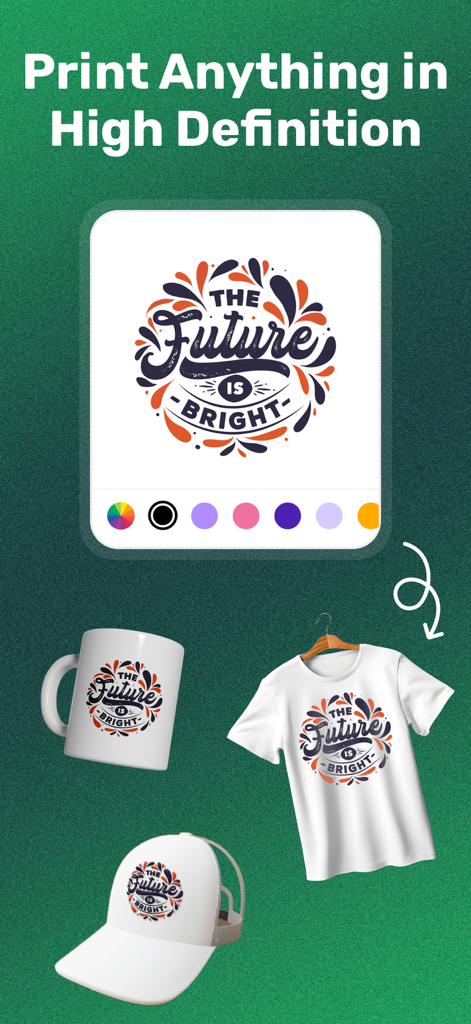
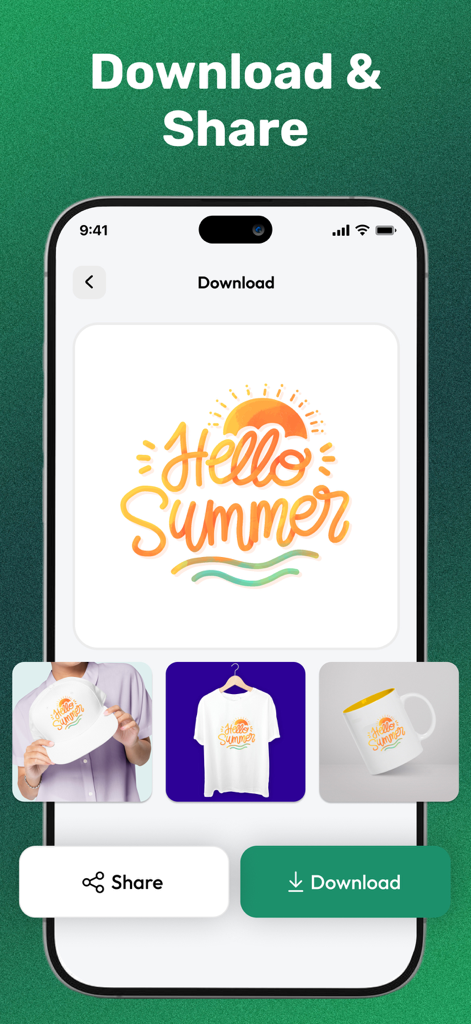
Visualize your designs on shirts, mugs, or hats before you cut. Save money and materials by seeing the final product instantly.

The following screenshots and description are sourced directly from the app's official store listing and are the property of the app developer.

App Store

Screenshots
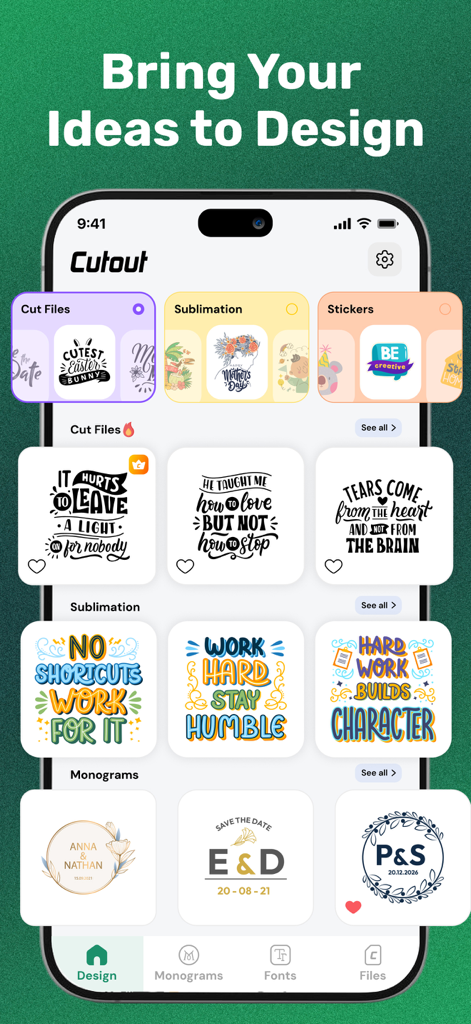
Cutout-Design Space for Cricut - Interface of the Cutout app displaying various design categories including cut files sublimation stickers and personalized monograms for Cricut users
Interface of the Cutout app displaying various design categories including cut files sublimation stickers and personalized monograms for Cricut users

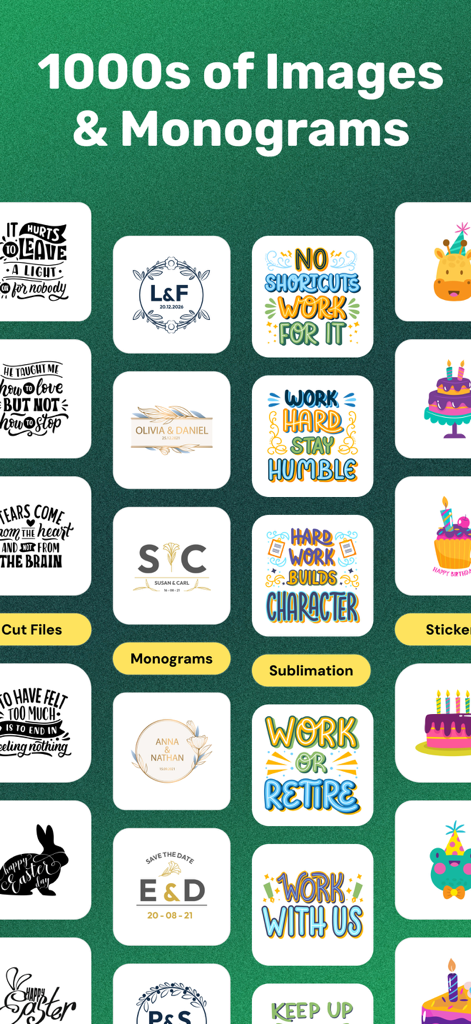
Cutout-Design Space for Cricut - A library of thousands of images monograms and cut files for DIY craft projects
A library of thousands of images monograms and cut files for DIY craft projects

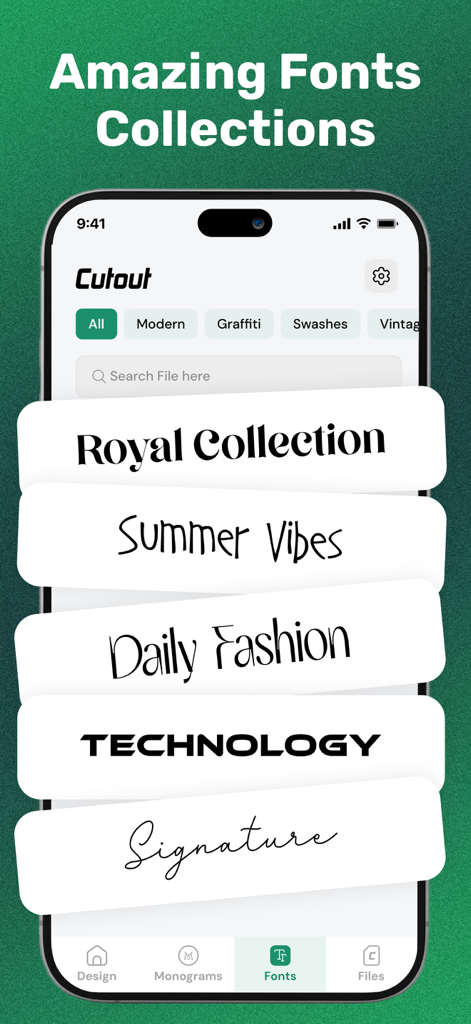
Cutout-Design Space for Cricut - A mobile app interface displaying various font styles including modern, graffiti, and signature collections for Cricut DIY projects.
A mobile app interface displaying various font styles including modern, graffiti, and signature collections for Cricut DIY projects.

Cutout-Design Space for Cricut - A design preview showing a The Future is Bright logo applied to a custom mug, t-shirt, and hat mockup
A design preview showing a The Future is Bright logo applied to a custom mug, t-shirt, and hat mockup

Cutout-Design Space for Cricut - Interface showing a Hello Summer design and product mockups on a hat, t-shirt, and mug with download and share buttons.

Interface showing a Hello Summer design and product mockups on a hat, t-shirt, and mug with download and share buttons.

Description

Create, Customize, and Cut. Your Go-To DIY Design Companion: Cutout! Cutout is an all-in-one design toolkit for DIY lovers, Cricut users, small business owners, and creative minds! Our app offers AI-powered tools, a massive design library, customizable fonts, and compatibility with Cricut. Cutout can easily transform your creative vision into stunning, ready-to-cut masterpieces for both personal and professional use. Whether you're personalizing gifts, creating event décor, or building your brand identity, Cutout makes designing effortless, fun, and professional. → Why Should You Choose Cutout? THOUSANDS OF TRENDING DESIGNS You can browse and explore a rich library of cut files, sublimation-ready images, stickers, and custom shapes that are updated regularly to keep up with the latest trends. TOTAL CREATIVE CONTROL Users can customize their designs with simple and intuitive editing tools. Using cutout, one can change colors, adjust layouts, edit text, or personalize monograms, all in just a few taps. CRICUT-FRIENDLY Easily export your creations with step-by-step guidance for importing to Cricut Design Space. Perfect for vinyl projects, T-shirts, mugs, cards, and other crafts! FONTS FOR EVERY MOOD You would get all kinds of fonts, starting from modern and script to handwritten styles. Users can explore professionally designed fonts and choose the one that intrigues them the most. Simply apply cut/draw operations, change cases, tweak sizes, and share your font creations. PERSONALIZED MONOGRAM MAKER With cutout, you can create beautiful monograms with initials, names, or custom text. You can choose from elegant templates or start from scratch, which makes it ideal for weddings, gifts, and custom merchandise. SMART PREVIEW & MOCKUPS You can easily see your designs come to life on shirts, mugs, hats, and more. Instantly visualize your project before exporting. This allows you to make amends where needed. EASY SAVE, SHARE & ORGANIZE Save favorite designs for quick access. You can share your creations with friends, your team, or your cutting machine software directly. → Who Can Benefit from Cutout? • Crafters & DIY Lovers: Turn your ideas into reality with pro-level tools and easy workflows. • Small Business Owners: Design merchandise, product labels, packaging, and gifts without skills. • Graphic Designers: Expand your creative toolkit with unique fonts and cut-ready design elements. • Event Planners: Create customized party favors, signage, and decorations in just minutes. Choose by Categories • Get cut files from holiday themes to motivational quotes and other design assets. • Access to 80+ high-res ready-to-print designs for mugs, fabrics & more. • 100+ creative sticker sets for planners, scrapbooks, or social media. • Dozens of shapes, decorative elements, frames, patterns, and much more. Start creating stunning designs for every project with Cutout. We have created the ultimate app for DIY creators and Cricut users. Install the app today and make something beautiful! Note: Our cutout application is not connected/related/sponsored/supported by the official Cricut Inc. The app has been designed only to provide quality visual content and to support DIY enthusiasts. Subscription Terms • Cutout comes with a freemium model. Users can select a suitable plan and enjoy full access till the expiry of their subscription. • Payment will be charged to your Apple account upon purchase confirmation and will automatically renew at the selected duration and price unless auto-renewal is turned off. • You cannot cancel the current subscription during the active period, but you can manage your subscription and/or turn off auto-renewal in your Apple Account Settings after purchase. Privacy Policy: https://www.trostun.com/privacy-policy/ Support URL: https://www.trostun.com/contact-us/ Terms of Use: https://www.trostun.com/terms-of-use/

Download

Download on App Store

This page is not an official page of the app or its developer, but an independent editorial publication created for informational and commentary purposes. Unless expressly stated otherwise, neither the app nor its developer is affiliated with, endorsed by, sponsored by, authorized by, or otherwise officially connected with MWM, Apple, Google Play, the app publisher, or the app's developer, and nothing on this page implies that the app was developed using MWM's services. Any trademarks, logos, screenshots, and other content remain the property of their respective owners.