
This page is not an official page of the app or its developer, but an independent editorial publication created for informational and commentary purposes. Unless expressly stated otherwise, neither the app nor its developer is affiliated with, endorsed by, sponsored by, authorized by, or otherwise officially connected with MWM, Apple, Google Play, the app publisher, or the app's developer, and nothing on this page implies that the app was developed using MWM's services. Any trademarks, logos, screenshots, and other content remain the property of their respective owners.


Cyber Device Manager®
The all-in-one MDM solution for enterprise and education. Enforce BYOD policies, enable Kiosk Mode, and protect your data with a secure, cloud-based console built on Amazon AWS.
Downloads
361K+User Rating
Total Ratings
0Publisher
Category
BusinessLocales
1Latest Version
7.051925Size
1.6 MBFirst Released
Oct 19, 2012Empower Your IT Infrastructure
A comprehensive, AWS-powered suite designed to secure hardware, protect corporate data, and streamline mobile operations for schools and businesses.
Proactive Threat Protection
Secure company data with remote wipe, jailbreak detection, and automated password enforcement across all BYOD and corporate devices.
Smart Geofenced Policies
Maintain campus security and focus by automatically disabling cameras and restricting apps based on real-time device location.
The following screenshots and description are sourced directly from the app's official store listing and are the property of the app developer.
App Store
Screenshots
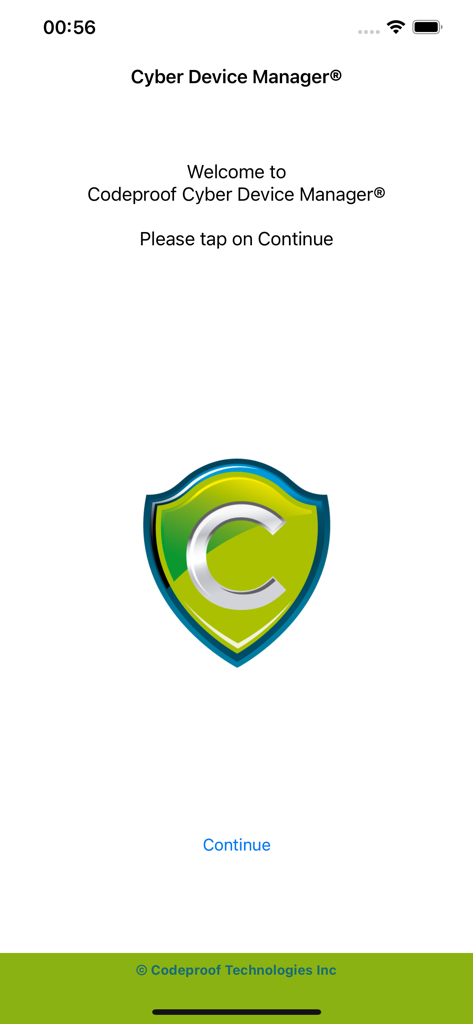
The welcome screen of the Cyber Device Manager mobile app by Codeproof featuring a shield logo and a continue button.
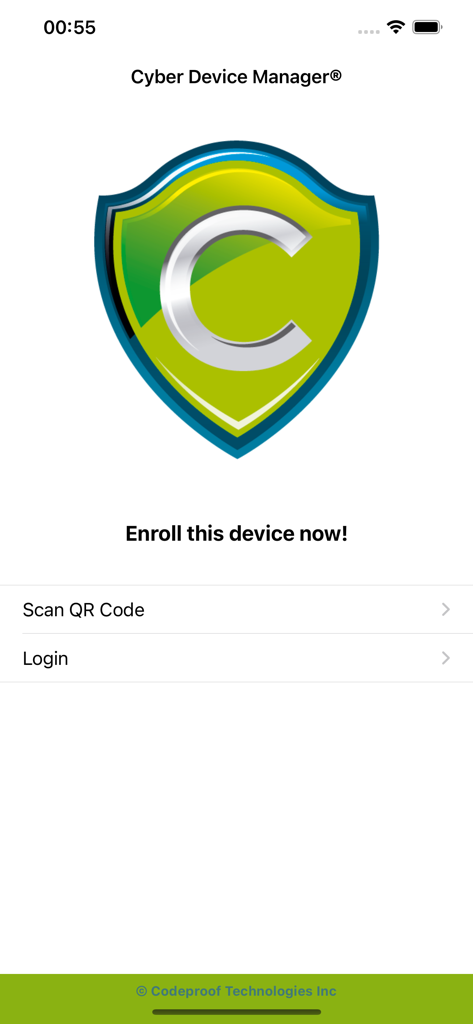
Cyber Device Manager app enrollment screen featuring scan QR code and login options
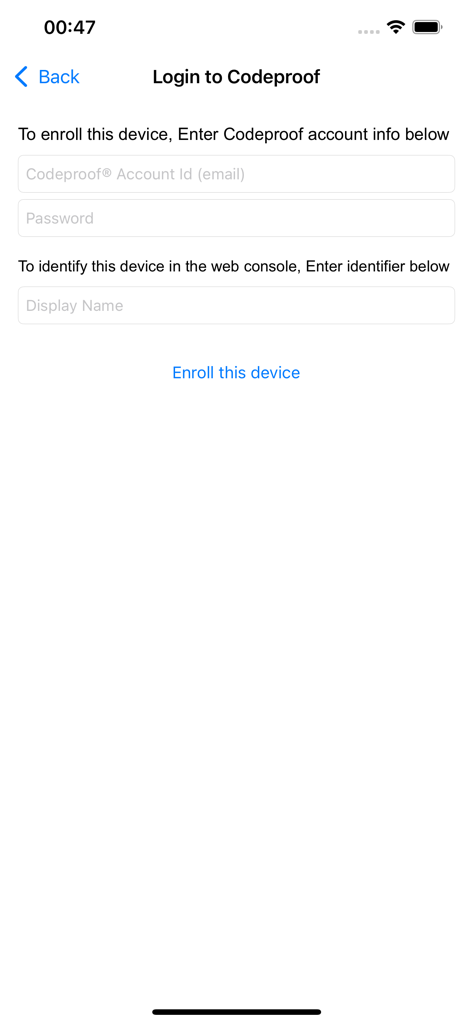
The device enrollment login screen of the Cyber Device Manager MDM application
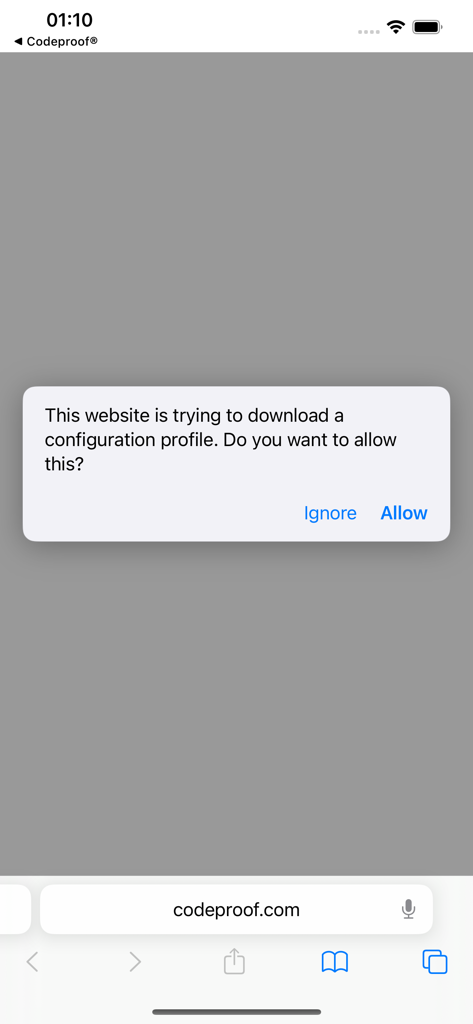
iOS system prompt for downloading a configuration profile from codeproof.com during MDM setup.
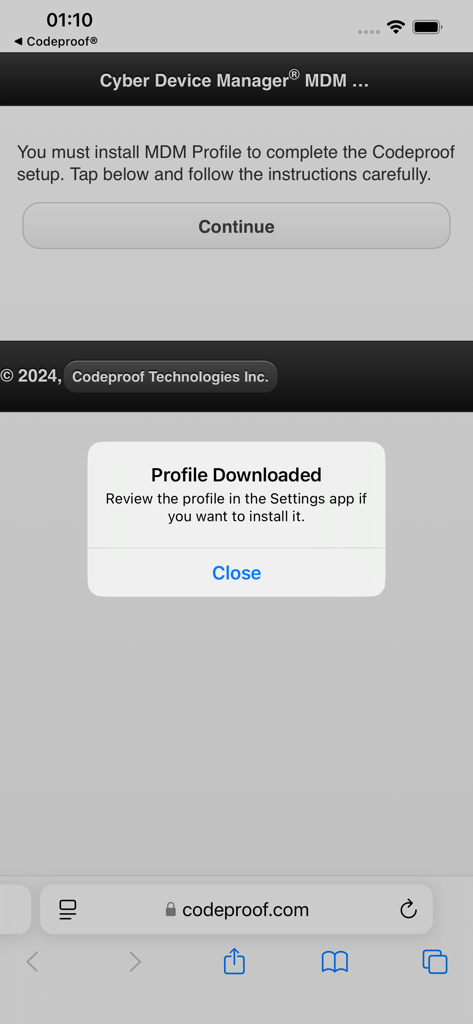
Cyber Device Manager MDM profile downloaded notification on iOS
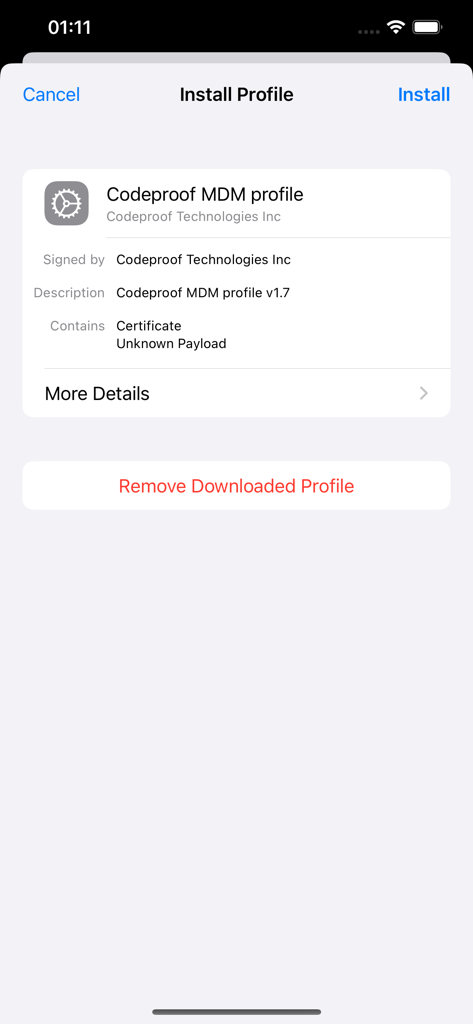
iOS system screen for installing the Codeproof MDM profile
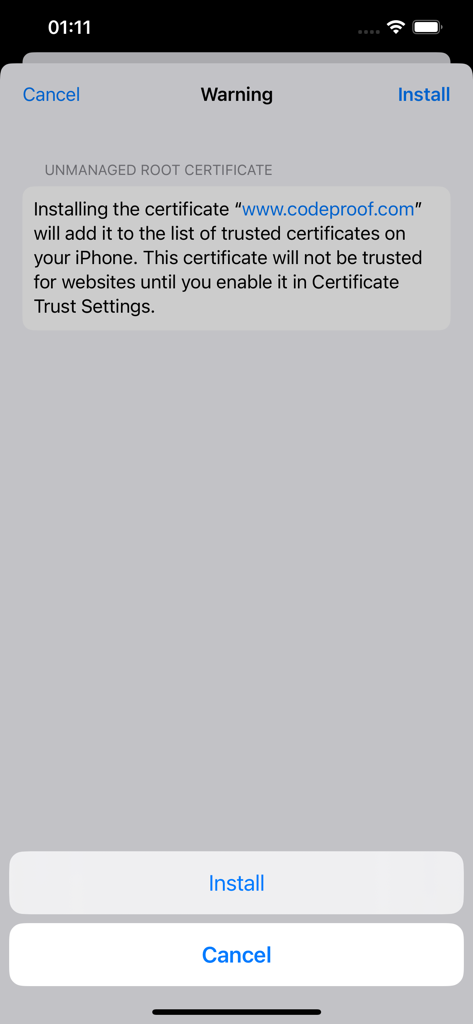
iOS system warning screen for installing a Codeproof unmanaged root certificate.
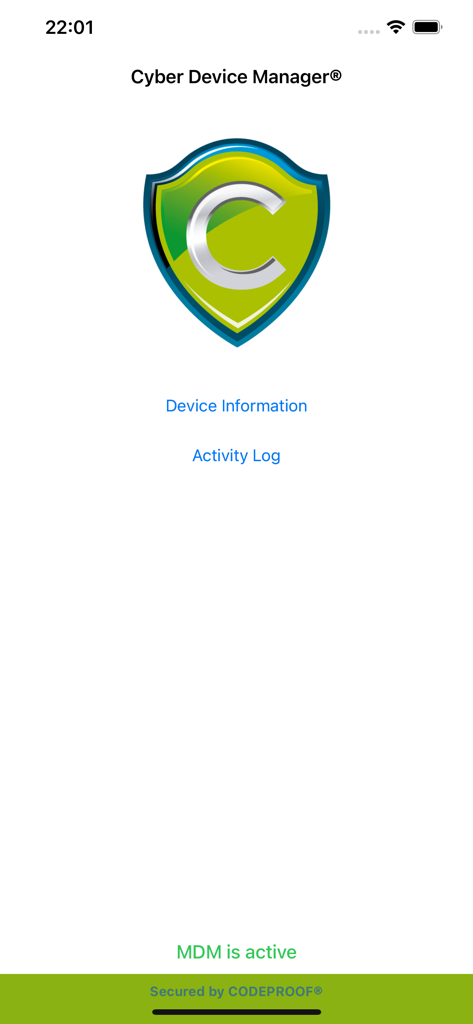
Cyber Device Manager app home screen displaying MDM active status and device log menu
Description
Download
More Like This
Top-ranked apps in the same category

Microsoft Teams
Microsoft Corporation

Zoom Workplace
Zoom Communications, Inc.

WhatsApp Business
WhatsApp Inc.

Indeed Job Search
Indeed Inc.

LinkedIn: Network & Job Finder
LinkedIn Corporation

Adobe Acrobat Reader: Sign PDF
Adobe Inc.

WeCom-Work Communication&Tools
Tencent Technology (Shenzhen) Company Limited

BOSS直聘-招聘求职找工作神器
Beijing China Product Bo Farce Network Technology Co., Ltd.

DingDing - Redefine Work in AI
DingTalk Technology Co., Ltd.
This page is not an official page of the app or its developer, but an independent editorial publication created for informational and commentary purposes. Unless expressly stated otherwise, neither the app nor its developer is affiliated with, endorsed by, sponsored by, authorized by, or otherwise officially connected with MWM, Apple, Google Play, the app publisher, or the app's developer, and nothing on this page implies that the app was developed using MWM's services. Any trademarks, logos, screenshots, and other content remain the property of their respective owners.