
This page is not an official page of the app or its developer, but an independent editorial publication created for informational and commentary purposes. Unless expressly stated otherwise, neither the app nor its developer is affiliated with, endorsed by, sponsored by, authorized by, or otherwise officially connected with MWM, Apple, Google Play, the app publisher, or the app's developer, and nothing on this page implies that the app was developed using MWM's services. Any trademarks, logos, screenshots, and other content remain the property of their respective owners.


CyberArk Identity
Streamline your hybrid work life with one-tap SSO and adaptive MFA. Securely access corporate apps, email, and VPN from your iPhone or Apple Watch—wherever the job takes you.
Downloads
0User Rating
Total Ratings
0Publisher
Category
BusinessLocales
20Latest Version
26.4.200Size
66.9 MBFirst Released
Sep 21, 2012Secure Access, Without the Friction
Empower your hybrid workday with seamless single sign-on and adaptive multi-factor authentication designed for the modern professional.
One Login for Everything
Eliminate password fatigue with instant SSO access to all your cloud and on-premise corporate applications in one secure place.
One-Tap Authentication
Verify your identity in seconds using push notifications on your iPhone or Apple Watch—no more typing manual codes.
The following screenshots and description are sourced directly from the app's official store listing and are the property of the app developer.
App Store
Screenshots
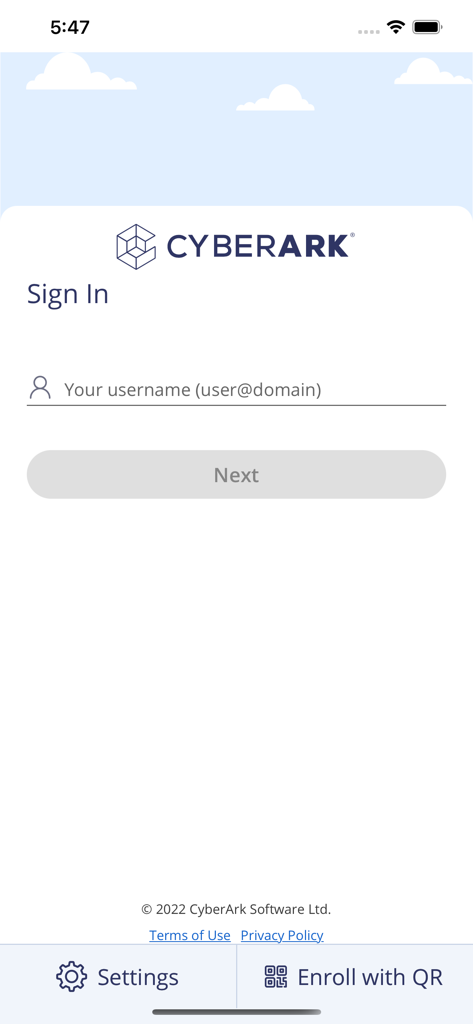
Sign in screen for the CyberArk Identity mobile app asking for a username
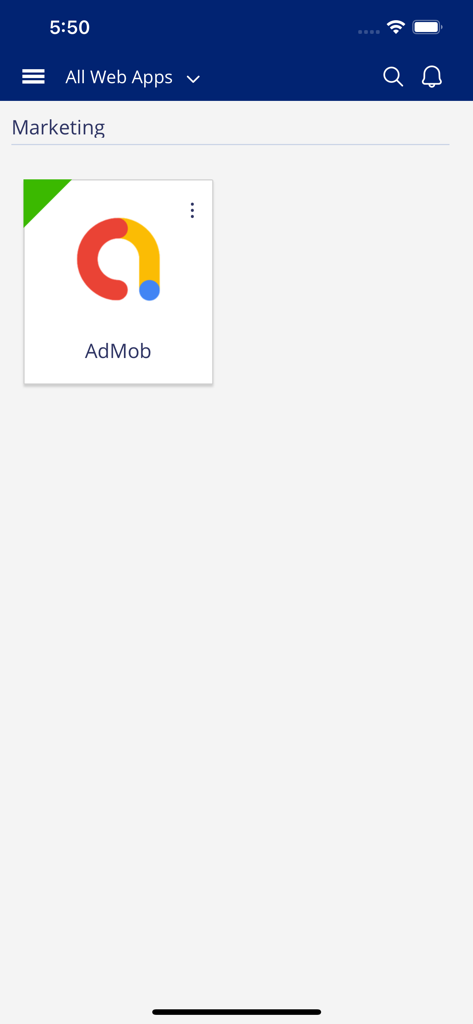
CyberArk Identity mobile app showing the All Web Apps dashboard with a shortcut for the AdMob marketing application.
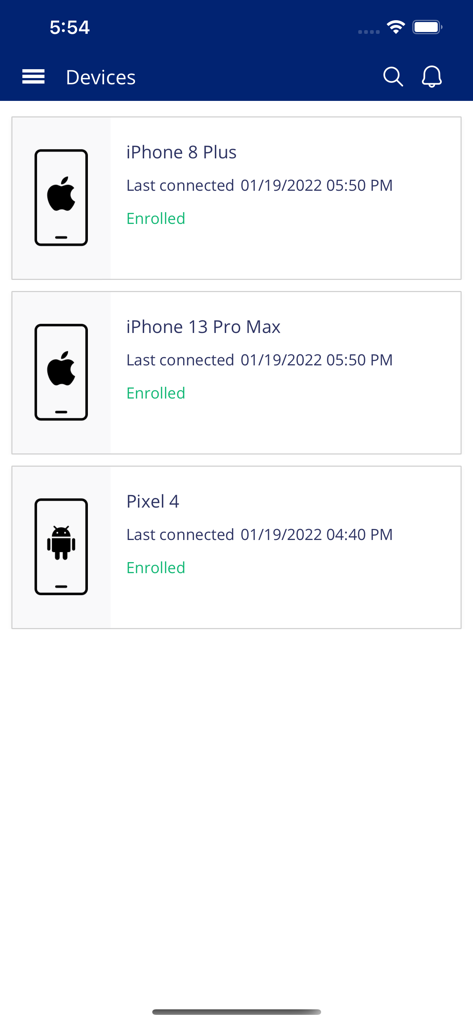
CyberArk Identity app screen displaying a list of enrolled mobile devices including iPhones and an Android phone
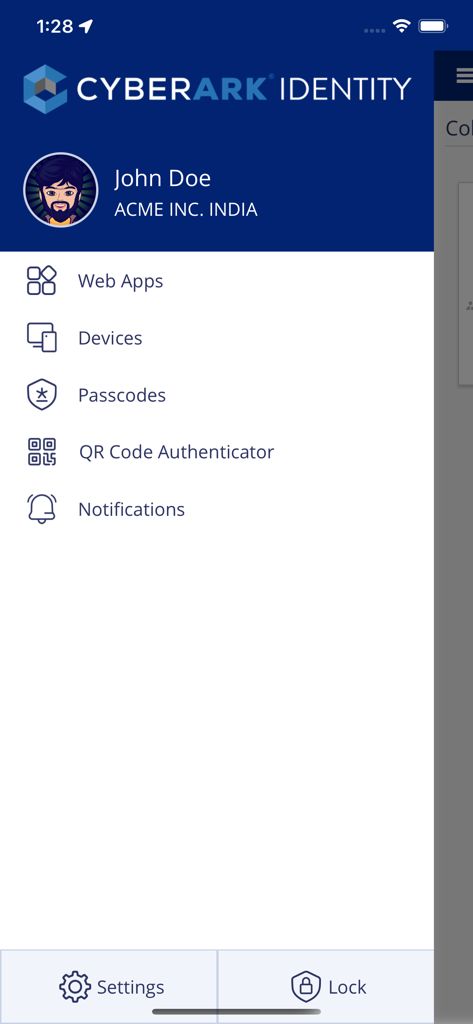
CyberArk Identity mobile app menu showing user profile and security features like web apps and passcodes.
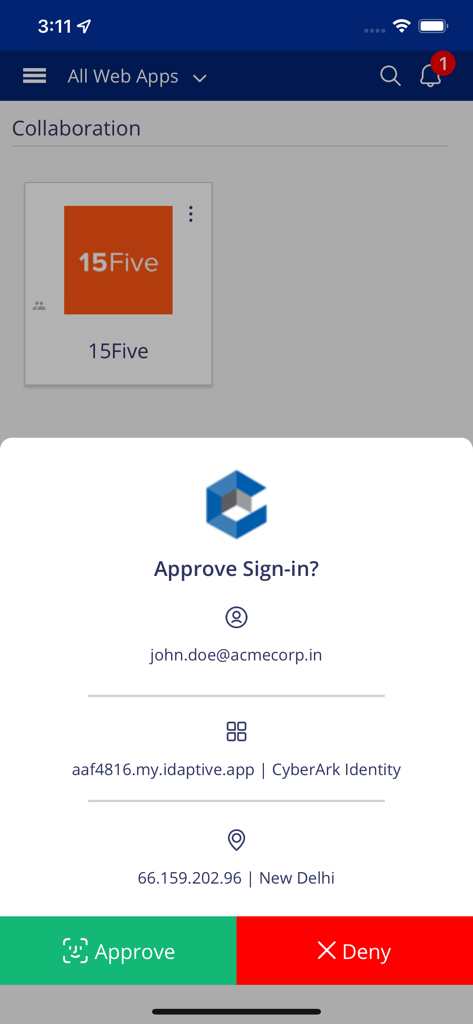
CyberArk Identity mobile app displaying a multi-factor authentication sign-in request with Approve and Deny options.
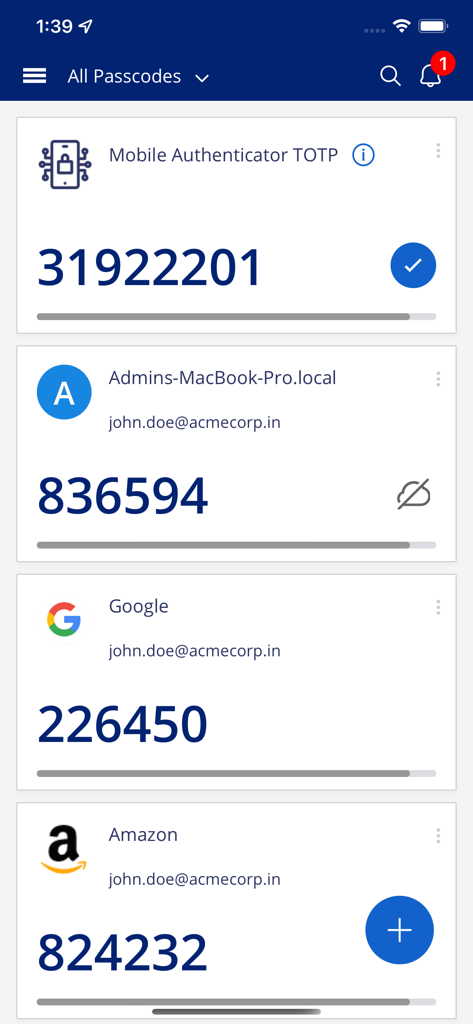
CyberArk Identity mobile app displaying multiple time based one time passcodes for different accounts
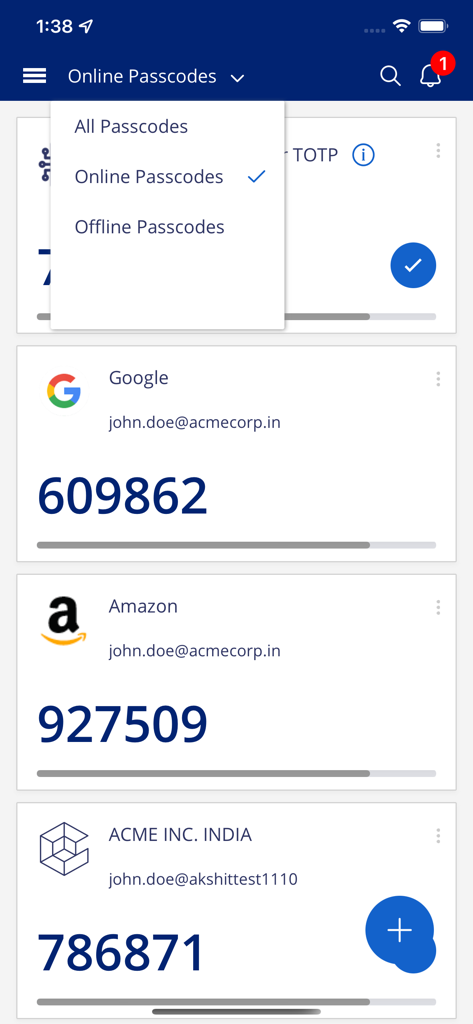
CyberArk Identity mobile app screen displaying multi-factor authentication passcodes for various accounts
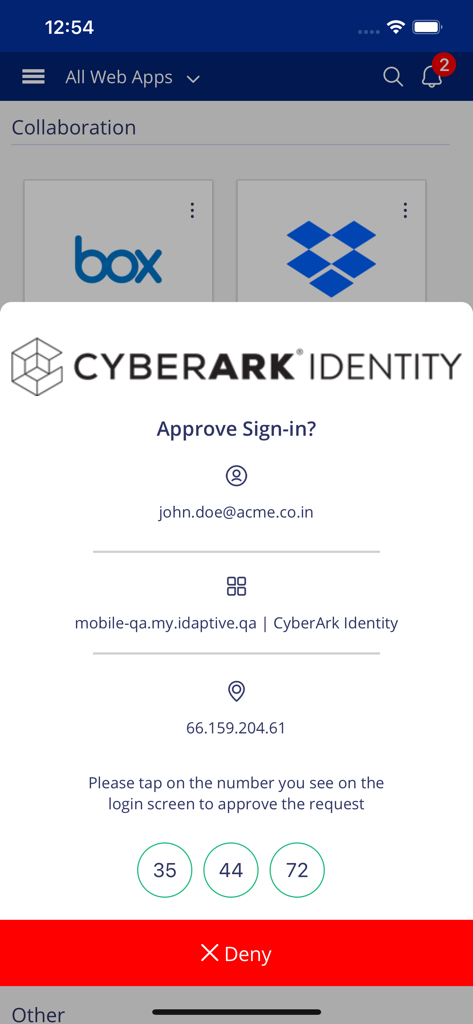
CyberArk Identity app screen for multi factor authentication sign in approval
Description
Download
More Like This
Apps with similar features and user experience

Brivo Mobile Pass
Brivo Inc.

Titan Email: Contacts,Calendar
Flock FZ-LLC

Tableau Mobile
Tableau Software, LLC

Blogging for Blogspot Blog
Utsav Mangla

Teachable online courses
Teachable Inc.

Liquid UI Client for SAP
Synactive

Rev for Vercel
FF Vision SRL

Abacus Access
Abacus Research AG

Garoon
Cybozu, Inc.
This page is not an official page of the app or its developer, but an independent editorial publication created for informational and commentary purposes. Unless expressly stated otherwise, neither the app nor its developer is affiliated with, endorsed by, sponsored by, authorized by, or otherwise officially connected with MWM, Apple, Google Play, the app publisher, or the app's developer, and nothing on this page implies that the app was developed using MWM's services. Any trademarks, logos, screenshots, and other content remain the property of their respective owners.