
This page is not an official page of the app or its developer, but an independent editorial publication created for informational and commentary purposes. Unless expressly stated otherwise, neither the app nor its developer is affiliated with, endorsed by, sponsored by, authorized by, or otherwise officially connected with MWM, Apple, Google Play, the app publisher, or the app's developer, and nothing on this page implies that the app was developed using MWM's services. Any trademarks, logos, screenshots, and other content remain the property of their respective owners.
打字课堂 - 练习打字
Elevate your productivity and master the art of touch typing. From Pinyin basics to professional English vocabulary and classical poetry, transform your iPad into a high-performance workstation with Magic Keyboard support.
Downloads
100+User Rating
Total Ratings
0Publisher
Category
EducationLocales
1Latest Version
2.3Size
12.5 MBFirst Released
Sep 29, 2025Master Your iPad Workflow
The premier typing tutor for the bilingual professional. Bridge the gap between Pinyin and English while mastering your Magic Keyboard.
Bilingual Speed Training
Boost your efficiency in both Chinese and English with content-rich exercises ranging from classical poetry to academic vocabulary.
True Mobile Productivity
Unlock the full potential of your iPad. Master blind typing and ergonomic posture to turn your tablet into a high-performance workstation.
The following screenshots and description are sourced directly from the app's official store listing and are the property of the app developer.
App Store
Screenshots
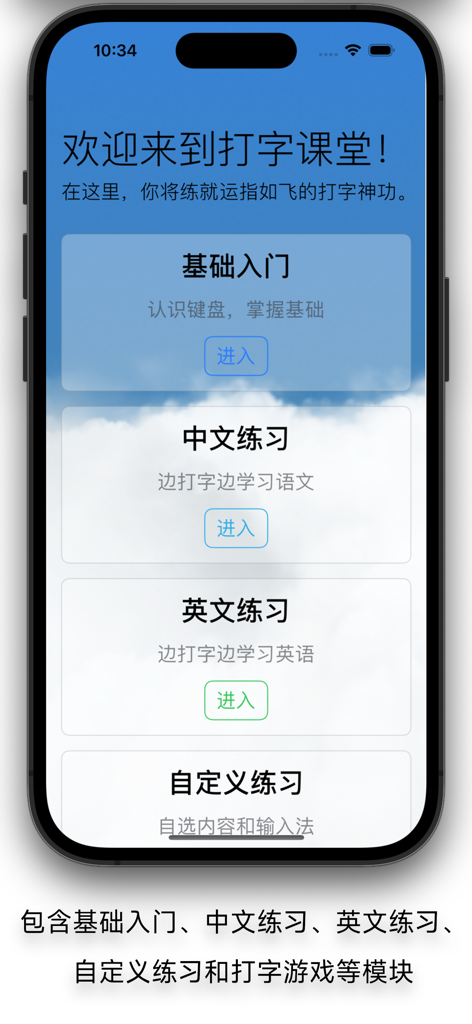
Main menu of the Typing Classroom app showing options for basic introduction, Chinese practice, English practice, and custom practice sessions.
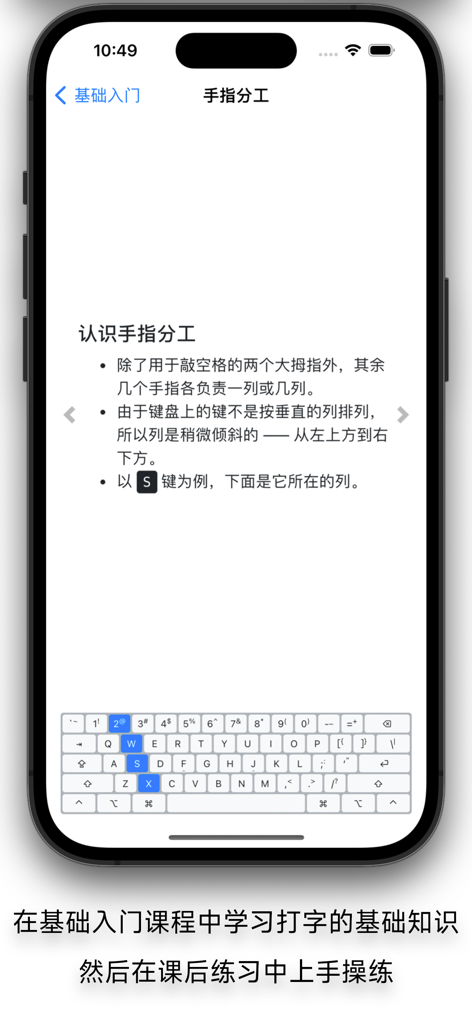
A lesson screen from the Typing Classroom app explaining the division of labor for fingers on a keyboard with a visual diagram highlighting specific keys.
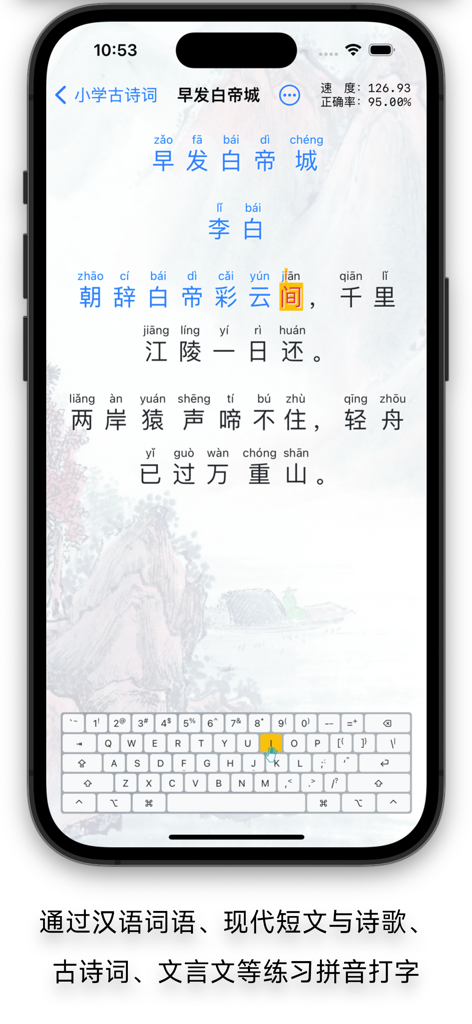
Typing classroom app interface for practicing Chinese Pinyin using classical poetry
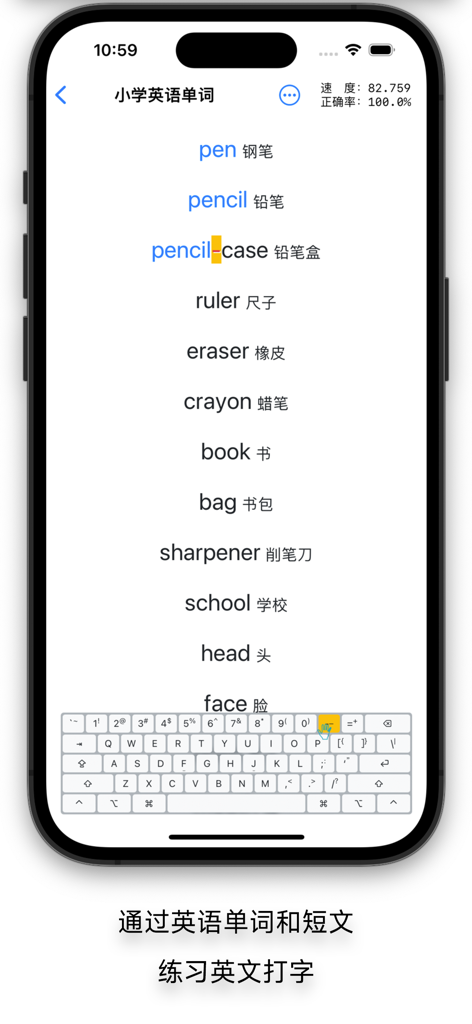
A screenshot of the Typing Classroom app showing an English vocabulary practice session with words like pen and pencil alongside their Chinese translations and typing statistics.
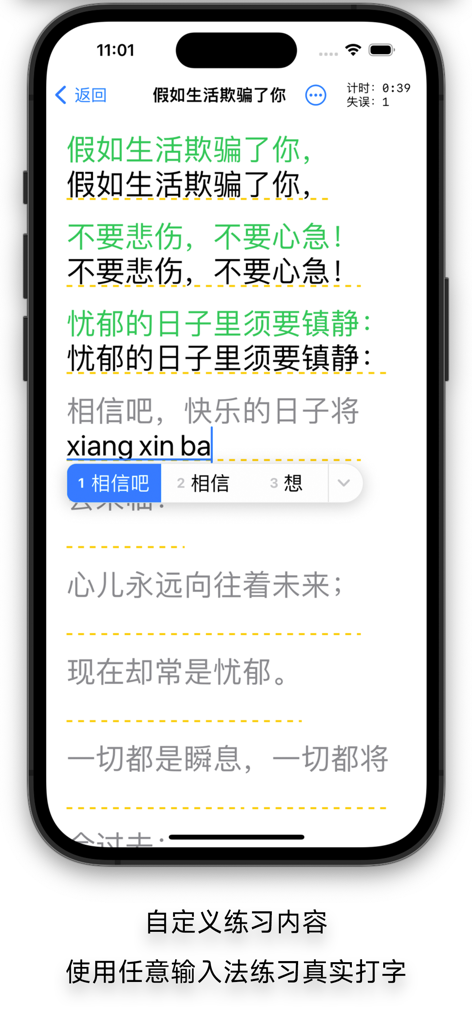
Smartphone screen showing the Typing Classroom app with a Chinese pinyin input practice session and typing statistics.
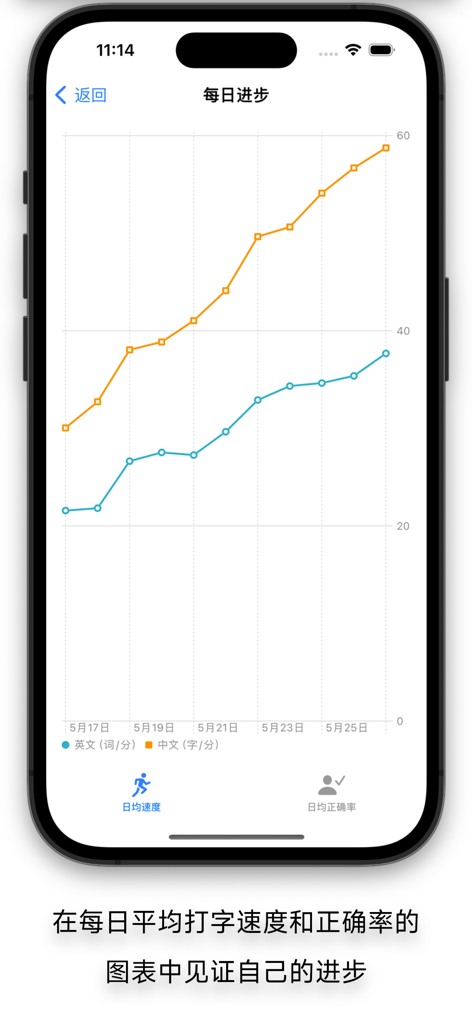
A daily progress line chart tracking typing speed for Chinese and English text.
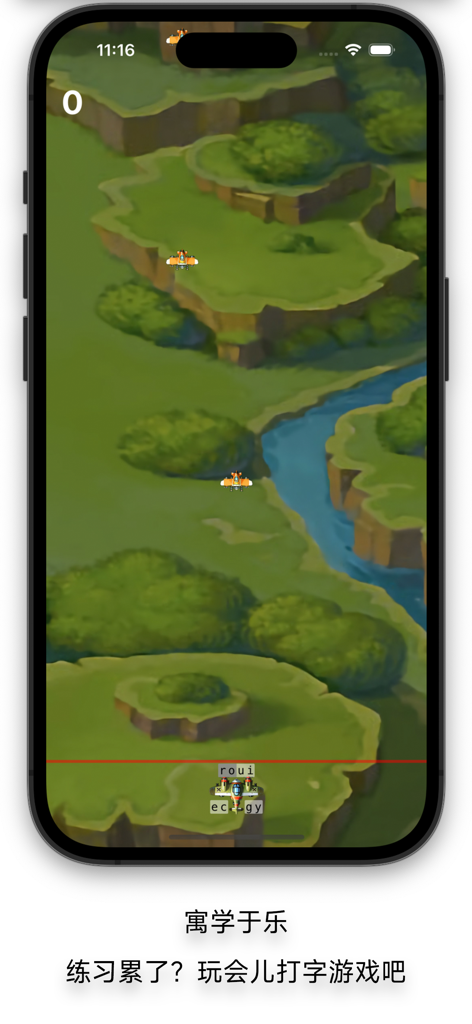
A screenshot showing a fun typing mini game within the Typing Classroom app where players type characters to navigate a plane through a valley
Description
Download
More Like This
Top-ranked apps in the same category

Duolingo - Language Lessons
Duolingo, Inc

Speak & Learn English: Learna
DEEP FLOW SOFTWARE SERVICES - FZCO
Toca Boca World
Toca Boca AB
驾考宝典-科一科四驾驶证考试驾考通
Wuhan Jiakaobaodian Information Service Co., Ltd.

Google Classroom
Google LLC
作业帮-中小学家长作业检查和辅导工具
Guangzhou Polar Future Culture Technology Co., Ltd

Gauth: AI Study Companion
GAUTHTECH PTE. LTD.

Nail Salon Games for Kids 2-5
Brainytrainee Ltd

HelloTalk - Language Learning
HELLOTALK FOREIGN LANGUAGE EXCHANGE LEARNING TALK CHAT APP
This page is not an official page of the app or its developer, but an independent editorial publication created for informational and commentary purposes. Unless expressly stated otherwise, neither the app nor its developer is affiliated with, endorsed by, sponsored by, authorized by, or otherwise officially connected with MWM, Apple, Google Play, the app publisher, or the app's developer, and nothing on this page implies that the app was developed using MWM's services. Any trademarks, logos, screenshots, and other content remain the property of their respective owners.