
This page is not an official page of the app or its developer, but an independent editorial publication created for informational and commentary purposes. Unless expressly stated otherwise, neither the app nor its developer is affiliated with, endorsed by, sponsored by, authorized by, or otherwise officially connected with MWM, Apple, Google Play, the app publisher, or the app's developer, and nothing on this page implies that the app was developed using MWM's services. Any trademarks, logos, screenshots, and other content remain the property of their respective owners.


Damaged Photo Restore Suite
Effortlessly repair cracks, stains, and faded colors with our professional suite of 8 restoration tools. No subscriptions or hidden costs—just one purchase to preserve your legacy forever on iPad and iPhone.
Downloads
61K+User Rating
Total Ratings
100Publisher
Category
Graphics & DesignLocales
2Latest Version
1.2.1Size
22.0 MBFirst Released
Feb 3, 2022Everything You Need to Restore Your Family Legacy
Stop letting time fade your history. Our suite provides professional-grade tools to fix cracks, remove stains, and bring clarity back to your cherished memories.
Pro-Level Manual Repair
Go beyond basic filters with our Advanced Replicator and Manual Mask tools to rebuild missing pieces and remove deep tears with surgical precision.
No Subscriptions, Ever
One single purchase gives you lifetime access to all 8 tools. No monthly fees or hidden costs—just unlimited restorations for your entire archive.
The following screenshots and description are sourced directly from the app's official store listing and are the property of the app developer.
App Store
Screenshots
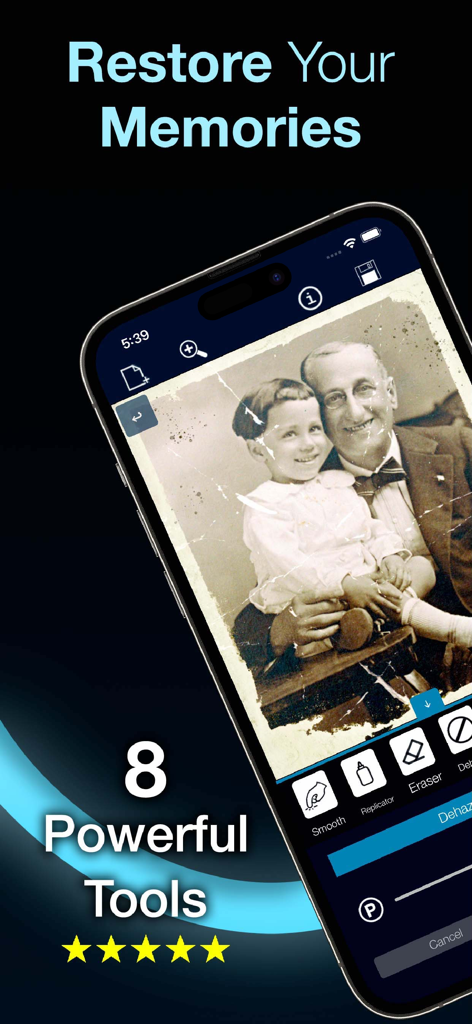
Damaged Photo Restore Suite app interface showing a cracked vintage photo being repaired with professional tools on a smartphone
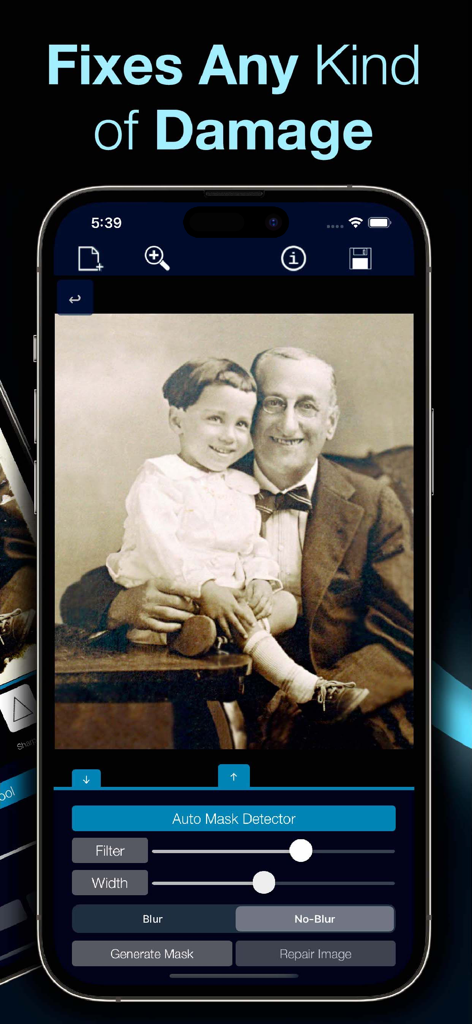
Mobile app interface displaying an old family photo restoration with manual repair tools.
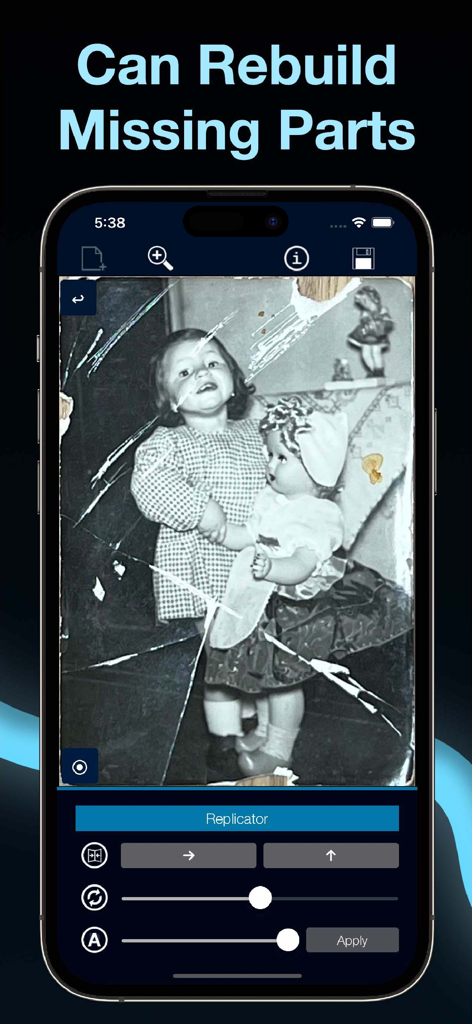
A vintage photo being restored in the Damaged Photo Restore Suite app using the Replicator tool
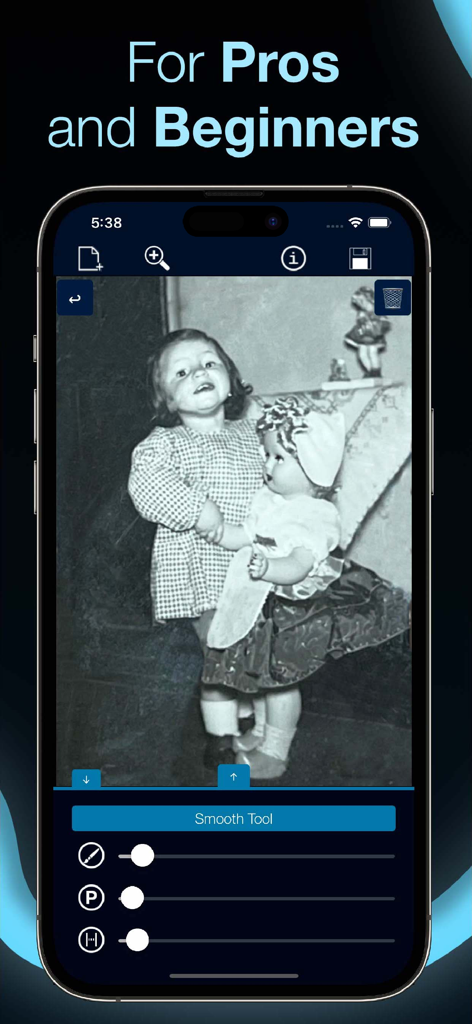
Interface of Damaged Photo Restore Suite app showing the smooth tool being used to edit an old black and white photo of two children.
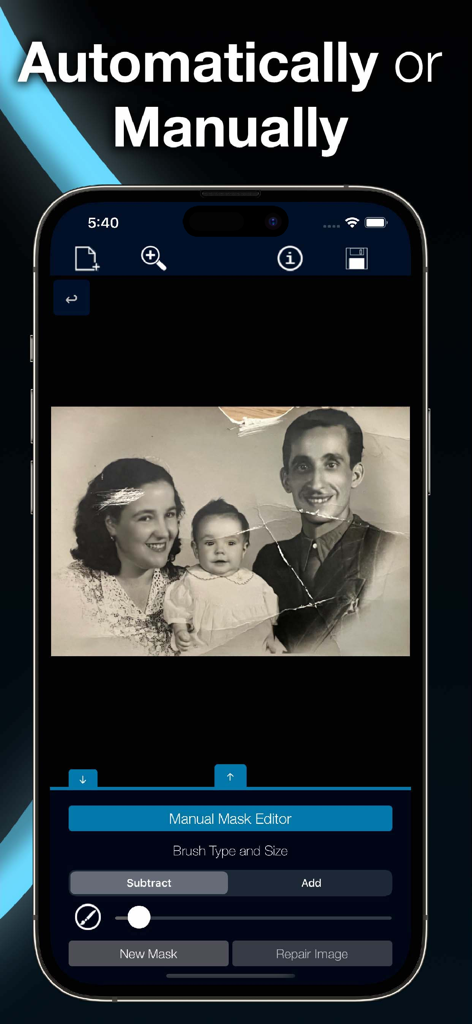
A damaged vintage family photo being restored using the manual mask editor tool in the app
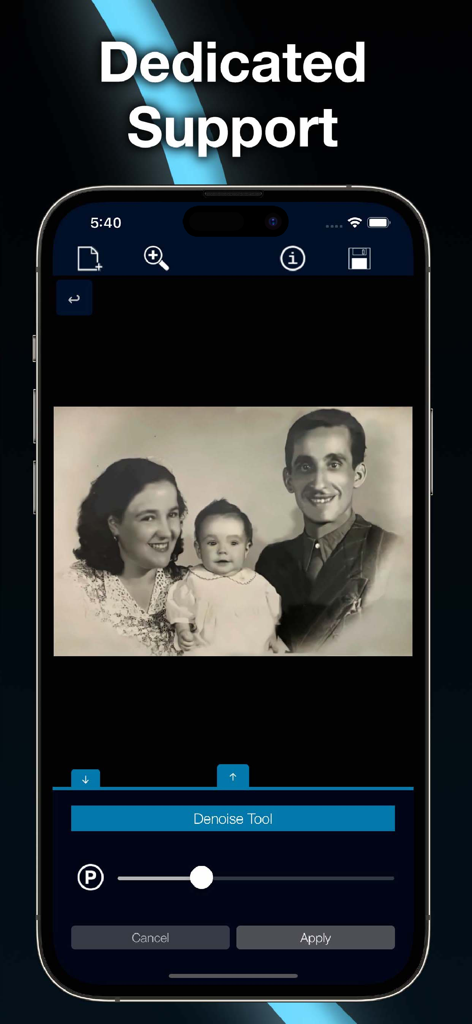
iPhone interface of Damaged Photo Restore Suite using the denoise tool on a vintage family photograph
Description
Download
More Like This
Top-ranked apps in the same category

Kling AI: AI Image&Video Maker
LOHAS GAMES PTE. LTD.

iScreen - Widgets & Wallpaper
Xiamen ShenZhuo Information Technology Co., Ltd.

Dreamina AI: Image&Video Maker
BYTEDANCE PTE. LTD.

Home AI - AI Interior Design
HUBX YAZILIM HIZMETLERI ANONIM SIRKETI

ibis Paint X
ibis inc.

ThemeKit: Widget & Icon Themes
Woohoo Tech. Ltd.

Sketchbook®
Sketchbook, Inc.

Colorful Widget- Widget&Themes
Guangzhou ZHIFENG Information Technology Co.,Ltd.

ReRoom AI: Interior Design
GM UniverseApps Limited
This page is not an official page of the app or its developer, but an independent editorial publication created for informational and commentary purposes. Unless expressly stated otherwise, neither the app nor its developer is affiliated with, endorsed by, sponsored by, authorized by, or otherwise officially connected with MWM, Apple, Google Play, the app publisher, or the app's developer, and nothing on this page implies that the app was developed using MWM's services. Any trademarks, logos, screenshots, and other content remain the property of their respective owners.