
This page is not an official page of the app or its developer, but an independent editorial publication created for informational and commentary purposes. Unless expressly stated otherwise, neither the app nor its developer is affiliated with, endorsed by, sponsored by, authorized by, or otherwise officially connected with MWM, Apple, Google Play, the app publisher, or the app's developer, and nothing on this page implies that the app was developed using MWM's services. Any trademarks, logos, screenshots, and other content remain the property of their respective owners.

Dark Reader for Safari
Protect your vision and eliminate digital eye strain with beautiful, customizable dark themes for every website. Fast, private, and seamlessly synced across your iPhone, iPad, and Mac.
Downloads
206K+User Rating
Total Ratings
800Publisher
Category
ProductivityLocales
1Latest Version
1.5.5Size
3.2 MBFirst Released
Oct 10, 2018Save Your Eyes, Day and Night
Transform your browsing experience with the most advanced dark mode extension for Safari. Designed for health-conscious professionals and night owls who demand a comfortable, beautiful web.
Intelligent Night Mode
Automatically generates high-contrast dark themes for every website, eliminating eye strain and the jarring brightness of white backgrounds.
Bespoke Visual Comfort
Fine-tune your view with adjustable brightness, contrast, and sepia filters. Save custom settings for specific sites to create your perfect reading environment.
The following screenshots and description are sourced directly from the app's official store listing and are the property of the app developer.
App Store
Screenshots
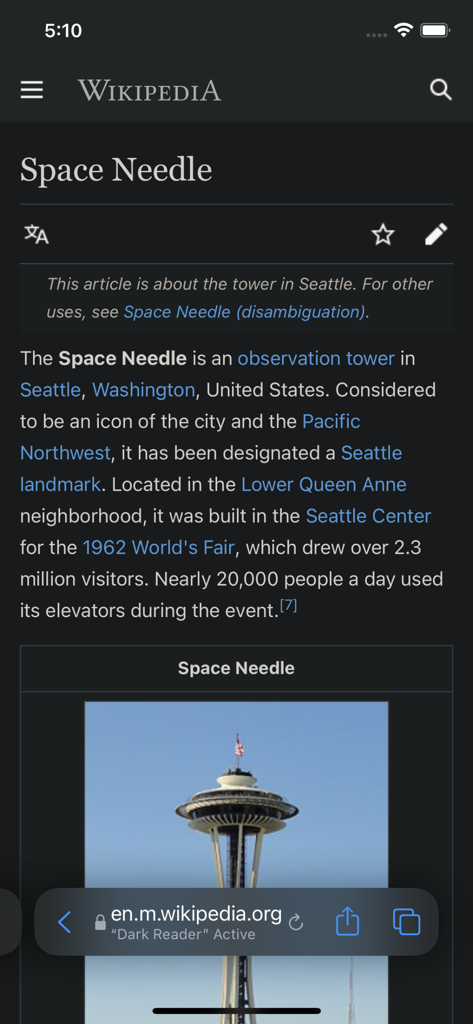
Wikipedia article about the Space Needle displayed in dark mode using the Dark Reader extension for Safari on an iPhone.
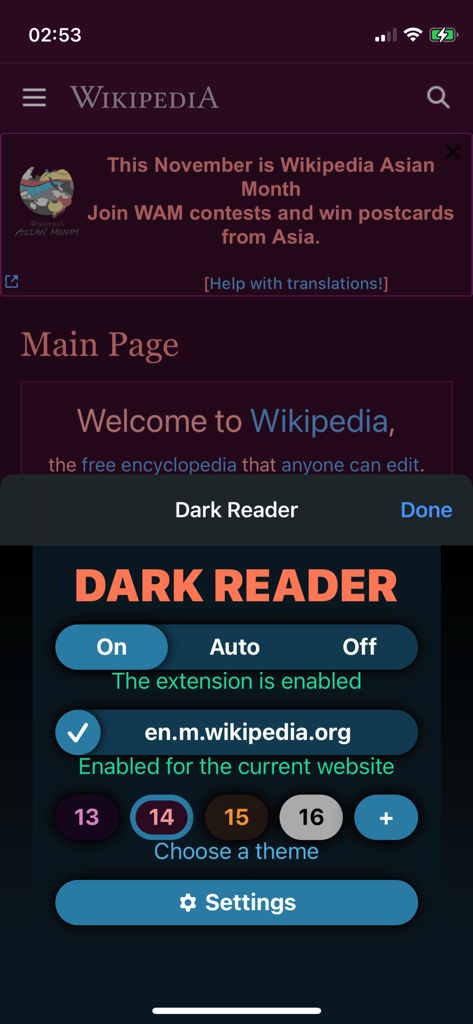
Dark Reader extension interface on an iPhone displaying a dark-themed Wikipedia page.
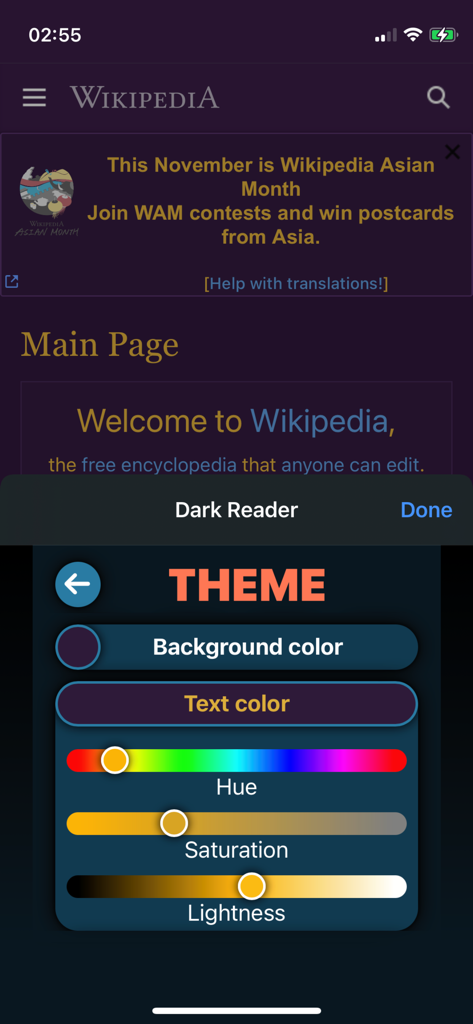
Interface of the Dark Reader for Safari extension showing custom theme settings for background and text colors on a Wikipedia page.
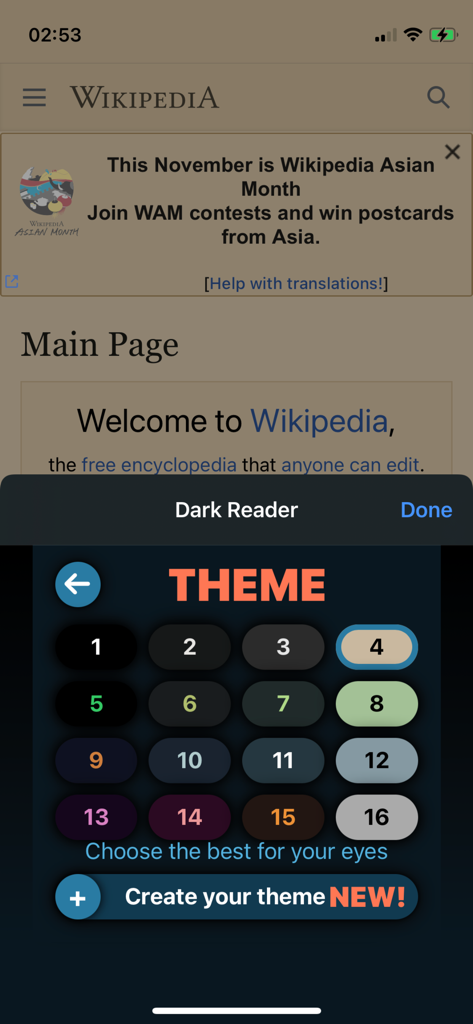
Dark Reader for Safari theme selection interface showing multiple color presets and a custom theme creation button
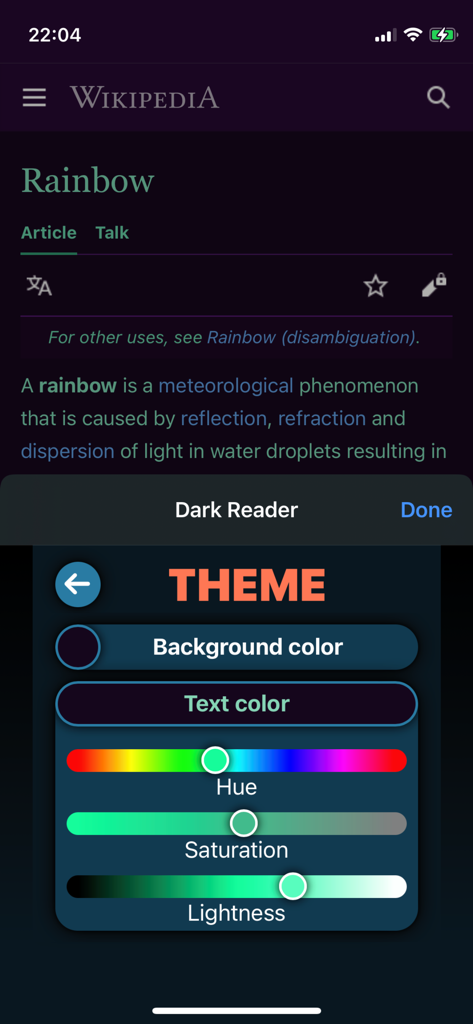
Theme customization settings in Dark Reader for Safari showing sliders for hue, saturation, and lightness.
Description
Download
More Like This
Apps with similar features and user experience
This page is not an official page of the app or its developer, but an independent editorial publication created for informational and commentary purposes. Unless expressly stated otherwise, neither the app nor its developer is affiliated with, endorsed by, sponsored by, authorized by, or otherwise officially connected with MWM, Apple, Google Play, the app publisher, or the app's developer, and nothing on this page implies that the app was developed using MWM's services. Any trademarks, logos, screenshots, and other content remain the property of their respective owners.