
This page is not an official page of the app or its developer, but an independent editorial publication created for informational and commentary purposes. Unless expressly stated otherwise, neither the app nor its developer is affiliated with, endorsed by, sponsored by, authorized by, or otherwise officially connected with MWM, Apple, Google Play, the app publisher, or the app's developer, and nothing on this page implies that the app was developed using MWM's services. Any trademarks, logos, screenshots, and other content remain the property of their respective owners.


DecoPlanner mobile
The definitive tool for the elite technical community. Plan complex decompression profiles, track multiple gases, and execute every mission with GUE-trusted accuracy.
Downloads
3K+User Rating
Total Ratings
0Publisher
Category
SportsLocales
1Latest Version
1.4.2Size
74.0 MBFirst Released
Sep 30, 2021Precision Engineering for Every Mission
From recreational exploration to advanced rebreather dives, DecoPlanner mobile delivers the mathematical accuracy and rigorous safety protocols required by elite GUE-trained divers.
Advanced Decompression Modeling
Utilize industry-standard ZH-L16 and VPM-B models with real-time tissue compartment tracking for unparalleled dive safety and precision.
Total Configuration Versatility
Seamlessly plan for Open Circuit, CCR, or PSCR dives with a single tool that scales with your training from Rec 1 to Unlimited Technical levels.
The following screenshots and description are sourced directly from the app's official store listing and are the property of the app developer.
App Store
Screenshots
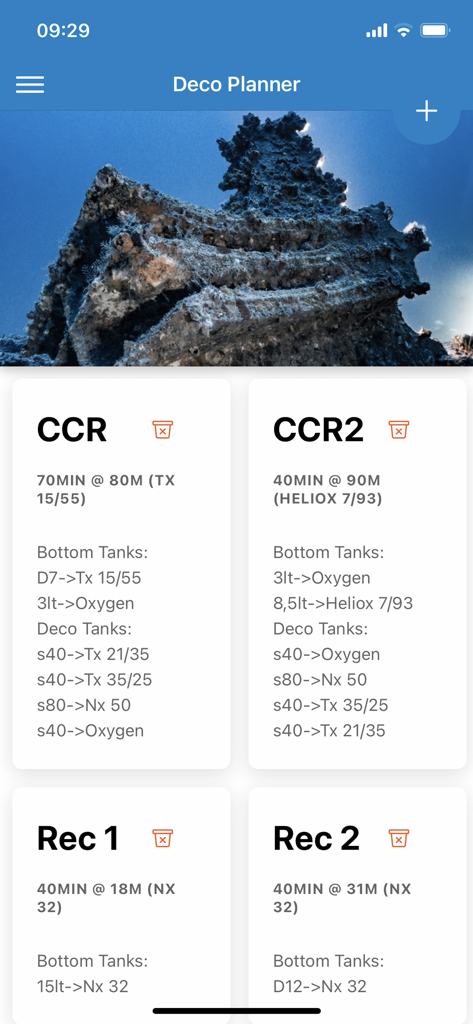
List of saved technical and recreational dive plans showing decompression profiles and tank configurations
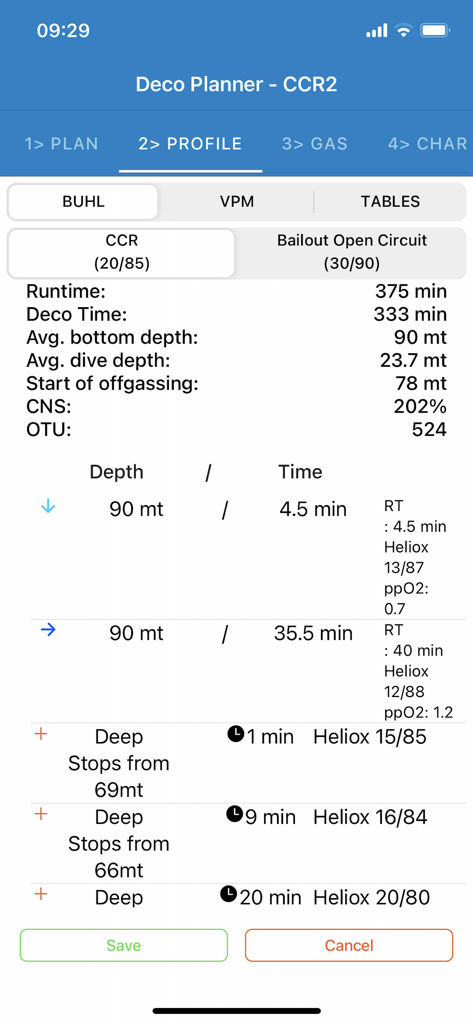
Technical dive profile interface in DecoPlanner mobile app showing decompression data and gas mixtures for CCR diving
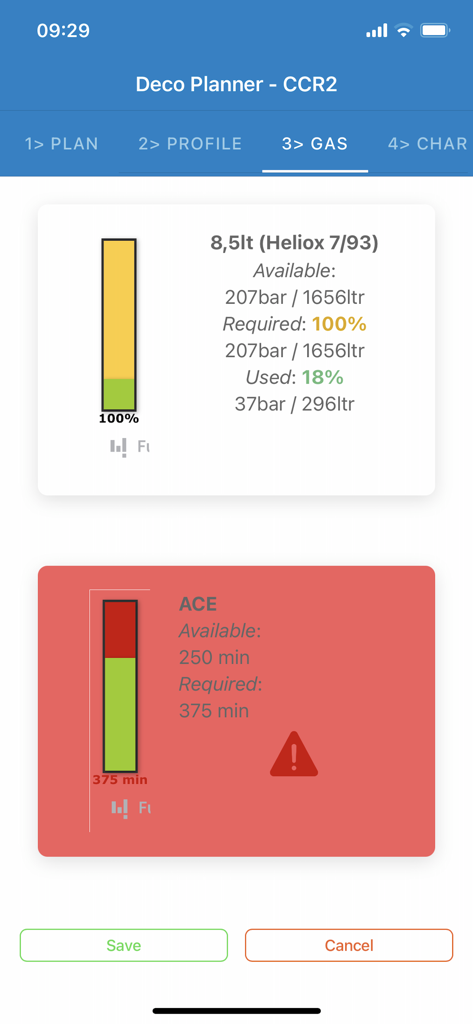
Technical diving gas consumption calculations screen in DecoPlanner mobile with safety alerts and Heliox gas levels
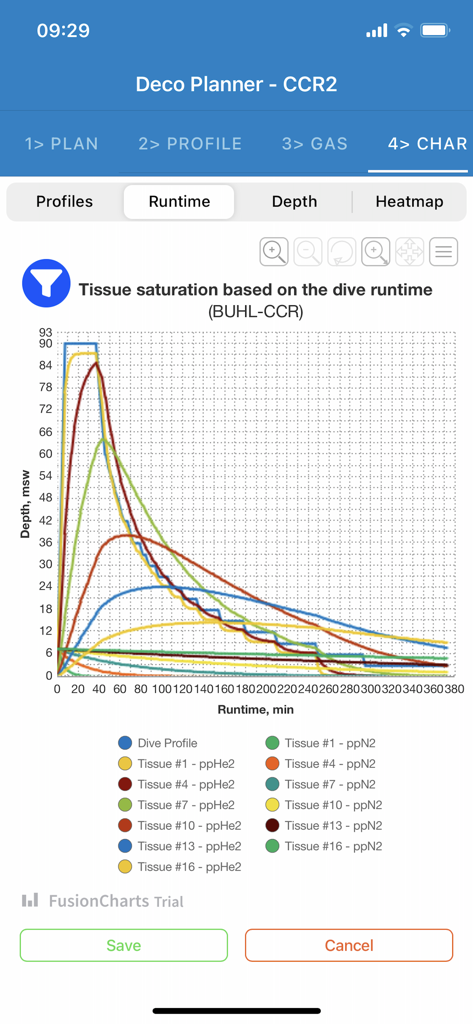
Tissue saturation graph based on dive runtime in DecoPlanner mobile app
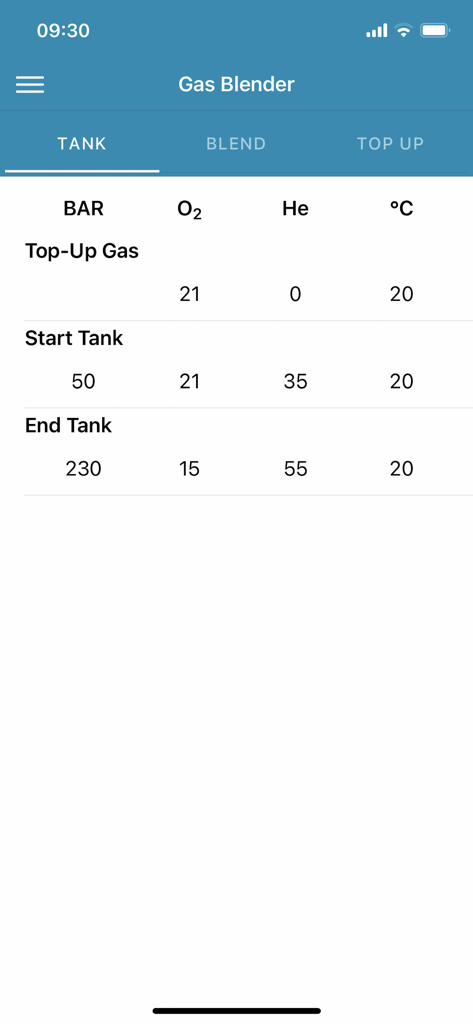
DecoPlanner mobile app interface for gas blending showing start and end tank specifications for oxygen and helium
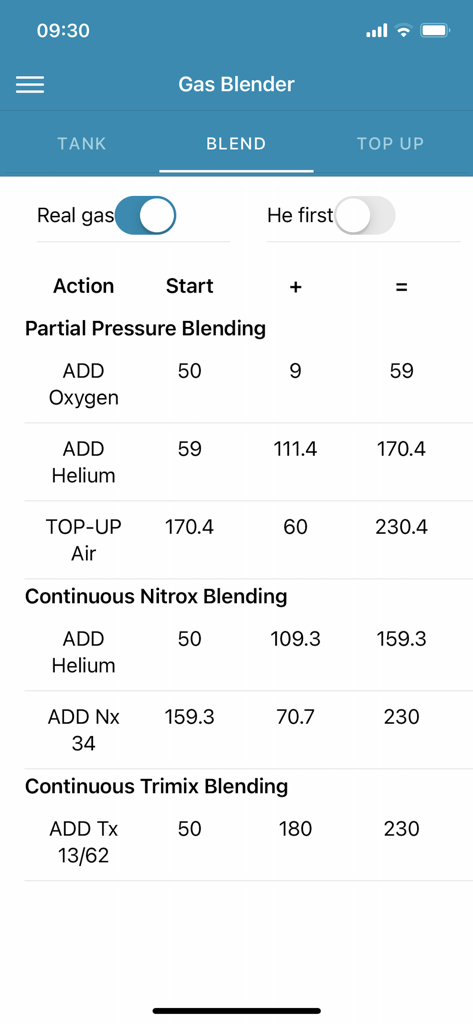
Gas blender interface for technical diving showing Nitrox and Trimix mixture calculations
Description
Download
More Like This
Top-ranked apps in the same category

得物 - 得到美好事物
Shanghai Dewu Information Group Co., Ltd.

懂球帝 - 足球篮球体坛数据
Hainan Football-Loving Girl Network Technology Co., Ltd.

Underdog Sports
Underdog Sports, Inc.

虎扑-评分篮球足球游戏影视
Shanghai Kuanghui Network Technology Co., LTD

ESPN: Live Sports & Scores
Disney Electronic Content, Inc.

Flashscore: Live Scores & News
Livesport s.r.o.

Polymarket
Blockratize Inc

DAZN: Stream Live Sports
DAZN Limited

DraftKings Sportsbook & Casino
DRAFTKINGS LLC.
This page is not an official page of the app or its developer, but an independent editorial publication created for informational and commentary purposes. Unless expressly stated otherwise, neither the app nor its developer is affiliated with, endorsed by, sponsored by, authorized by, or otherwise officially connected with MWM, Apple, Google Play, the app publisher, or the app's developer, and nothing on this page implies that the app was developed using MWM's services. Any trademarks, logos, screenshots, and other content remain the property of their respective owners.