
This page is not an official page of the app or its developer, but an independent editorial publication created for informational and commentary purposes. Unless expressly stated otherwise, neither the app nor its developer is affiliated with, endorsed by, sponsored by, authorized by, or otherwise officially connected with MWM, Apple, Google Play, the app publisher, or the app's developer, and nothing on this page implies that the app was developed using MWM's services. Any trademarks, logos, screenshots, and other content remain the property of their respective owners.

Design+Code
Bridge the gap between UI/UX design and development. Join 80,000+ creators mastering Figma, SwiftUI, and React through hands-on, high-production courses designed for the modern professional.
Downloads
3K+User Rating
Total Ratings
0Publisher
Category
EducationLocales
1Latest Version
2.0.2Size
31.8 MBFirst Released
Jan 15, 2018Elevate Your Skillset to Unicorn Status
Join 80,000+ professionals mastering the intersection of high-end UI design and modern front-end engineering.
Industry-Leading Tools
Master Figma, React, and SwiftUI through high-production video tutorials curated for the modern US tech landscape.
Seamless Multi-Device Learning
Download videos for your commute and source files for your Mac, keeping your workflow synchronized across the Apple ecosystem.
Frequently Asked Questions
Everything you need to know about Design+Code
What is Design+Code?
Design+Code teaches users to design and code by building iOS and web applications. It offers complete courses on UI design, mobile & web development using tools like Figma, CSS, React Hooks, and Xcode.
What development tools does Design+Code teach?
Design+Code teaches development using Figma, CSS, React Hooks, and Xcode. It provides design-centric coding courses utilizing the latest industry tools.
Can users download course materials from Design+Code?
Yes, Design+Code users can download source files to start projects correctly or compare their progress. They can also download content to watch videos without an internet connection.
Is Design+Code available on multiple devices?
Yes, Design+Code is available on iPhone, iPad, and the web. This allows users to learn flexibly across different platforms.
Does Design+Code offer certificates?
Yes, Design+Code allows users to earn certificates after completing tests. This confirms mastery of the course material.
How many hours of video content does Design+Code provide?
Design+Code provides over 120 hours of video content with captions. This extensive library supports comprehensive learning in design and code.
Can I track my learning progress in Design+Code?
Yes, Design+Code allows users to track their course and section progress. This ensures they can easily continue learning from where they left off.
What are the subscription costs for Design+Code?
Design+Code offers three subscription plans: $21.99 USD/month (billed monthly), $14.99 USD/month (billed every 6 months), and $11.67 USD/month (billed every 12 months).
How do I manage my Design+Code subscription?
Users manage their Design+Code subscriptions and auto-renewal options in the "Manage Subscription" section within their account settings. Payment is charged to the iTunes Account.
Can I watch Design+Code videos offline?
Yes, Design+Code allows users to download content to watch without an internet connection. This feature is useful for learning on the go.
The following screenshots and description are sourced directly from the app's official store listing and are the property of the app developer.
App Store
Screenshots
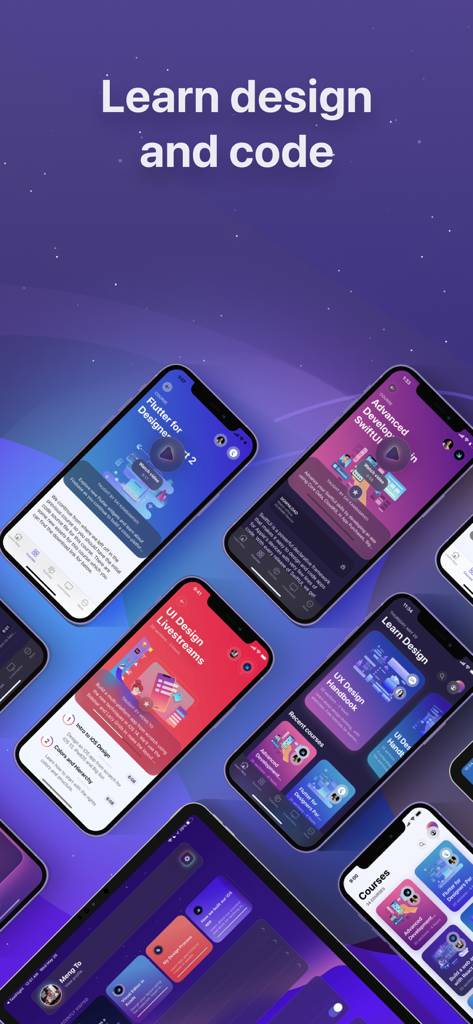
Multiple mobile device screens showing UI design and coding courses from the Design+Code app
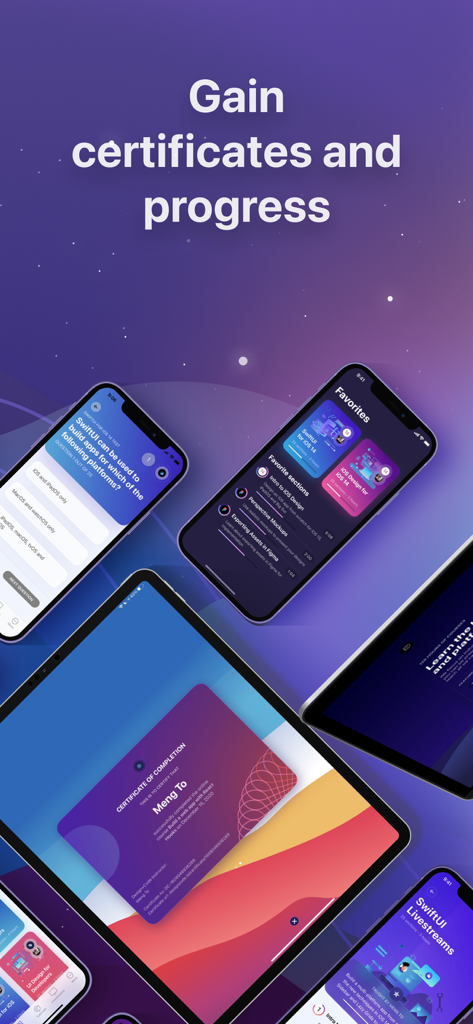
Screenshots of the Design+Code app showing certificates and course progress on iPhone and iPad
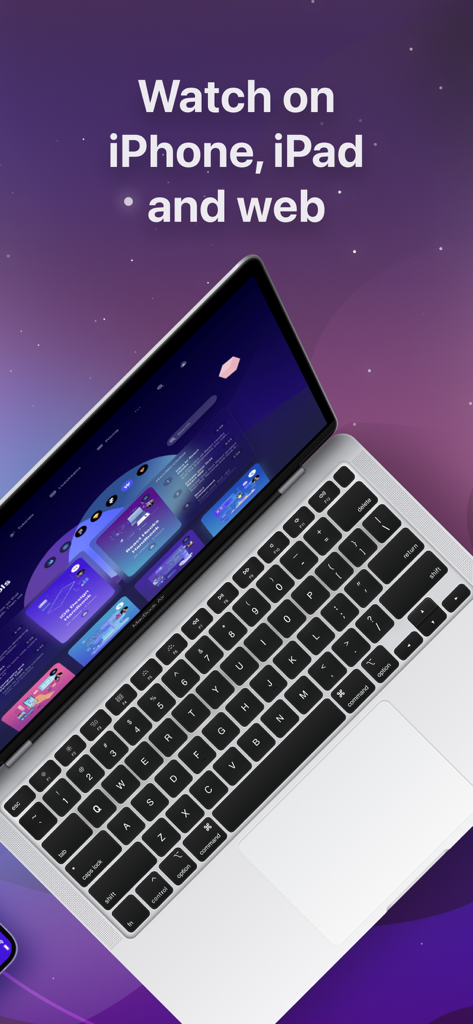
Laptop screen displaying the Design+Code interface with text highlighting access on iPhone iPad and web
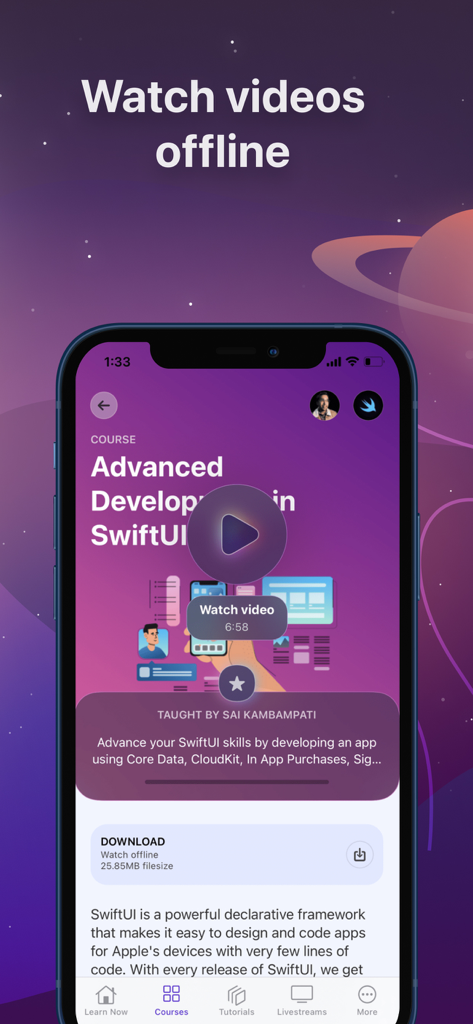
Design+Code app screen displaying an advanced SwiftUI course with a feature to watch videos offline.
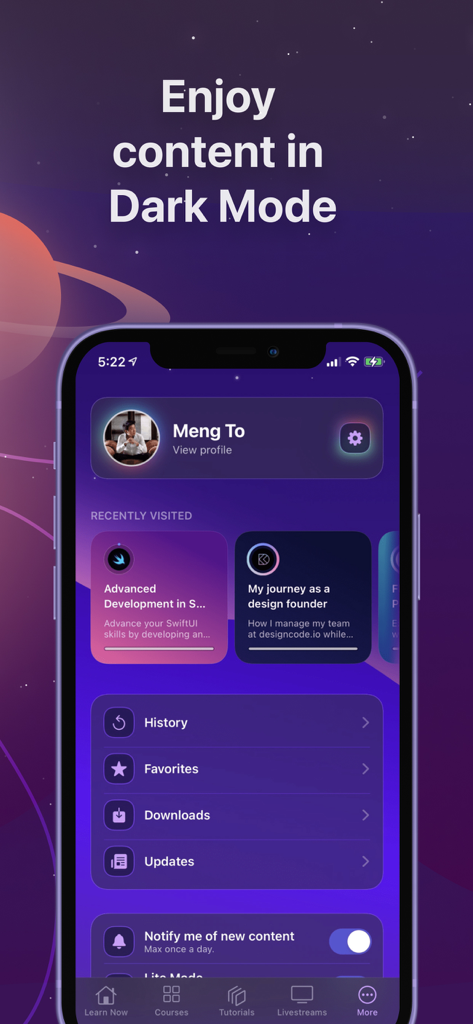
Smartphone screen displaying the Design+Code app profile in dark mode with course history.
Description
Download
More Like This
Top-ranked apps in the same category

Duolingo - Language Lessons
Duolingo, Inc

Speak & Learn English: Learna
DEEP FLOW SOFTWARE SERVICES - FZCO

驾考宝典-科一科四驾驶证考试驾考通
Wuhan Jiakaobaodian Information Service Co., Ltd.

Toca Boca World
Toca Boca AB

Google Classroom
Google LLC

作业帮-中小学家长作业检查和辅导工具
Guangzhou Polar Future Culture Technology Co., Ltd

学信网
Student Information Consultation Service Co., Ltd.

Gauth: AI Study Companion
GAUTHTECH PTE. LTD.

ArtWorkout: Learn How to Draw
Aleksandr Ulitin
This page is not an official page of the app or its developer, but an independent editorial publication created for informational and commentary purposes. Unless expressly stated otherwise, neither the app nor its developer is affiliated with, endorsed by, sponsored by, authorized by, or otherwise officially connected with MWM, Apple, Google Play, the app publisher, or the app's developer, and nothing on this page implies that the app was developed using MWM's services. Any trademarks, logos, screenshots, and other content remain the property of their respective owners.