
This page is not an official page of the app or its developer, but an independent editorial publication created for informational and commentary purposes. Unless expressly stated otherwise, neither the app nor its developer is affiliated with, endorsed by, sponsored by, authorized by, or otherwise officially connected with MWM, Apple, Google Play, the app publisher, or the app's developer, and nothing on this page implies that the app was developed using MWM's services. Any trademarks, logos, screenshots, and other content remain the property of their respective owners.

Design Keyboard - Theme, Emoji
Transform your typing experience with designer themes, viral photo backgrounds, and unique fonts. Whether you're leveling up your social media aesthetic or playing mini-games with friends, express your true self with every message.
Downloads
736K+User Rating
Total Ratings
16K+Publisher
Category
UtilitiesLocales
17Latest Version
3.2.1Size
95.4 MBFirst Released
Oct 14, 2020Unlock Your Digital Aesthetic
Transform your keyboard into a personal canvas with stunning themes, expressive fonts, and smart features that make every text unique.
Unlimited Custom Themes
Search and apply beautiful designer themes or use your own photos to create a keyboard that perfectly matches your vibe.
Fonts & Emojis that Pop
Stand out on social media with trendy fonts and a massive library of cute emojis for your bios, captions, and chats.
Frequently Asked Questions
Everything you need to know about Design Keyboard - Theme, Emoji
What customization options does Design Keyboard offer?
Design Keyboard enables keyboard customization with photos, designer themes, GIFs, color themes, fonts, emojis, and special characters. Users can create a unique keyboard.
Does Design Keyboard offer custom fonts?
Yes, Design Keyboard supports custom keyboard fonts. It provides various aesthetic fonts that are free to use without any limits.
Does Design Keyboard collect user personal information?
No, Design Keyboard never collects user personal information. Any privacy warning displayed during installation is a standard system message unrelated to the app.
What smart features are included in Design Keyboard?
Design Keyboard includes smart features such as a Notes feature, global language support, keyboard input with voice, handwriting input, and AutoText/Clipboard input.
Can I play games with Design Keyboard?
Yes, Design Keyboard offers free mini games. Users can enjoy these games and engage in game sessions with friends directly through the keyboard app.
Does Design Keyboard support emojis and special characters?
Yes, Design Keyboard fully supports cute emojis and a wide variety of special characters. These features enhance chats and add fun to communication.
The following screenshots and description are sourced directly from the app's official store listing and are the property of the app developer.
App Store
Screenshots
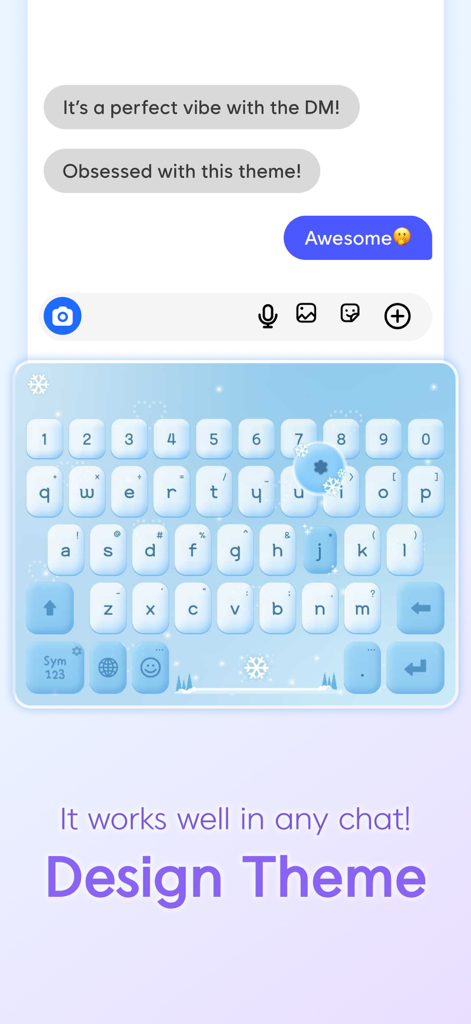
Custom winter theme keyboard with light blue aesthetic in a chat app
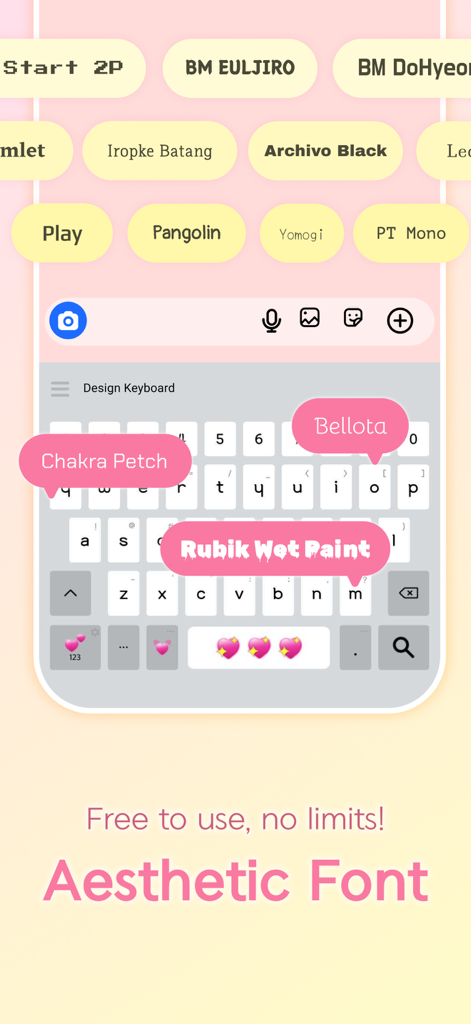
A mobile app interface showcasing various aesthetic keyboard fonts like Bellota and Rubik Wet Paint
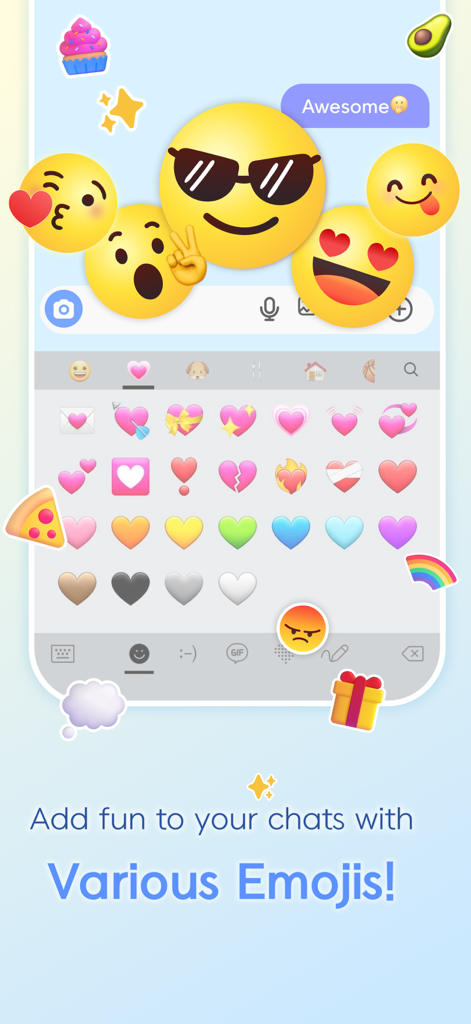
Custom mobile keyboard displaying a variety of colorful heart emojis and large emoticons
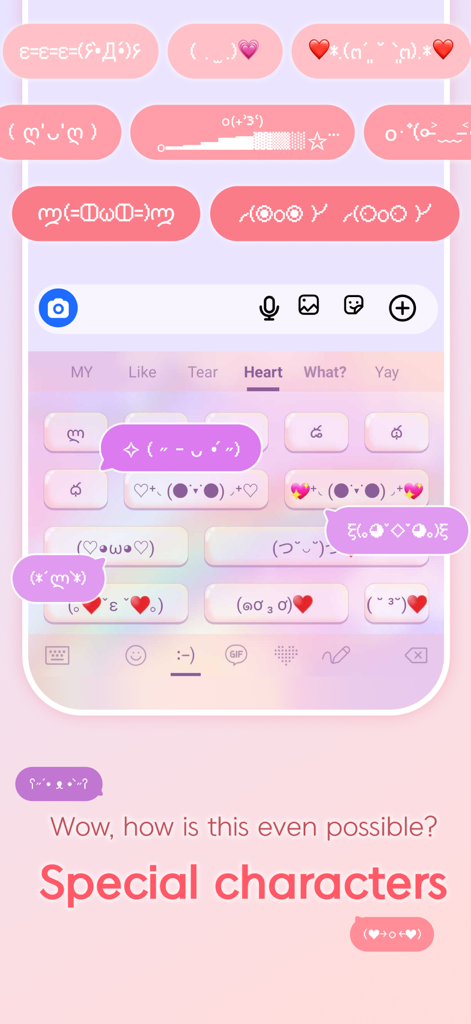
Custom mobile keyboard with pink aesthetic and cute text emoticons
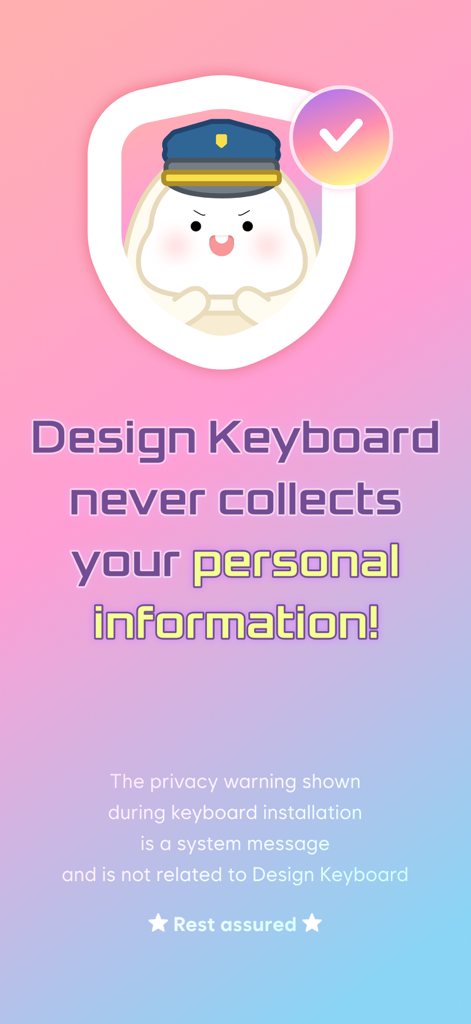
Privacy guarantee screen for Design Keyboard app stating no personal information is collected
Description
Download
More Like This
Apps with similar features and user experience
LED Keyboard - RGB Theme
Hieu Tran Thanh
Fonts: Keyboard & Font Art
Zed Peru, S.A.C.
叮叮键盘 - 皮肤特效美化键盘
Mountain High Co., Limited
New Emoji & Fonts - RainbowKey
Mobile Flame Ltd.
Led Color Keyboard - SnapKey
Cantona One Member Company Limited
Keyboard Skins for iPhone
Lemondo Apps LLC
Jigsaw Keyboard-win Kika Theme
Beijing Xinmeihutong Technology Co., Ltd.

Color Keyboard - Themes, Fonts
Appyfurious LLC
This page is not an official page of the app or its developer, but an independent editorial publication created for informational and commentary purposes. Unless expressly stated otherwise, neither the app nor its developer is affiliated with, endorsed by, sponsored by, authorized by, or otherwise officially connected with MWM, Apple, Google Play, the app publisher, or the app's developer, and nothing on this page implies that the app was developed using MWM's services. Any trademarks, logos, screenshots, and other content remain the property of their respective owners.