
This page is not an official page of the app or its developer, but an independent editorial publication created for informational and commentary purposes. Unless expressly stated otherwise, neither the app nor its developer is affiliated with, endorsed by, sponsored by, authorized by, or otherwise officially connected with MWM, Apple, Google Play, the app publisher, or the app's developer, and nothing on this page implies that the app was developed using MWM's services. Any trademarks, logos, screenshots, and other content remain the property of their respective owners.


DEVONthink To Go 3
Collect, organize, and automate your documents with professional-grade tools, on-device OCR, and total privacy for your Second Brain.
Downloads
5K+User Rating
Total Ratings
5K+Publisher
Category
ProductivityLocales
3Latest Version
3.8.14Size
134.5 MBFirst Released
Feb 10, 2021Professional-Grade Knowledge Management
The ultimate 'Second Brain' for iPad and iPhone. Organize, automate, and secure your most important documents with desktop-class power.
On-Device Intelligence & OCR
Convert scans and images into searchable PDFs instantly. Process everything locally on your device to ensure maximum speed and total privacy.
Ironclad Privacy & Sync
Take control of your data with end-to-end encryption. Sync via local Wi-Fi or cloud providers without ever exposing your files to third parties.
The following screenshots and description are sourced directly from the app's official store listing and are the property of the app developer.
App Store
Screenshots
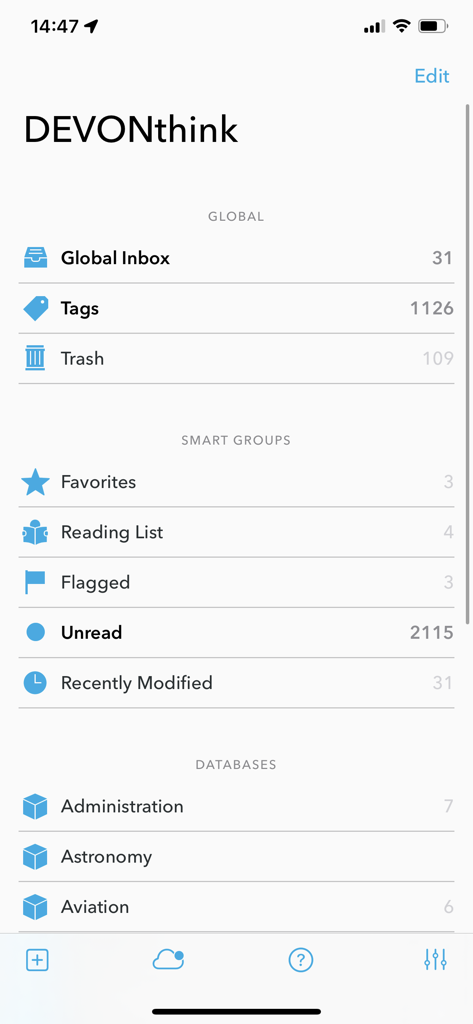
Main interface of DEVONthink To Go 3 showing document databases and smart groups
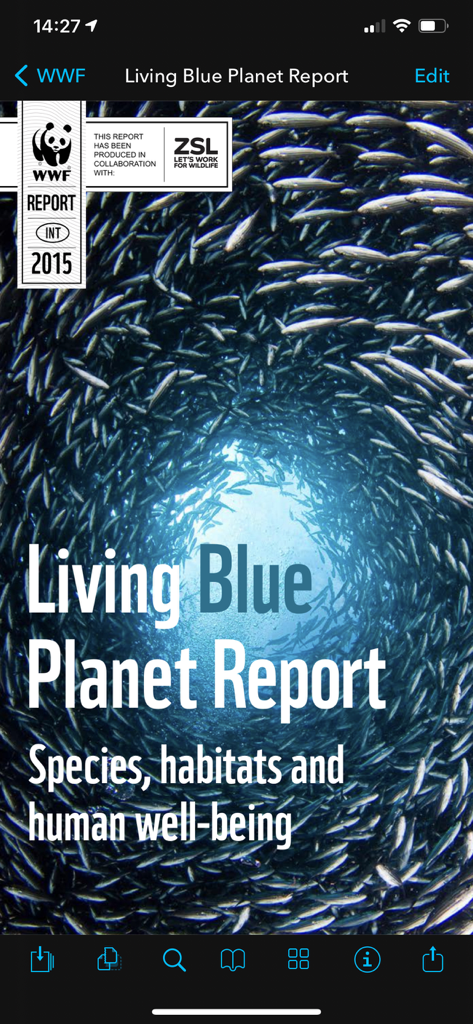
A PDF document open in the DEVONthink To Go 3 mobile app showing the Living Blue Planet Report cover.
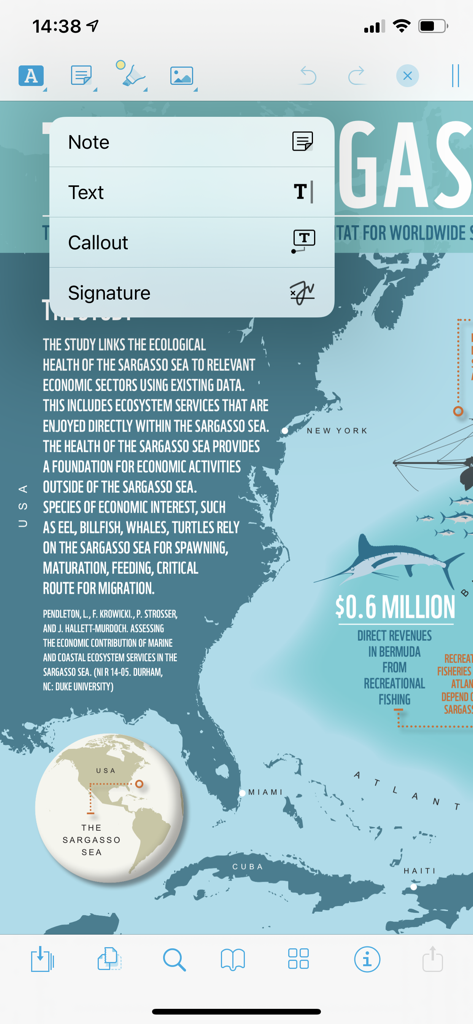
PDF document annotation interface in DEVONthink To Go 3 showing options for notes and callouts
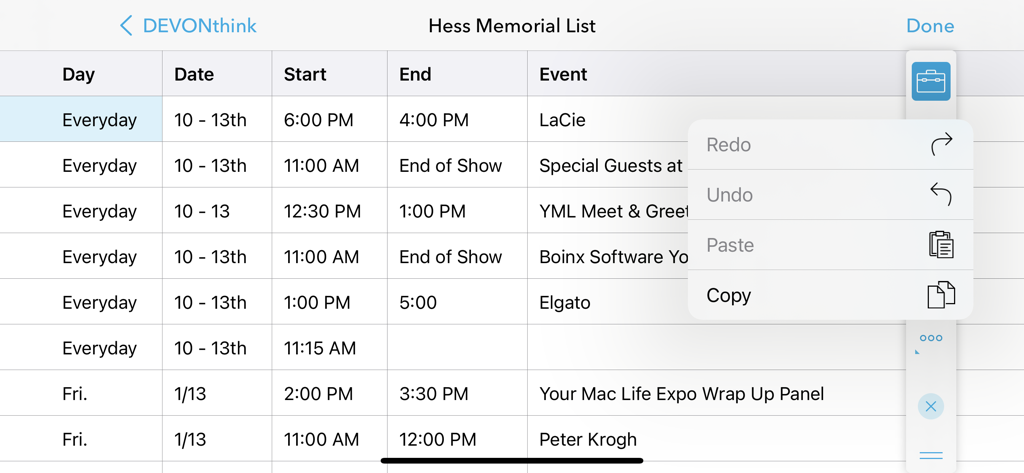
Spreadsheet view in DEVONthink To Go 3 with an open editing menu for copy and paste functions
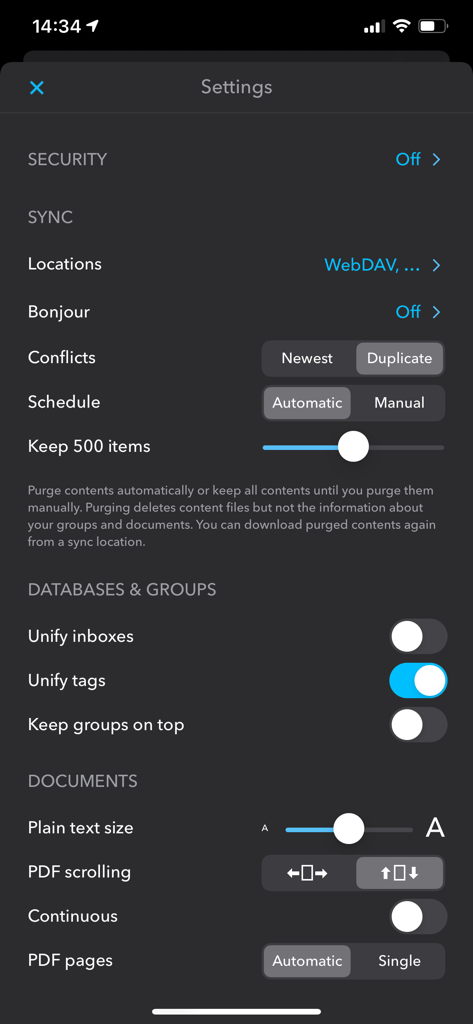
Settings screen of DEVONthink To Go 3 showing sync and database configuration options.
Description
Download
More Like This
Apps with similar features and user experience
Notebook: Note Taking
Christopher Martin

InstaWrite AI - Notes taker
Thundervolcano Limited

Get笔记 - 你只管说,AI 帮你记下来
Beijing logicreation Information & Technology Co., Ltd

话袋AI笔记-云端速记 备忘录
Shanghai Miaohua Information Technology Co., Ltd

Fabric: AI Notes, Files, Ideas
WFHLAND, Inc.

Book Notion|notes reviews memo
Sho Kosaka

Cubox: AI Read-It-Later App
Suzhou Guaiqi Information Technology Co., Ltd.

Fieldy - AI note taker
Field Labs Inc.

mymind – Extend your mind
mymind, Inc.
This page is not an official page of the app or its developer, but an independent editorial publication created for informational and commentary purposes. Unless expressly stated otherwise, neither the app nor its developer is affiliated with, endorsed by, sponsored by, authorized by, or otherwise officially connected with MWM, Apple, Google Play, the app publisher, or the app's developer, and nothing on this page implies that the app was developed using MWM's services. Any trademarks, logos, screenshots, and other content remain the property of their respective owners.