
This page is not an official page of the app or its developer, but an independent editorial publication created for informational and commentary purposes. Unless expressly stated otherwise, neither the app nor its developer is affiliated with, endorsed by, sponsored by, authorized by, or otherwise officially connected with MWM, Apple, Google Play, the app publisher, or the app's developer, and nothing on this page implies that the app was developed using MWM's services. Any trademarks, logos, screenshots, and other content remain the property of their respective owners.


Dexcom Follow (US)
Stay connected to those who matter most by monitoring their glucose levels and trends from your iPhone or Apple Watch. Receive instant alerts and stay informed, whether they are at school, work, or miles away.
Downloads
1M+User Rating
Total Ratings
2K+Publisher
Category
MedicalLocales
1Latest Version
4.6.1Size
61.5 MBFirst Released
Oct 22, 2014Your Loved Ones' Safety, Just a Glance Away
The Dexcom Follow app turns your iPhone and Apple Watch into a powerful window into your family’s health, providing the peace of mind you need to focus on your day.
Real-Time Remote Monitoring
Stay connected to up to 10 people simultaneously. View live glucose readings and trend arrows for your child at school, a spouse at work, or an elderly parent living independently.
Customizable Safety Alerts
Eliminate guesswork with personalized push notifications. Get notified immediately when a loved one’s glucose levels go outside their target range, so you can act before it becomes an emergency.
The following screenshots and description are sourced directly from the app's official store listing and are the property of the app developer.
App Store
Screenshots
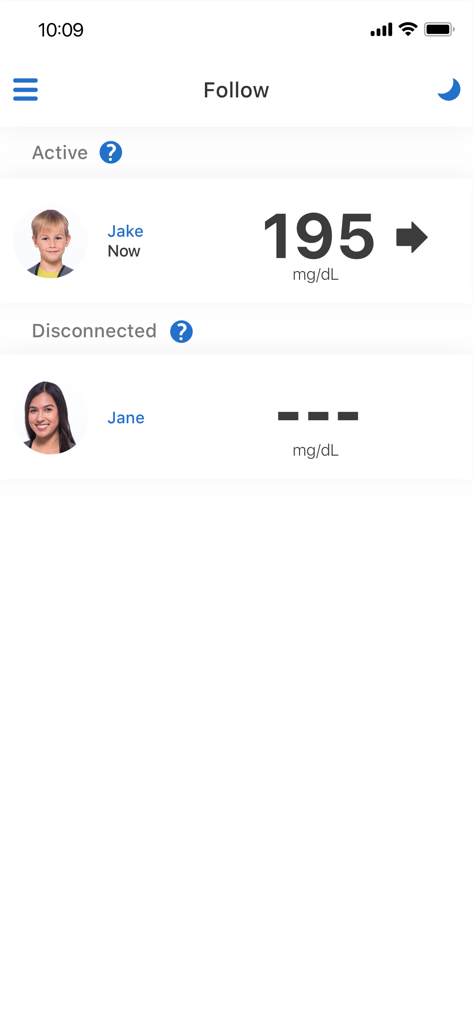
Dexcom Follow app interface showing a list of monitored people with their real time glucose levels and connection status
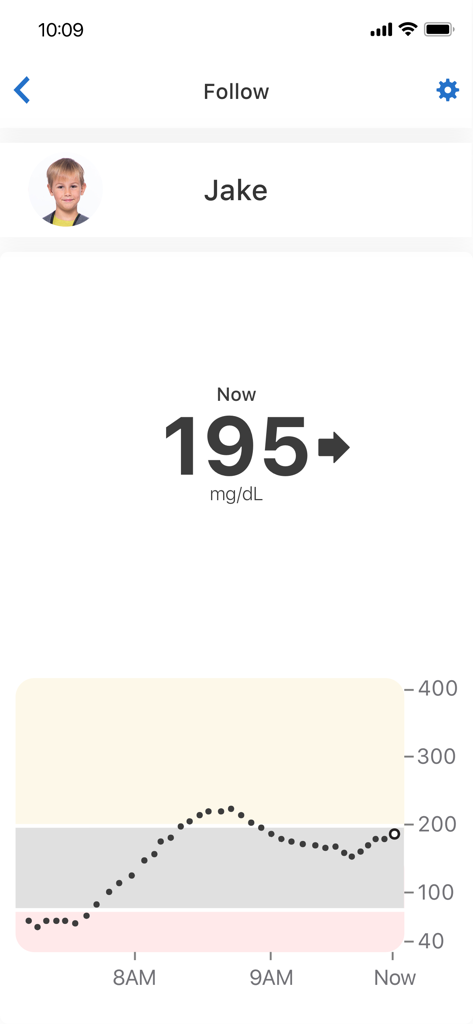
Screenshot of Dexcom Follow app showing a child's real-time glucose reading and trend graph
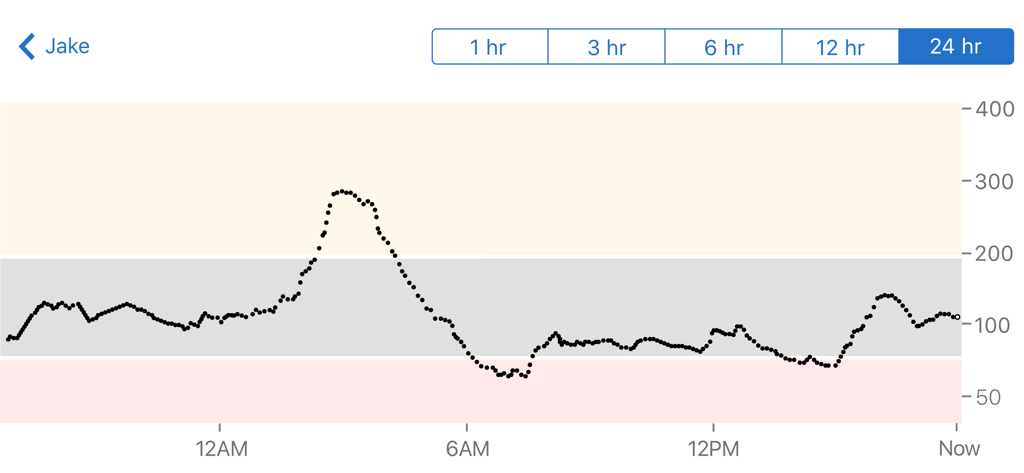
24 hour glucose level trend graph for a monitored user in the Dexcom Follow app
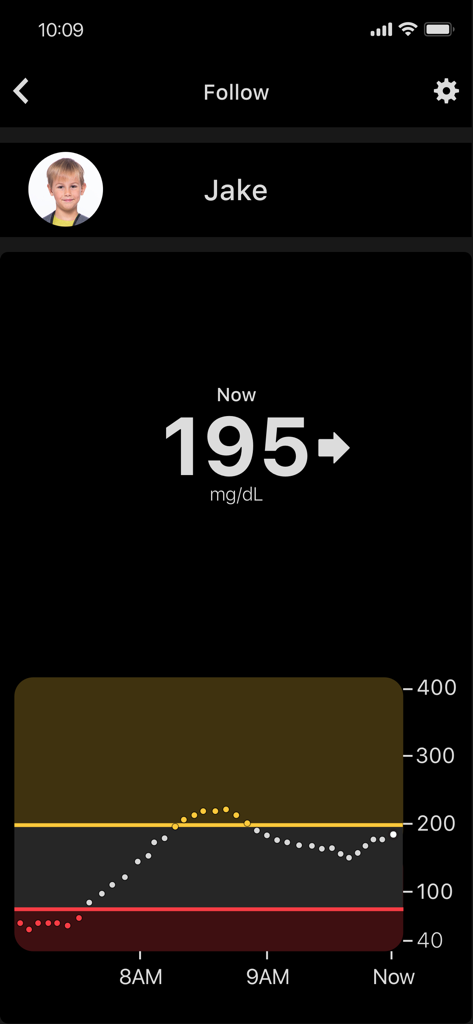
Dexcom Follow app dashboard showing a child's real-time glucose levels and trend graph.
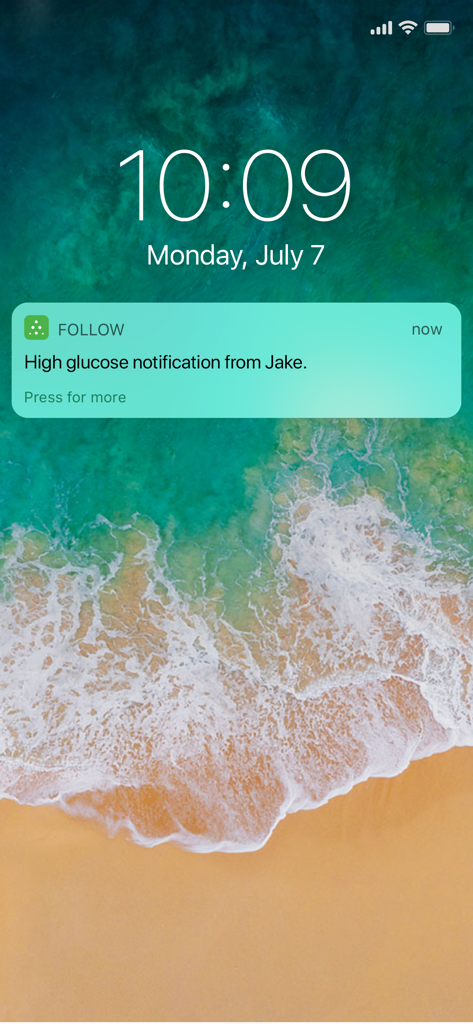
iPhone lock screen displaying a high glucose notification from the Dexcom Follow app.
Description
Download
More Like This
Apps with similar features and user experience



This page is not an official page of the app or its developer, but an independent editorial publication created for informational and commentary purposes. Unless expressly stated otherwise, neither the app nor its developer is affiliated with, endorsed by, sponsored by, authorized by, or otherwise officially connected with MWM, Apple, Google Play, the app publisher, or the app's developer, and nothing on this page implies that the app was developed using MWM's services. Any trademarks, logos, screenshots, and other content remain the property of their respective owners.