
This page is not an official page of the app or its developer, but an independent editorial publication created for informational and commentary purposes. Unless expressly stated otherwise, neither the app nor its developer is affiliated with, endorsed by, sponsored by, authorized by, or otherwise officially connected with MWM, Apple, Google Play, the app publisher, or the app's developer, and nothing on this page implies that the app was developed using MWM's services. Any trademarks, logos, screenshots, and other content remain the property of their respective owners.

Dicom viewer MRI CT RX imaging
Securely access, annotate, and organize your radiology exams on the go. Experience fast, local-first DICOM processing with intuitive touch controls and absolute privacy.
Downloads
0User Rating
Total Ratings
0Publisher
Category
Health & FitnessLocales
1Latest Version
1.1.3Size
12.2 MBFirst Released
Mar 17, 2026Clinical-Grade Imaging, Redefined for iOS
Bridge the gap between hospital workstations and mobile convenience with a high-performance DICOM viewer built for privacy, speed, and precision.
Privacy-First, Local Processing
No accounts and no cloud storage required. Your sensitive medical data stays entirely on your device, ensuring maximum security and HIPAA-aligned peace of mind.
Seamless ZIP & Folder Imports
Move past the limitation of CD-ROMs. Effortlessly import medical imaging from folders or ZIP archives and browse through complex series with intuitive touch-first navigation.
The following screenshots and description are sourced directly from the app's official store listing and are the property of the app developer.
App Store
Screenshots
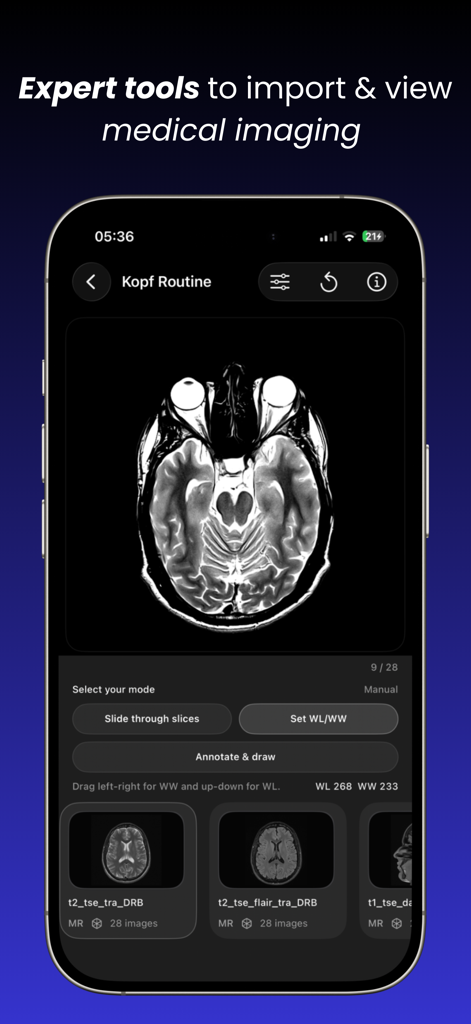
iPhone screen displaying a brain MRI scan inside the Dicom viewer app with tools to slide through slices and adjust window levels.
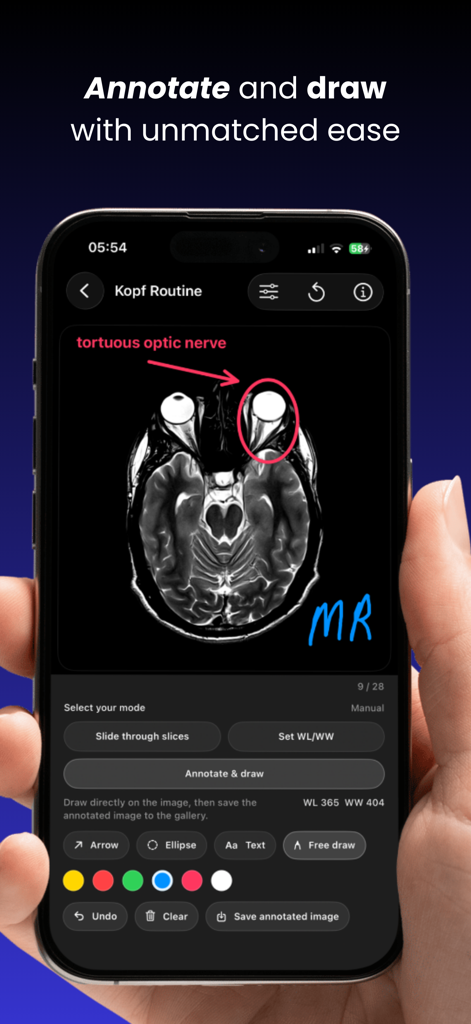
Smartphone screen showing medical image annotation on an MRI scan using arrows and text labels.
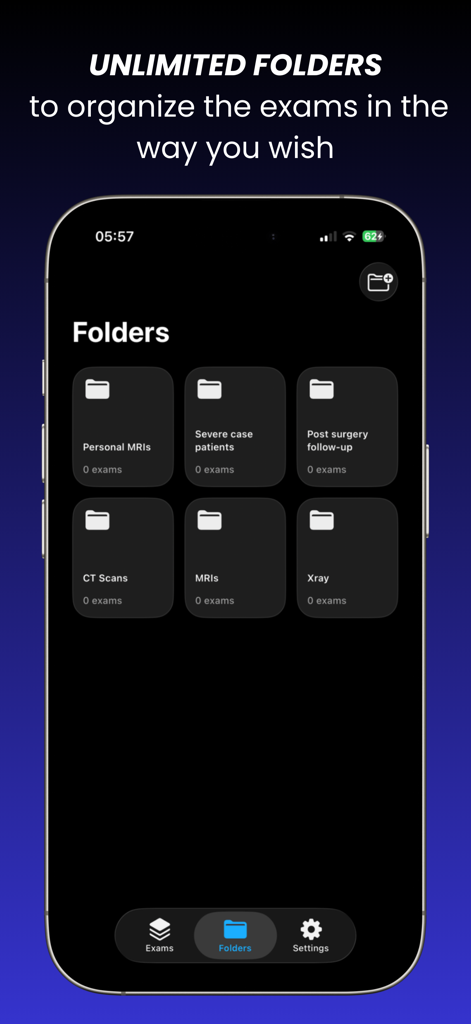
Interface of the Dicom viewer app showing multiple custom folders for organizing medical exams including MRIs and CT scans.
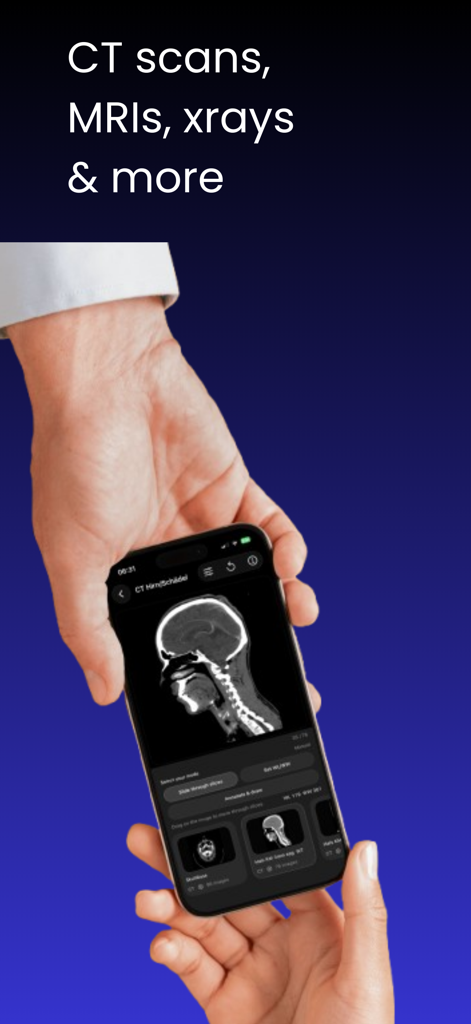
A person holding a smartphone displaying a CT scan image in a medical imaging viewer app
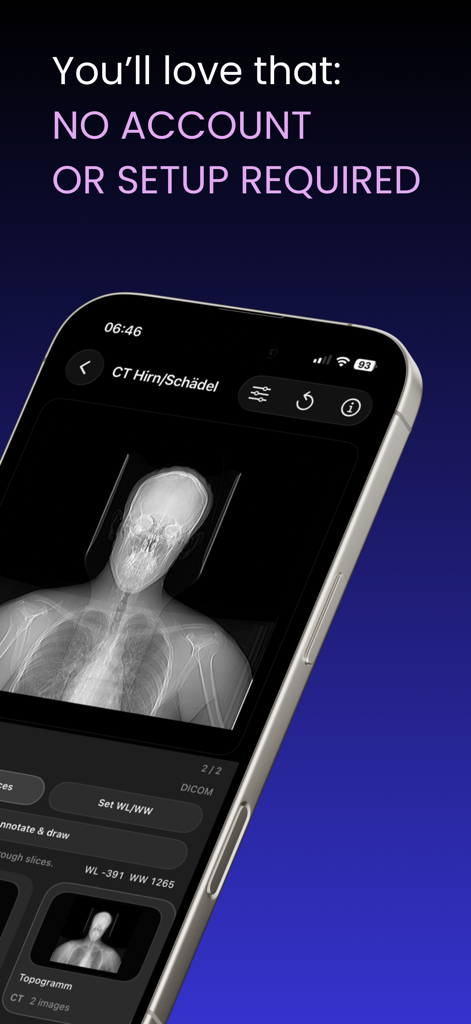
Smartphone screen showing a head CT scan in the DICOM viewer app emphasizing no account is required

DICOM viewer app screenshot highlighting local data processing and privacy features
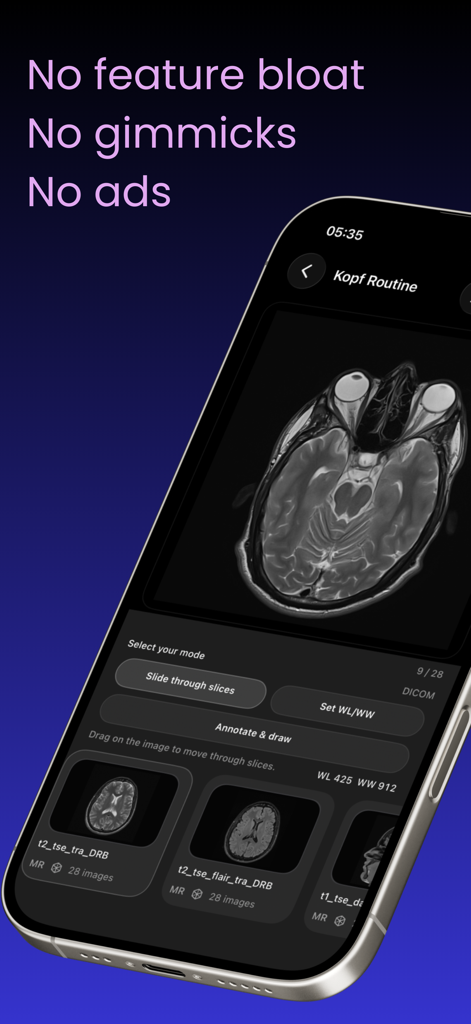
Head MRI scan displayed on the Dicom viewer mobile app interface with viewing controls.
Dicom viewer app download screen with App Store button and icon
Description
Download
More Like This
Top-ranked apps in the same category

Strava: Run, Bike, Walk
Strava Inc.

Flo Cycle & Period Tracker
FLO HEALTH UK LIMITED

Mi Fitness (Xiaomi Wear Lite)
Beijing Xiaomi Co., Ltd

AI Calorie Tracker by Yazio
YAZIO GmbH

Yuka - Food & Cosmetic Scanner
Yuca

MyFitnessPal: Calorie Counter
MyFitnessPal, Inc.

美柚 - 经期·备孕·怀孕·育儿&亲友版
Xiamen Meet You Co., Ltd.

Period Tracker Period Calendar
ABISHKKING LIMITED.

HUAWEI Health
Huawei Software Technologies Co., Ltd.
This page is not an official page of the app or its developer, but an independent editorial publication created for informational and commentary purposes. Unless expressly stated otherwise, neither the app nor its developer is affiliated with, endorsed by, sponsored by, authorized by, or otherwise officially connected with MWM, Apple, Google Play, the app publisher, or the app's developer, and nothing on this page implies that the app was developed using MWM's services. Any trademarks, logos, screenshots, and other content remain the property of their respective owners.