
This page is not an official page of the app or its developer, but an independent editorial publication created for informational and commentary purposes. Unless expressly stated otherwise, neither the app nor its developer is affiliated with, endorsed by, sponsored by, authorized by, or otherwise officially connected with MWM, Apple, Google Play, the app publisher, or the app's developer, and nothing on this page implies that the app was developed using MWM's services. Any trademarks, logos, screenshots, and other content remain the property of their respective owners.


Direction explorer
Bridge the gap between your physical view and the map. Use professional-grade heading lines, distance markers, and an offline database to identify every mountain, building, and target on your horizon with technical accuracy.
Downloads
0User Rating
Total Ratings
0Publisher
Category
TravelLocales
1Latest Version
1.2Size
31.1 MBFirst Released
Jan 21, 2023Turn Your View Into Data
Direction Explorer is a precision instrument designed for the analytical explorer. Bridge the gap between your physical surroundings and digital maps with professional-grade sighting tools.
Precision Sight-Line Mapping
Aim your iPhone to project a real-time heading line onto Apple Maps. Instantly identify distant peaks or buildings with integrated distance markers for exact spatial awareness.
Advanced Terrain Analytics
Calculate horizon distance based on your current altitude and identify potential geographic obstacles between you and your target using our extensive mountain database.
The following screenshots and description are sourced directly from the app's official store listing and are the property of the app developer.
App Store
Screenshots
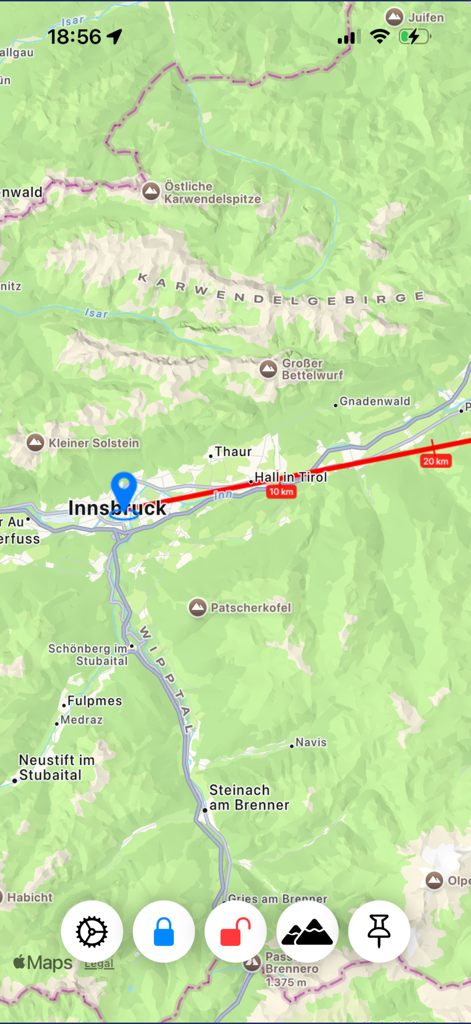
Direction Explorer map interface showing a red heading line with distance markers for peak identification
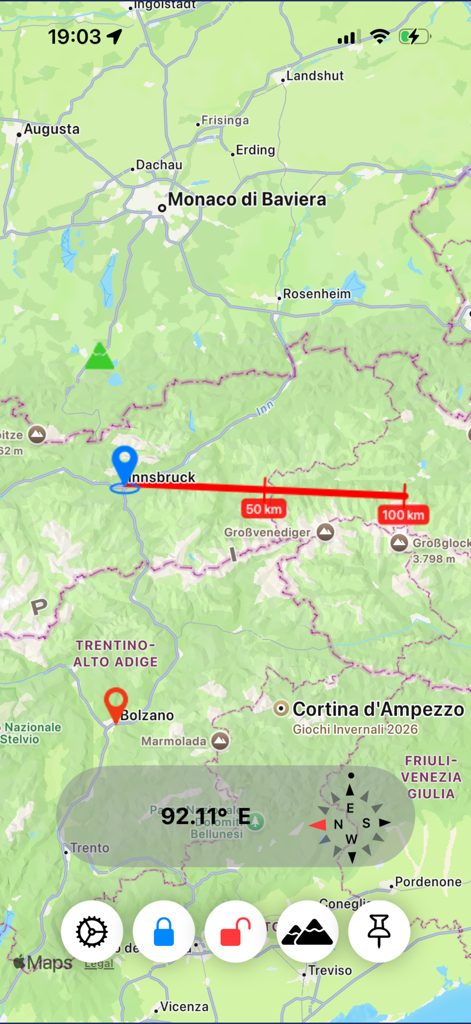
Map view showing a red direction heading line with distance markers and compass overlay
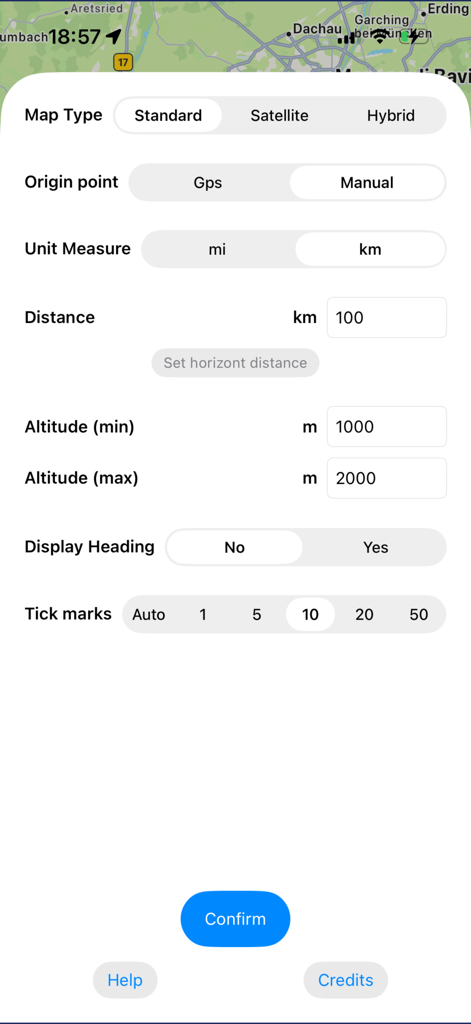
Settings screen of Direction Explorer showing map type origin point and unit measurement options
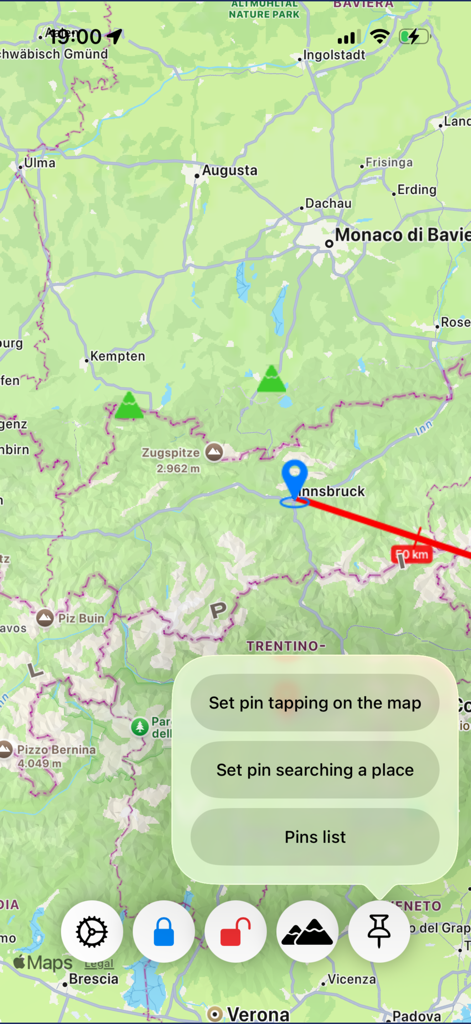
Direction Explorer map interface showing a heading line and pin placement options
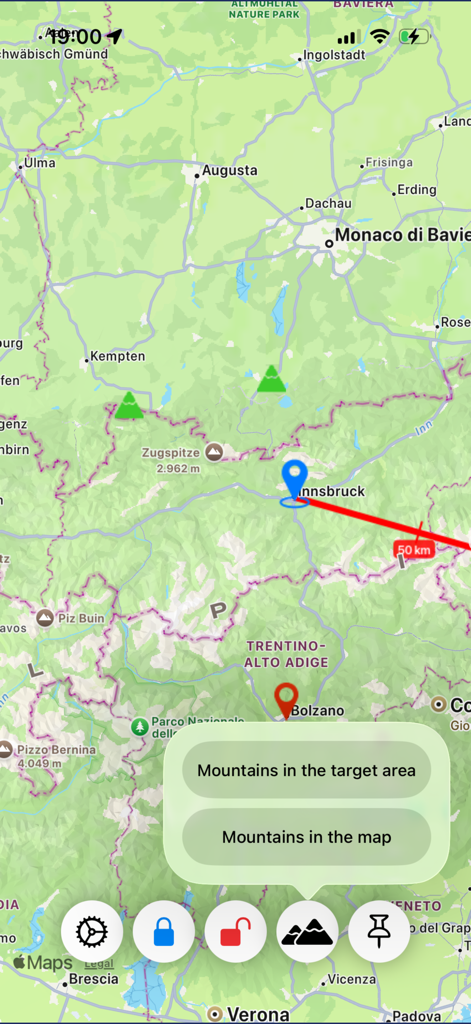
Direction Explorer app interface showing a red heading line on a map for mountain identification
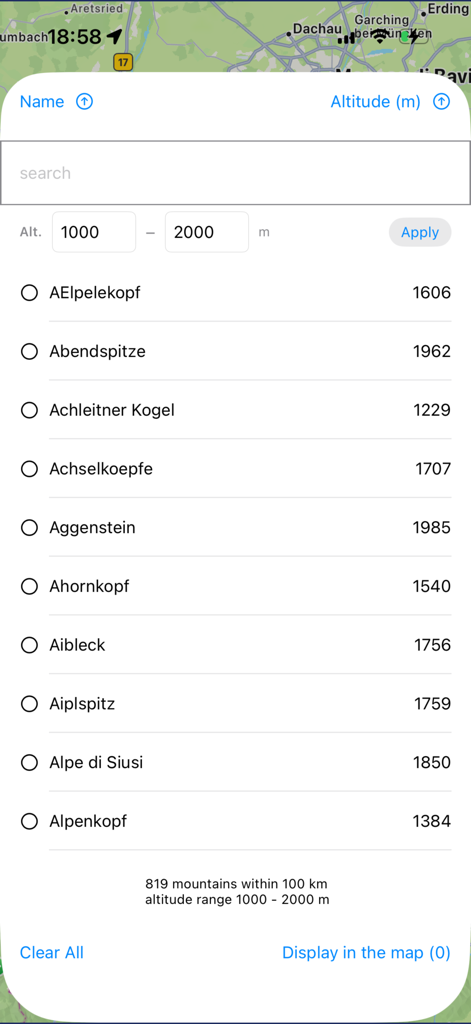
Searchable list of mountains with altitude filtering in the Direction Explorer app
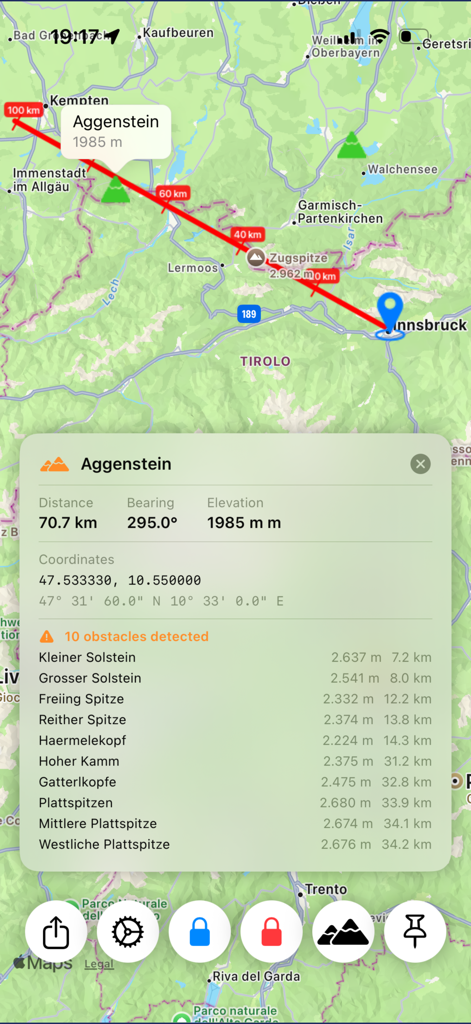
Direction Explorer app showing mountain peak technical data and a list of detected terrain obstacles on a map
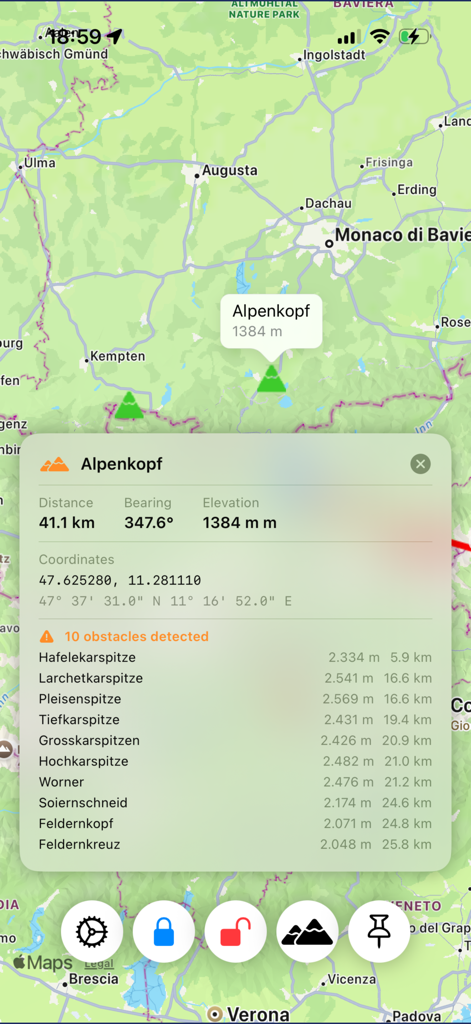
Technical map view in Direction Explorer app showing distance, bearing, and detected obstacles for the mountain Alpenkopf.
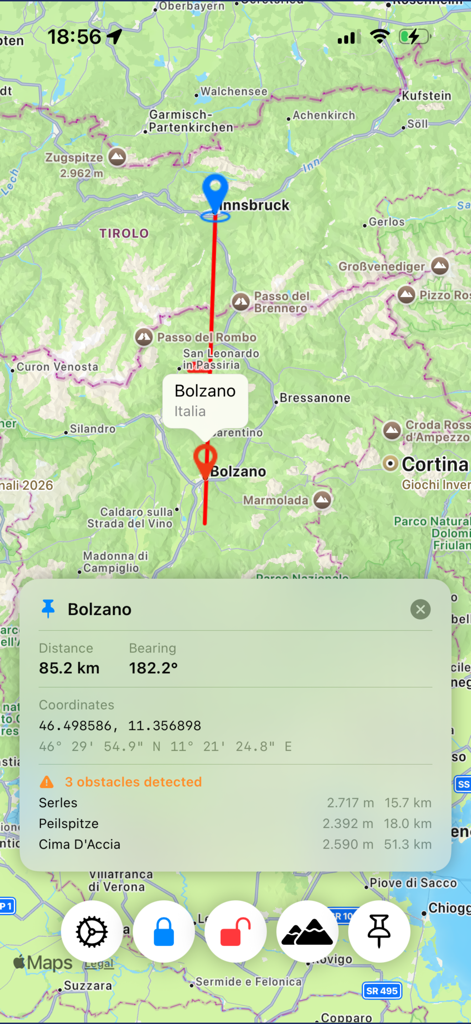
Screenshot of Direction Explorer app showing a map with a heading line between Innsbruck and Bolzano and technical data for distance, bearing, and terrain obstacles.
Description
Download
More Like This
Top-ranked apps in the same category

Uber - Request a ride
Uber Technologies, Inc.

铁路12306
ACADEMY OF RAILWAY SCIENCES CO., ltd.

Airbnb
Airbnb, Inc.

Grab: Taxi Ride, Food Delivery
GRABTAXI HOLDINGS PTE. LTD.

Booking.com: Hotels & Travel
Booking.com B.V.

DiDi China: Ride Hailing
Didi Chuxing (Beijing) Network Platform Technology Co., Ltd

Trip.com: Book Flights, Hotels
Trip.com Travel Singapore Pte. Ltd.

携程旅行-订酒店机票火车票
Shanghai Ctrip Commerce Co.,Ltd

去哪儿旅行-订酒店机票火车票
Beijing Qunar Information Technology Company Limit
This page is not an official page of the app or its developer, but an independent editorial publication created for informational and commentary purposes. Unless expressly stated otherwise, neither the app nor its developer is affiliated with, endorsed by, sponsored by, authorized by, or otherwise officially connected with MWM, Apple, Google Play, the app publisher, or the app's developer, and nothing on this page implies that the app was developed using MWM's services. Any trademarks, logos, screenshots, and other content remain the property of their respective owners.