
This page is not an official page of the app or its developer, but an independent editorial publication created for informational and commentary purposes. Unless expressly stated otherwise, neither the app nor its developer is affiliated with, endorsed by, sponsored by, authorized by, or otherwise officially connected with MWM, Apple, Google Play, the app publisher, or the app's developer, and nothing on this page implies that the app was developed using MWM's services. Any trademarks, logos, screenshots, and other content remain the property of their respective owners.


DocClear:clean my phone
The all-in-one AI assistant designed for high-achievers to instantly eliminate storage anxiety, organize screenshots, and streamline your digital life for a faster, clutter-free experience.
Downloads
142K+User Rating
Total Ratings
1K+Publisher
Category
ProductivityLocales
12Latest Version
1.0.33Size
75.5 MBFirst Released
Sep 30, 2024Transform Digital Chaos Into Peak Productivity
Stop fighting 'Storage Full' alerts. DocClear uses AI to curate your media and organize your documents, ensuring your iPhone runs as fast as you do.
AI-Powered Decluttering
Instantly identify and remove duplicates or blurred shots. Our AI does the heavy lifting, saving your best memories while reclaiming gigabytes.
Instant Mobile Office
Turn photos into professional PDFs and organize files in seconds. The perfect toolkit for scanning receipts, contracts, and work notes on the go.
The following screenshots and description are sourced directly from the app's official store listing and are the property of the app developer.
App Store
Screenshots
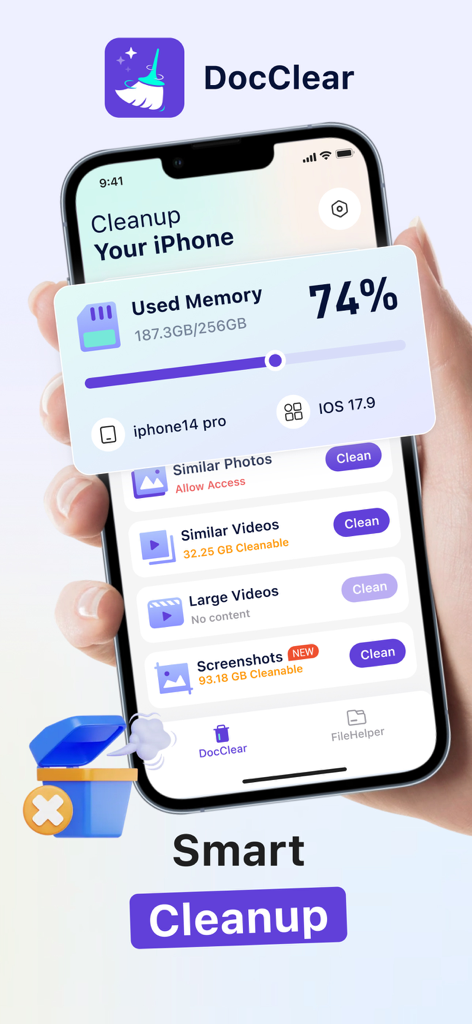
DocClear app interface showing used memory and cleanup options for similar photos and videos on an iPhone
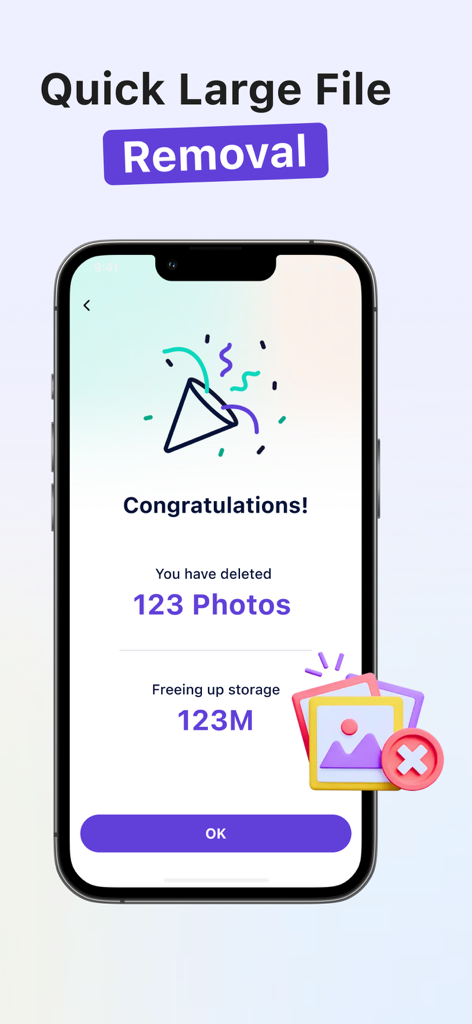
A smartphone showing a DocClear success screen that says Congratulations you have deleted 123 photos freeing up 123M storage.
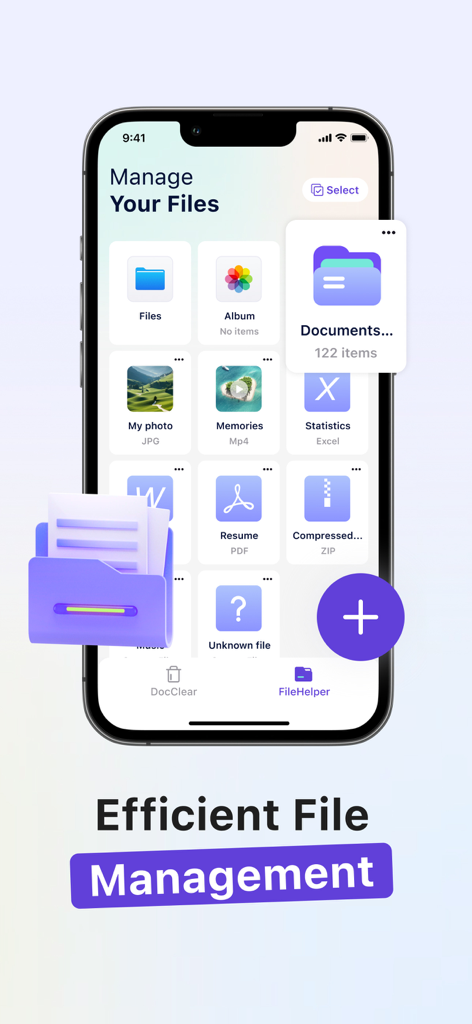
iPhone screen displaying the DocClear app file management interface with folders for photos, videos, and PDFs.
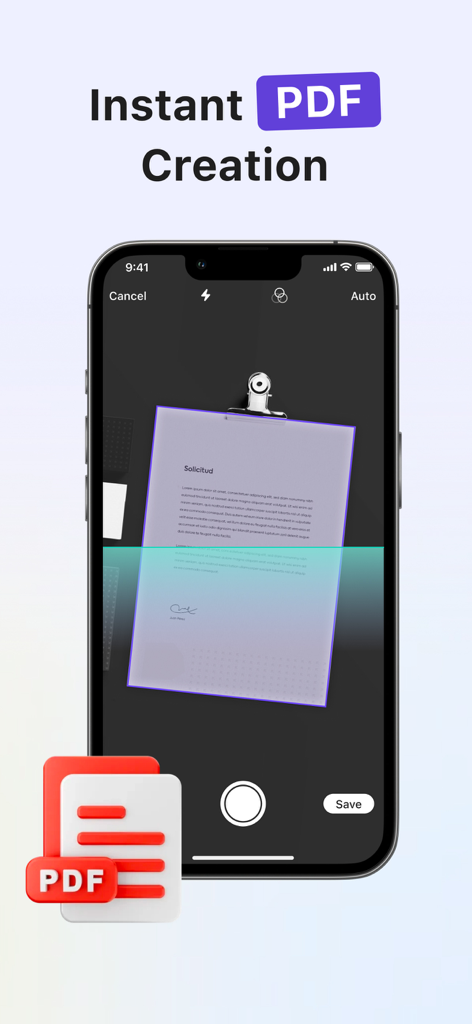
An iPhone interface showcasing the DocClear app instant PDF creation feature by scanning a paper document.
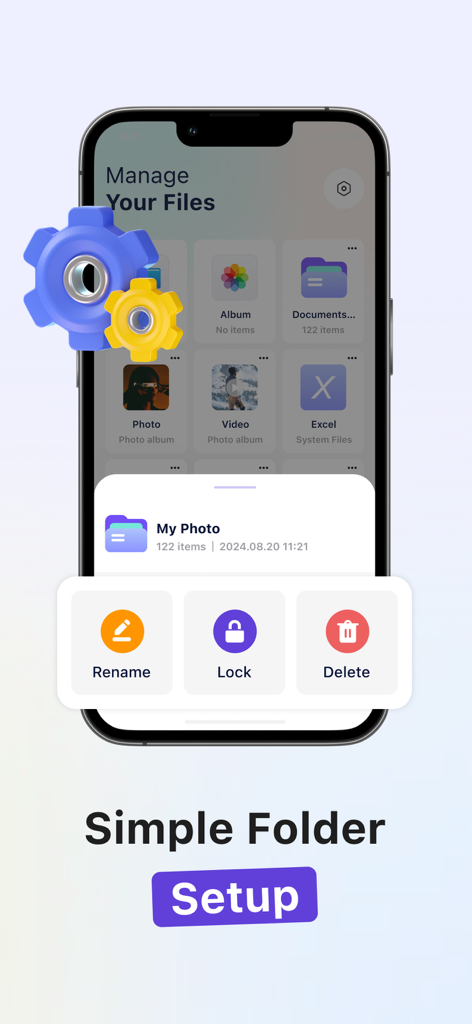
DocClear app interface showing options to rename lock and delete file folders for simple organization
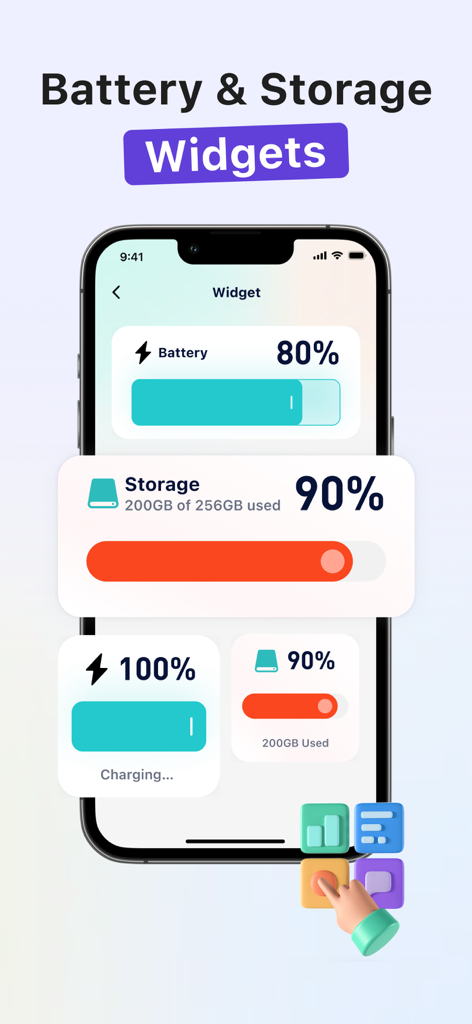
iPhone display featuring battery percentage and storage usage widgets from the DocClear app
Description
Download
More Like This
Apps with similar features and user experience

Clever Cleaner: AI CleanUp App
CleverFiles Inc.

Slidebox: Photo Cleaner App
Slidebox LLC

Photo Organizer: Picnic
Picnic Ventures Ltd

Boost Cleaner -Clean Up Smart°
AEGIS SOLUTIONS PRIVATE LIMITED

Super Smart Cleaner
VIBE WITH ME LTD

Cleanup: Phone Storage Cleaner
DEEP FLOW SOFTWARE SERVICES - FZCO

Cleaner Guru: Clean Up Storage
GM UniverseApps Limited

AI Cleaner: Clean Up Storage
GRIMLAX TRADE,S.L.

Photo Cleaner: Swipewipe
MWM
This page is not an official page of the app or its developer, but an independent editorial publication created for informational and commentary purposes. Unless expressly stated otherwise, neither the app nor its developer is affiliated with, endorsed by, sponsored by, authorized by, or otherwise officially connected with MWM, Apple, Google Play, the app publisher, or the app's developer, and nothing on this page implies that the app was developed using MWM's services. Any trademarks, logos, screenshots, and other content remain the property of their respective owners.