Document Scanner App.
Download on App Store

This page is not an official page of the app or its developer, but an independent editorial publication created for informational and commentary purposes. Unless expressly stated otherwise, neither the app nor its developer is affiliated with, endorsed by, sponsored by, authorized by, or otherwise officially connected with MWM, Apple, Google Play, the app publisher, or the app's developer, and nothing on this page implies that the app was developed using MWM's services. Any trademarks, logos, screenshots, and other content remain the property of their respective owners.

Logo of Document Scanner App.
Download on App Store

Document Scanner App.

Transform your iPhone into a powerful productivity hub. Digitise documents with precision OCR, manage ID cards, and design professional marketing materials using 600+ custom QR code templates—even without an internet connection.

Key Figures

Downloads

5K+

User Rating

4.6/5

Total Ratings

100

Publisher

Kanad Vekariya

Category

Business

Locales

1

Latest Version

6.1

Size

192.4 MB

First Released

Feb 20, 2025
Features

Your All-in-One Digital Office

Streamline your productivity with professional-grade scanning, creative marketing tools, and secure document management designed for your mobile lifestyle.

High-Definition Scanning & OCR

Transform physical paperwork into crystal-clear PDFs with automatic edge detection and convert images into editable text instantly.

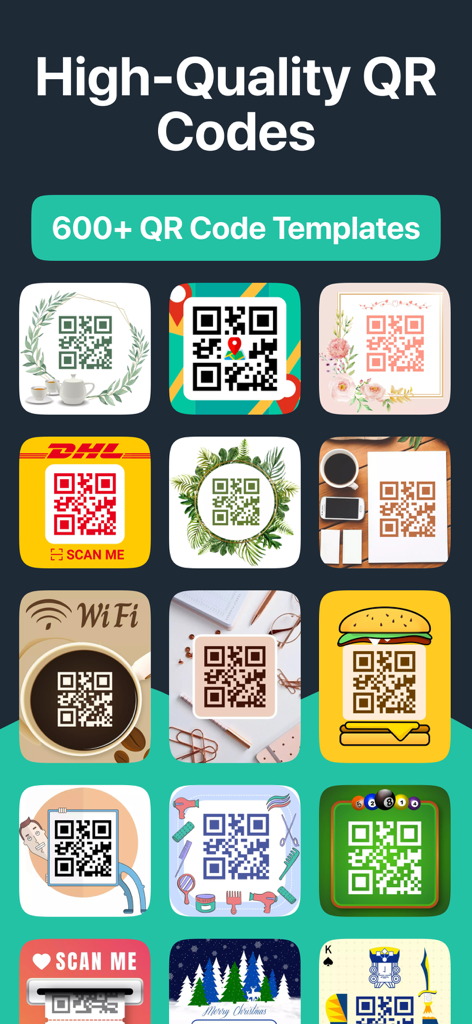
600+ Custom QR Code Templates

Empower your small business with professional QR codes for Wi-Fi sharing, menus, and marketing materials using our extensive template library.

The following screenshots and description are sourced directly from the app's official store listing and are the property of the app developer.

App Store

Screenshots
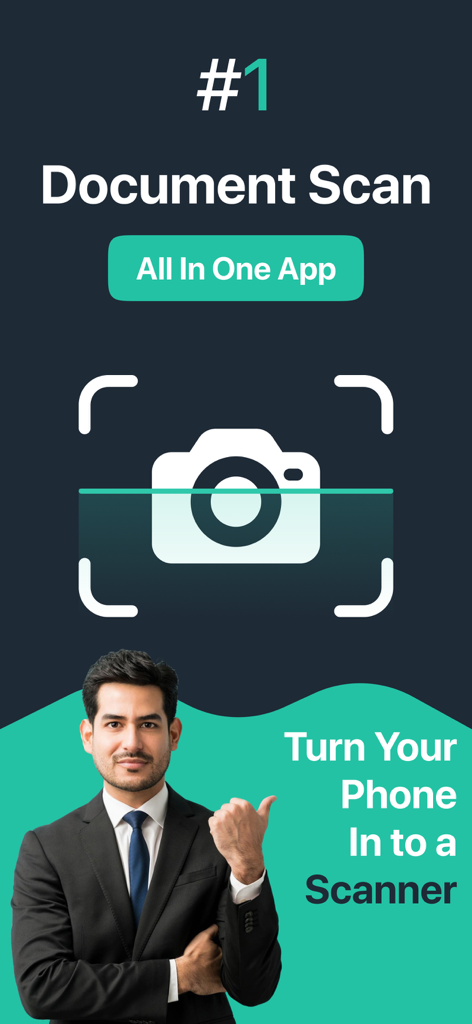
Document Scanner App. - Businessman showcasing the all in one Document Scanner App to turn your phone into a scanner
Businessman showcasing the all in one Document Scanner App to turn your phone into a scanner

Document Scanner App. - A grid of various creative and decorative QR code templates for business and personal use
A grid of various creative and decorative QR code templates for business and personal use

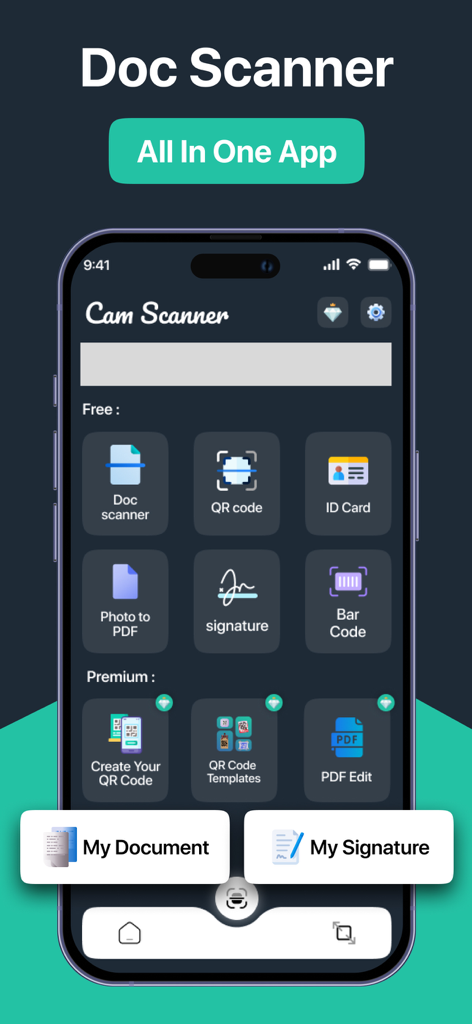
Document Scanner App. - Main dashboard of the Document Scanner app featuring tools for scanning documents, QR codes, ID cards, and digital signatures.
Main dashboard of the Document Scanner app featuring tools for scanning documents, QR codes, ID cards, and digital signatures.

Document Scanner App. - Smartphone interface showing document editing tools for PDF and ID photos
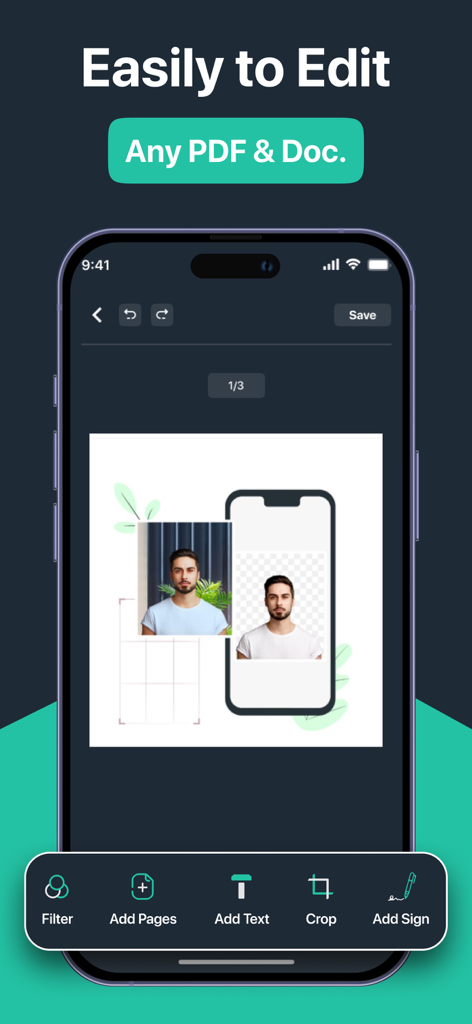
Smartphone interface showing document editing tools for PDF and ID photos

Document Scanner App. - Document Scanner App photo resizing tool for ID cards and passports
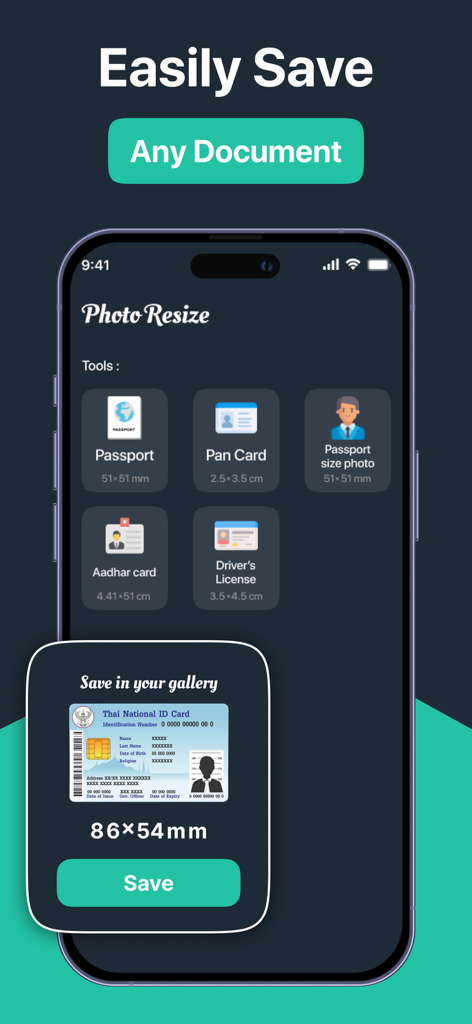
Document Scanner App photo resizing tool for ID cards and passports

Document Scanner App. - Smartphone screen showing a receipt being cropped in the Document Scanner App
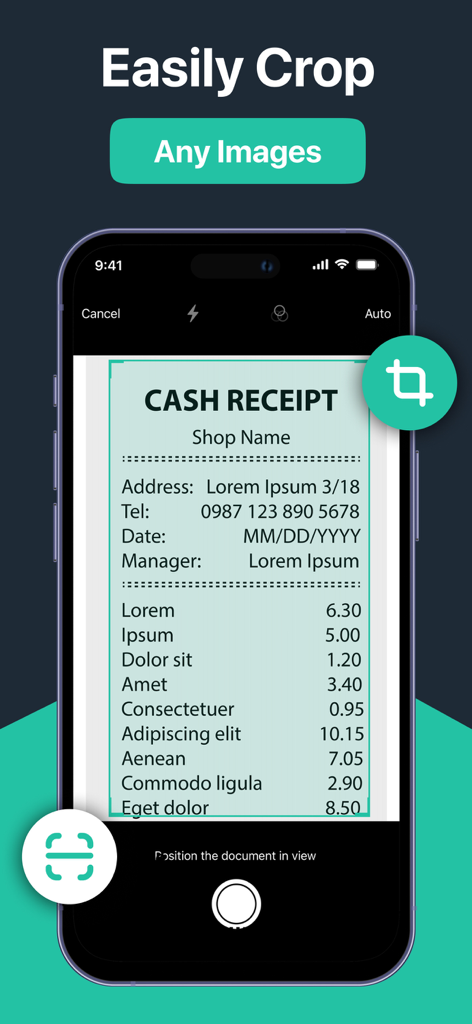
Smartphone screen showing a receipt being cropped in the Document Scanner App

Document Scanner App. - Interface showing options to create QR codes for text URL contact and Wi-Fi

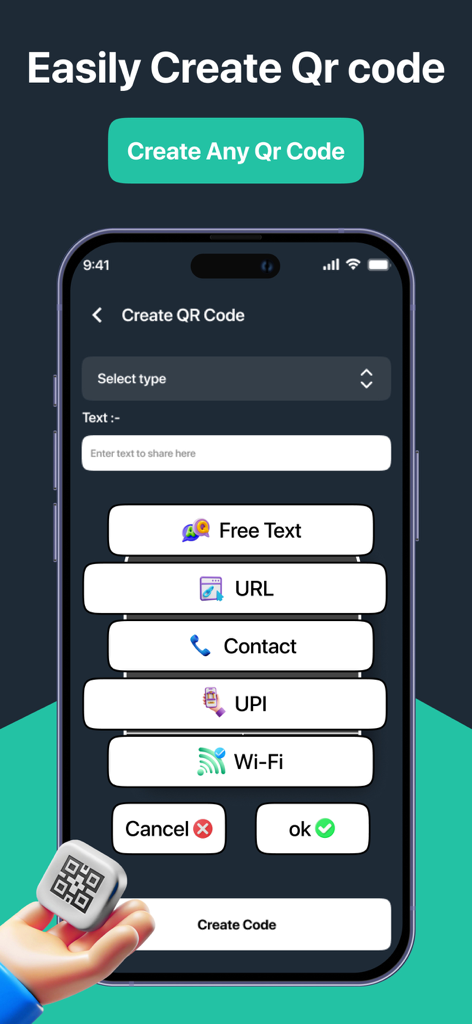
Interface showing options to create QR codes for text URL contact and Wi-Fi

Description

Document Scanner: Your Ultimate Document Scanning Solution Transform your smartphone into a powerful document scanner with Document Scanner! Whether you need to scan documents, QR codes, or ID cards, our app provides a seamless and efficient experience. With a user-friendly interface and advanced features, Cam Scanner is designed to meet all your scanning needs. Key Features: Document Scanner stands out with its extensive collection of 600+ QR code templates, making it more than just a scanning app. Whether you're creating professional QR codes for your business, sharing WiFi credentials, or digitizing documents, our app provides all the tools you need in one place. The combination of powerful document scanning features and creative QR code generation makes Cam Scanner the ultimate solution for all your scanning and QR code needs. High-Quality Scanning: Capture documents in high resolution with our advanced scanning technology. The app automatically detects edges and enhances the quality of your scans, ensuring clear and legible results. Multiple Formats: Save your scans in various formats, including PDF, JPEG, and PNG. Easily convert your documents into PDFs for easy sharing and storage. OCR Technology: Extract text from scanned documents using Optical Character Recognition (OCR). This feature allows you to convert images into editable text, making it easy to copy and share information. QR Code and Barcode Scanning: Quickly scan QR codes and barcodes to access links, contact information, and product details. The app supports various code formats, ensuring versatility in your scanning tasks. WiFi Password Sharing: Scan WiFi QR codes to automatically connect to networks. The app can also extract and share WiFi passwords, making it easier to connect to the internet. Image Resizing and Cropping: Resize and crop images to fit specific requirements, such as passport photos or ID cards. The app provides customizable options to ensure your images meet the necessary standards. Document Editing: Enhance your scanned documents with built-in editing tools. Adjust brightness, contrast, and saturation, or add annotations and signatures to your files. Secure Cloud Storage: Store your scanned documents securely in the cloud. Access your files from anywhere and share them with others effortlessly. User-Friendly Interface: Navigate through the app with ease. The intuitive design ensures that users of all ages can scan and manage documents without hassle. Offline Functionality: Scan documents without an internet connection. All features are available offline, allowing you to work anytime, anywhere. Share with Ease: Share your scanned documents via email, messaging apps, or social media. The app allows you to send files directly from the interface, making sharing quick and convenient. Regular Updates: We are committed to improving your experience. Regular updates ensure that you have access to the latest features and enhancements. Why Choose Document Scanner? Document Scanner is not just a scanning app; it’s a comprehensive document management solution. Whether you’re a student, professional, or anyone in between, our app simplifies the way you handle documents. With its powerful features and ease of use, Cam Scanner is the perfect tool for anyone looking to digitize their paperwork. Download Document Scanner today and experience the perfect blend of professional document scanning and creative QR code generation! --- *Link to Privacy Policy: https://qrcamscanner.blogspot.com/2025/02/privacy-policy.html *Link to Terms of use: https://qrcamscanner.blogspot.com/2025/02/terms-conditions.html *Link to EULA: https://qrcamscanner.blogspot.com/2025/03/eula.html

Download

Download on App Store

This page is not an official page of the app or its developer, but an independent editorial publication created for informational and commentary purposes. Unless expressly stated otherwise, neither the app nor its developer is affiliated with, endorsed by, sponsored by, authorized by, or otherwise officially connected with MWM, Apple, Google Play, the app publisher, or the app's developer, and nothing on this page implies that the app was developed using MWM's services. Any trademarks, logos, screenshots, and other content remain the property of their respective owners.








