
This page is not an official page of the app or its developer, but an independent editorial publication created for informational and commentary purposes. Unless expressly stated otherwise, neither the app nor its developer is affiliated with, endorsed by, sponsored by, authorized by, or otherwise officially connected with MWM, Apple, Google Play, the app publisher, or the app's developer, and nothing on this page implies that the app was developed using MWM's services. Any trademarks, logos, screenshots, and other content remain the property of their respective owners.


Doodle • Art
The ultimate creative studio to sketch, paint, and customize your photos. Join 2 million creators using pro-level tools, 1,000+ stickers, and vibrant templates to bring your imagination to life.
Downloads
2M+User Rating
Total Ratings
112K+Publisher
Category
EducationLocales
1Latest Version
4.4Size
87.3 MBFirst Released
May 24, 2015Elevate Your Creative Expression
Doodle • Art provides all the professional-grade tools and aesthetic assets you need to transform simple photos into unique digital art in seconds.
Pro-Level Drawing Simplified
Get the Procreate vibe without the learning curve. Master your art with customizable brushes, opacity controls, and a full spectrum of vibrant colors.
Custom Social Content
Draw directly on your photos and use 488+ trendy stickers to create 'aesthetic' stories and photo dumps that stand out on Instagram and TikTok.
The following screenshots and description are sourced directly from the app's official store listing and are the property of the app developer.
App Store
Screenshots
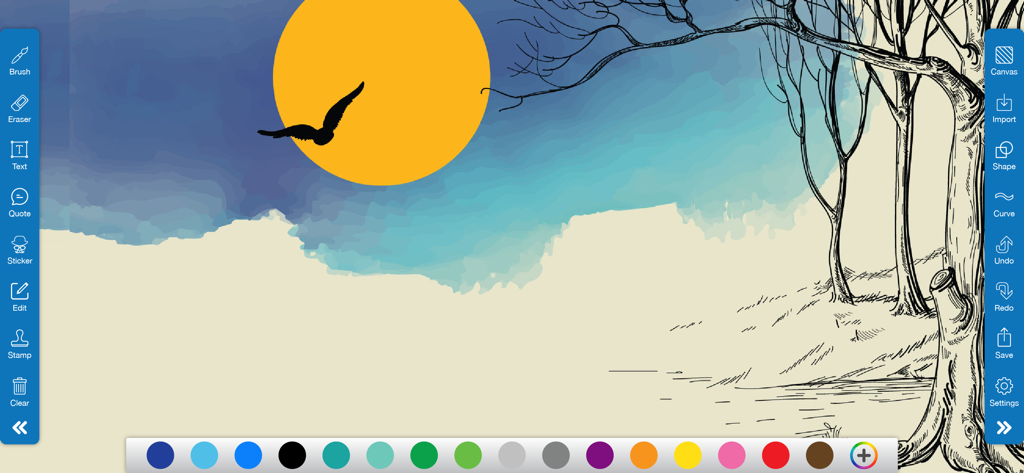
Digital drawing of a sunset and trees in the Doodle Art app interface with creative tools
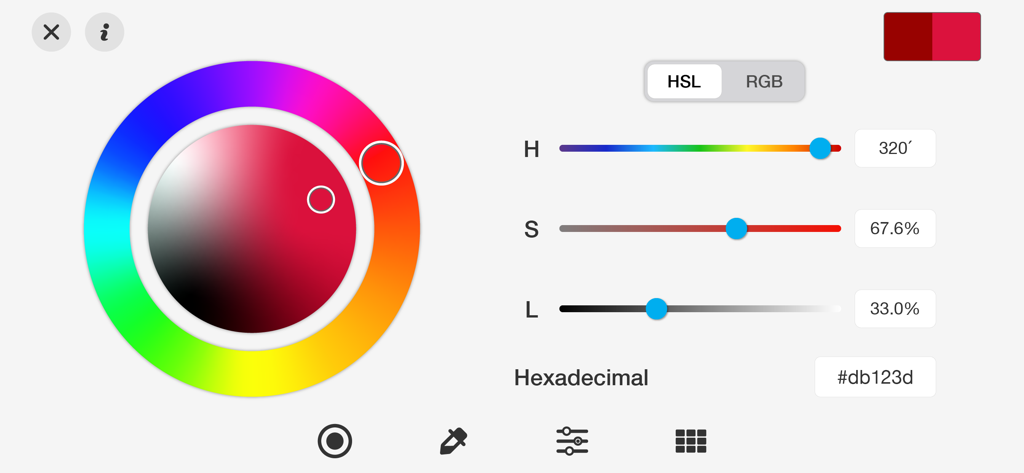
Interface of the Doodle Art app showing a detailed color picker with a hue wheel, HSL sliders, and hexadecimal code input.
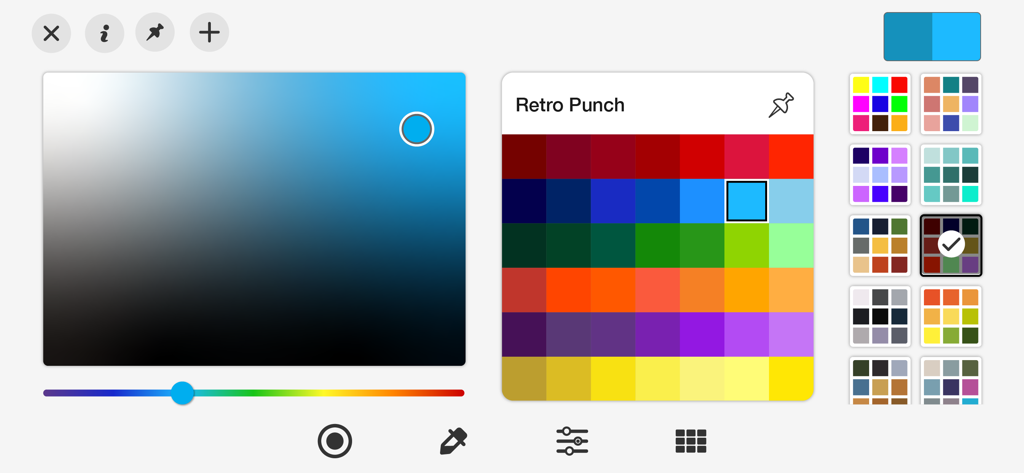
Doodle Art app color selection interface featuring a custom gradient field and the Retro Punch preset palette
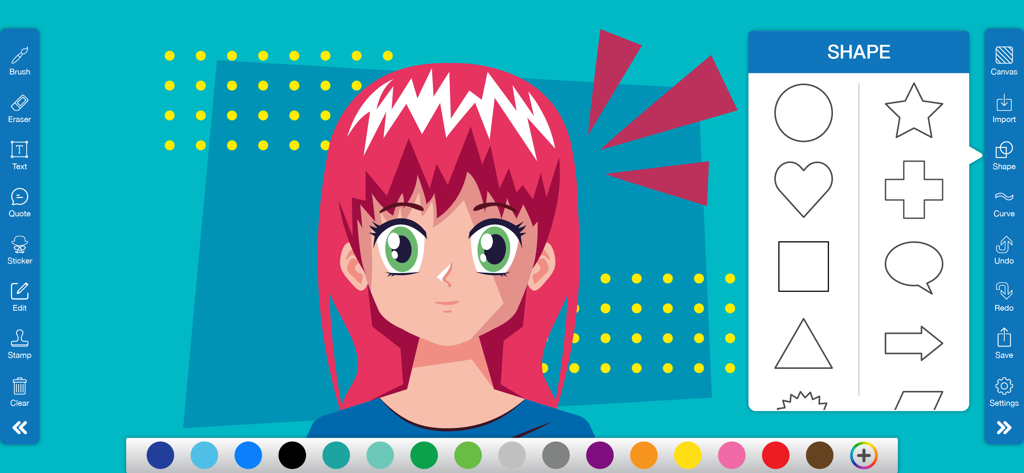
Interface of the Doodle Art app featuring an anime character drawing and a menu of various shapes like heart, star, and speech bubble.
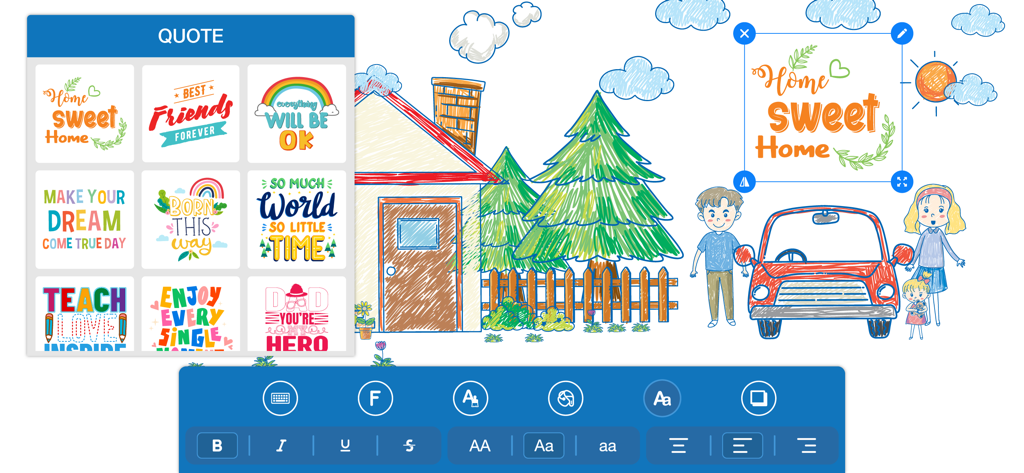
A digital drawing of a family and home with a customizable Home Sweet Home quote being edited in the Doodle Art app
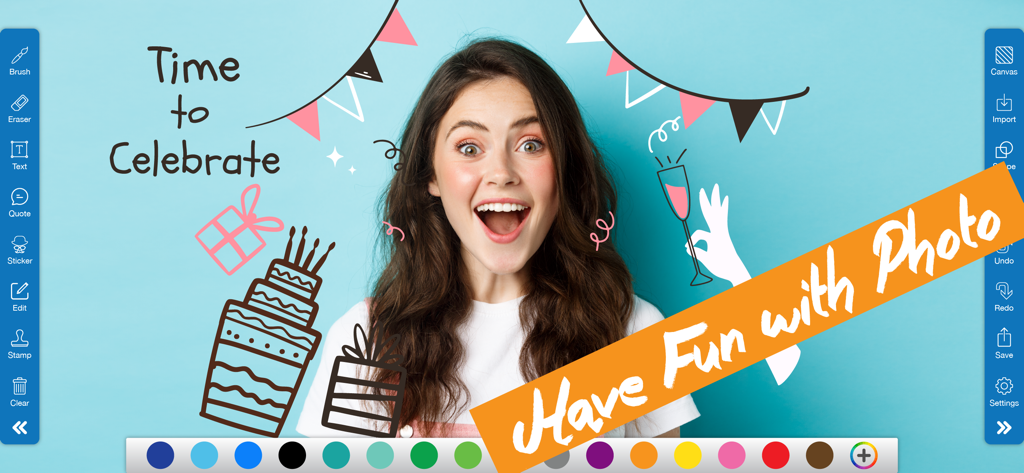
A woman's photo edited with digital birthday doodles and text using the Doodle Art app interface
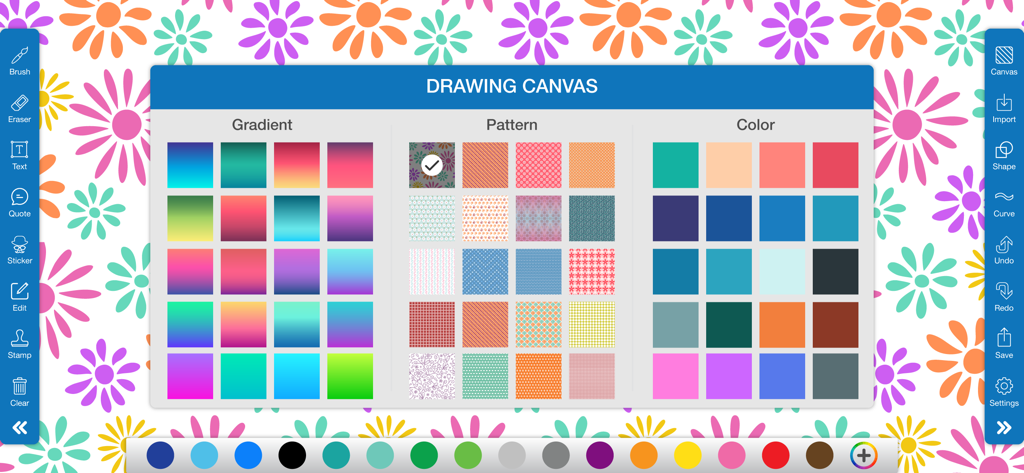
Doodle Art app drawing canvas menu displaying gradient pattern and solid color background options
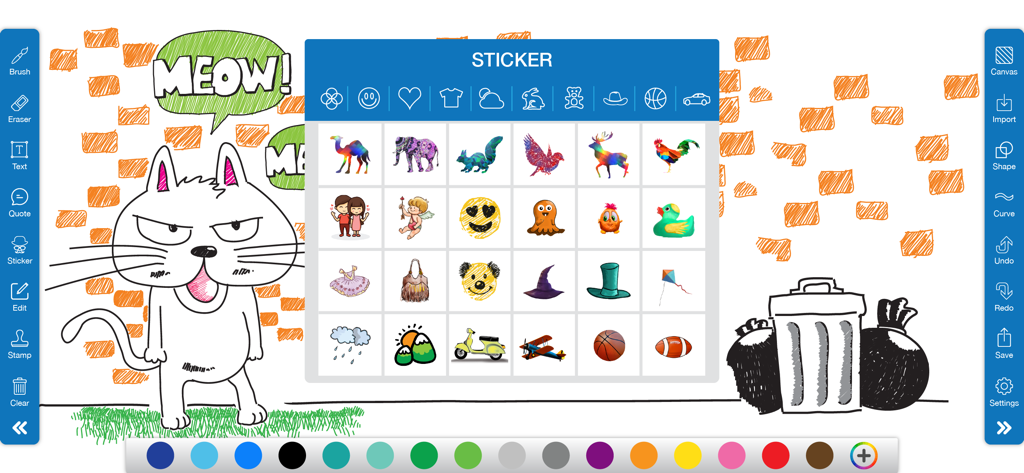
Digital drawing interface of Doodle Art app showing a cat sketch and an open sticker selection menu
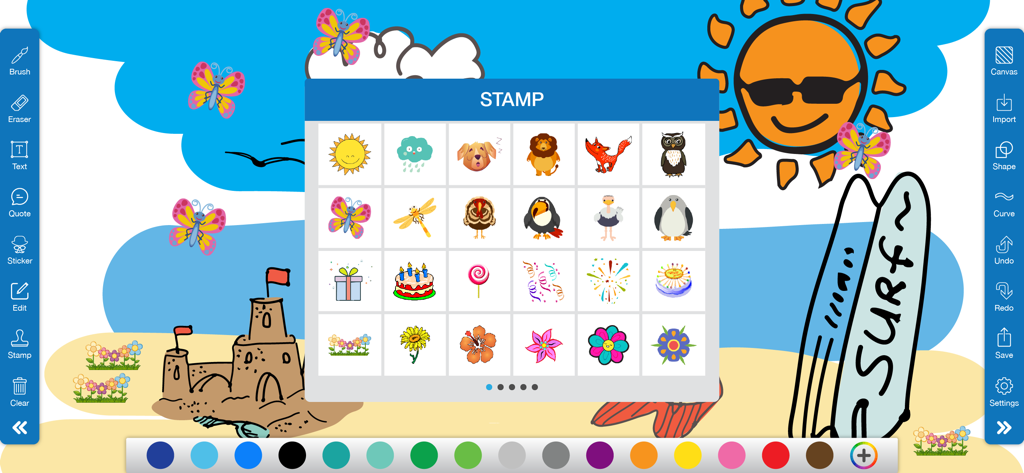
Doodle Art app interface displaying a colorful beach scene and a stamp selection window with various icons
Description
Download
More Like This
Apps with similar features and user experience

Sketchbook®
Sketchbook, Inc.

Mental Canvas Draw
Mental Canvas, Inc.

ibis Paint
ibis inc.

ibis Paint X
ibis inc.

Paper: Sketch, Draw & Create
Evernote Corporation

Adobe Fresco: Draw & Paint App
Adobe Inc.

Art Set 4
Lofopi Ltd

MediBang Paint – Drawing & Art
MediBang inc.

Tayasui Sketches
SKETCHES SRL
This page is not an official page of the app or its developer, but an independent editorial publication created for informational and commentary purposes. Unless expressly stated otherwise, neither the app nor its developer is affiliated with, endorsed by, sponsored by, authorized by, or otherwise officially connected with MWM, Apple, Google Play, the app publisher, or the app's developer, and nothing on this page implies that the app was developed using MWM's services. Any trademarks, logos, screenshots, and other content remain the property of their respective owners.