Dragonframe Tether

Dragonframe Tether

Download on App Store
Logo of Dragonframe Tether

Dragonframe Tether: Professional Stop Motion Capture for Your iPhone

Seamlessly integrate your iOS device into your Dragonframe workflow. Unlock full manual control over focus, ISO, and shutter speed to transform your phone into a cinema-grade animation camera.

Download on App Store

Publisher

DZED Systems LLC

Category

Photo & Video

Downloads

0

User Rating

2.8/5

Total Ratings

0

Locales

1

Precision in Every Frame

Discover the interface used by 0 users.
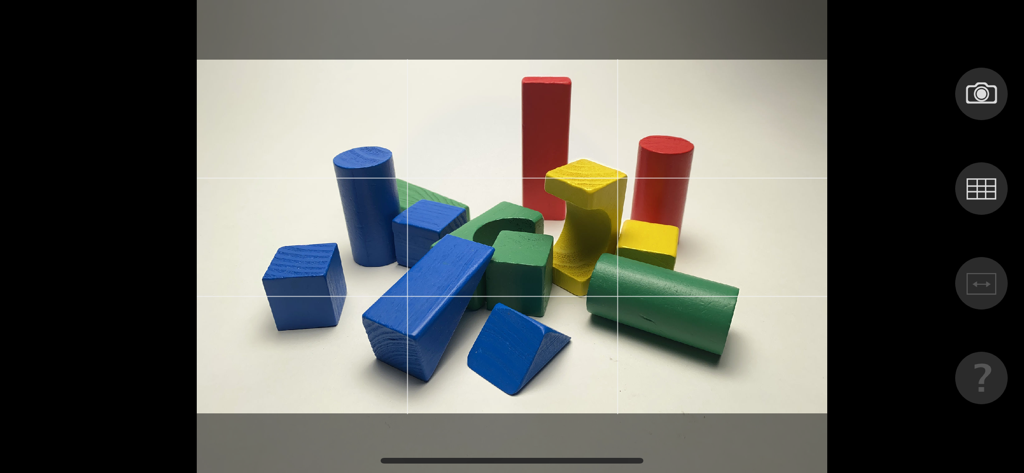
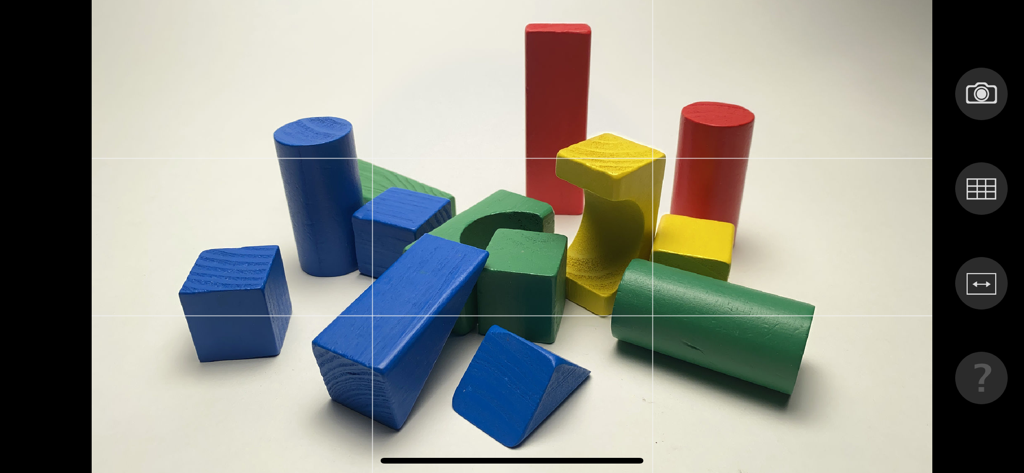
Dragonframe Tether camera view with grid lines showing colorful wooden blocks

Dragonframe Tether camera view with grid lines showing colorful wooden blocks

Dragonframe Tether camera interface showing colorful wooden blocks with grid lines for stop motion animation

Dragonframe Tether camera interface showing colorful wooden blocks with grid lines for stop motion animation

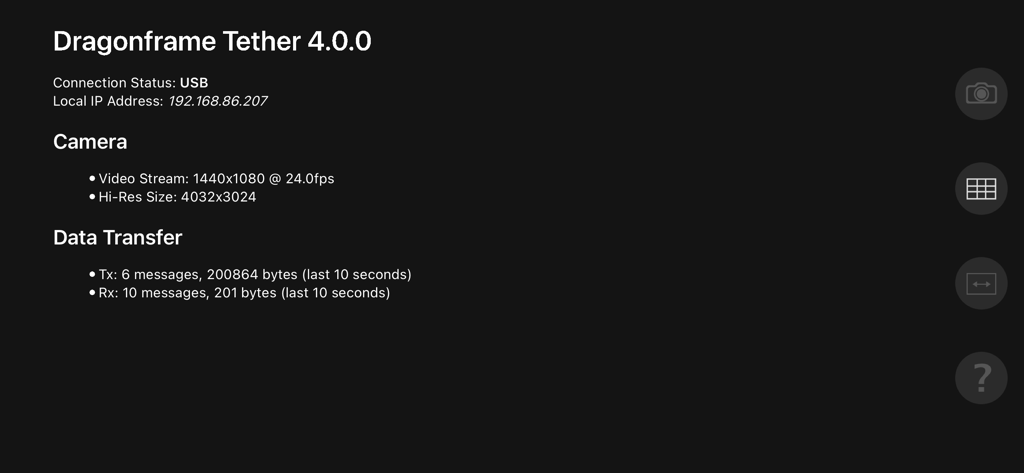
Dragonframe Tether technical interface showing USB connection status and camera resolution settings for stop motion animation

Dragonframe Tether technical interface showing USB connection status and camera resolution settings for stop motion animation

Professional Precision for Your Stop-Motion Pipeline

The tools that make this app stand out, trusted by 0 users.

🎚️

Full Manual Camera Control

Achieve frame-to-frame consistency by remotely adjusting ISO, shutter speed, focus, and white balance directly from your desktop.

🖼️

Studio-Grade RAW Capture

Maximize your post-production flexibility by capturing high-resolution DNG or JPG images directly to your computer over a stable USB connection.

Instant Plug-and-Play Workflow

Experience zero-lag video previews and automatic hardware detection, making it the perfect second-camera solution for complex miniature sets.

About the app

Everything you need to know about Dragonframe Tether.

Description

Use your iPhone, iPod Touch or iPad as a capture source in Dragonframe 4 stop motion animation software. Instructions: 1. Connect your iOS device to your computer via a USB cable. 2. Launch Dragonframe software on the computer. 3. Launch DF Tether on your device. Dragonframe will automatically detect it and connect to it. Once connected: * Dragonframe will show a video preview using the iOS camera. * You can control shutter speed, ISO, focus and white balance. * Capture JPG or DNG images directly to the computer. (The specific functionality varies by camera.) NOTE: Requires Dragonframe 4 or newer on a macOS, Windows, or Linux desktop system. Dragonframe 4 is a separate purchase, and not included with this app. See http://www.dragonframe.com for more details. NOTE: Windows users must install iTunes.

Latest Version

4.2.2

Size

14.4 MB

First Released

Feb 28, 2017

Ready to Transform Your iPhone into a Pro Animation Tool?

Join thousands of indie filmmakers and students. Download Dragonframe Tether today and gain full manual control over every frame directly from your desktop.

Download on App Store

App information, icons, screenshots, and descriptions displayed on this page are sourced from the Apple App Store and are the property of their respective developers. Download estimates and rankings are based on MWM's proprietary models and may not reflect actual figures. This page is provided for informational and analytical purposes only.

Believe this page infringes your intellectual property? File a dispute