
This page is not an official page of the app or its developer, but an independent editorial publication created for informational and commentary purposes. Unless expressly stated otherwise, neither the app nor its developer is affiliated with, endorsed by, sponsored by, authorized by, or otherwise officially connected with MWM, Apple, Google Play, the app publisher, or the app's developer, and nothing on this page implies that the app was developed using MWM's services. Any trademarks, logos, screenshots, and other content remain the property of their respective owners.


Drawing Desk: Sketch Paint Art
It grants users the power to transform digital canvases into personal masterpieces, making art creation accessible to all skill levels.
Downloads
2.5M+User Rating
Total Ratings
27.8KPublisher
Category
Graphics & DesignLocales
14Latest Version
7.5.7Size
235.9 MBFirst Released
Jul 26, 2017Key Features for Diverse Digital Artists
Software Evaluation: Drawing Desk: Sketch Paint Art
Comprehensive Drawing & Sketching Suite
The app offers a vast array of precise drawing and sketching instruments, including diverse brushes and advanced layer management, enabling users to create detailed digital art with flexibility and control.
Extensive Digital Coloring Book
This tool provides an extensive collection of coloring pages across numerous categories, serving as a relaxing and accessible creative outlet for users of all skill levels.
Guided Mandala Art Creator
The app offers a soothing drawing experience with customizable options for creating intricate mandalas, promoting relaxation and guided creative expression.
Dedicated Pixel Art Studio
It allows users to design precise pixel art, sprites, and icons, offering a nostalgic and creative outlet for crafting retro-style digital graphics.
Image Reference & Tracing Aid
This feature enables artists to import and utilize existing images as references or foundations, significantly aiding precision and expanding creative possibilities for their artwork.
Dynamic Smudge & Blend Tool
The app features a dynamic smudge and blend tool that allows users to blur and mix colors, transforming digital canvases into expressive pieces that convey movement and emotion.
Frequently Asked Questions
Everything you need to know about Drawing Desk: Sketch Paint Art
What features does Drawing Desk: Sketch Paint Art offer for digital art?
Drawing Desk: Sketch Paint Art offers 105 precise drawing tools, customizable brushes, photo import, text addition, 200 HD stickers, undo/redo, rulers, shapes, and automatic saving. It provides a comprehensive digital art experience for creativity.
Can I trace images using the Drawing Desk: Sketch Paint Art app?
Yes, Drawing Desk: Sketch Paint Art includes an 'Image Base Drawing' feature, allowing users to trace existing images. The AR Drawing mode also facilitates tracing any image and projecting AR art onto paper.
Does Drawing Desk: Sketch Paint Art offer drawing tutorials and lessons?
Yes, Drawing Desk: Sketch Paint Art provides over 1000 lessons and step-by-step tutorials to guide users in learning how to draw. It also includes features to track drawing progress.
How many brushes are available in Drawing Desk: Sketch Paint Art?
The Sketch Book feature in Drawing Desk: Sketch Paint Art provides over 200 brushes across 12 popular categories. Additionally, the Drawing Desk feature includes 105 precise drawing tools for versatile artwork.
What is the Smudge Art feature in Drawing Desk: Sketch Paint Art?
Smudge Art in Drawing Desk: Sketch Paint Art is a feature that allows users to blur and blend colors. This transforms digital canvases, capturing the essence of movement and emotion within artwork.
Does Drawing Desk: Sketch Paint Art include a coloring book?
Yes, Drawing Desk: Sketch Paint Art features a comprehensive Coloring Book. It offers 29 categories and over 500 images for coloring, alongside advanced filters and editing tools for creative expression.
What are the subscription prices for Drawing Desk: Sketch Paint Art?
Drawing Desk: Sketch Paint Art offers premium subscriptions: Weekly for $4.99, Monthly for $9.99, and Yearly for $39.99. Prices are for United States customers and may vary in other countries.
Does Drawing Desk: Sketch Paint Art provide a free trial?
Yes, Drawing Desk: Sketch Paint Art offers free trial periods for its premium subscriptions. Users can choose between a 1-week trial or a 3-day trial option to experience the app's full features.
How does the AR Drawing feature work in Drawing Desk: Sketch Paint Art?
The AR Drawing feature in Drawing Desk: Sketch Paint Art allows users to trace images, utilize the device camera for drawing, and project AR art onto physical paper for traditional drawing with digital guidance.
Can I create pixel art with Drawing Desk: Sketch Paint Art?
Yes, Drawing Desk: Sketch Paint Art includes a 'Pixel Art' feature. This grid-based tool allows users to craft intricate digital art, creating precise pixel images, sprites, and icons reminiscent of retro 8-bit graphics.
The following screenshots and description are sourced directly from the app's official store listing and are the property of the app developer.
App Store
Screenshots

See how the app projects digital images onto a physical surface, allowing users to accurately trace complex designs with its intuitive AR Drawing interface.
AR Tracing Magic
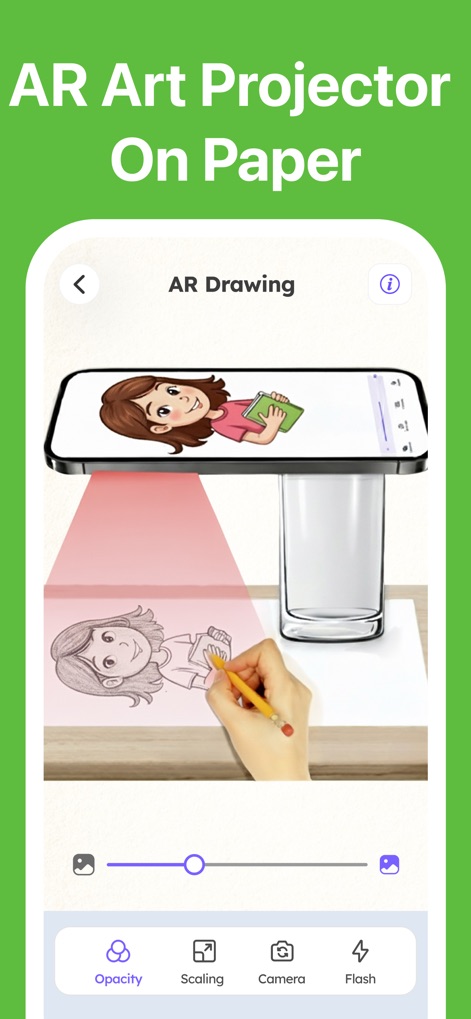
This tool demonstrates real-time AR projection onto paper, where users can adjust image opacity and scaling for precise tracing.
AR Projection Art
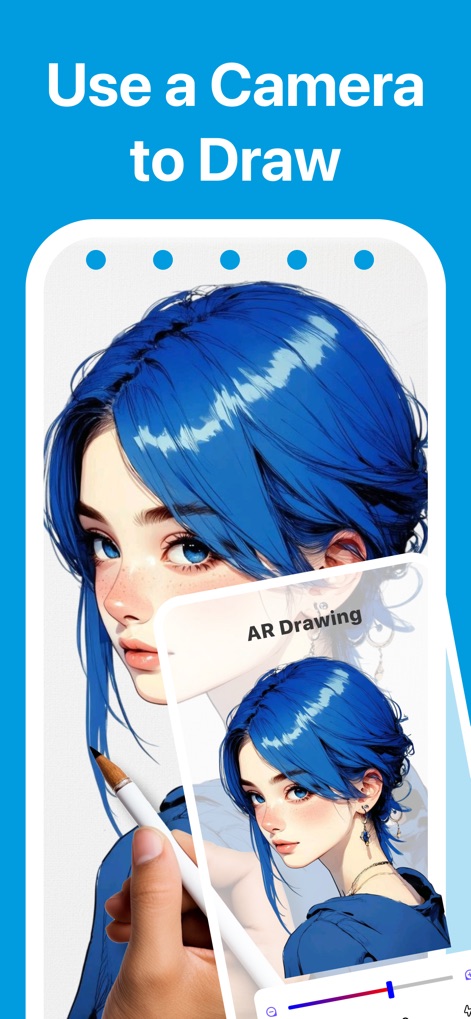
Users can leverage the device's camera to overlay reference images, enabling them to easily trace intricate details and complex artwork.
Camera-Assisted Art
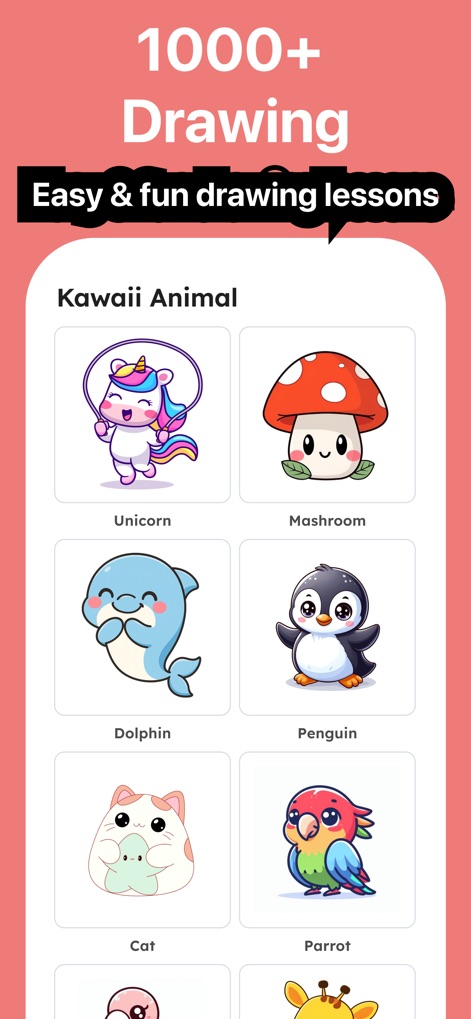
Explore an extensive library of over 1000 drawing lessons, neatly organized into categories like 'Kawaii Animal' for accessible learning.
Diverse Drawing Guides
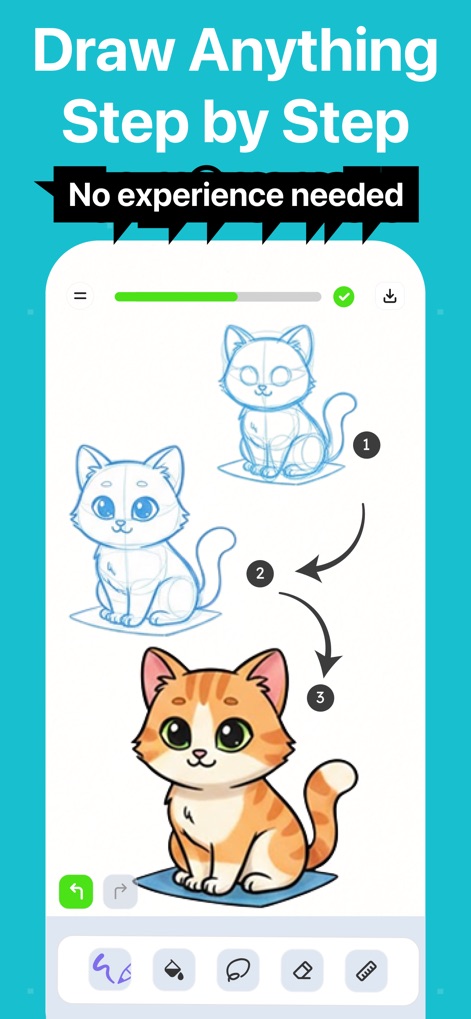
This feature offers clear, step-by-step visual instructions, guiding users through drawing processes with a helpful progress bar.
Guided Drawing Steps
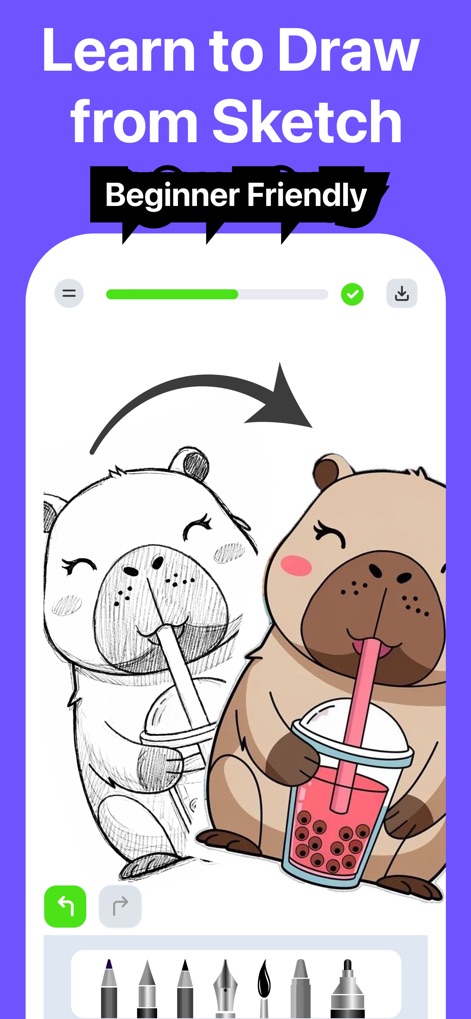
Witness the transition from a simple sketch to a vibrant colored illustration, complemented by a selection of versatile brush tools available at the bottom.
Sketch to Masterpiece
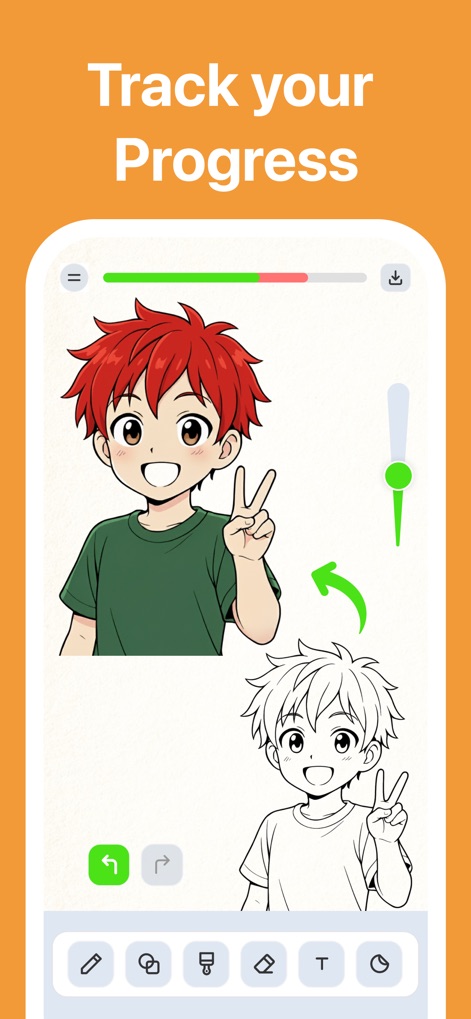
The app includes an interactive progress bar to track artistic development, alongside convenient undo and redo buttons for seamless adjustments.
Progress Monitoring
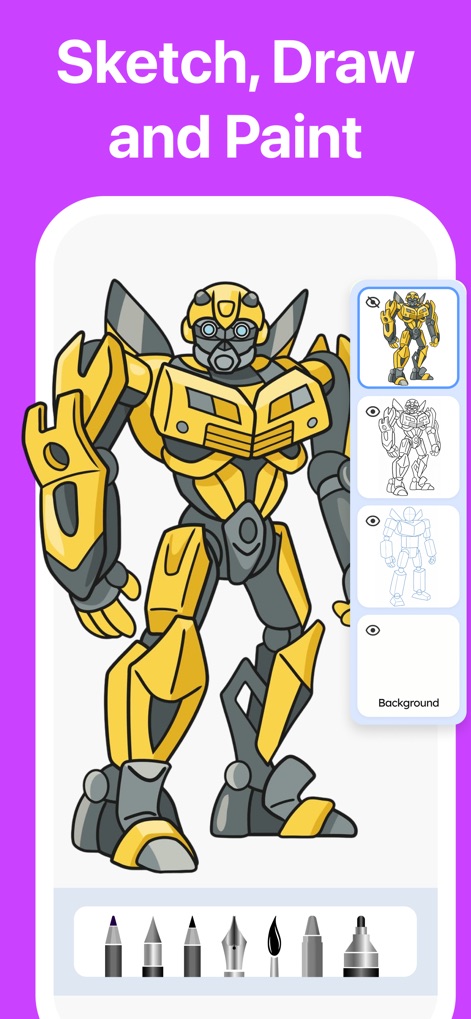
Unleash comprehensive creative control with the layer management sidebar and a diverse selection of drawing tools for intricate artwork.
Layered Creativity
Description
Download
More Like This
Apps with similar features and user experience

Sketchbook®
Sketchbook, Inc.

Mental Canvas Draw
Mental Canvas, Inc.

ibis Paint
ibis inc.

ibis Paint X
ibis inc.

Paper: Sketch, Draw & Create
Evernote Corporation

Adobe Fresco: Draw & Paint App
Adobe Inc.

Art Set 4
Lofopi Ltd

MediBang Paint – Drawing & Art
MediBang inc.

Tayasui Sketches
SKETCHES SRL
This page is not an official page of the app or its developer, but an independent editorial publication created for informational and commentary purposes. Unless expressly stated otherwise, neither the app nor its developer is affiliated with, endorsed by, sponsored by, authorized by, or otherwise officially connected with MWM, Apple, Google Play, the app publisher, or the app's developer, and nothing on this page implies that the app was developed using MWM's services. Any trademarks, logos, screenshots, and other content remain the property of their respective owners.