
This page is not an official page of the app or its developer, but an independent editorial publication created for informational and commentary purposes. Unless expressly stated otherwise, neither the app nor its developer is affiliated with, endorsed by, sponsored by, authorized by, or otherwise officially connected with MWM, Apple, Google Play, the app publisher, or the app's developer, and nothing on this page implies that the app was developed using MWM's services. Any trademarks, logos, screenshots, and other content remain the property of their respective owners.

DreamMapper
Join over 1 million users transforming their CPAP experience. Sync your Philips device to access daily therapy insights, personalized goals, and expert troubleshooting to ensure every night leads to a better day.
Downloads
1M+User Rating
Total Ratings
120K+Publisher
Category
MedicalLocales
23Latest Version
3.2.0Size
75.8 MBFirst Released
Sep 30, 2012Master Your Sleep Therapy with Ease
Stay informed and motivated with personalized daily insights that turn your CPAP data into actionable progress for a more energized tomorrow.
Daily Therapy Insights
Wake up to a detailed summary of your night, including mask fit and therapy hours, ensuring you always know exactly how your treatment is performing.
Personalized Goal Setting
Take an active role in your health by setting custom therapy milestones and receiving alerts that keep you consistent and compliant with your doctor’s plan.
The following screenshots and description are sourced directly from the app's official store listing and are the property of the app developer.
App Store
Screenshots
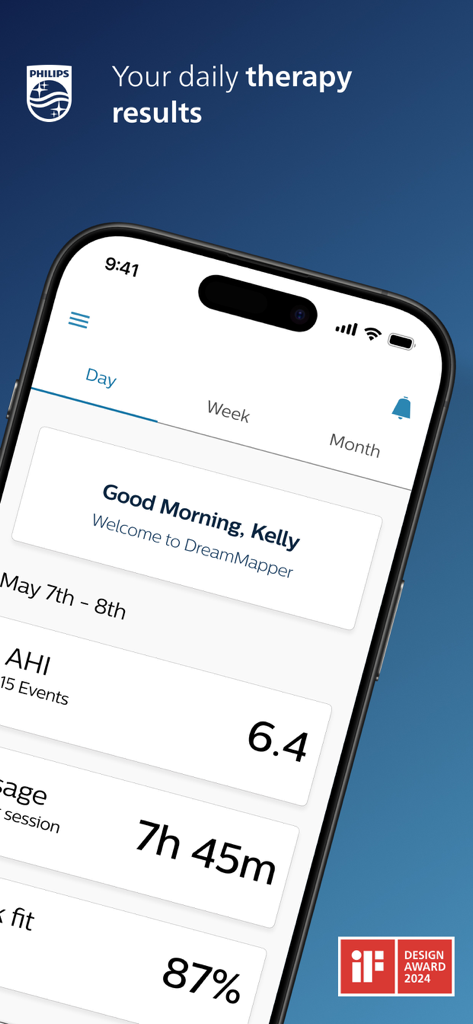
DreamMapper app dashboard on a smartphone displaying sleep apnea therapy data including AHI and usage hours.
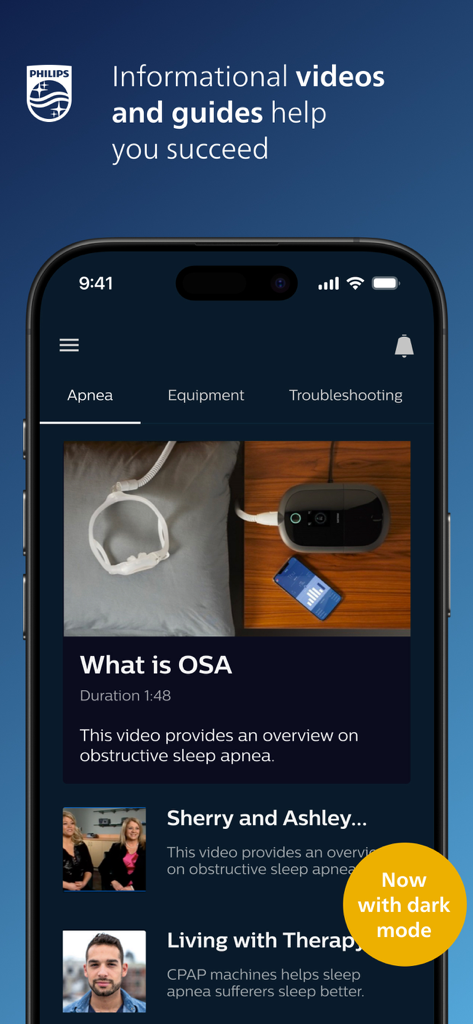
DreamMapper app interface showing informational videos and guides about sleep apnea in dark mode.
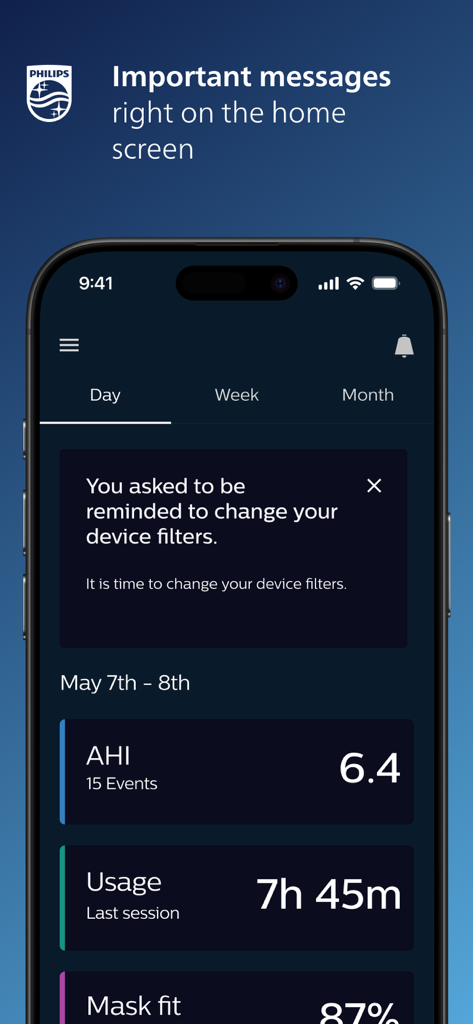
DreamMapper mobile app home screen showing CPAP therapy metrics and a reminder to change device filters.
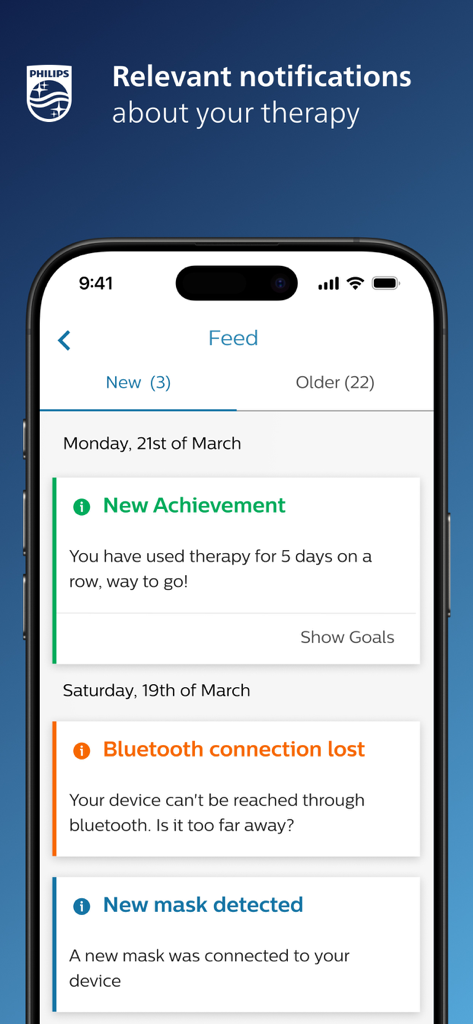
DreamMapper app interface showing a feed of relevant therapy notifications and achievements on a smartphone
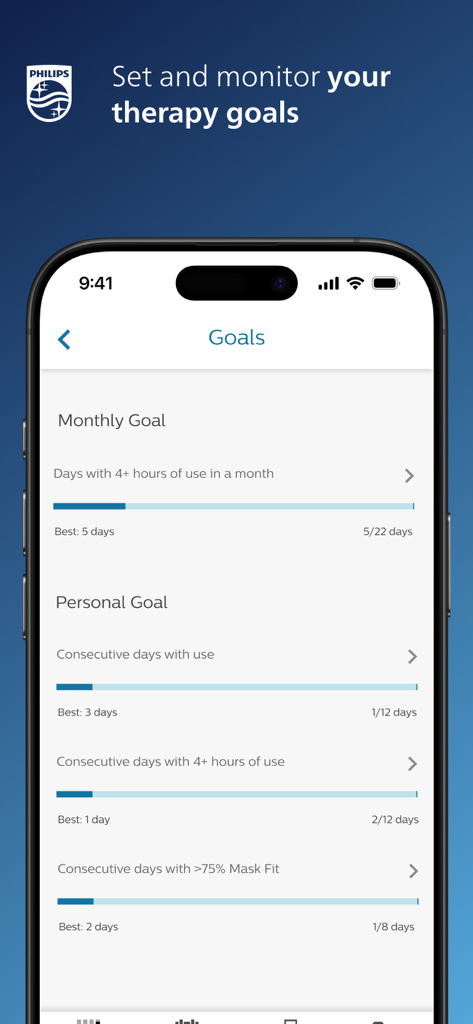
DreamMapper app screen showing monthly and personal CPAP therapy goals with progress tracking bars.
Description
Download
More Like This
Top-ranked apps in the same category

国家医保服务平台
National Healthcare Security Administration

MyChart
Epic Systems Corporation

Doctolib - Your health partner
Doctolib

Pregnancy + | Tracker App
Philips Digital UK Limited

CVS Health
CVS Pharmacy

江苏医保云
Jiangsu Healthcare Security Bureau

UnitedHealthcare
UNITED HEALTHCARE SERVICES, INC.

京东健康
BEIJING JINGDONG 360 DU E-COMMERCE LTD.

Meu SUS Digital
Servicos e Informacoes do Brasil
This page is not an official page of the app or its developer, but an independent editorial publication created for informational and commentary purposes. Unless expressly stated otherwise, neither the app nor its developer is affiliated with, endorsed by, sponsored by, authorized by, or otherwise officially connected with MWM, Apple, Google Play, the app publisher, or the app's developer, and nothing on this page implies that the app was developed using MWM's services. Any trademarks, logos, screenshots, and other content remain the property of their respective owners.