DrGoniometer
DrGoniometer
Download on App Store

This page is not an official page of the app or its developer, but an independent editorial publication created for informational and commentary purposes. Unless expressly stated otherwise, neither the app nor its developer is affiliated with, endorsed by, sponsored by, authorized by, or otherwise officially connected with MWM, Apple, Google Play, the app publisher, or the app's developer, and nothing on this page implies that the app was developed using MWM's services. Any trademarks, logos, screenshots, and other content remain the property of their respective owners.

Logo of DrGoniometer
Download on App Store

DrGoniometer

The professional choice for PTs and Orthopedists. Replace traditional tools with a precise, iPhone-based solution backed by peer-reviewed studies to automate your documentation and visualize patient progress.

Key Figures

Downloads

125K+

User Rating

4.1/5

Total Ratings

0

Publisher

CDM S.r.L

Category

Medical

Locales

3

Latest Version

3.1.1

Size

9.5 MB

First Released

May 21, 2010
Features

Elevate Your Clinical Practice with Precision

The only scientifically validated mobile tool designed for healthcare professionals to measure, track, and document joint range of motion with clinical-grade accuracy.

Scientifically Validated Accuracy

Achieve measurement reliability comparable to universal goniometers, backed by peer-reviewed medical literature for evidence-based practice.

Streamlined Patient Documentation

Build longitudinal databases and export data to Excel instantly, reducing your documentation burden for insurance reimbursement and audits.

The following screenshots and description are sourced directly from the app's official store listing and are the property of the app developer.

App Store

Screenshots
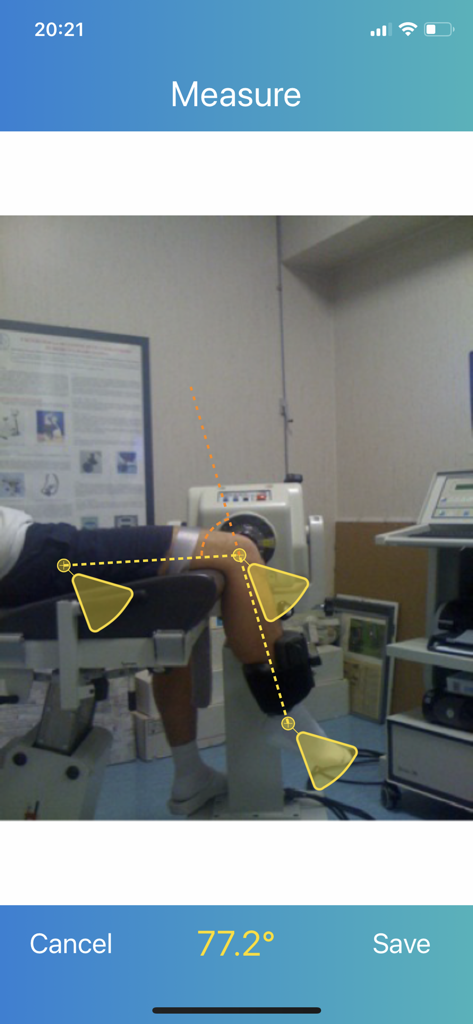
DrGoniometer - DrGoniometer app interface showing a knee joint measurement of 77.2 degrees
DrGoniometer app interface showing a knee joint measurement of 77.2 degrees

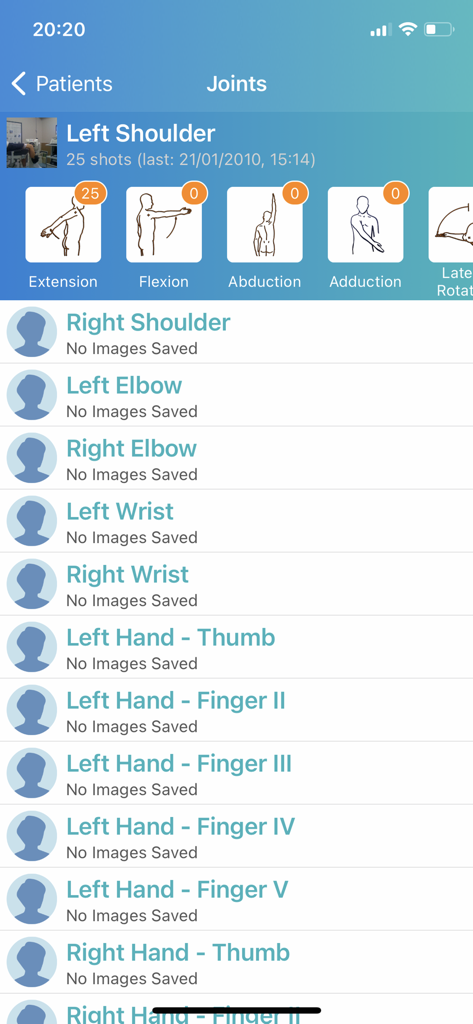
DrGoniometer - DrGoniometer app screen showing a list of body joints for measurement including left shoulder with extension flexion and abduction icons
DrGoniometer app screen showing a list of body joints for measurement including left shoulder with extension flexion and abduction icons

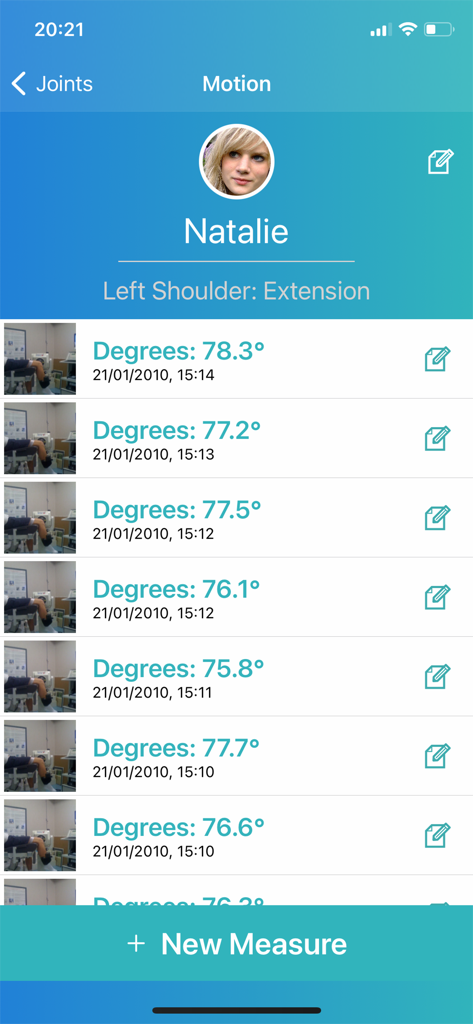
DrGoniometer - A list of shoulder extension range of motion measurements for a patient in the DrGoniometer app.
A list of shoulder extension range of motion measurements for a patient in the DrGoniometer app.

DrGoniometer - A list of patient profiles within the DrGoniometer medical app showing names, photos, and last assessment dates.
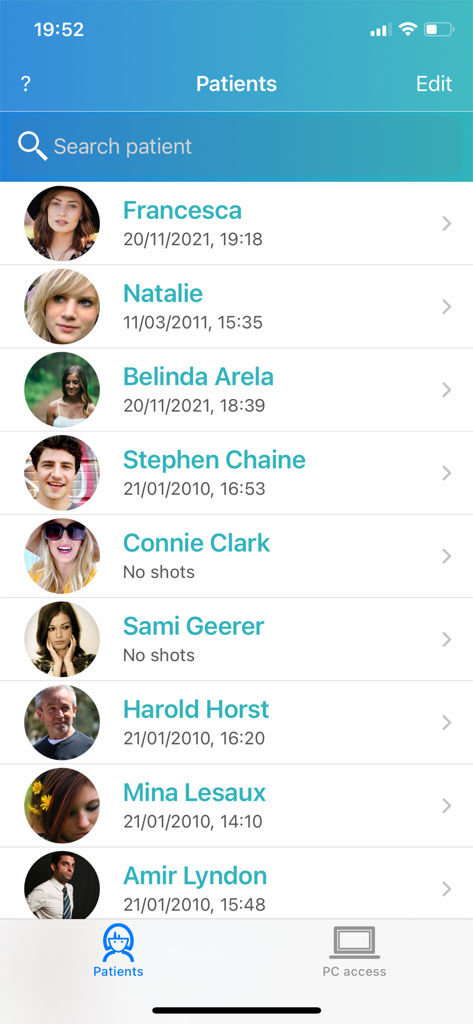
A list of patient profiles within the DrGoniometer medical app showing names, photos, and last assessment dates.

DrGoniometer - DrGoniometer app screen showing PC access enabled for medical data transfer and backup
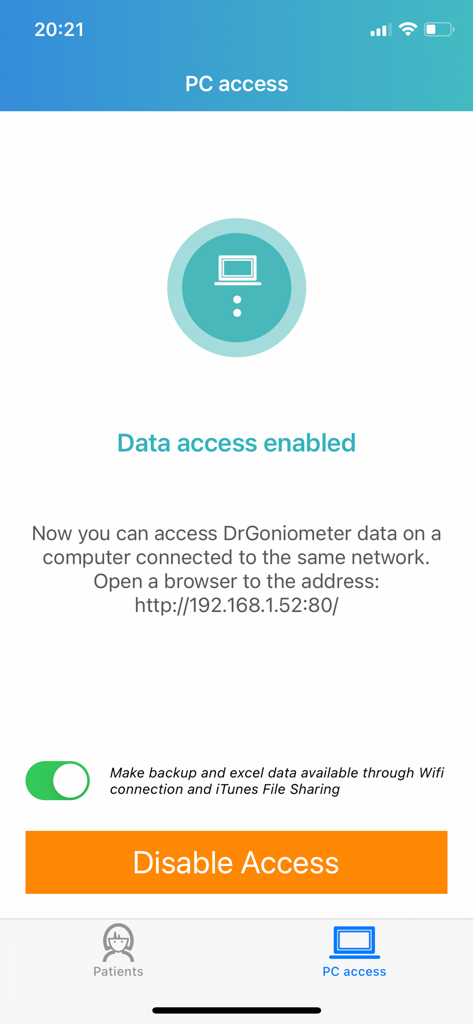
DrGoniometer app screen showing PC access enabled for medical data transfer and backup

DrGoniometer - DrGoniometer app interface for enabling PC access and data backup over a WiFi network
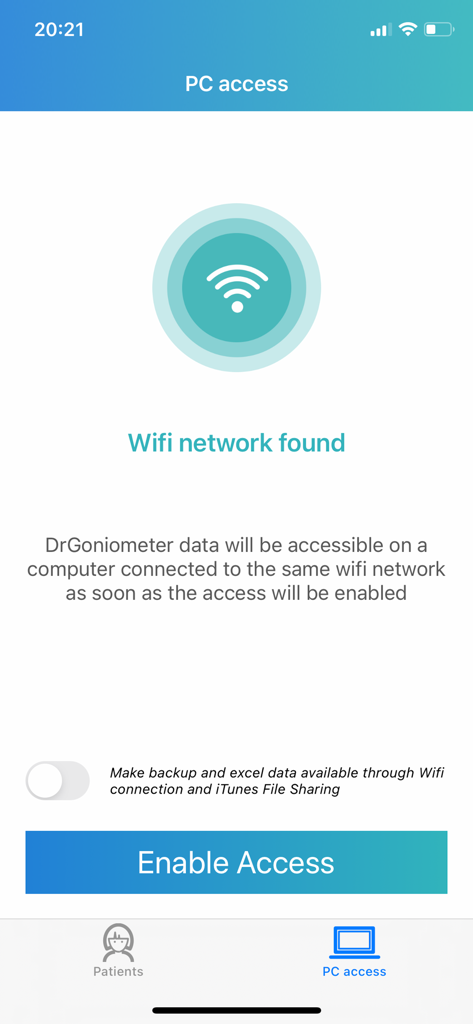
DrGoniometer app interface for enabling PC access and data backup over a WiFi network

DrGoniometer - DrGoniometer medical app splash screen with joint measurement tool

DrGoniometer medical app splash screen with joint measurement tool

Description

Dr. Goniometer is a tool whereby physiatrists, orthopaedists and physiotherapists can measure the movement angles of their patient’s articulations and store all related data. It is the only tool supported scientifically by comparative studies on real cases, as mentioned hereunder. The tool enables the management of patient records, measurement of patient articulation angles and storage of all related information to build up historical data bases for each articulation and movement. Measurement is by photographing the articulation and identifying the pictures taken with three separate markers. Picture taking is supported with perpendicular reference to ground level, iPhone alignment identification and patient central position referencing. These data come from Medical Literature suggestions for completing this type of reliable measurement (Cf. for instance, Dunlevy C. et al. "Procedural considerations for photographic-based joint angle measurements", Physiother. Res. Int. 2005; 10(4): 190-200). Dr. Goniometer has been used in recent studies – the publication of which is currently under way – that have identified reliability and measurement errors comparable to those of professional measurement tools (such as the Universal Goniometer, Isokinetic Tools Goniometer and the like). The study "A new iPhone-based Goniometer (Dr. Goniometer): a Validation Study", in particular, reports that various measurements on several patients were made simultaneously with professional tools and Dr. Goniometer. Measurements with the latter were repeated by different physiatrists and physiotherapists and results indicate comparable measurement errors for the Dr. Goniometer and other tools. In addition to the above, further features are also available through in-app purchase to: - computer browse all Dr. Goniometer data (such as patient records, measurements, photos and the like) and print any patient articulation record; - backup all Dr. Goniometer data on the computer; - use a previously created back-up to restore all Dr. Goniometer data on any iPhone (as in the event of iPhone replacement or application re-installation, for instance). - export all measures in a Excel file through iTunes File Sharing, connecting your iphone and PC through the USB cable. All the above features are available with no additional computer software required, just a common Internet browser; any operating system is supported, whether Microsoft, Apple, or others. The iPhone and PC used must be on the same WiFi network for computer and Dr. Goniometer connection. Should no WiFi connection be available, if the iPhone is be connected to a mobile network and the PC to the Internet, the iPhone and computer connection will be based on the settings of the mobile network in use. Dr. Goniometer ensures constant measurement tool availability and access to patient data bases. New measurements can always be made at each patient visit, with no need for constant patient record updating as completed measurements are stored automatically on the iPhone or PC used and are retrievable whenever needed.

Download

Download on App Store

This page is not an official page of the app or its developer, but an independent editorial publication created for informational and commentary purposes. Unless expressly stated otherwise, neither the app nor its developer is affiliated with, endorsed by, sponsored by, authorized by, or otherwise officially connected with MWM, Apple, Google Play, the app publisher, or the app's developer, and nothing on this page implies that the app was developed using MWM's services. Any trademarks, logos, screenshots, and other content remain the property of their respective owners.








