
This page is not an official page of the app or its developer, but an independent editorial publication created for informational and commentary purposes. Unless expressly stated otherwise, neither the app nor its developer is affiliated with, endorsed by, sponsored by, authorized by, or otherwise officially connected with MWM, Apple, Google Play, the app publisher, or the app's developer, and nothing on this page implies that the app was developed using MWM's services. Any trademarks, logos, screenshots, and other content remain the property of their respective owners.


DroneDeploy Ground App
Bridge the gap between aerial and interior data. Effortlessly document walkthroughs, sync site progress to the cloud, and integrate with Procore or Autodesk Build to eliminate rework.
Downloads
0User Rating
Total Ratings
0Publisher
Category
BusinessLocales
1Latest Version
2.237.0Size
358.4 MBFirst Released
Oct 19, 2021Complete Your Site Context from the Ground Up
Bridging the gap between aerial insights and interior reality. Capture, sync, and analyze ground-level data in one unified enterprise platform built for construction professionals.
Rapid 360° Site Walkthroughs
Document interiors and mechanical rooms in minutes. Connect your 360° camera to create an immersive, timestamped record of every project phase to eliminate blind spots.
Enterprise-Grade Integrations
Push ground data directly to Procore, Autodesk Build, and BIM 360. Keep your VDC managers and stakeholders synced automatically without manual photo uploads.
The following screenshots and description are sourced directly from the app's official store listing and are the property of the app developer.
App Store
Screenshots
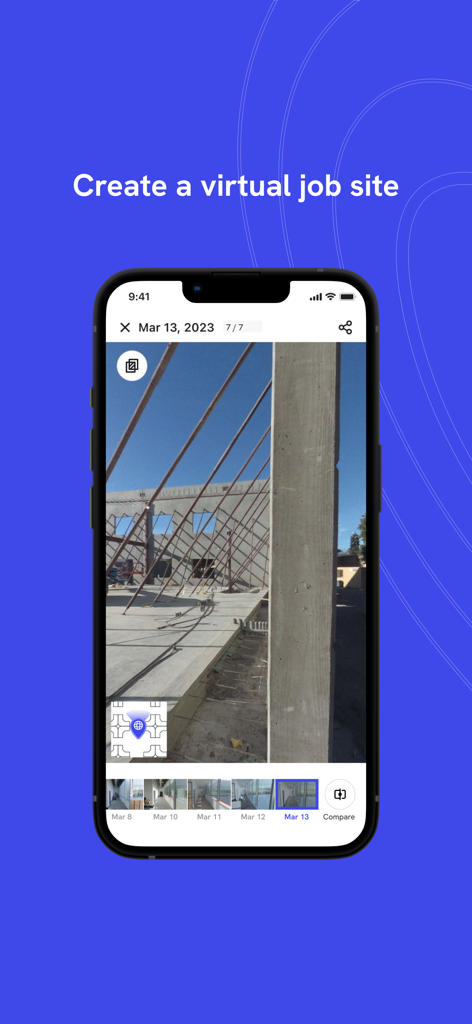
iPhone screen showing the DroneDeploy Ground app with a construction site photo to create a virtual job site

A construction worker connecting an Insta360 camera to the DroneDeploy Ground App on a smartphone
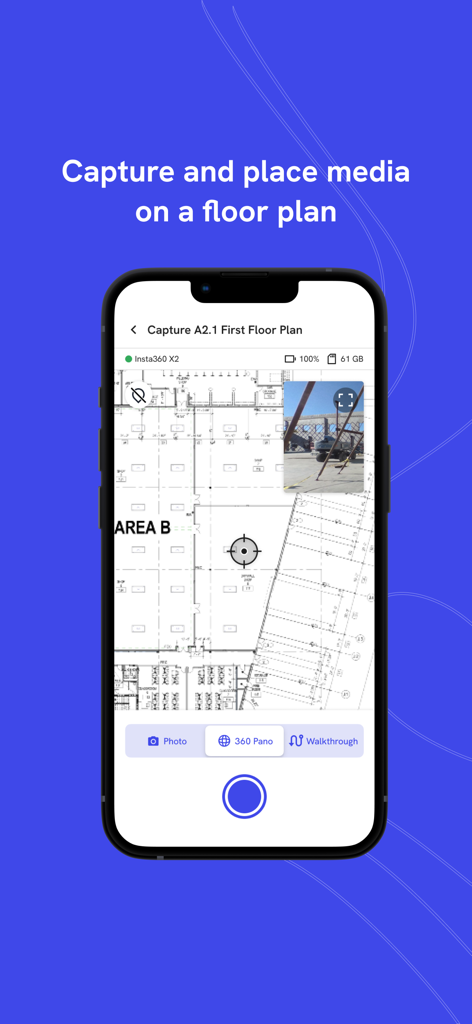
DroneDeploy Ground App interface showing a construction floor plan with a pinned site photo for media documentation
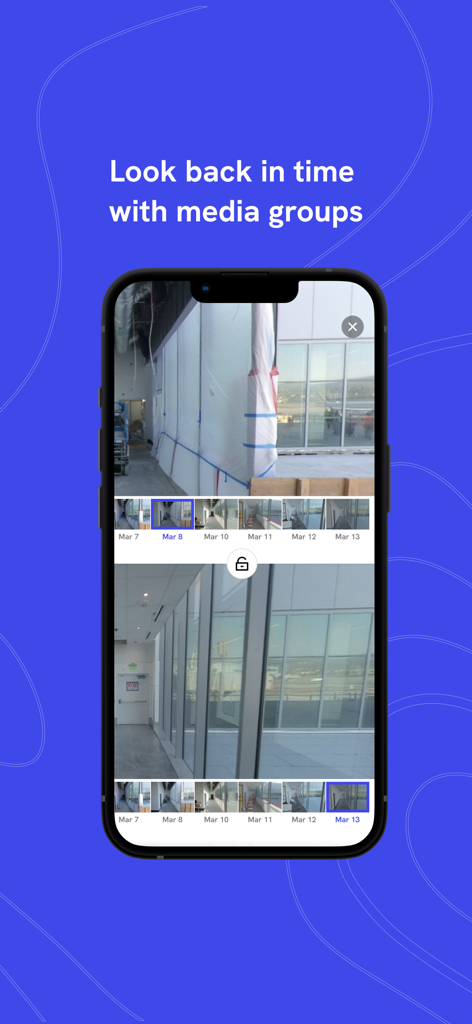
Side by side comparison of construction site photos from different dates using the DroneDeploy Ground App
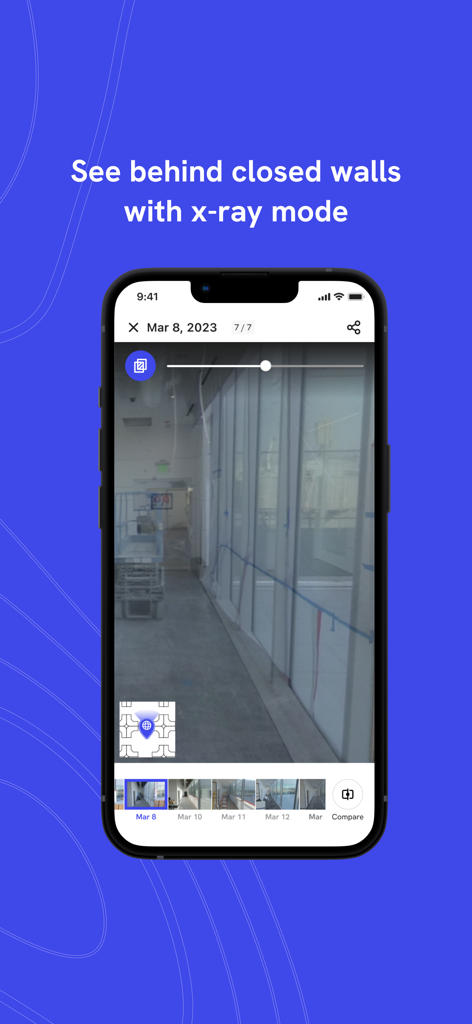
The DroneDeploy Ground App interface demonstrating x-ray mode to view historical construction site photos and what is behind finished walls.
Description
Download
More Like This
Top-ranked apps in the same category

Microsoft Teams
Microsoft Corporation

Zoom Workplace
Zoom Communications, Inc.

WhatsApp Business
WhatsApp Inc.

Indeed Job Search
Indeed Inc.

LinkedIn: Network & Job Finder
LinkedIn Corporation

Adobe Acrobat Reader: Sign PDF
Adobe Inc.

DingDing - Redefine Work in AI
DingTalk Technology Co., Ltd.

WeCom-Work Communication&Tools
Tencent Technology (Shenzhen) Company Limited

Uber - Driver: Drive & Deliver
Uber Technologies, Inc.
This page is not an official page of the app or its developer, but an independent editorial publication created for informational and commentary purposes. Unless expressly stated otherwise, neither the app nor its developer is affiliated with, endorsed by, sponsored by, authorized by, or otherwise officially connected with MWM, Apple, Google Play, the app publisher, or the app's developer, and nothing on this page implies that the app was developed using MWM's services. Any trademarks, logos, screenshots, and other content remain the property of their respective owners.