
This page is not an official page of the app or its developer, but an independent editorial publication created for informational and commentary purposes. Unless expressly stated otherwise, neither the app nor its developer is affiliated with, endorsed by, sponsored by, authorized by, or otherwise officially connected with MWM, Apple, Google Play, the app publisher, or the app's developer, and nothing on this page implies that the app was developed using MWM's services. Any trademarks, logos, screenshots, and other content remain the property of their respective owners.


DropTalk教育法人向け
Empower students with autism and language disorders through customizable communication boards, visual schedules, and interactive timers. Designed for SLPs and educators to foster independence and streamline classroom transitions.
Downloads
6K+User Rating
Total Ratings
0Publisher
Category
EducationLocales
9Latest Version
6.13.2Size
424.6 MBFirst Released
Jan 23, 2013Empowering Every Voice in the Classroom
The comprehensive AAC toolkit designed for educators and SLPs to bridge communication gaps, manage routines, and support neurodivergent learners.
Integrated Communication & Routines
Go beyond basic speech. Combine communication boards with visual schedules and timers to reduce transition anxiety and build student independence.
Personalized Visual Context
Transform the learning environment by importing real-world photos and recording familiar voices, creating a truly person-centered AAC experience.
The following screenshots and description are sourced directly from the app's official store listing and are the property of the app developer.
App Store
Screenshots
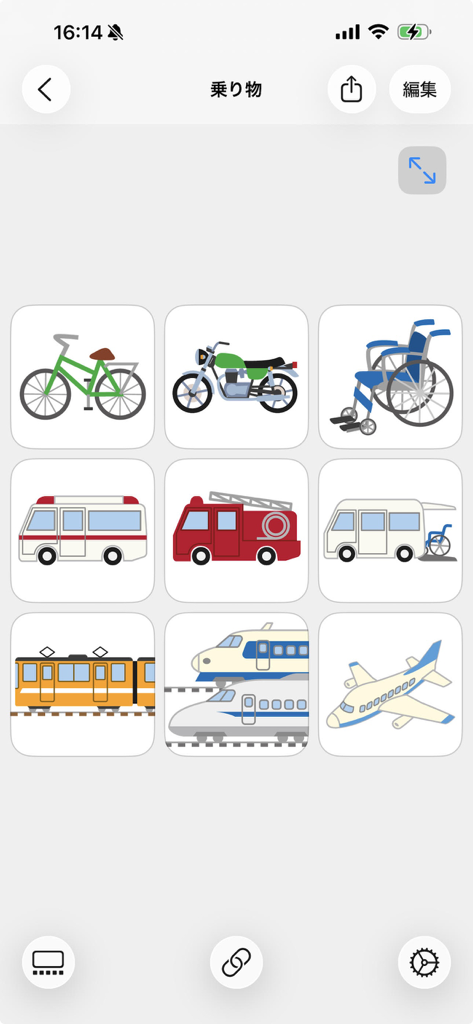
A 3x3 grid showing transportation symbols like bicycle, wheelchair, ambulance, and train in the DropTalk AAC app interface.
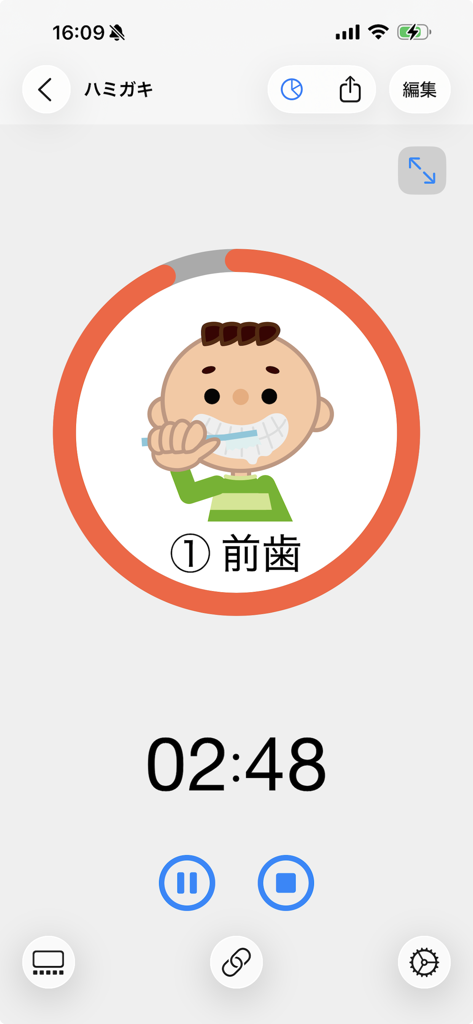
A visual timer interface in the DropTalk app featuring a countdown clock and a cartoon of a boy brushing his teeth for special education support.
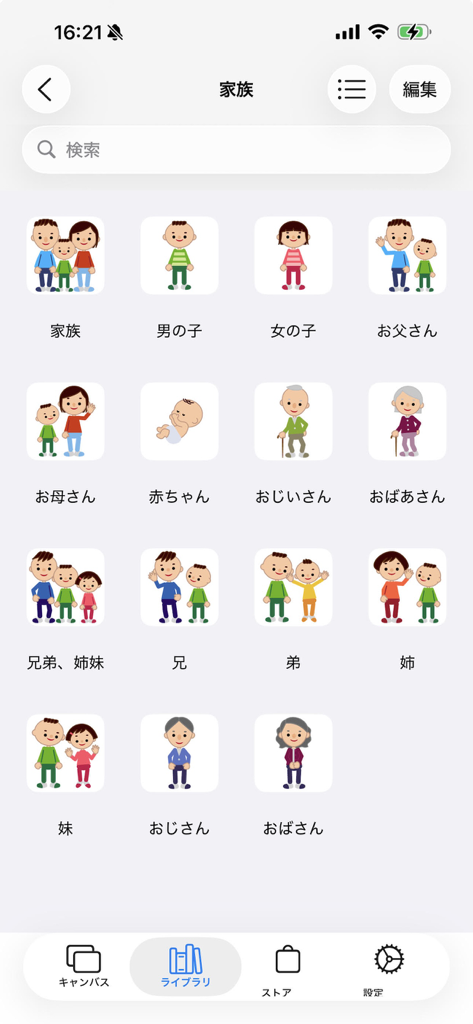
A grid of illustrated family member symbols in the DropTalk AAC app library including parents and grandparents
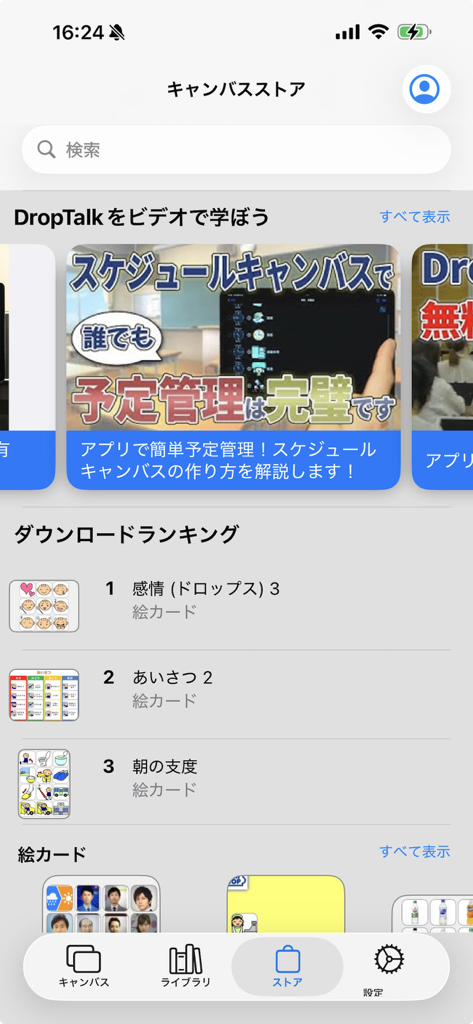
The Canvas Store interface of the DropTalk app showing download rankings for visual communication cards and video tutorials for special education.
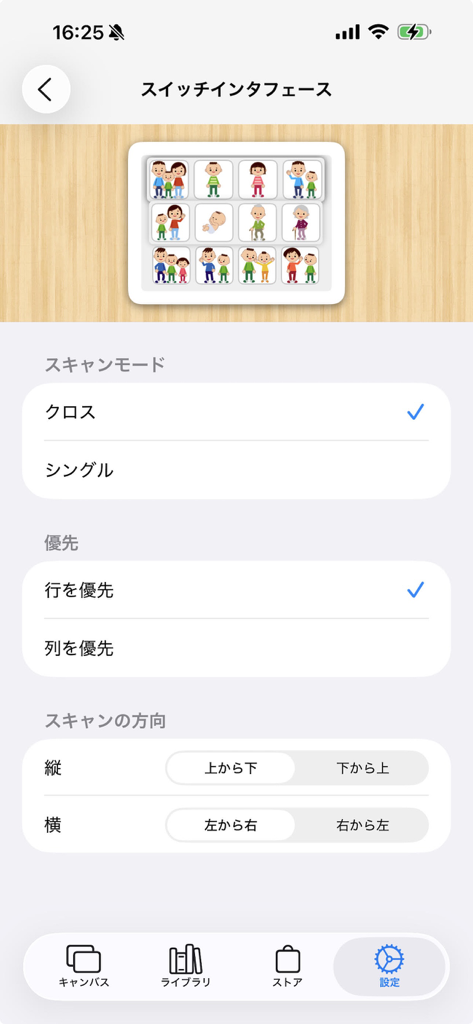
Settings screen for configuring switch interface accessibility in the DropTalk app.
Description
Download
More Like This
Top-ranked apps in the same category

Duolingo - Language Lessons
Duolingo, Inc

Speak & Learn English: Learna
DEEP FLOW SOFTWARE SERVICES - FZCO

驾考宝典-科一科四驾驶证考试驾考通
Wuhan Jiakaobaodian Information Service Co., Ltd.

Toca Boca World
Toca Boca AB

Google Classroom
Google LLC

作业帮-中小学家长作业检查和辅导工具
Guangzhou Polar Future Culture Technology Co., Ltd

Gauth: AI Study Companion
GAUTHTECH PTE. LTD.

学信网
Student Information Consultation Service Co., Ltd.

ArtWorkout: Learn How to Draw
Aleksandr Ulitin
This page is not an official page of the app or its developer, but an independent editorial publication created for informational and commentary purposes. Unless expressly stated otherwise, neither the app nor its developer is affiliated with, endorsed by, sponsored by, authorized by, or otherwise officially connected with MWM, Apple, Google Play, the app publisher, or the app's developer, and nothing on this page implies that the app was developed using MWM's services. Any trademarks, logos, screenshots, and other content remain the property of their respective owners.