
This page is not an official page of the app or its developer, but an independent editorial publication created for informational and commentary purposes. Unless expressly stated otherwise, neither the app nor its developer is affiliated with, endorsed by, sponsored by, authorized by, or otherwise officially connected with MWM, Apple, Google Play, the app publisher, or the app's developer, and nothing on this page implies that the app was developed using MWM's services. Any trademarks, logos, screenshots, and other content remain the property of their respective owners.


Dual apps - Parallel Space
The ultimate solution for work-life balance on your iPhone. Clone apps like WhatsApp, Instagram, and TikTok to manage multiple profiles simultaneously with enhanced privacy and passcode protection.
Downloads
25K+User Rating
Total Ratings
0Publisher
Category
Social NetworkingLocales
1Latest Version
1.4.2Size
45.1 MBFirst Released
Mar 5, 2025Master Your Digital Life
Seamlessly manage dual personas, separate work from play, and secure your private interactions—all within one powerful, lightweight app.
Dual-Account Freedom
Run personal and business accounts for WhatsApp, Instagram, or TikTok side-by-side without the constant logout hassle.
Ironclad Privacy
Lock your cloned apps behind a secure passcode, keeping your sensitive chats and private social feeds invisible to others.
Frequently Asked Questions
Everything you need to know about Dual apps - Parallel Space
What is Dual Apps - Parallel Space?
Dual Apps - Parallel Space enables users to log in to and manage multiple social media and messaging accounts on a single device without constantly switching between them.
What social media apps does Dual Apps - Parallel Space support?
Yes, Dual Apps - Parallel Space supports major platforms like WhatsApp, Instagram, Facebook, Messenger, TikTok, Telegram, Snapchat, Twitter (X), LinkedIn, YouTube, and Tinder, among others.
Does Dual Apps - Parallel Space offer a passcode lock for apps?
Yes, Dual Apps - Parallel Space features a Passcode Lock. This secures your cloned applications and protects your privacy by requiring a passcode for access.
How does Dual Apps - Parallel Space manage multiple accounts?
Dual Apps - Parallel Space allows users to duplicate an app, then log into their second account within the cloned version. This provides seamless access and management of multiple accounts.
Does Dual Apps - Parallel Space have a private browser?
Yes, Dual Apps - Parallel Space includes a built-in Private Browser. Users can access the web directly within this feature to maintain privacy in a secure space.
Is Dual Apps - Parallel Space easy to operate?
Yes, Dual Apps - Parallel Space is designed for ease of use, being simple, lightweight, and battery-efficient. It aims to save time by eliminating repeated login/logout processes.
Where can I find the privacy policy for Dual Apps - Parallel Space?
The privacy policy for Dual Apps - Parallel Space is available at https://multiple-accounts-dualapp.blogspot.com/2025/02/privacy-policy.html.
The following screenshots and description are sourced directly from the app's official store listing and are the property of the app developer.
App Store
Screenshots
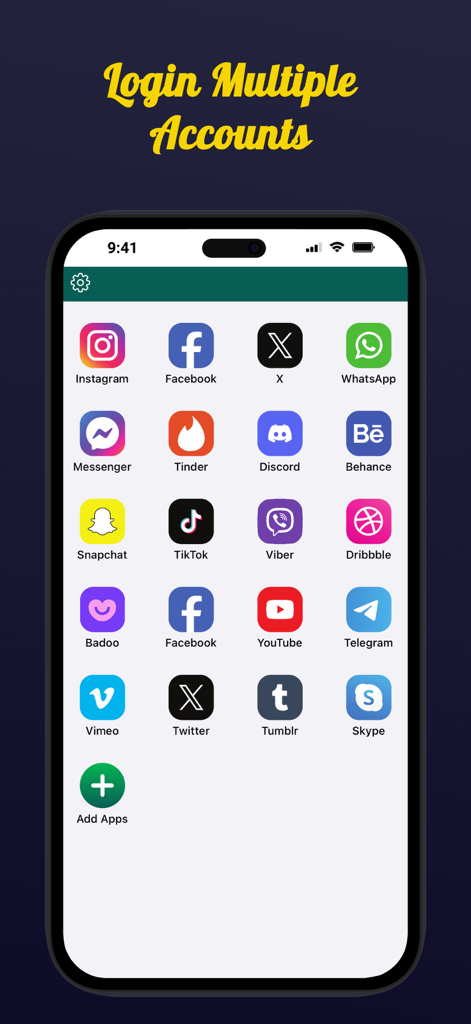
Dual apps interface showing icons for Instagram Facebook and other social media accounts
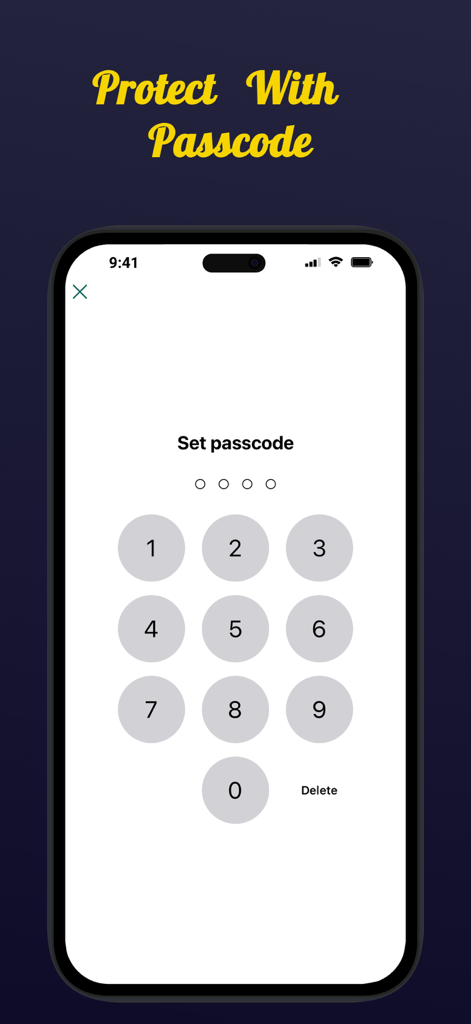
Numeric keypad interface on a smartphone screen for setting a secure app passcode
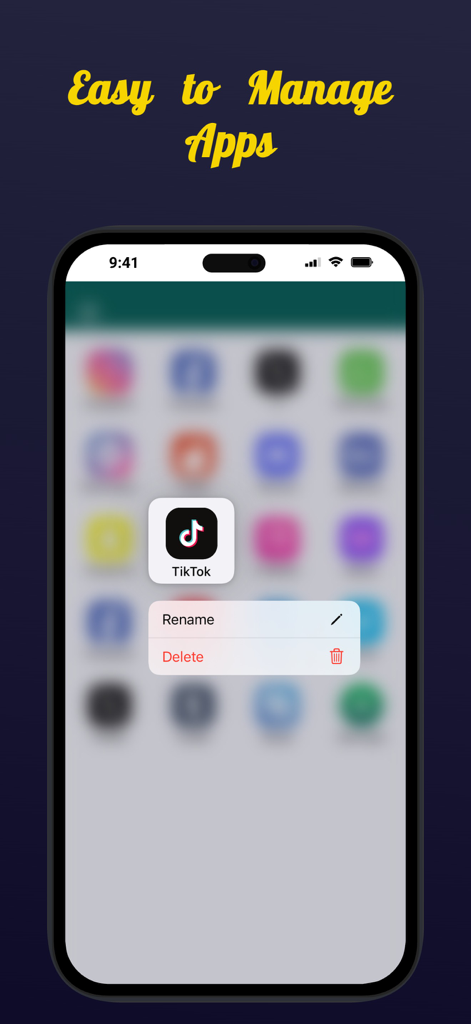
Interface of Dual apps showing options to rename or delete a cloned TikTok account
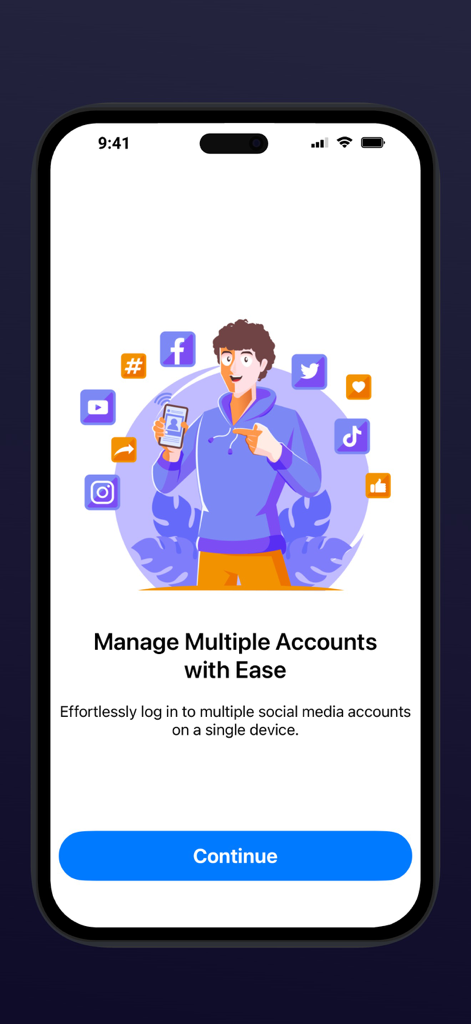
A person using an iPhone to manage multiple social media accounts including Facebook, Instagram, and TikTok on one device.
Description
Download
More Like This
Top-ranked apps in the same category

Threads
Instagram, Inc.

Telegram Messenger
Telegram FZ-LLC

WhatsApp Messenger
WhatsApp Inc.

Meta Platforms, Inc.

Discord - Talk, Play, Hang Out
Discord Inc.

Messenger
Meta Platforms, Inc.

Google Meet
Google LLC

rednote
Xingin Information Technology (Shanghai) Co., Ltd

Tencent Technology (Shenzhen) Company Limited
This page is not an official page of the app or its developer, but an independent editorial publication created for informational and commentary purposes. Unless expressly stated otherwise, neither the app nor its developer is affiliated with, endorsed by, sponsored by, authorized by, or otherwise officially connected with MWM, Apple, Google Play, the app publisher, or the app's developer, and nothing on this page implies that the app was developed using MWM's services. Any trademarks, logos, screenshots, and other content remain the property of their respective owners.