
This page is not an official page of the app or its developer, but an independent editorial publication created for informational and commentary purposes. Unless expressly stated otherwise, neither the app nor its developer is affiliated with, endorsed by, sponsored by, authorized by, or otherwise officially connected with MWM, Apple, Google Play, the app publisher, or the app's developer, and nothing on this page implies that the app was developed using MWM's services. Any trademarks, logos, screenshots, and other content remain the property of their respective owners.


eClipboard 24
Empower your patients with self-service check-in, digital forms, and instant treatment plan signatures that sync directly to Open Dental for a paperless, professional experience.
Downloads
1K+User Rating
Total Ratings
0Publisher
Category
MedicalLocales
-Latest Version
1.17.4Size
421.5 MBFirst Released
Jul 28, 2019Elevate Your Practice Efficiency
Streamline patient intake and modernize your workflow with a paperless, self-service experience integrated directly into your dental software.
Automated Patient Intake
Eliminate paper waste and manual data entry by allowing patients to complete digital forms that sync instantly with their medical records.
Seamless Self-Check-In
Reduce front-desk friction and wait times by empowering patients to check in and update their status the moment they arrive.
The following screenshots and description are sourced directly from the app's official store listing and are the property of the app developer.
App Store
Screenshots
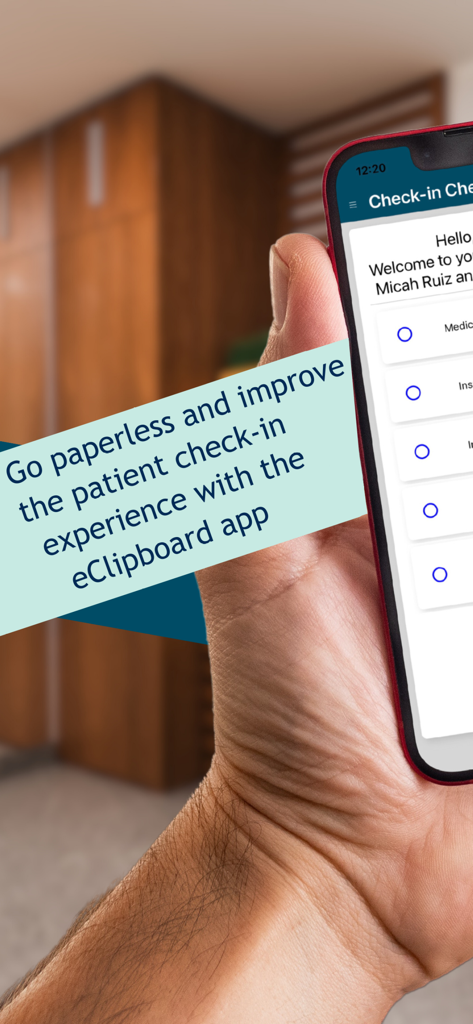
A person holding a phone displaying the eClipboard app for paperless dental patient check-in
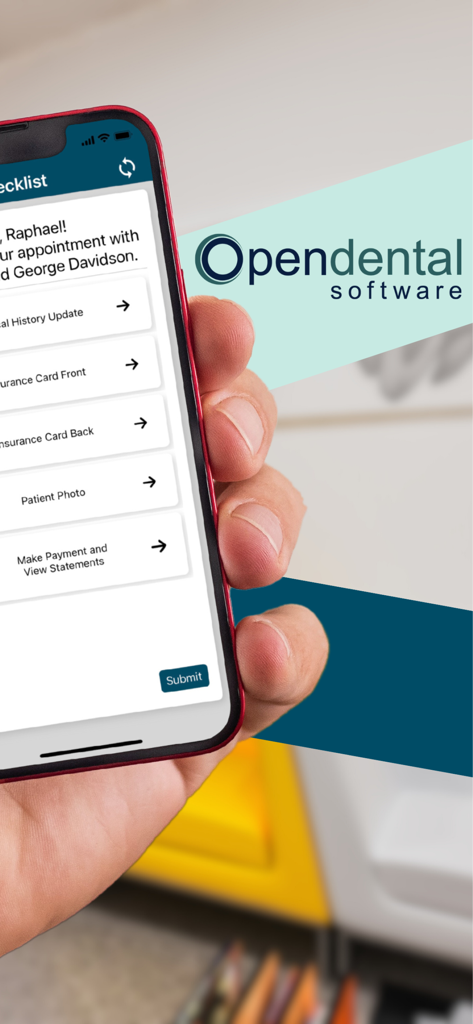
Smartphone showing the eClipboard 24 app with a patient check-in checklist and Open Dental logo
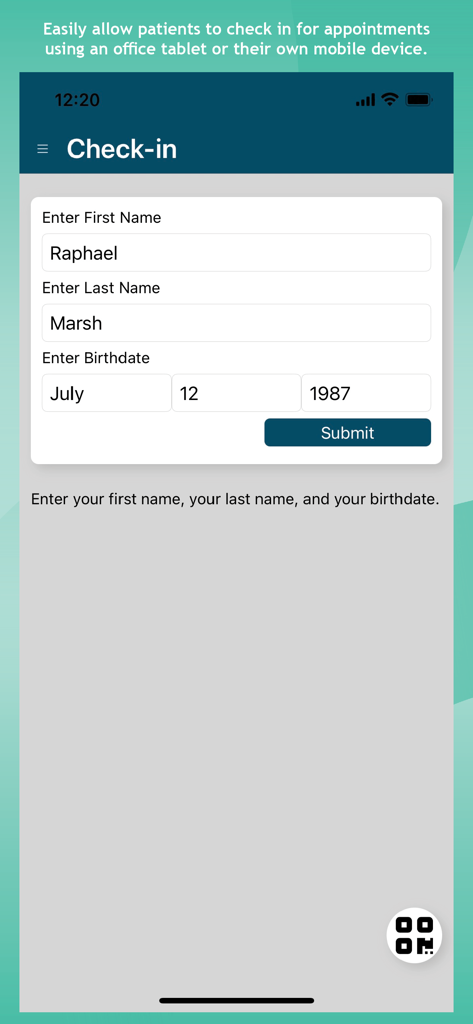
Digital patient check-in screen for the eClipboard 24 dental app
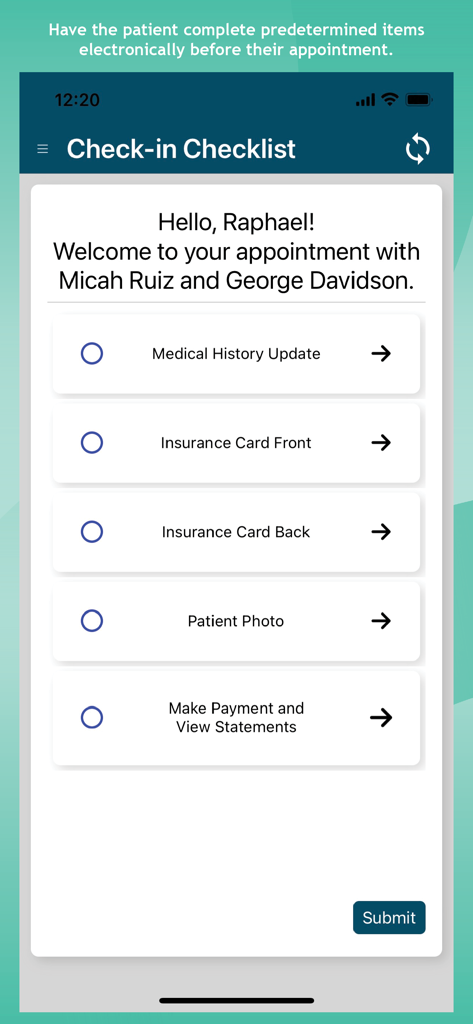
A patient check-in checklist on the eClipboard 24 app showing steps for medical history updates and insurance cards.
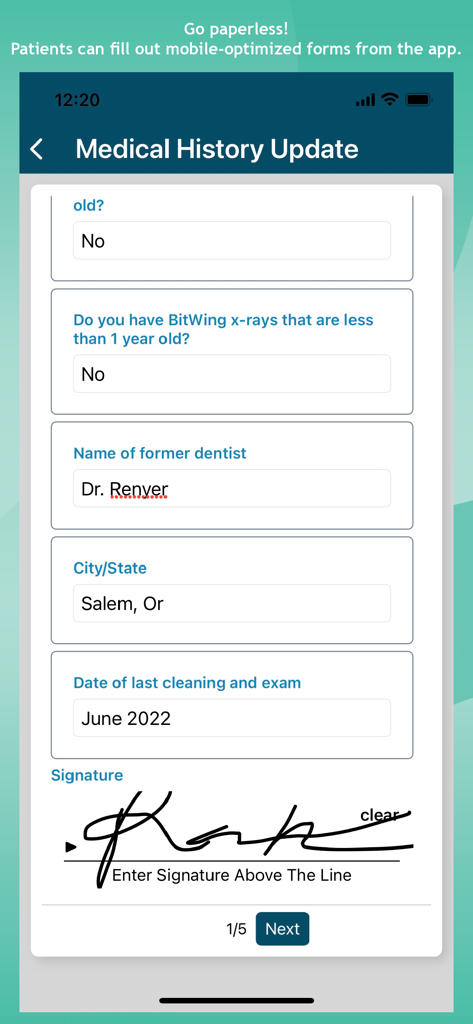
A digital medical history update form on a mobile device featuring questions and a digital signature section
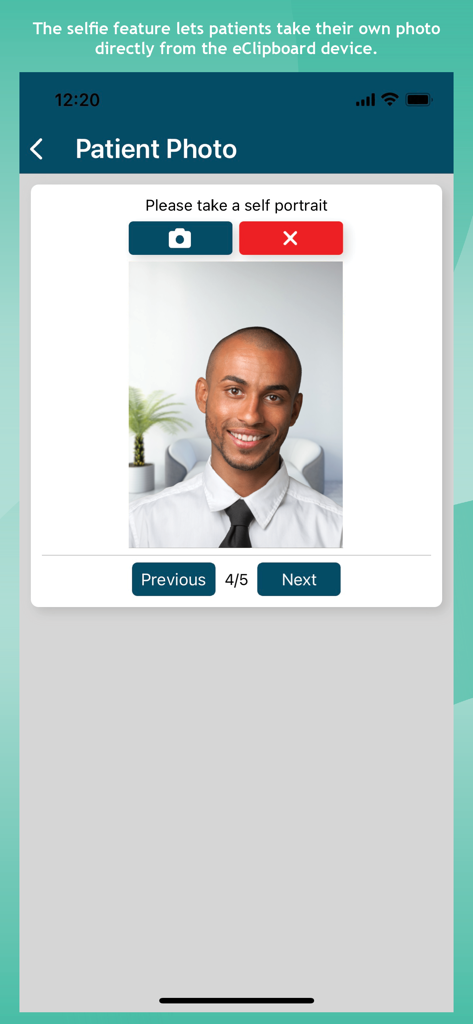
Patient using the self-portrait photo feature in the eClipboard 24 app
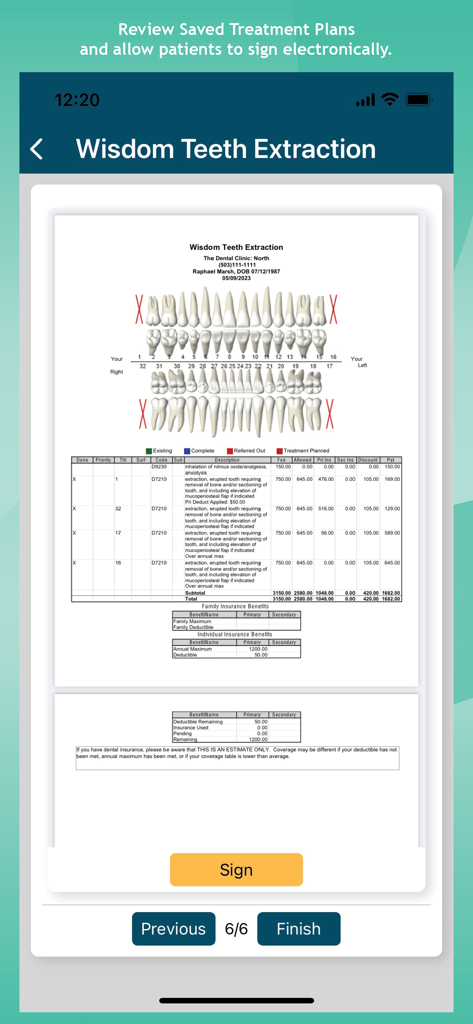
A dental treatment plan for wisdom teeth extraction on a mobile device with an electronic signature button
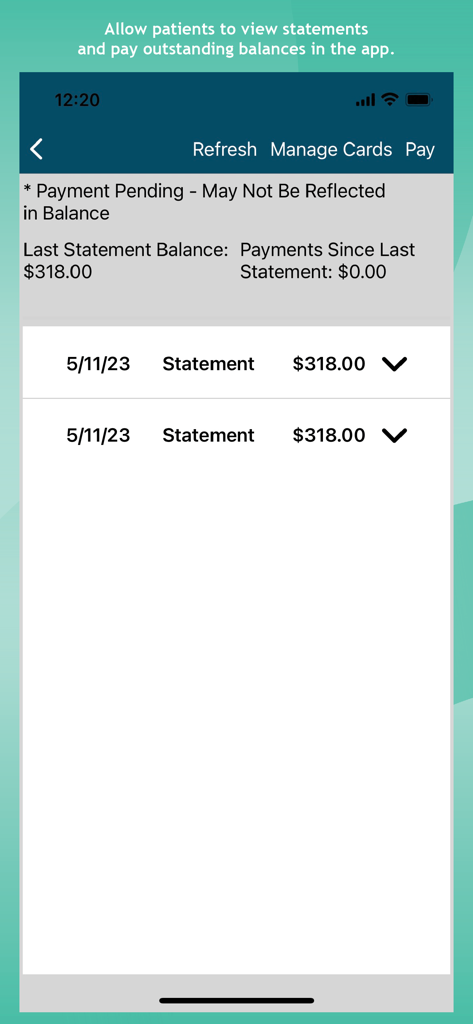
Patient view of dental statements and outstanding payment balances in the eClipboard 24 app
Description
Download
More Like This
Top-ranked apps in the same category

国家医保服务平台
National Healthcare Security Administration

MyChart
Epic Systems Corporation

Doctolib - Your health partner
Doctolib

Pregnancy + | Tracker App
Philips Digital UK Limited

CVS Health
CVS Pharmacy

江苏医保云
Jiangsu Healthcare Security Bureau

Meu SUS Digital
Servicos e Informacoes do Brasil

UnitedHealthcare
UNITED HEALTHCARE SERVICES, INC.

京东健康
BEIJING JINGDONG 360 DU E-COMMERCE LTD.
This page is not an official page of the app or its developer, but an independent editorial publication created for informational and commentary purposes. Unless expressly stated otherwise, neither the app nor its developer is affiliated with, endorsed by, sponsored by, authorized by, or otherwise officially connected with MWM, Apple, Google Play, the app publisher, or the app's developer, and nothing on this page implies that the app was developed using MWM's services. Any trademarks, logos, screenshots, and other content remain the property of their respective owners.