eCrew
eCrew
Download on App Store

This page is not an official page of the app or its developer, but an independent editorial publication created for informational and commentary purposes. Unless expressly stated otherwise, neither the app nor its developer is affiliated with, endorsed by, sponsored by, authorized by, or otherwise officially connected with MWM, Apple, Google Play, the app publisher, or the app's developer, and nothing on this page implies that the app was developed using MWM's services. Any trademarks, logos, screenshots, and other content remain the property of their respective owners.

Logo of eCrew
Download on App Store

eCrew

Real-time schedule updates, offline duty tracking, and seamless crew logistics—all in one secure, native app designed for the modern aviator.

Key Figures

Downloads

186K+

User Rating

2.3/5

Total Ratings

4K+

Publisher

AIMS OF AMERICA Inc.

Category

Business

Locales

-

Latest Version

2026.01.13

Size

185.4 MB

First Released

Feb 21, 2022
Features

The Ultimate Mission Control for Crew Members

Designed for the modern aviator, eCrew streamlines your professional life with real-time roster updates, regulatory tracking, and robust offline reliability.

Real-Time Roster Intelligence

Receive instant push notifications for schedule changes and duty updates, ensuring you are always ahead of the clock and fully informed.

Reliable Offline Access

View your full duty details and flight info at 35,000 feet without a connection, thanks to our enhanced offline mode and calendar sync.

The following screenshots and description are sourced directly from the app's official store listing and are the property of the app developer.

App Store

Screenshots
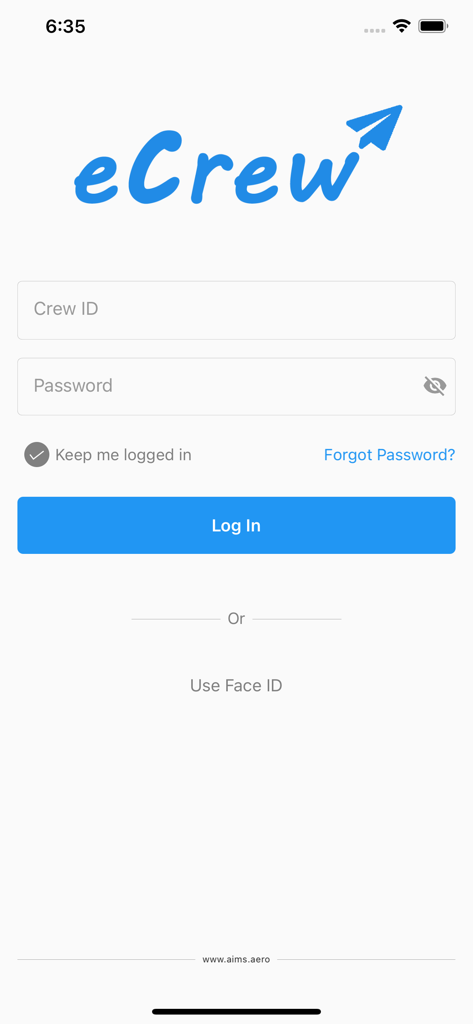
eCrew - Login screen for the eCrew mobile application showing input fields for Crew ID and password
Login screen for the eCrew mobile application showing input fields for Crew ID and password

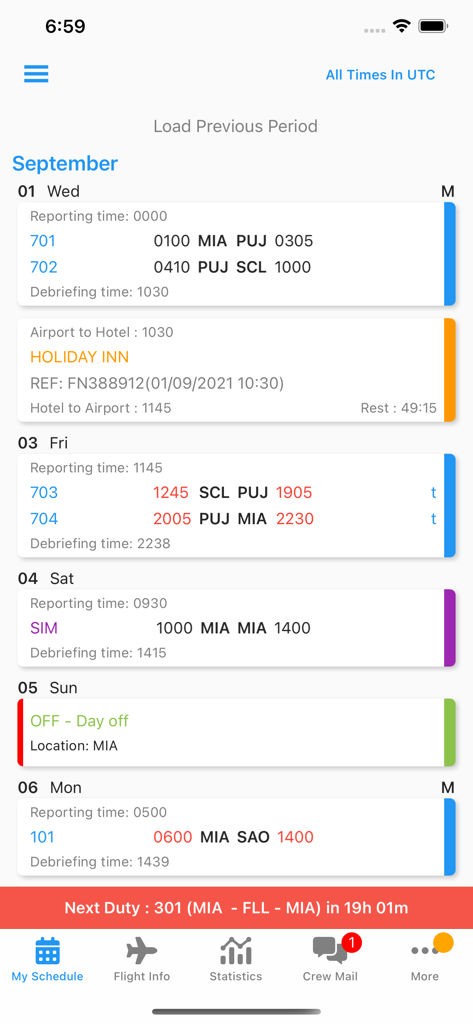
eCrew - Airline crew flight schedule and duty details displayed on the eCrew mobile app interface
Airline crew flight schedule and duty details displayed on the eCrew mobile app interface

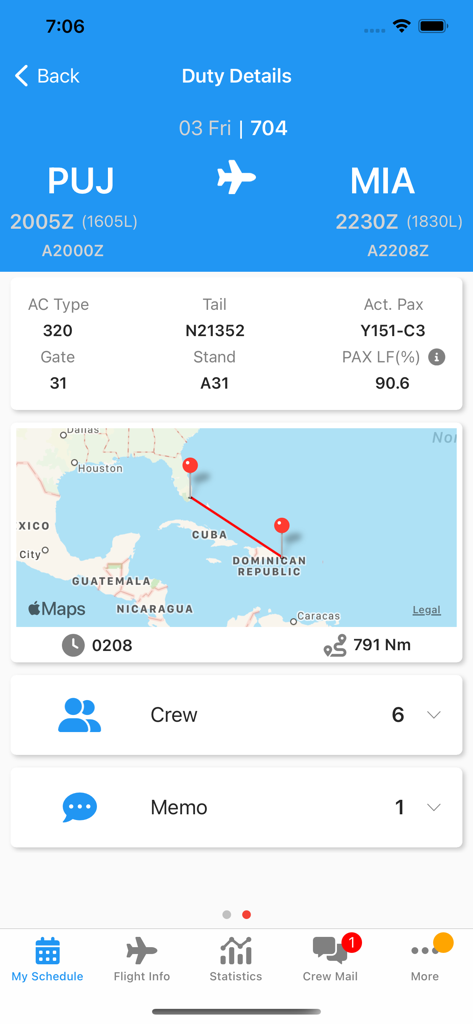
eCrew - eCrew mobile app interface displaying flight duty details including a route map from Punta Cana to Miami and aircraft information
eCrew mobile app interface displaying flight duty details including a route map from Punta Cana to Miami and aircraft information

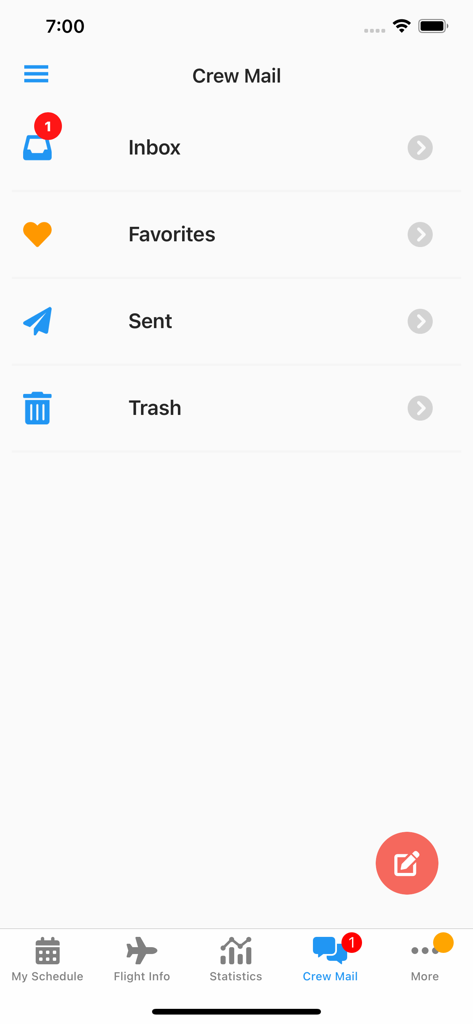
eCrew - The Crew Mail screen of the eCrew mobile application displaying email folders for airline personnel

The Crew Mail screen of the eCrew mobile application displaying email folders for airline personnel

Description

You are welcome to download this app at any time, however your airline Administration will notify when you may commence using it. eCrew – AIMS Native Mobile app for Apple devices. Specifications, Features, and Characteristics: The official eCrew app from AIMS International, is offered free of charge to all crew from all airlines which are powered by the AIMS Airline software. With great emphasis on speed, data security, and a brand new interface optimized for mobiles and tablets, the eCrew app will greatly speed up the process by which you will review your crew schedule. Fresh and friendlier UI, in line with commonly used platforms, allowing for easy interaction and navigation. Technical Specifications: Minimum iOS version 11 Once downloaded, crew will be requested to enter the necessary details in order to register the device with his/her personal account. Required info: - eCrew site - Crew ID - Personal Password Biometric authentication is now available This eCrew app version is clearly laid out, efficient to use, aesthetically pleasing and includes the most widely used features. Check below few of the features available: 60% more functionality available than the previous app. - Profile edit (i.e. contact details, Passport details, etc.) - Security and preferences - Change your passwords - Fit/Unfit for duty - Days off requests - Crew Schedule Statistics - Flight/Duty time Statistics and more. Push notification related: • Real time push notifications for crew schedule changes, new messages and more on the pipeline • Badge number with the number of pending crew schedule changes • Acknowledgment of a single or all crew schedule change. Crew Schedule related: • Schedule in UTC or Local times. • Ability to view previous and next month’s Crew Schedule. • Check-in/out times for each duty. • Duty details by swiping left • Memo indicators ( including actual memo text assigned to the flight/duty) • Training Indicators Other features: • Improved Mobile/Calendar export • Import of duties to the mobile calendar. (UTC/LOCAL) • Alerts/Reminders for each duty separately • Enhanced off-line mode. Ability to download for offline use the published period or even to select any period (i.e. days, weeks or months with all the details under the duties) • Ability to view your schedule even when there is no internet connection available. • A wide range of flight info for each flight leg • Citypair (i.e. Map, distance) • Passengers on board and Load factor (on actual total passengers on board) • List of crew on each flight leg or duty • Operating Crew • Dead-Heading Crew • Jump-Seaters • Instructors/Trainees on each duty • Call/send message to any crewmember in the same flight directly from the app. • Departure/arrival airport details • Agents details (contact details, memos) • Hotels (i.e. Check In/Out times, shuttle bus availability, memo). Ability to view/navigate to the hotel address accessing the map application • Switch to the main eCrew web application (which provides access to all eCrew features), at a press of a button. and more.

Download

Download on App Store

This page is not an official page of the app or its developer, but an independent editorial publication created for informational and commentary purposes. Unless expressly stated otherwise, neither the app nor its developer is affiliated with, endorsed by, sponsored by, authorized by, or otherwise officially connected with MWM, Apple, Google Play, the app publisher, or the app's developer, and nothing on this page implies that the app was developed using MWM's services. Any trademarks, logos, screenshots, and other content remain the property of their respective owners.








