
This page is not an official page of the app or its developer, but an independent editorial publication created for informational and commentary purposes. Unless expressly stated otherwise, neither the app nor its developer is affiliated with, endorsed by, sponsored by, authorized by, or otherwise officially connected with MWM, Apple, Google Play, the app publisher, or the app's developer, and nothing on this page implies that the app was developed using MWM's services. Any trademarks, logos, screenshots, and other content remain the property of their respective owners.

Engen 1 app
Experience seamless Scan & Pay technology, manage your vehicle logbook, and maximize your Clicks Clubcard points and e-Bucks on every visit.
Downloads
79K+User Rating
Total Ratings
100Publisher
Category
TravelLocales
-Latest Version
4.1.1Size
155.3 MBFirst Released
Sep 25, 2019Fuel Your Journey with Total Convenience
The Engen 1 app transforms every pit stop into a seamless, rewarding experience. From touchless payments to automated rewards, manage your vehicle and fuel costs all in one place.
Lightning-Fast Scan & Pay
Skip the queue and the card machine. Use your biometric-secured mobile wallet to scan, pay, and get back on the road in seconds.
Automated Reward Stacking
Earn Clicks Clubcard points and FNB e-Bucks automatically with every transaction. Maximizing your savings has never been easier.
The following screenshots and description are sourced directly from the app's official store listing and are the property of the app developer.
App Store
Screenshots
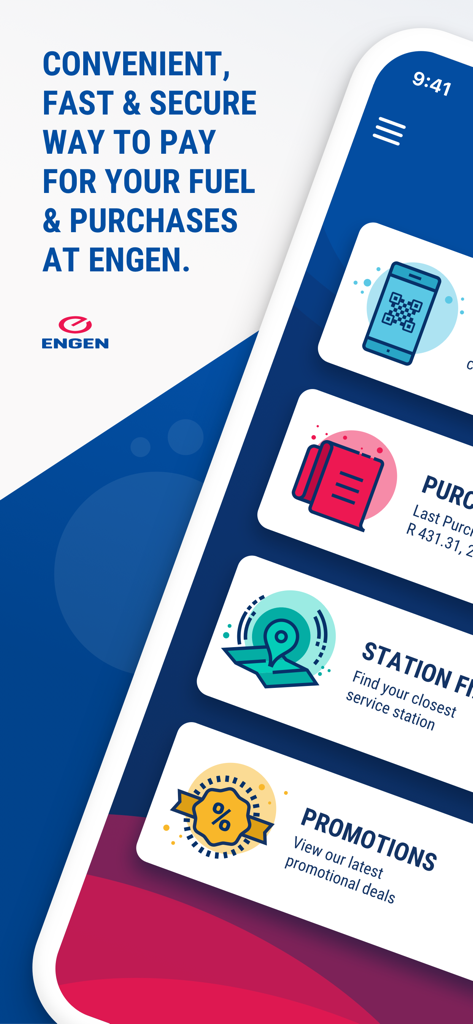
Engen 1 app mobile interface showing fuel payment scan and pay station finder and promotions features
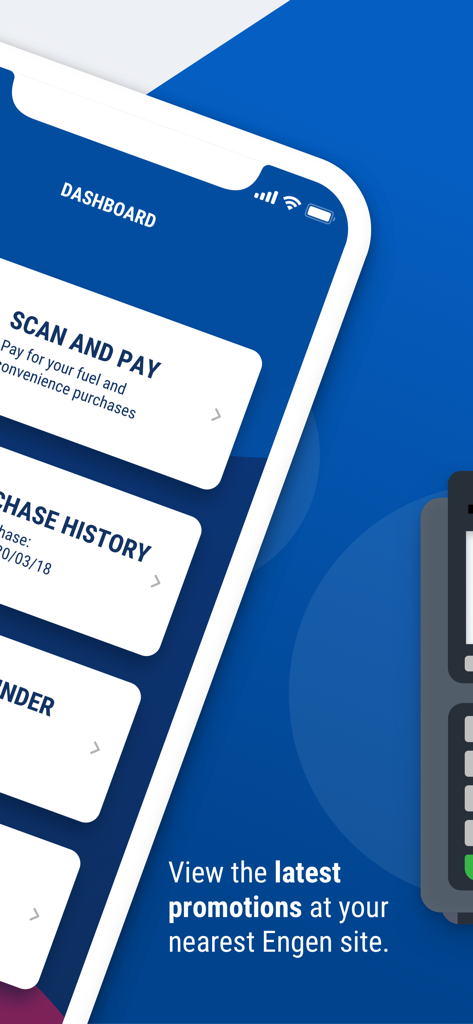
Dashboard of the Engen 1 app showing scan and pay and purchase history features
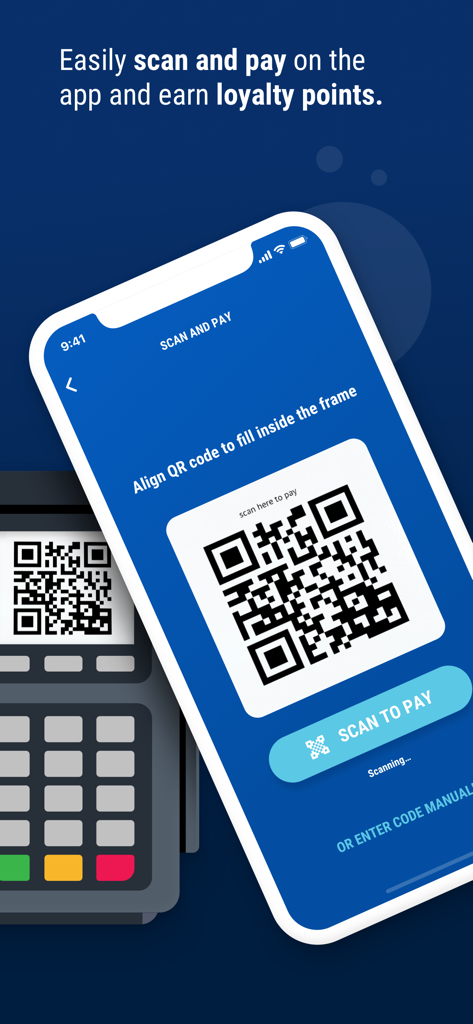
Engen 1 app showing the scan and pay feature with a QR code on a smartphone screen
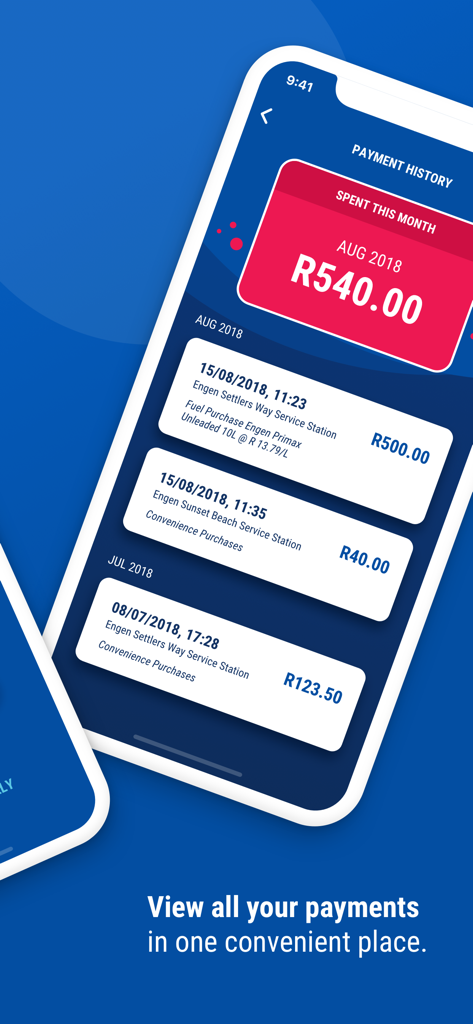
Engen 1 app payment history screen showing monthly spend and individual transaction details for fuel and convenience purchases
Description
Download
More Like This
Top-ranked apps in the same category

Uber - Request a ride
Uber Technologies, Inc.

Airbnb
Airbnb, Inc.

铁路12306
ACADEMY OF RAILWAY SCIENCES CO., ltd.

Booking.com: Hotels & Travel
Booking.com B.V.

Grab: Taxi Ride, Food Delivery
GRABTAXI HOLDINGS PTE. LTD.

Trip.com: Book Flights, Hotels
Trip.com Travel Singapore Pte. Ltd.

DiDi China: Ride Hailing
Didi Chuxing (Beijing) Network Platform Technology Co., Ltd

去哪儿旅行-订酒店机票火车票
Beijing Qunar Information Technology Company Limit

Bolt: Request a Ride
BOLT TECHNOLOGY OU
This page is not an official page of the app or its developer, but an independent editorial publication created for informational and commentary purposes. Unless expressly stated otherwise, neither the app nor its developer is affiliated with, endorsed by, sponsored by, authorized by, or otherwise officially connected with MWM, Apple, Google Play, the app publisher, or the app's developer, and nothing on this page implies that the app was developed using MWM's services. Any trademarks, logos, screenshots, and other content remain the property of their respective owners.