
This page is not an official page of the app or its developer, but an independent editorial publication created for informational and commentary purposes. Unless expressly stated otherwise, neither the app nor its developer is affiliated with, endorsed by, sponsored by, authorized by, or otherwise officially connected with MWM, Apple, Google Play, the app publisher, or the app's developer, and nothing on this page implies that the app was developed using MWM's services. Any trademarks, logos, screenshots, and other content remain the property of their respective owners.

Evertag: Music Tag Editor
The professional-grade editor to fix missing album art, edit 120+ audio tags, and batch-organize your collection across 30+ formats and cloud services.
Downloads
332K+User Rating
Total Ratings
13K+Publisher
Category
MusicLocales
127Latest Version
4.0Size
131.0 MBFirst Released
Jan 12, 2020The Ultimate Toolkit for Music Collectors
Stop settling for "Unknown Artist" and missing covers. Evertag provides professional-grade metadata control for your entire digital archive, allowing you to curate your collection with precision.
High-Efficiency Batch Editing
Save hours of manual labor by updating tags, genres, and artwork for entire discographies or massive playlists in a single action.
Seamless Cloud Sovereignty
Manage your library where it lives. Edit metadata directly on iCloud, Dropbox, or Google Drive without ever needing to sync with a PC.
Frequently Asked Questions
Everything you need to know about Evertag: Music Tag Editor
What is Evertag: Music Tag Editor?
Evertag: Music Tag Editor is an application for editing and managing audio tags and metadata for over 30 audio formats. It helps organize music libraries with advanced features.
What audio formats does Evertag: Music Tag Editor support for tag editing?
Evertag supports over 30 audio formats, including MP3, OGG, FLAC, Opus, M4A, WMA, WAV, AIFF, and APE. It also handles MOD, XM, S3M, and IT.
Can users edit tags for multiple audio files simultaneously using Evertag: Music Tag Editor?
Yes, Evertag includes a Batch Edit Mode that allows users to edit tags for multiple audio files at once, saving time and maintaining organization.
How many audio tags does Evertag: Music Tag Editor support for editing?
Evertag supports editing over 120 audio tags, including Title, Artist, Album, Genre, Year, BPM, Track Number, Language, Mood, and Copyright.
Does Evertag: Music Tag Editor offer functionality to find and update missing album covers?
Yes, Evertag allows users to find and update missing album covers for their music files, enhancing the visual appeal of their library.
Does Evertag: Music Tag Editor provide a feature to fix corrupted metadata encoding issues?
Yes, Evertag includes an Encoding Fix feature that corrects broken characters and encoding problems, ensuring all text remains readable and clean.
Does Evertag: Music Tag Editor integrate with cloud storage services for file access?
Yes, Evertag integrates with major cloud storage services like iCloud Drive, Dropbox, Google Drive, and OneDrive, allowing users to edit files directly.
Does Evertag: Music Tag Editor include a built-in file manager for organizing music files?
Yes, Evertag features a built-in file manager. Users can browse, rename, move, delete, mark favorites, and view recent music files directly within the app.
Can users transfer music files to their device using Evertag: Music Tag Editor without needing physical cables?
Yes, Evertag supports Wi-Fi Transfer, enabling users to send music to their device using a web browser on their computer, eliminating the need for cables.
Where can I find the privacy policy for Evertag: Music Tag Editor?
The privacy policy for Evertag: Music Tag Editor is available at https://www.everappz.com/privacy-policy.
Can Evertag: Music Tag Editor automatically find missing metadata for audio files?
Yes, Evertag features an Auto Tag Finder that detects missing metadata and fills it in automatically. Users also have the option to update tags manually.
The following screenshots and description are sourced directly from the app's official store listing and are the property of the app developer.
App Store
Screenshots
Evertag interface showing Edit Tags for Audio Files text and supported formats.
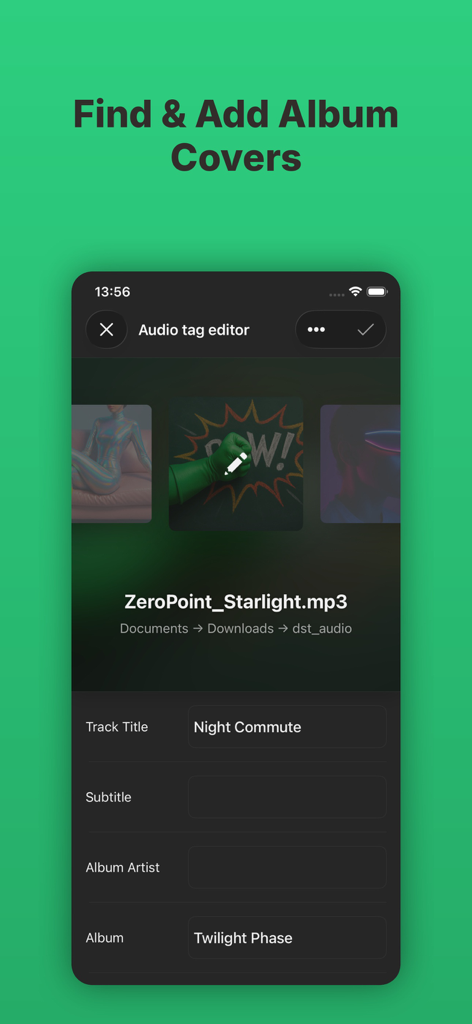
Interface of Evertag app for finding and adding music album covers
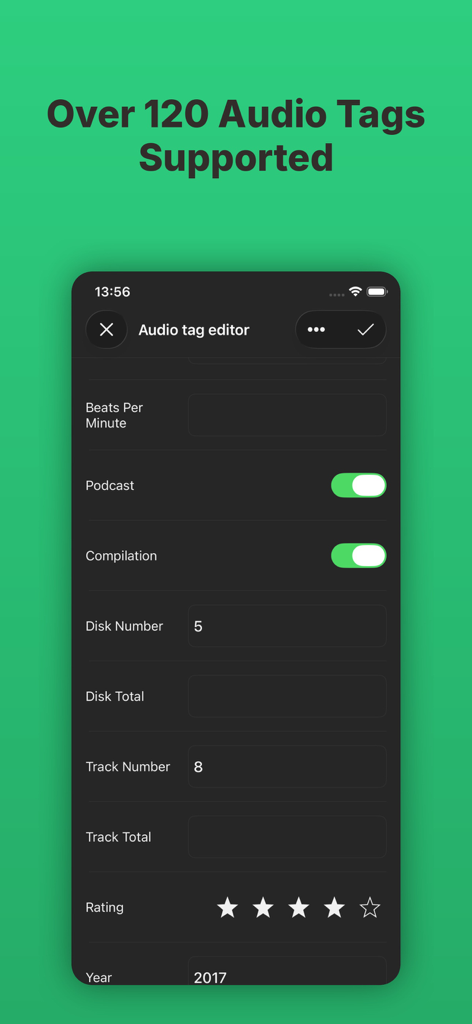
Evertag app interface showing detailed audio metadata fields including BPM and track numbers
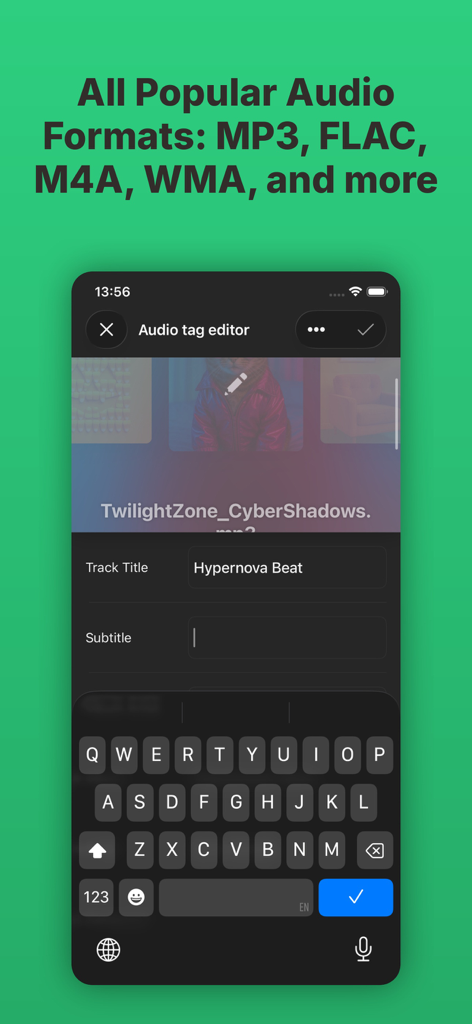
Evertag app screen showing audio tag editing for a track title with popular formats listed
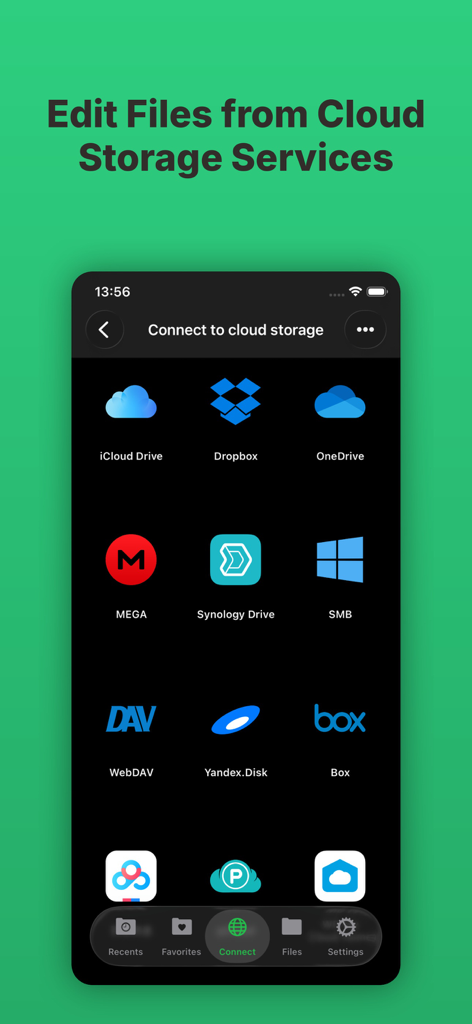
Interface showing cloud storage connection options in Evertag music tag editor including iCloud Dropbox and OneDrive
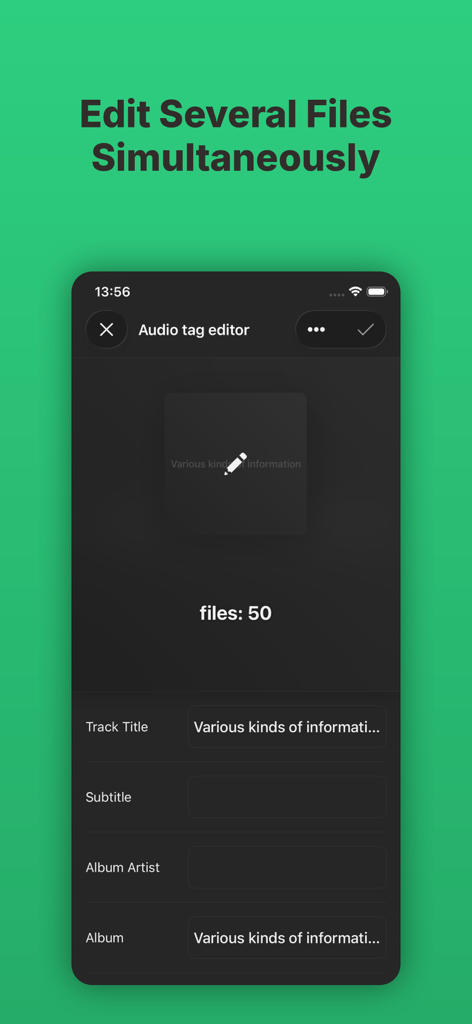
Evertag app interface showing the batch edit mode to update metadata for fifty music files simultaneously
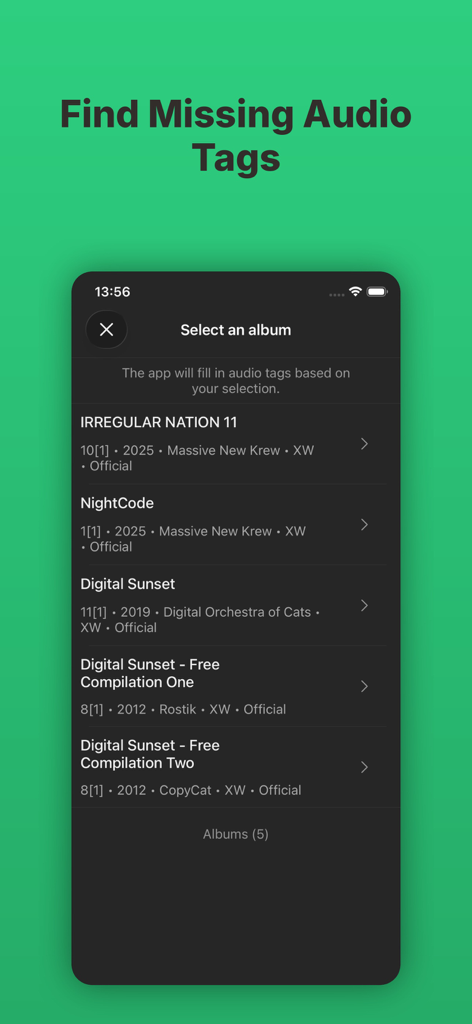
Evertag app interface for finding missing audio tags by selecting an album
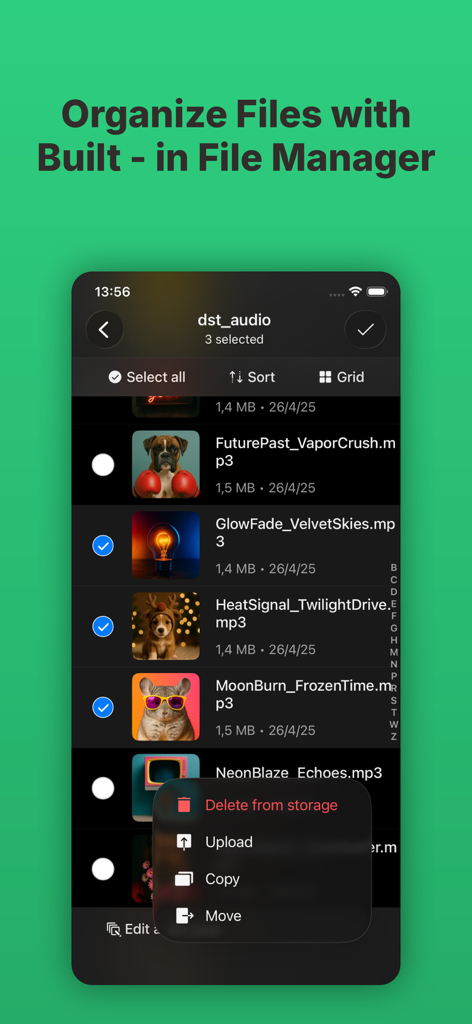
Evertag built-in music file manager interface with file organization and batch selection options
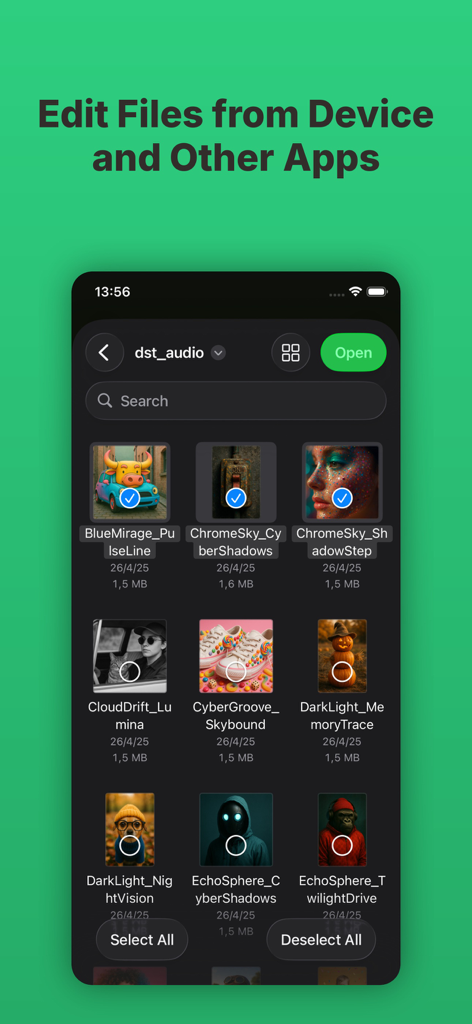
Evertag app interface showing a grid of music files with album art selected for metadata editing on a smartphone screen.
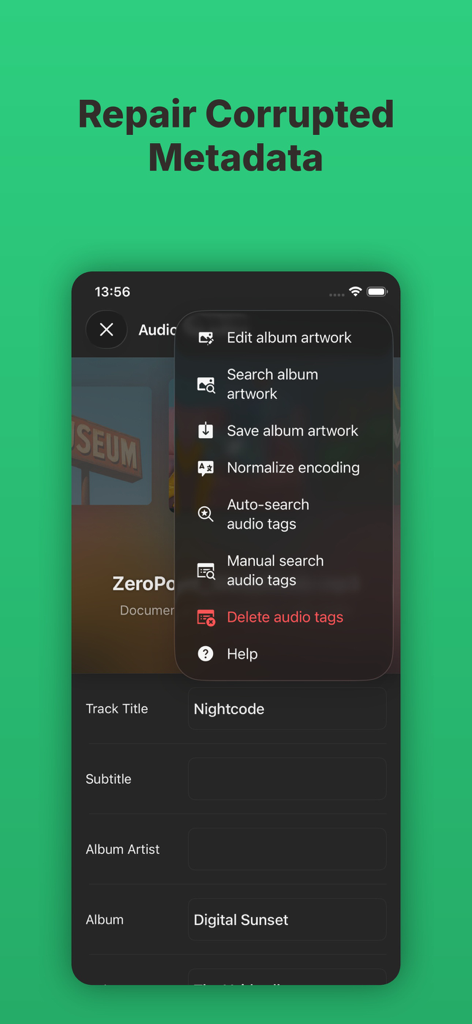
Smartphone screen showing the repair corrupted metadata menu in the Evertag music tag editor app
Description
Download
More Like This
Top-ranked apps in the same category

Spotify: Music and Podcasts
Spotify

YouTube Music
Google LLC

Shazam: Find Music & Concerts
Apple Inc.

SoundCloud: The Music You Love
SoundCloud Global Limited & Co KG

Suno - AI Songs & Music
Suno Inc.

QQ音乐 - 听我想听
Tencent Technology (Shenzhen) Company Limited

Audiomack - Play Music Offline
Audiomack, Inc.

GuitarTuna: Tune & Play Guitar
Yousician Ltd

BandLab – Music Maker & Beats
BandLab Singapore Pte Ltd
This page is not an official page of the app or its developer, but an independent editorial publication created for informational and commentary purposes. Unless expressly stated otherwise, neither the app nor its developer is affiliated with, endorsed by, sponsored by, authorized by, or otherwise officially connected with MWM, Apple, Google Play, the app publisher, or the app's developer, and nothing on this page implies that the app was developed using MWM's services. Any trademarks, logos, screenshots, and other content remain the property of their respective owners.