
This page is not an official page of the app or its developer, but an independent editorial publication created for informational and commentary purposes. Unless expressly stated otherwise, neither the app nor its developer is affiliated with, endorsed by, sponsored by, authorized by, or otherwise officially connected with MWM, Apple, Google Play, the app publisher, or the app's developer, and nothing on this page implies that the app was developed using MWM's services. Any trademarks, logos, screenshots, and other content remain the property of their respective owners.


FabFilter Pro-Q 4
Achieve surgical precision and analog warmth with the world’s most powerful 24-band EQ. Now optimized for iPad with AUv3 support, dynamic processing, and a touch-first interface for the modern producer.
Downloads
4K+User Rating
Total Ratings
0Publisher
Category
MusicLocales
1Latest Version
4.02Size
9.3 MBFirst Released
Feb 27, 2025Professional Precision for the Mobile Studio
Bring the industry-standard EQ to your iPad. FabFilter Pro-Q 4 combines surgical sound quality with a touch-first workflow designed for world-class mixing and mastering on the go.
Surgical Grade Precision
Harness up to 24 high-quality bands with a massive range of filter types, bringing desktop-class mastering to your mobile DAW.
Ultra-Fast Workflow
Speed up your mix with EQ Sketch to draw curves instantly and the Instance List to control all plugins from one screen.
The following screenshots and description are sourced directly from the app's official store listing and are the property of the app developer.
App Store
Screenshots
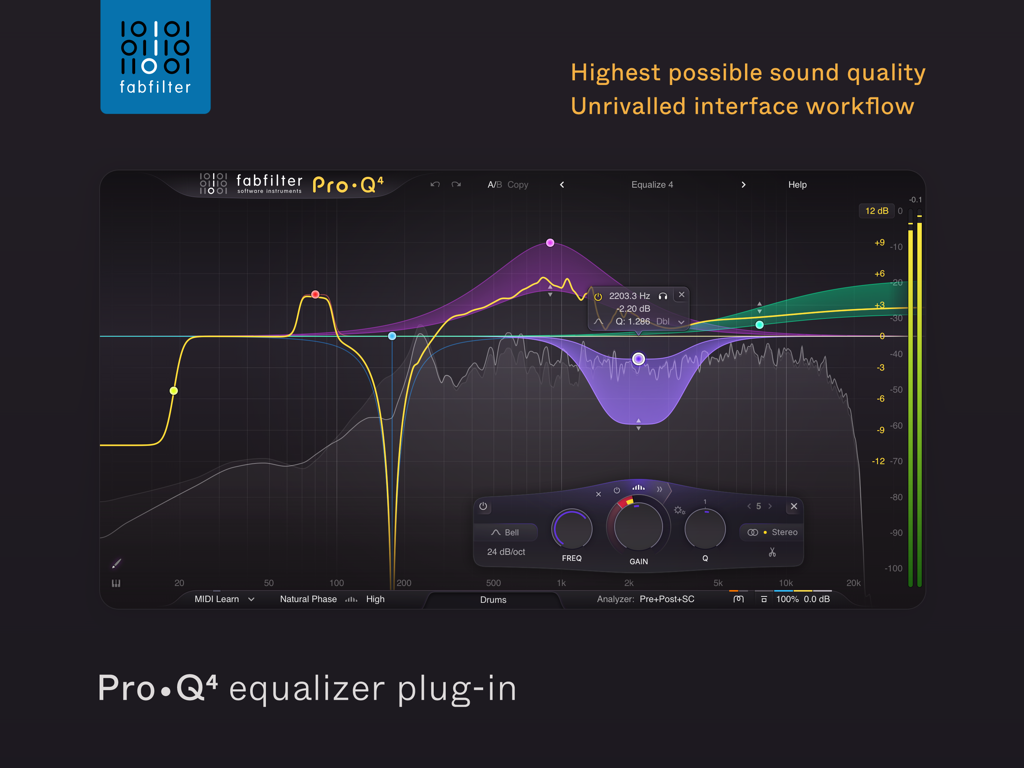
Interface of the FabFilter Pro-Q 4 equalizer plugin showing frequency bands and a real-time spectrum analyzer
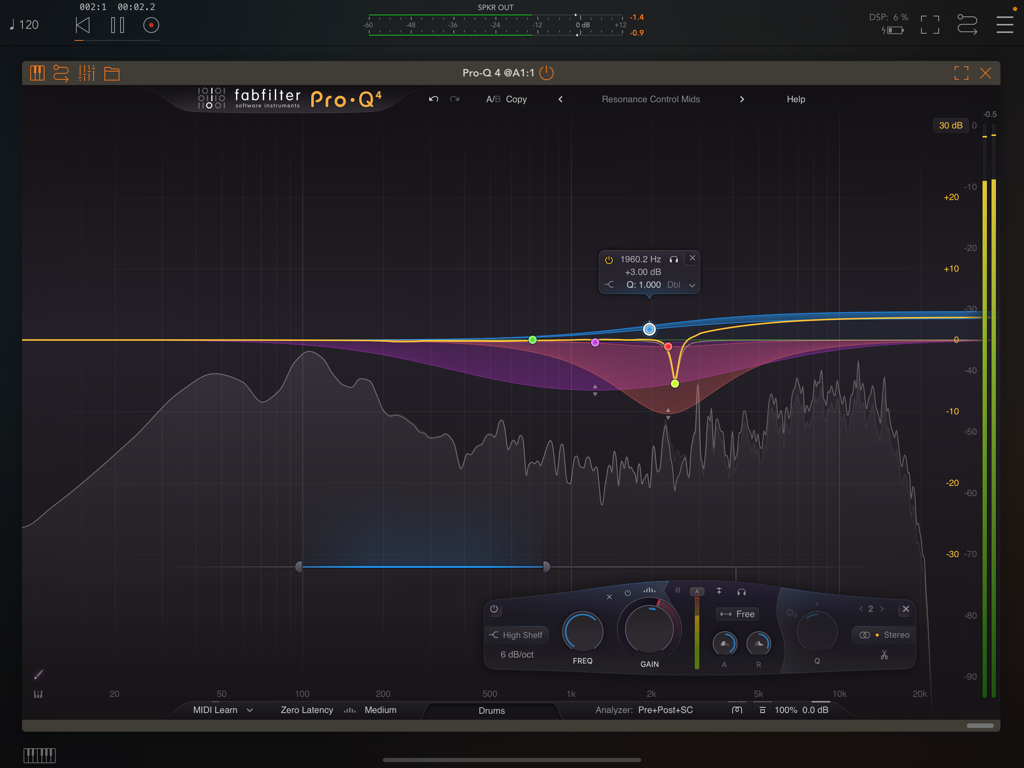
FabFilter Pro-Q 4 professional equalizer interface showing frequency bands and real-time spectrum analyzer
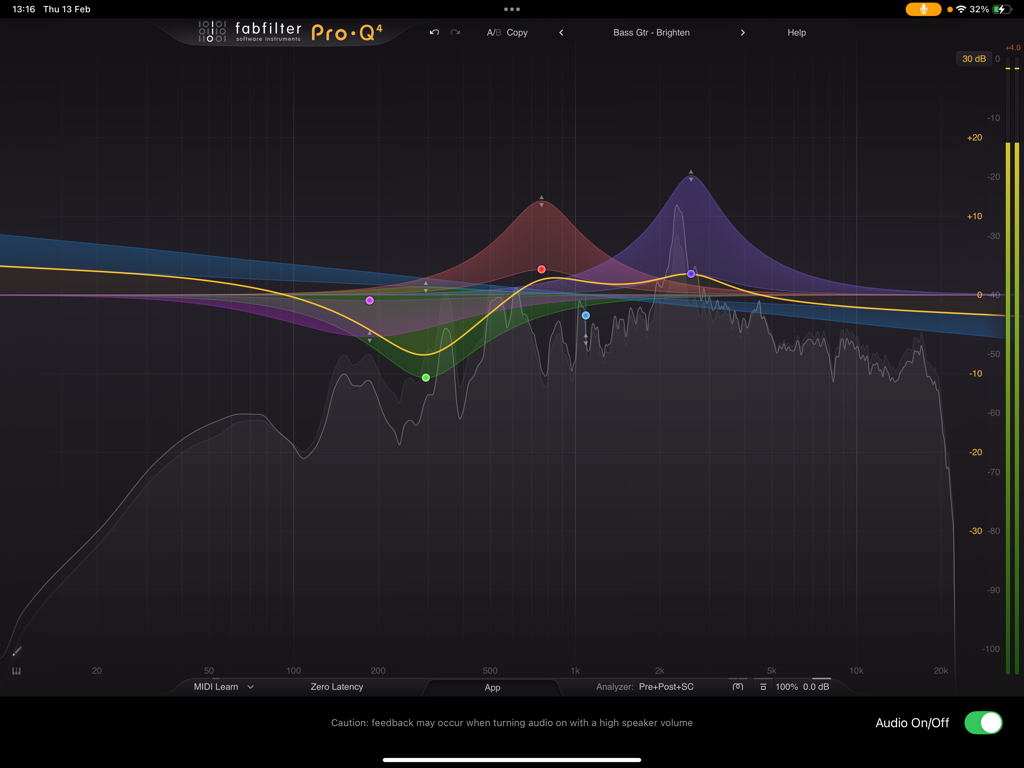
Interface of FabFilter Pro-Q 4 professional equalizer app showing colorful EQ bands and spectrum analyzer
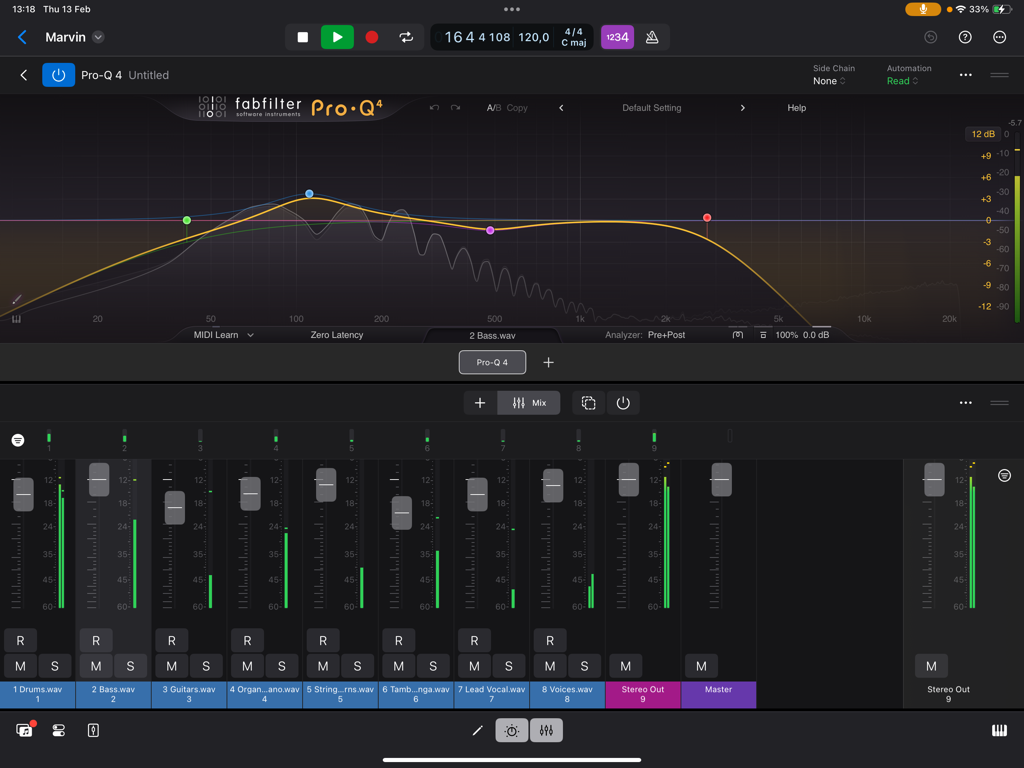
FabFilter Pro-Q 4 professional equalizer interface with frequency curve and mixer on iPad
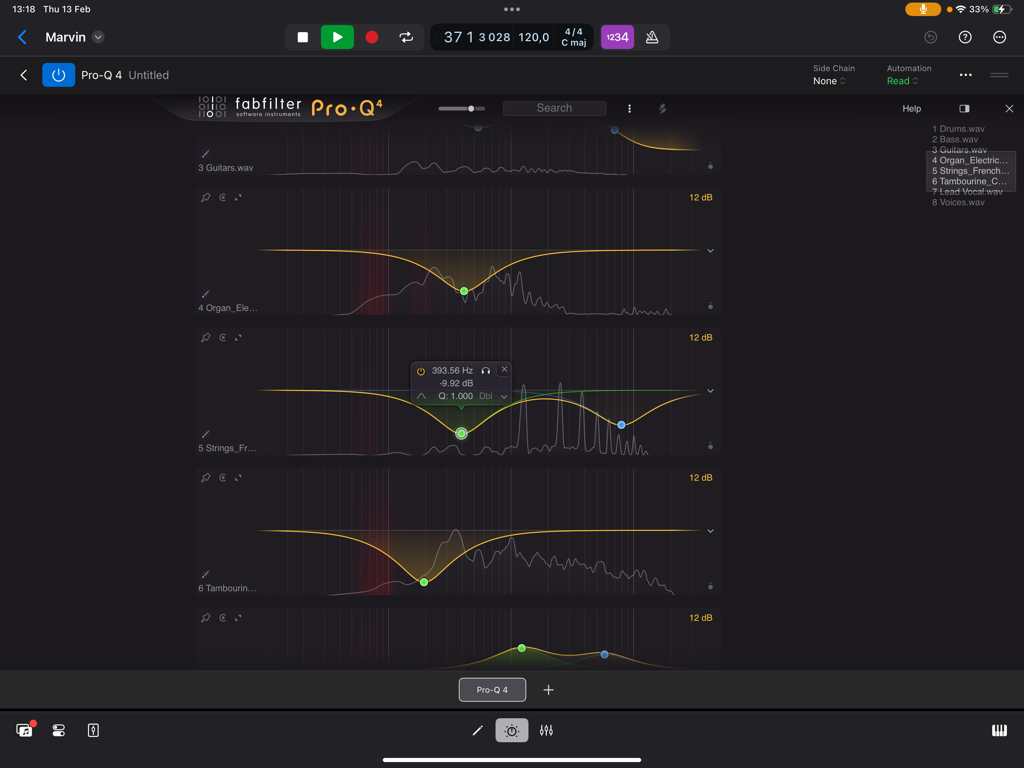
Interface showing multiple instances of the FabFilter Pro-Q 4 equalizer for simultaneous track mixing on an iPad
Description
Download
More Like This
Apps with similar features and user experience

Fugue Machine Rubato
Alexander Randon

Vythm VJ - Music Visualizer DJ
Marvin Krueger

Neo-Soul Keys® Studio 2
MIDIculous LLC

Audiobus: Mixer for Music Apps
Audiobus Pty. Ltd.

Camelot Pro
Audio Modeling Srl

Brusfri
Klevgrand Produkter AB

RMX-1000 for iPad
AlphaTheta Corporation

GRFX - Granular Effects
Imaginando Lda

Transit 2 - Baby Audio
Baby Audio Inc.
This page is not an official page of the app or its developer, but an independent editorial publication created for informational and commentary purposes. Unless expressly stated otherwise, neither the app nor its developer is affiliated with, endorsed by, sponsored by, authorized by, or otherwise officially connected with MWM, Apple, Google Play, the app publisher, or the app's developer, and nothing on this page implies that the app was developed using MWM's services. Any trademarks, logos, screenshots, and other content remain the property of their respective owners.